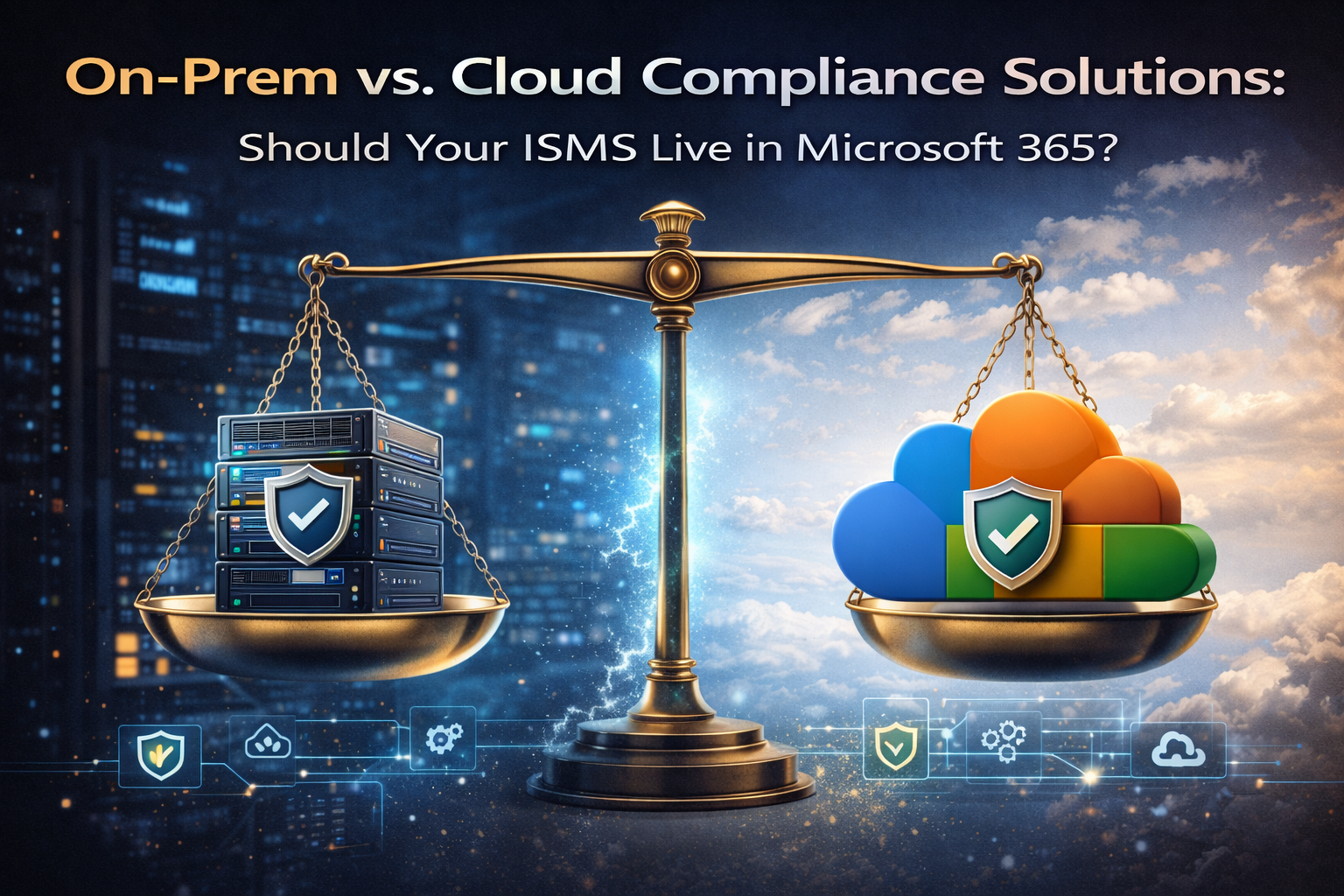
On-Prem vs. Cloud Compliance Solutions: Should Your ISMS Live in Microsoft 365?
Your ISMS contains your most sensitive data risk registers, audit evidence, security policies. Should it live on your servers or in the cloud? Here is the honest trade-off.
It is the blueprint of your security program risk, evidence, access, incidents, and governance in one place.
The Question Every Compliance Leader Faces
Your ISMS is the beating heart of your compliance program. It contains:
- Risk registers with your organization’s vulnerabilities
- Audit evidence proving control effectiveness
- Incident reports detailing past security events
- Policies governing your entire security program
- Access reviews with employee identities
So where should it live?
- On servers you control, behind your firewall
- In the cloud, managed by Microsoft, accessible from anywhere
The answer is not as simple as “cloud is always better” or “on-prem is always safer.” It depends on your risk appetite, your resources, and your operational reality.
This guide walks through the honest trade-offs—so you can decide what is right for your organization.
The Case for On-Premises ISMS
Argument 1: Complete Control
With an on-premises ISMS, you control everything: physical access, network segmentation, backup policies, permissions, and update cycles.
Argument 2: Regulatory Comfort
Some industries have strict expectations about data residency or third-party providers. For certain regulatory regimes, on-premises can feel simpler to justify.
Argument 3: No Subscription Dependency
On-premises software may be licensed perpetually, while cloud services are typically subscription-based. Over a long timeline, this can influence budgeting.
Argument 4: Air-Gapped Security
For the most sensitive environments, physical isolation can reduce exposure. Cloud cannot replicate true air-gapping.
The Reality of On-Premises: Hidden Costs
| Cost | Reality |
|---|---|
| Infrastructure | Servers, storage, networking, cooling, power |
| Personnel | System administrators, security engineers, backup operators |
| Security | Patching, monitoring, incident response |
| Availability | Uptime, redundancy, disaster recovery planning |
| Backups | Design, test, and maintain backup systems |
| Compliance | Prove all of the above to auditors |
The Case for Cloud ISMS (Microsoft 365)
Argument 1: Enterprise-Grade Security (Without Enterprise Headcount)
Microsoft runs global, certified data centers with layered physical, network, identity, and monitoring controls built for regulated workloads.
| Security Layer | What Microsoft Provides |
|---|---|
| Physical security | Biometrics, guards, surveillance |
| Network security | DDoS protection, filtering, intrusion detection |
| Data encryption | Encryption at rest and in transit; customer-managed key options |
| Identity management | Azure AD, MFA, Conditional Access |
| Threat detection | Defender/Sentinel, security operations |
Argument 2: Zero Infrastructure Overhead
With cloud, you eliminate server procurement, patching cycles, backup engineering, disaster recovery buildouts, and capacity planning.
Argument 3: Remote Audit Readiness
Auditors can access evidence via secure, time-limited links and review documentation remotely reducing audit friction and cycle time.
Argument 4: Built-In Compliance Capabilities
Microsoft 365 provides compliance tooling and structured audit logging to help you evidence controls and demonstrate governance.
Argument 5: Integration With Business Systems
Your ISMS should connect to HR, DevOps, ITSM, IAM, and security tools. Microsoft 365’s ecosystem and connectors make integration simpler.
The Microsoft 365 Security Deep Dive
| Area | What You Get |
|---|---|
| Encryption at rest | AES-256; optional customer-managed keys |
| Encryption in transit | TLS 1.2+ between services and clients |
| Identity & access | MFA, Conditional Access, risk-based controls |
| Granular permissions | SharePoint permissions: site/library/item level |
| Audit logging | Unified audit log for user/admin actions; configurable retention |
The Hybrid Option: Best of Both Worlds
Some organizations keep their most sensitive data on-prem while using the cloud for collaboration and sharing.
| Component | Location | Rationale |
|---|---|---|
| Policies (low sensitivity) | Cloud | Collaboration + version control |
| Risk register (high sensitivity) | On-prem | Maximum control |
| Evidence (mixed) | Both | Separate sensitive vs. shareable evidence |
| Audit reports | Cloud | Easy secure sharing with auditors |
The Decision Matrix: What Should You Choose?
| Factor | Choose On-Prem If… | Choose Cloud (M365) If… |
|---|---|---|
| Security team | You have dedicated infrastructure/security staff | You want to inherit Microsoft’s security investment |
| Regulatory requirements | Specific restrictions on cloud providers | Cloud is accepted in your regulatory landscape |
| Budget model | CapEx acceptable + operations staff available | Prefer predictable OpEx |
| Audit readiness | On-site audits, annual cadence | Remote-ready, evidence self-serve |
| Integration needs | Minimal integrations | Deep integration with HR/DevOps/IAM/ITSM |
| Remote access | VPN-heavy model | Secure from anywhere with identity controls |
Common Objections (And the Real Answer)
Objection: “Our data is more secure on our servers.”
Reality: Unless you can match global, 24/7 monitoring and security engineering at scale, cloud platforms often exceed typical on-prem controls.
Objection: “We need physical control of the data.”
Reality: Customer-managed keys can give cryptographic control even when data is hosted in cloud data centers.
Objection: “Auditors won’t accept cloud evidence.”
Reality: Auditors commonly accept cloud evidence; they focus on how you control access, retention, and integrity.
Objection: “We already have servers. Might as well use them.”
Reality: Server ownership creates ongoing security, backup, and audit workload. Sunk cost is not a strategy.
How Canadian Cyber Helps You Decide
We do not push one deployment model. We assess your environment, regulatory context, and growth plan then recommend the architecture that fits.
- Assess infrastructure, team capacity, and risk appetite
- Review industry and regional regulatory requirements
- Evaluate growth trajectory (12–36 months)
- Design cloud, on-prem, or hybrid ISMS structure
- Implement in SharePoint (M365 or on-prem SharePoint)
The 15-Minute Deployment Assessment
We’ll review your infrastructure, team capacity, and regulatory requirements then share the deployment model that aligns with your real risk profile.
Conclusion: The Right Home for Your ISMS
On-premises gives you control and all the responsibility that comes with it.
Cloud gives you enterprise-grade security without enterprise headcount.
For most organizations especially those without dedicated infrastructure teams Microsoft 365 is often the safer, simpler home for an ISMS.
Because the most secure system is not the one you control. It is the one you can actually maintain.
About the Author
Canadian Cyber builds ISMS platforms that work wherever you need them cloud, on-premises, or hybrid. We don’t sell infrastructure. We sell structure.
Free: ISMS Deployment Decision Checklist
Get a practical checklist that compares cloud vs. on-prem for ISMS security, audit readiness, costs, and operational burden.
No spam. One resource. Practical guidance.
Decision Matrix Summary
| Factor | On-Premises | Microsoft 365 Cloud |
|---|---|---|
| Security responsibility | Your team | Microsoft (with your oversight) |
| Infrastructure cost | Capital + personnel | Operational subscription |
| Scalability | Limited by hardware | Instant, global |
| Audit readiness | Manual evidence access | Continuous, remote-accessible |
| Integration | Limited | Deep with business tools |
| Certifications | Your own | Microsoft’s + yours |
Follow Canadian Cyber
Get practical ISMS automation playbooks, evidence workflows, and audit-readiness tips.