email-svg
Get in touch
info@canadiancyber.ca

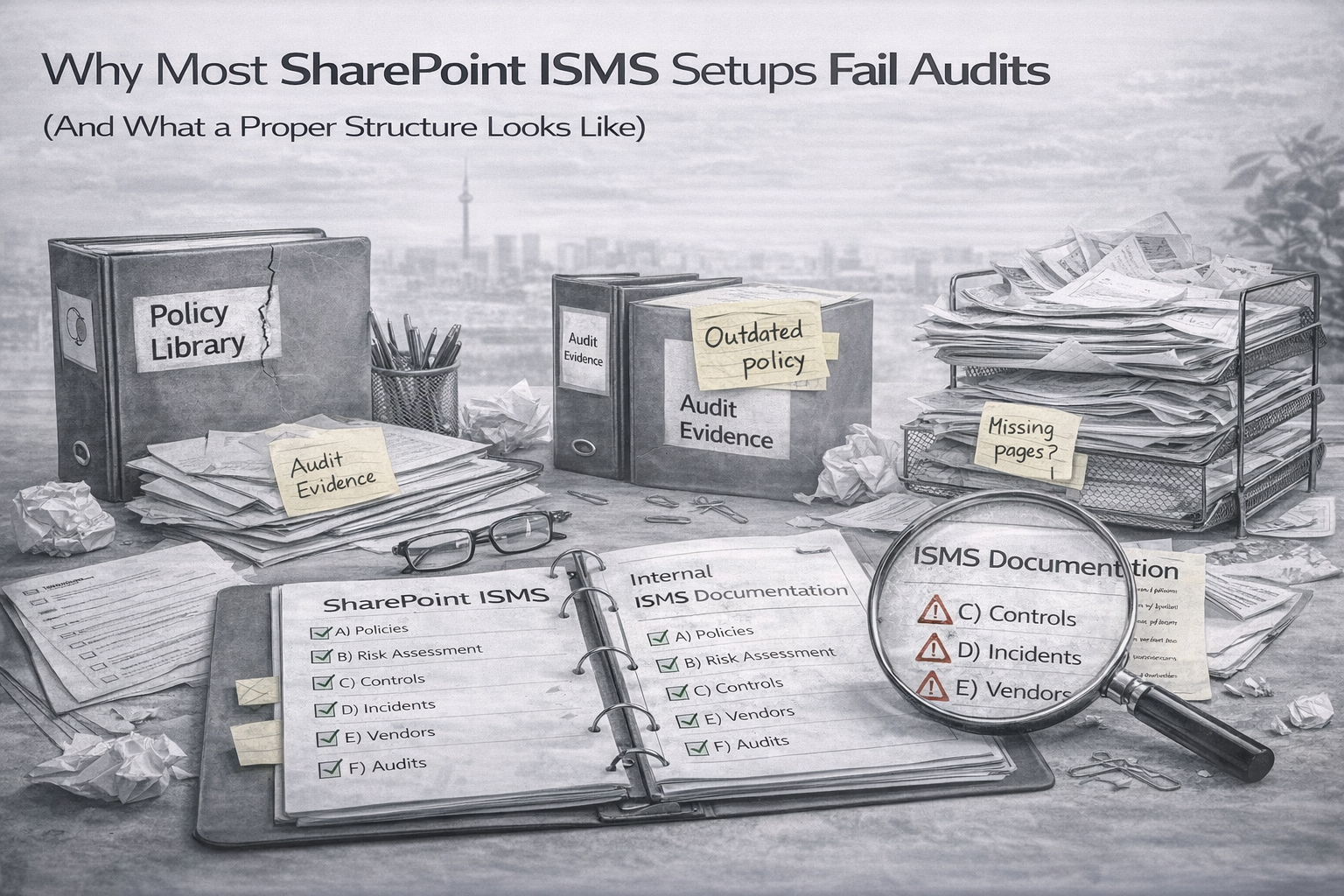
Why Most SharePoint ISMS Setups Fail Audits

Most SharePoint ISMS setups fail audits due to poor structure. Learn how to build an audit-ready ISMS with proper evidence, ownership, and traceability.
Main Hero Image

Audit-Ready SharePoint • Evidence Traceability • Operating System Design

Why Most SharePoint ISMS Setups Fail Audits

And what a proper structure looks like so auditors stop digging
SharePoint is a great ISMS platform when it is structured like a system. Most audit problems happen because the setup behaves like a document repository instead of an operating program with ownership, cadence, approvals, traceability, and evidence over time.

Auditors usually do not fail teams because policies are stored in SharePoint. They fail teams because SharePoint cannot quickly show who owns the control, how often it runs, where the latest approved evidence lives, what exceptions are active, and whether findings actually close with proof.

This guide breaks down the most common failure patterns and shows what an audit-ready SharePoint ISMS structure should look like for ISO 27001 and SOC 2.

What auditors are really testing, not your folders

Auditors are not judging whether SharePoint looks tidy. They are judging whether your ISMS is defined, operating, provable, and improving.

Defined
Policies, controls, scope, and records actually exist.
Operating
Controls run consistently over time, not only during audit season.
Provable
Evidence is approved, retrievable, and tied to the right control.
Improving
Findings become corrective actions that close with proof and verification.
Reality check:
if SharePoint does not make those four things obvious, auditors will keep sampling until they find the gap.

Why SharePoint ISMS setups fail audits

1) Policies exist, but nothing proves they operate

One of the most common audit moments is simple. The team shows a policy PDF, and the auditor immediately asks for the last real evidence sample behind it. If the policy is not tied to operating proof, the document becomes shelfware.

Fix:
every policy should point to the procedure or runbook, the evidence expectation, and the latest evidence pack.

2) Evidence is scattered and named like chaos

When evidence is saved as “final_v7,” “audit stuff,” random screenshots, or exports with no date or context, teams lose hours and auditors keep asking for more.

Fix:
store evidence in packs by quarter with consistent naming, metadata, and category structure.

3) No approvals, so evidence is not trusted

Uploading evidence is not the same as reviewing it. Auditors want proof that someone accountable checked the evidence, matched it to the control, and approved it on time.

Fix:
use a lightweight Submitted to Approved workflow with approver name and approval date visible.

Most expensive audit mistake
The biggest SharePoint problem usually is not missing effort. It is missing structure. Teams work hard, but the system cannot prove that the work happened cleanly over time.

4) The ISMS is documents-only instead of records plus documents

SharePoint fails when everything is treated as a file. Risks, exceptions, corrective actions, and reviews are not just documents. They are records that need filtering, grouping, expiry tracking, and dashboards.

Fix:
use Lists for the truth and Libraries for the files. Lists should hold the live records. Libraries should hold supporting documents and evidence.

5) No exception discipline, or exceptions never expire

Unpatched systems, logging gaps, vendor assurance gaps, and temporary admin access all become audit findings when they are not tracked with compensating controls, approvals, expiry dates, and closure plans.

Fix:
use an exception register where expiry is mandatory. No expiry means no approval.

6) The Auditor View does not exist

Without a curated auditor view, teams either overshare internal detail or scramble to assemble a temporary portal during the audit. Both create stress and inconsistency.

Fix:
create a read-only Auditor View with approved policies, quarterly evidence packs, risk and exception summaries, and corrective action status.

7) Control-to-evidence traceability is missing

Auditors usually test a chain: control, evidence, outcome, frequency, and owner. If SharePoint cannot show that chain, they keep pulling threads until they find the break.

Fix:
maintain a Control Register linking owner, frequency, required evidence, and latest evidence pack.

8) Internal audits do not feed corrective actions cleanly

Many teams store internal audit reports but do not manage the chain from finding to action to closure proof to verification. That is how repeat findings survive year after year.

Fix:
use a CAPA register requiring closure evidence and a verification method or date. Closed is not enough. Verified is the finish line.

What a proper SharePoint ISMS structure looks like

You do not need dozens of libraries. You need a clean operating structure with a few core libraries for documents and a few core lists for records.

A) Three core libraries for documents

Library What belongs there Design notes
Policies and Procedures Approved policies, procedures, and runbooks Versioning on, approvals on, retired items archived
Evidence Packs Quarterly evidence grouped by control area Use 2026-Q1, 2026-Q2 and category folders inside each quarter
Auditor View Curated, approved-only content for sampling Read-only, minimal exposure, built for speed

B) Four core lists for records

Control Register
Control ID, mapping, owner, frequency, evidence required, latest evidence link.
Risk Register
Risk statement, owner, treatment decision, residual rating, next review date, evidence links.
Exception Register
Exception type, related control, compensating controls, approver, expiry date, closure plan, evidence link.
Corrective Action Register
Finding link, owner, due date, closure evidence, verification method, verification date.
Why this works:
libraries store the documents, but lists store the truth. That is what turns SharePoint from a folder maze into an actual operating system.

The audit speed test

A good SharePoint ISMS should let you answer these in about two minutes.

  • Show the last quarterly privileged access review.
  • Show the last log review sign-off.
  • Show a restore test record with validation.
  • Show the top five residual risks and what changed this quarter.
  • Show all active exceptions expiring in the next 60 days.
  • Show one finding and the closure proof plus verification for its corrective action.

If any of those turn into a scavenger hunt, your structure is still doing too much hiding and not enough proving.

A fast fix plan without rebuilding everything

Week 1
Standardize quarterly evidence packs, naming, and category folders.
Week 2
Add the truth lists: risk register, exception register, and CAPA register.
Week 3
Create a curated, read-only Auditor View with approved-only content.
Week 4
Build dashboard views for overdue evidence, expiring exceptions, top risks, and overdue corrective actions.

After one month of focused cleanup, most SharePoint ISMS setups become much easier to audit and much easier to run.

If your SharePoint ISMS exists but audits still feel stressful
The issue is usually not effort. It is structure and traceability. Tighten those two things, and audits get faster, cleaner, and much easier to control.

Final thought

SharePoint does not fail audits because it is the wrong platform. It fails audits when it is asked to hold an ISMS without the structure that makes ownership, cadence, approvals, evidence, and improvement obvious.

Once you separate records from documents, make traceability visible, and create a real auditor view, SharePoint becomes much easier to trust and much faster to audit.

Follow Canadian Cyber
Practical cybersecurity and compliance guidance:

Related Post