Building an Audit-Ready Document Library in SharePoint
The ISO 27001 documentation guide for stress-free audits
The audit is in two weeks.
The auditor asks for your risk register.
Then your Statement of Applicability.
Then last year’s access control policy.
Files are scattered.
Versions conflict.
Permissions are unclear.
This is how audits go sideways.
ISO 27001 does not fail organizations. Poor documentation management does.
A well-structured SharePoint library changes everything.
Why ISO 27001 Audits Fail on Documentation
Most organizations have the right documents.
They just cannot find them.
Common problems include:
- Policies stored across multiple folders
- Outdated versions mixed with current ones
- No clear ownership
- Over-permissioned access
- No audit trail
Auditors do not want excuses. They want evidence.
Why SharePoint Is Ideal for ISO 27001 Documentation
SharePoint is already trusted.
It offers:
- Centralized storage
- Version control
- Metadata
- Access permissions
- Audit history
When configured correctly, SharePoint becomes your single source of truth for the ISMS.
Not just a file dump.
Quick Snapshot: ISO 27001 + SharePoint
| Category | Details |
|---|---|
| Primary goal | Centralize and control ISMS documentation |
| Key benefit | Fast, confident audit responses |
| Best for | Organizations using Microsoft 365 |
| Critical features | Versioning, permissions, metadata |
| Audit outcome | Clear, current, and traceable evidence |
Step 1: Create a Central ISMS Document Library
Start with one rule.
One library. One purpose.
Create a dedicated SharePoint document library called:
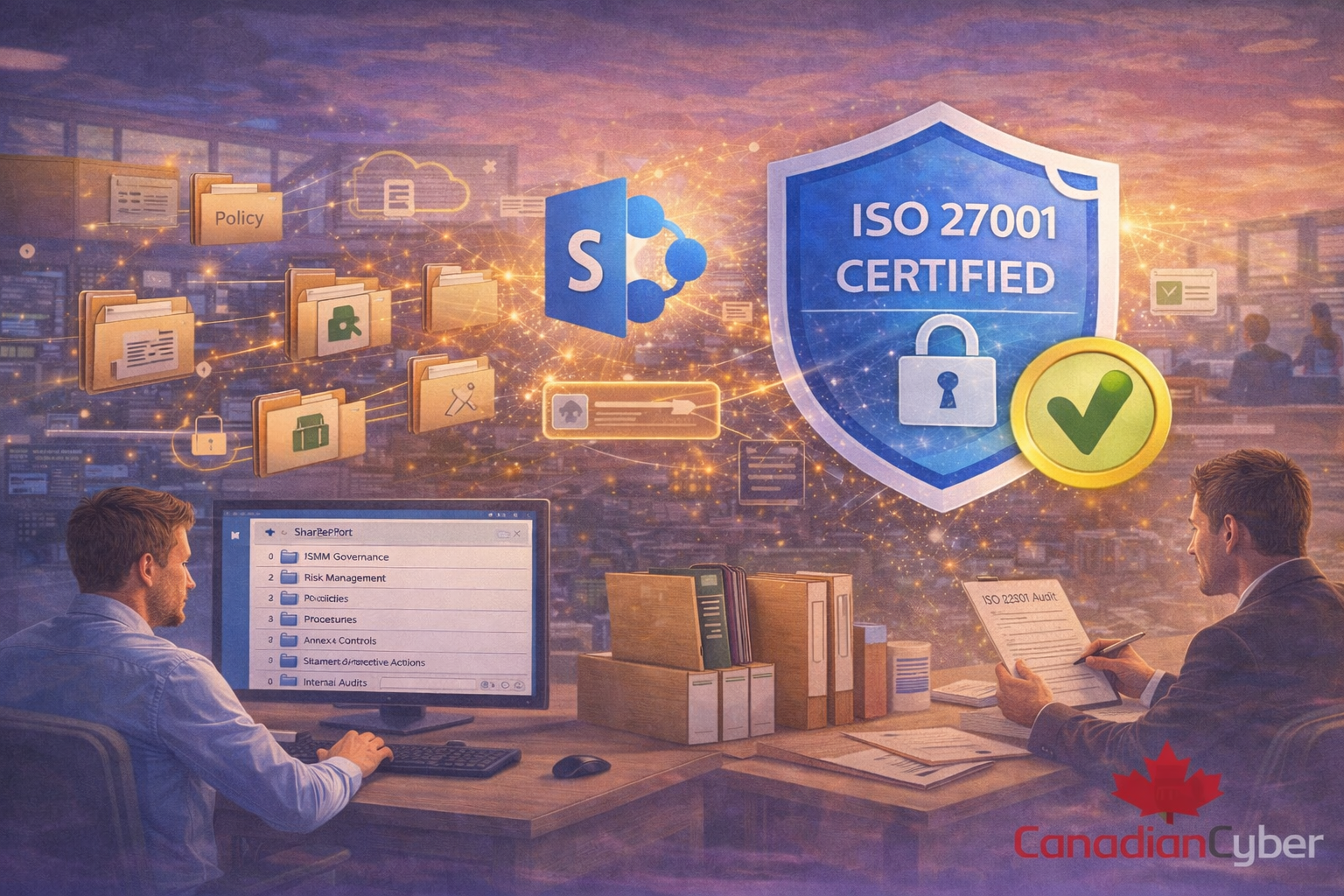
Information Security Management System (ISMS)
This avoids confusion and scope creep.
Everything ISO 27001-related lives here.
Step 2: Design a Folder Structure Auditors Understand
Keep it simple.
Avoid deep nesting.
A proven structure looks like this:
01 – ISMS Governance
02 – Risk Management
03 – Policies
04 – Procedures
05 – Annex A Controls
06 – Statement of Applicability
07 – Internal Audits
08 – Management Reviews
09 – Incidents and Corrective Actions
Auditors recognize this instantly. Clarity builds confidence.
Step 3: Map Folders to ISO 27001 Requirements
Each folder should align with ISO clauses and controls.
For example:
| Folder | What belongs inside |
|---|---|
| Risk Management | Risk assessment, risk register, risk treatment plan, approvals |
| Annex A Controls | Control evidence: screenshots, logs, config exports, tickets, test results |
| Management Reviews | Agendas, minutes, decisions, KPIs, risk acceptance, improvement actions |
This creates a direct audit trail.
If your current document structure feels messy, fix it before the auditor finds the gaps.
Step 4: Use Metadata Instead of Overloading Folders
Folders show where a document lives.
Metadata shows what it is.
Create metadata fields such as:
- Document type (Policy, Procedure, Record)
- ISO clause reference
- Control owner
- Review frequency
- Status (Draft, Approved, Archived)
Metadata lets you filter during audits.
No searching. No guessing.
Step 5: Enable Version History (Non-Negotiable)
ISO 27001 expects controlled documents.
SharePoint version history provides:
- Change tracking
- Rollback capability
- Proof of updates
Best practice:
- Enable major and minor versions
- Require check-in/check-out
- Disable deletion for key documents
Auditors love version history because it proves control.
Step 6: Apply Role-Based Access Permissions
Not everyone needs edit access.
ISO 27001 requires controlled access.
Use role-based permissions such as:
- Read-only for most staff
- Edit access for ISMS owners
- Approval rights for management
Never use “Everyone can edit.” That is an audit finding waiting to happen.
Step 7: Assign Ownership to Every Document
Every document must have an owner.
Not a department. A person.
Capture ownership details using metadata or document properties:
- Document owner
- Approver
- Next review date
Auditors will ask: “Who is responsible for this?” Have the answer ready.
Step 8: Set Review and Approval Workflows
Policies must be reviewed regularly.
SharePoint workflows help by:
- Triggering review reminders
- Capturing approvals
- Preventing outdated documents from staying “active”
This proves continuous improvement, a core ISO 27001 requirement.
Still tracking reviews manually? Automate your ISMS documentation and reduce audit prep time.
Step 9: Prepare an “Audit View” for Fast Retrieval
Before the audit, set up retrieval like a dashboard.
Use:
- Filters
- Saved views
- Grouping by ISO clause or document type
During the audit, you should be able to:
- Find any document in seconds
- Show version history instantly
- Demonstrate control ownership
Speed signals maturity.
Common SharePoint Mistakes That Auditors Flag
Avoid these at all costs:
- Duplicate libraries
- Personal OneDrive storage
- No versioning
- Over-permissioned folders
- Missing approval records
These are easy findings. And easy to prevent.
How Canadian Cyber Helps Build Audit-Ready ISMS Libraries
We do not just write policies.
We make them audit-ready.
Our ISO 27001 services include:
- SharePoint ISMS architecture design
- Folder and metadata mapping
- Access and permission reviews
- Audit preparation support
Built for real audits. Not theory.
Build Once. Audit Confidently.
If your next ISO 27001 audit feels stressful, it is not the standard.
It is the structure.
A well-designed SharePoint library turns audits into walkthroughs.
Ready to make your next audit calm and predictable?
Build an audit-ready ISMS library in SharePoint and respond to evidence requests with confidence.
Stay Connected With Canadian Cyber
Follow us for practical insights on compliance, risk, and cybersecurity: