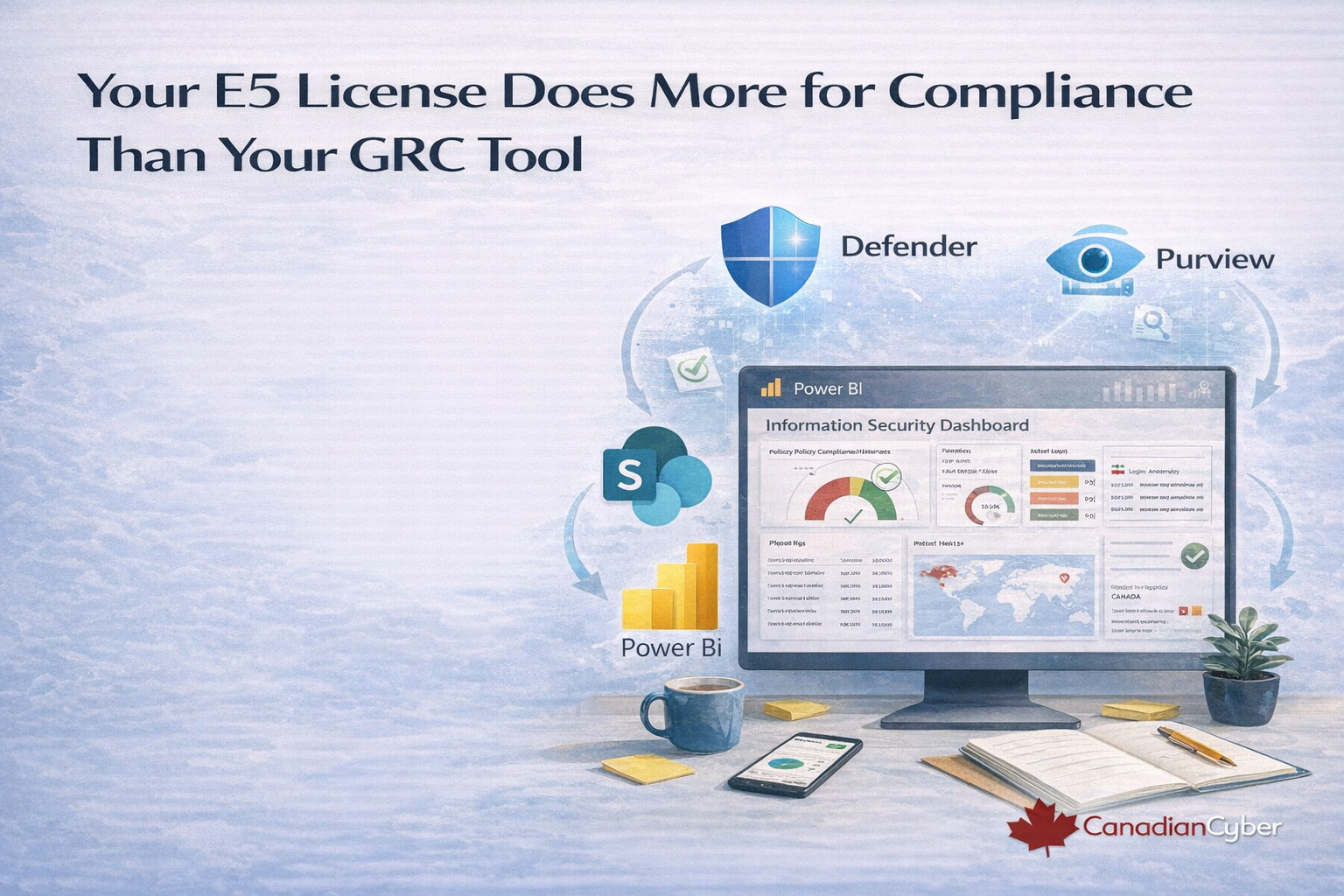
Your E5 License Does More for Compliance Than Your GRC Tool
Defender and Purview already generate security telemetry, risk intelligence, and control evidence. Here’s how to stop treating them as separate tools and start running them as your ISMS.
You bought Microsoft E5 for security. You stayed for the compliance features.
But you never connected them to your compliance program.
Defender for Endpoint alerts fire daily. Purview Compliance Manager scores you against hundreds of controls.
Insider risk policies flag unusual behaviour. Yet your ISMS stays blind.
This is the hidden tax of enterprise licensing: security sees the signal, compliance maintains spreadsheets, and risk updates depend on memory.
These are not separate functions. Your Microsoft 365 security stack isn’t adjacent to your ISMS.
It is your ISMS. You just haven’t wired it up yet.
The Great Disconnect
Walk into any organization running Microsoft 365 E5 and ask two teams the same question.
Security Team: “Do you have visibility into endpoint alerts and identity threats?”
“Yes. Real-time.”
Compliance Team: “Do those alerts feed into your risk register?”
“We can export a CSV.”
This isn’t a technology problem. It’s an integration problem.
Defender detects a credential harvesting campaign. Purview flags sensitive files exposed. Compliance Manager identifies an MFA gap.
Three events. Three tools. Zero connection to your ISMS workflow.
The Missing Layer: Your ISMS as the Control Plane
Microsoft 365 is not just a productivity suite. It’s a compliance sensor network. But sensors without a control plane become noise.
A SharePoint-based ISMS is that control plane: capture, assign, track, and evidence.
| Microsoft tool | What it produces | What your ISMS should do with it |
|---|---|---|
| Defender for Endpoint | Alert severity, affected devices, incident narrative | Create/update risk items and trigger IR workflows |
| Purview Information Protection | Sensitivity labels, classification events, policy matches | Evidence for data classification and access controls |
| Purview Compliance Manager | Control scores, improvement actions, assessments | Map to controls and generate corrective action tasks |
| Defender for Identity | Lateral movement signals and high-risk user behaviour | Risk treatment inputs and compensating controls |
| Purview Audit (Premium) | User activity logs and searchable events | Access review evidence and investigation support |
| Microsoft Sentinel | SIEM alerts and threat hunting outputs | Control effectiveness monitoring and trend reporting |
Every tool above speaks a language your ISMS can understand.
You just need the translator.
Integration Pattern 1: Defender Alerts → Risk Register
The problem: Defender handles threats. Your risk register shows zero new risks.
The result: You mitigated real threats and captured zero institutional knowledge.
Here’s the integration that closes the loop:
- Defender generates a high-severity alert (devices, technique, narrative).
- Power Automate listens via the Microsoft 365 Defender connector.
- SharePoint Risk Register receives a new item with severity mapping and links to the incident.
Now the risk register becomes a live transcription of security operations.
Shortcut: Our ISMS SharePoint Platform includes pre-built automation patterns for risk ingestion.
You’re not building from scratch you’re enabling the workflow.
Integration Pattern 2: Compliance Manager → Corrective Action Plan
Compliance Manager can identify improvement actions. The value appears when those actions turn into tracked work with owners and evidence requirements.
- Control gap detected (example: MFA for admin roles)
- Corrective action created in SharePoint task list
- Owner + due date assigned, tied to your control framework
- Evidence requirement defined (what the auditor will ask for)
Now Compliance Manager isn’t a scorecard. It’s a work order system.
Want to see E5 telemetry show up as real ISMS evidence with tasks, owners, and audit-ready folders?
Book 15 minutes. We’ll show the integration live.
Integration Pattern 3: Purview Audit → Access Review Evidence
Access reviews fail audits for one reason: they depend on subjective spreadsheets.
Purview Audit gives you the data to make access reviews objective and repeatable.
- Identify users inactive for 90+ days
- Highlight privileged roles with no usage
- Review external users with active access but no recent activity
- Capture reviewer attestation and timestamp in SharePoint
Access reviews stop being “opinions.” They become data-driven evidence.
Integration Pattern 4: Information Protection → Policy Compliance Metrics
Deploying sensitivity labels is not the same as operating a classification control.
You need visibility into adoption and mislabelling trends.
- Track percentage of content classified
- Show most common sensitivity labels applied
- Identify frequent label changes and removals
- Use results in ISMS reviews to improve the control
The Objection: “This Sounds Complicated”
It is complicated if you start from zero. But you’re not starting from zero.
Your tenant already generates the data. SharePoint can store it. Power Automate can move it.
The missing piece is configuration.
That’s what we do: we configure the tools you already own to run as one compliance system.
The Canadian Cyber Approach: Your E5 License, Our Configuration
We don’t sell licenses you don’t need. We configure your Microsoft stack so your ISMS produces traceable evidence and clear accountability.
| Tool | Compliance function | What we configure |
|---|---|---|
| Defender | Threat detection | Risk register ingestion, severity mapping, control alignment |
| Purview Compliance Manager | Control benchmarking | Improvement actions → tasks, owners, due dates, evidence requirements |
| Purview Audit | User activity logs | Access review automation and evidence preservation |
| Information Protection | Data classification | Label compliance dashboards and policy trend reporting |
| Sentinel | Advanced threat monitoring | Board-level risk heat maps, trends, and control effectiveness insights |
The 15-Minute Integration Challenge
Book 15 minutes. We’ll connect Defender alerts to a live risk register, pull Compliance Manager insights into a dashboard,
and show an access review that runs itself using Purview Audit data.
No new licenses. No long services engagement. Just configuration.
P.S. The average E5 customer uses only a fraction of the compliance capabilities they pay for.
The rest isn’t useless it’s disconnected. We connect it.
Stay Connected With Canadian Cyber
Follow us for Microsoft compliance workflows, ISMS automation, and audit-ready best practices: