Dear Auditor: Here Is the Evidence You Asked for in February. It’s November. It’s Already Here.Stop scrambling for screenshots. Stop emailing employees for sign-offs. Here’s how to automate evidence collection so your ISMS is audit-ready 365 days a year.
The Friday before the audit, someone always asks:
“Did we save the access review from last quarter?”
What follows is not compliance. It is archaeology.
You dig through email attachments. You check deleted items in SharePoint. You message the IT manager who “definitely saved it somewhere.”
This isn’t audit readiness. It’s crisis management disguised as work.
The good news: it’s completely preventable without buying another tool.
The Evidence Problem No Vendor Talks About
GRC tool vendors love to sell “audit automation.” But watch their demos carefully. Their automation often means:
“We store your evidence in our database instead of your SharePoint library.”
That is not automation. That is relocation.
Real automation looks like this:
- Evidence is created without human intervention.
- Evidence is saved to the correct control folder automatically.
- Evidence is retained by policy no one remembers to click “retain.”
Real automation means an auditor asks for evidence of quarterly access reviews and you open a folder named
Q4-2025 that already contains screenshots, sign-offs, and timestamped logs.
No emails. No “let me check.” Just a folder.
The Anatomy of an Evidence Emergency
Let’s name the four stages of audit panic. If you’ve been through an audit, you’ve felt this.
- Stage 1: The Hunt
“Who ran the access review for Salesforce in March?”
- Stage 2: The Reconstruction
“Can we get a vendor to re-sign a form retroactively?” (No.)
- Stage 3: The Excuse
“We have it… our naming convention just makes it hard to find.”
- Stage 4: The Finding
“Insufficient evidence of control operation.”
Every stage is avoidable. Evidence should not require a search party.
What Continuous Evidence Collection Actually Looks Like
You don’t need artificial intelligence. You don’t need a dedicated appliance. You need triggers.
| Evidence Type | Manual Method | Automated Method |
|---|---|---|
| User Access Reviews | Email IT: “Export active users?” | Scheduled export to SharePoint + review task + auto-saved evidence |
| Policy Acknowledgements | Chase email confirmations | Teams prompt + tracked acknowledgement + timestamp + policy version |
| Incident Reports | Fill PDF + email + hope it’s saved | Form submission → SharePoint incident log + attachments + metadata |
| System Configurations | Screenshots + Word docs | Weekly automated capture → date-stamped export saved to evidence library |
| Vendor Assessments | Email vendor + chase PDF | Auto-reminders + upload to vendor folder + review task + retention applied |
Notice what’s missing: humans remembering to save things.
The SharePoint Evidence Locker Pattern
Here’s the architecture we use to stop evidence hunting. We call it the Evidence Locker Pattern.
Step 1: Establish the schema
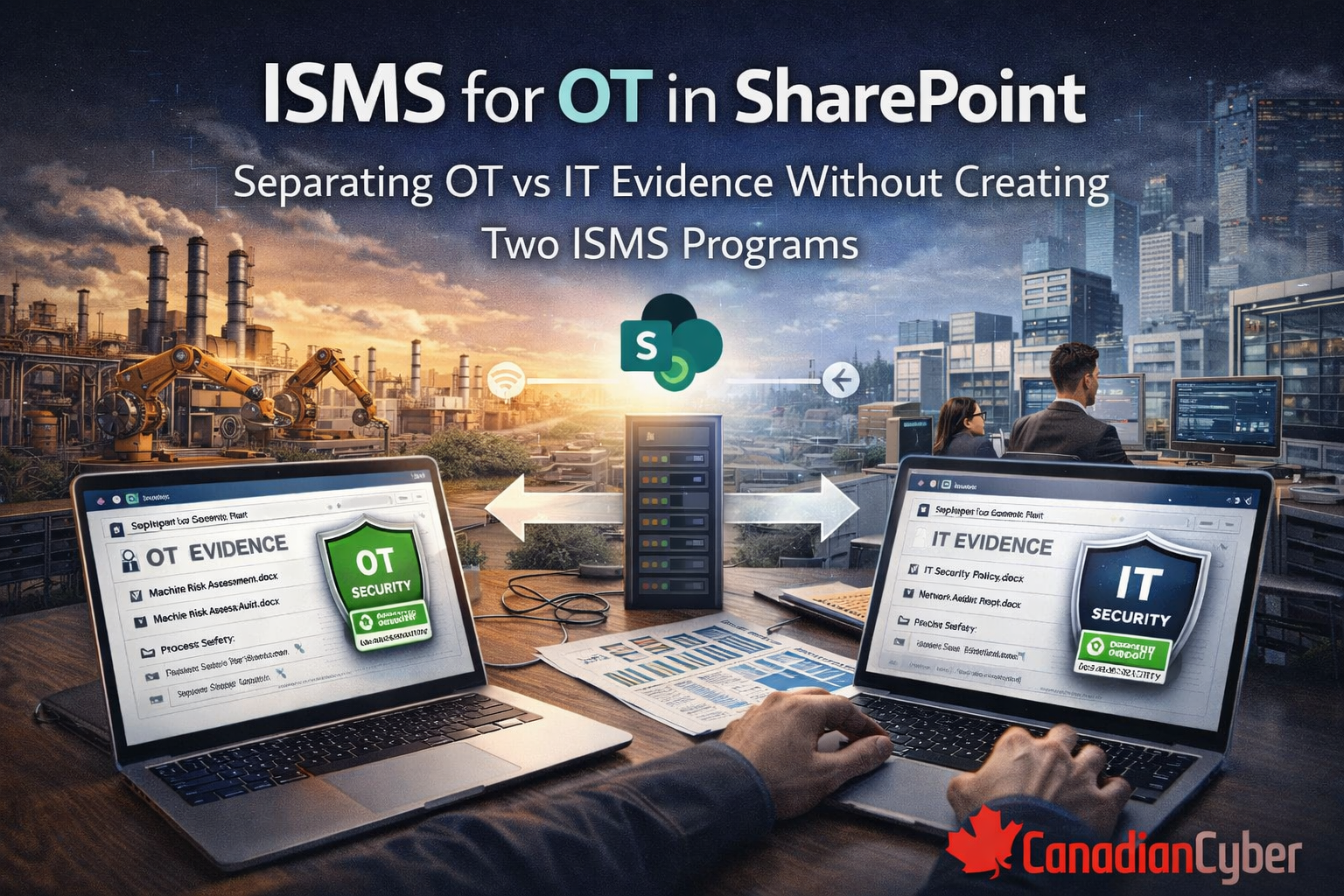
Each control in your Statement of Applicability gets a dedicated folder in SharePoint.
Why SharePoint? Version history, retention labels, permission inheritance, audit logs.
Step 2: Create the intake mechanisms
- Scheduled scripts (exports, access reviews, snapshots)
- User submissions (incidents, acknowledgements, acceptances)
- Integration hooks (ticketing, scanners, identity providers)
Step 3: Apply retention and labelling
Evidence is not evidence until it’s immutable. Retention prevents premature deletion. Labels protect sensitive evidence.
Versioning preserves “before” and “after.”
When the auditor arrives, you don’t gather evidence. You grant read access.
Five Automations You Can Build This Afternoon
You don’t need a development team. You need Microsoft 365 and a clear blueprint.
- Automated user access review
Quarterly trigger → export users → assign review tasks → evidence saved automatically.
- Policy acknowledgement tracker
Policy publish/update → Teams acknowledgement → timestamp + policy version captured.
- Incident intake workflow
Form submission → SharePoint incident log → attachments saved → alerts sent to IR team.
- Configuration baseline capture
Weekly schedule → export key settings → date-stamped file stored in evidence library.
- Vendor evidence collection
Expiry reminder → vendor upload → retention applied → review task assigned.
Want to eliminate audit scrambling this quarter not “eventually”?
We’ll show you how to set up evidence automation that auditors trust.
The “Always Audit-Ready” Maturity Model
- Level 1: Archaeologist — Evidence is excavated annually. Findings are common.
- Level 2: Librarian — Evidence is organized, but collection is still manual.
- Level 3: Automated — Evidence collects itself. Audit becomes a folder review.
- Level 4: Predictive — Evidence gaps trigger alerts before auditors arrive.
Our ISMS SharePoint Platform is designed for Level 3 out of the box.
Level 4 is a few Power Automate flows away.
Why This Works Better With Our ISMS SharePoint Platform
You can automate evidence on any SharePoint tenant. But if the structure is chaotic, automation just accelerates chaos.
Our platform gives you the foundation that makes automation reliable.
| Feature | Why it matters for evidence automation |
|---|---|
| Control-aligned folder taxonomy | Scripts always know where to save evidence. |
| Pre-configured content types | Metadata (control ID, owner, date) is enforced automatically. |
| Retention labels pre-applied | Evidence can’t be deleted before the retention window ends. |
| Permission sets aligned to SOA | Control owners see what they need, without cross-contamination. |
| Power Automate templates | Access reviews, incidents, acknowledgements ready to deploy. |
The Question That Changes Everything
Stop asking: “How do we gather evidence faster?”
Start asking: “How do we stop needing to gather evidence at all?”
When evidence collection is continuous, “audit preparation” becomes a historical concept.
The auditor asks. You open a folder. You go home on time.
The 15-Minute Evidence Challenge
Book 15 minutes. We’ll show you an access review that runs itself, an incident intake that writes directly to your evidence library,
and a policy acknowledgement workflow that captures defensible consent without you building it from scratch.
P.S. Many organizations spend 40+ hours per audit cycle just finding evidence.
Automation stops that administrative tax and our platform helps you start on day one.
Stay Connected With Canadian Cyber
Follow us for ISMS automation tips, audit-ready evidence workflows, and practical compliance guidance: