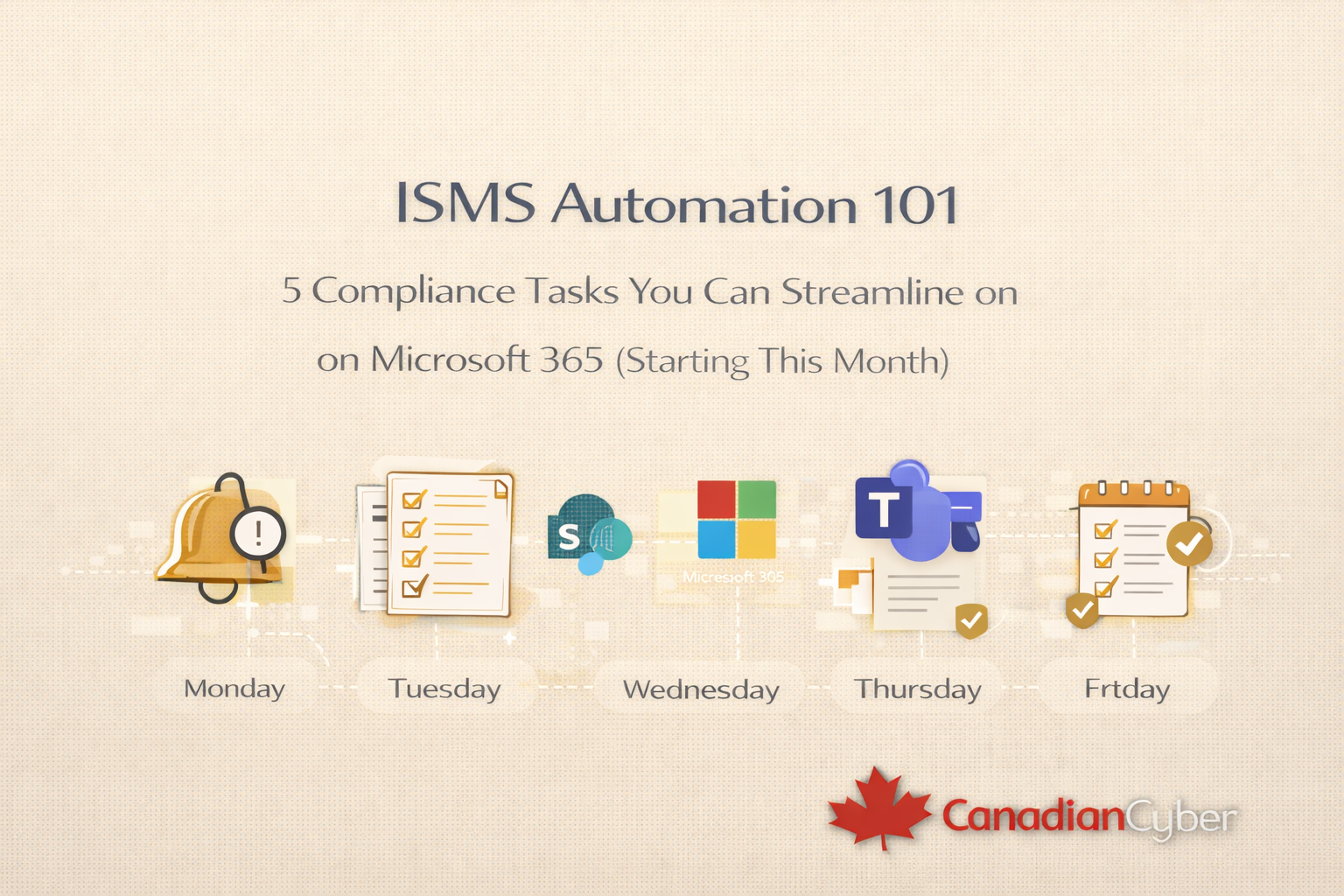
ISMS Automation 101
5 Compliance Tasks You Can Streamline on Microsoft 365 (Starting This Month)
Most organizations don’t struggle with understanding compliance.
They struggle with keeping it alive. Here’s how Microsoft 365 can automate the work that turns audits into fire drills.
Read time: 6–8 minutes
Keywords: ISMS automation, Microsoft 365 compliance, SharePoint ISMS, Power Automate, ISO 27001 evidence
Use SharePoint + Power Automate + Teams + Lists to automate reminders, policy reviews, evidence storage, incident alerts, and task tracking.
Compliance becomes routine and audit-ready.
Most organizations don’t struggle with understanding compliance.
They struggle with keeping it alive.
- Policies go out of date
- Evidence gets lost
- Reviews are missed
- Audits turn into fire drills
Good news:
If you’re already using Microsoft 365, a large part of ISMS work can be automated without buying another tool.
Why ISMS automation is suddenly a big deal
In 2026, compliance expectations are continuous.
Auditors no longer want last-minute screenshots or policies updated the week before the audit.
They expect proof of ongoing operation.
Automation makes that possible quietly and consistently.
Quick snapshot: what ISMS automation replaces
Task 1: Automate control owner reminders
One of the most common ISMS failures is simple: people forget.
Power Automate can keep controls moving without constant follow-up.
- Send scheduled reminders to control owners
- Trigger alerts for overdue tasks
- Escalate missed reviews automatically
Result:
No more missed access reviews or forgotten checks.
Task 2: Schedule policy reviews automatically
Policies shouldn’t age quietly.
In Microsoft 365, you can store policies in SharePoint, set a review cycle, and trigger reminders + approvals.
- Store policies in SharePoint with version control
- Assign review cycles (annual / bi-annual)
- Trigger Teams or email reminders when reviews are due
- Approve changes inside the workflow (with timestamps)
Result:
Policies stay current and auditable without spreadsheets.
Task 3: Centralize evidence collection in SharePoint
Evidence collection is where most time is wasted.
Automation turns evidence into a byproduct of operations instead of a last-minute project.
- Automatically store logs and reports in SharePoint
- Enforce naming conventions and folders
- Maintain version history and timestamps
Result:
Auditors ask. You already have it.
Task 4: Trigger incident notifications in Teams
When incidents happen, speed matters and so does the audit trail.
With simple workflows, Microsoft 365 can standardize response and recordkeeping.
- Incident forms trigger Teams alerts
- Response owners are notified instantly
- Actions and updates are logged automatically
Result:
Faster response and stronger compliance evidence without manual notes.
Task 5: Track ISMS tasks without spreadsheets
Spreadsheets don’t scale.
Microsoft Lists, Planner, and SharePoint can track ISMS tasks with ownership, status, and history.
- Assign compliance tasks with owners and due dates
- Track status and approvals
- Maintain history automatically
- Show dashboards for leadership visibility
Result:
Leadership sees compliance clearly without status meetings.
Want to automate your ISMS in Microsoft 365 without overcomplicating it?
Get a practical automation roadmap: what to automate first, how to structure SharePoint, and how to keep evidence audit-ready all year.
Why Microsoft 365 is the ideal ISMS foundation
Many organizations already have the building blocks:
- SharePoint
- Teams
- Power Automate
- Azure AD (Entra ID)
ISMS automation doesn’t require a new ecosystem just a structured approach.
That’s where purpose-built ISMS design matters.
How Canadian Cyber helps
Canadian Cyber helps organizations:
- Design ISMS automation workflows that are practical (not fragile)
- Build SharePoint-based ISMS portals with clear structure
- Reduce manual compliance effort across teams
- Stay continuously audit-ready for ISO 27001 and SOC 2
Final thought
ISMS work shouldn’t slow your business down.
With the right automation, it fades into the background—quietly doing its job.
That’s when compliance stops being a burden and starts being reliable.
Automate once. Stay compliant every day.
Move from manual chasing to continuous compliance using the tools you already own in Microsoft 365.
Stay Connected With Canadian Cyber
Follow us for modern insights on ISMS automation, SOC 2, ISO 27001, and vCISO leadership: