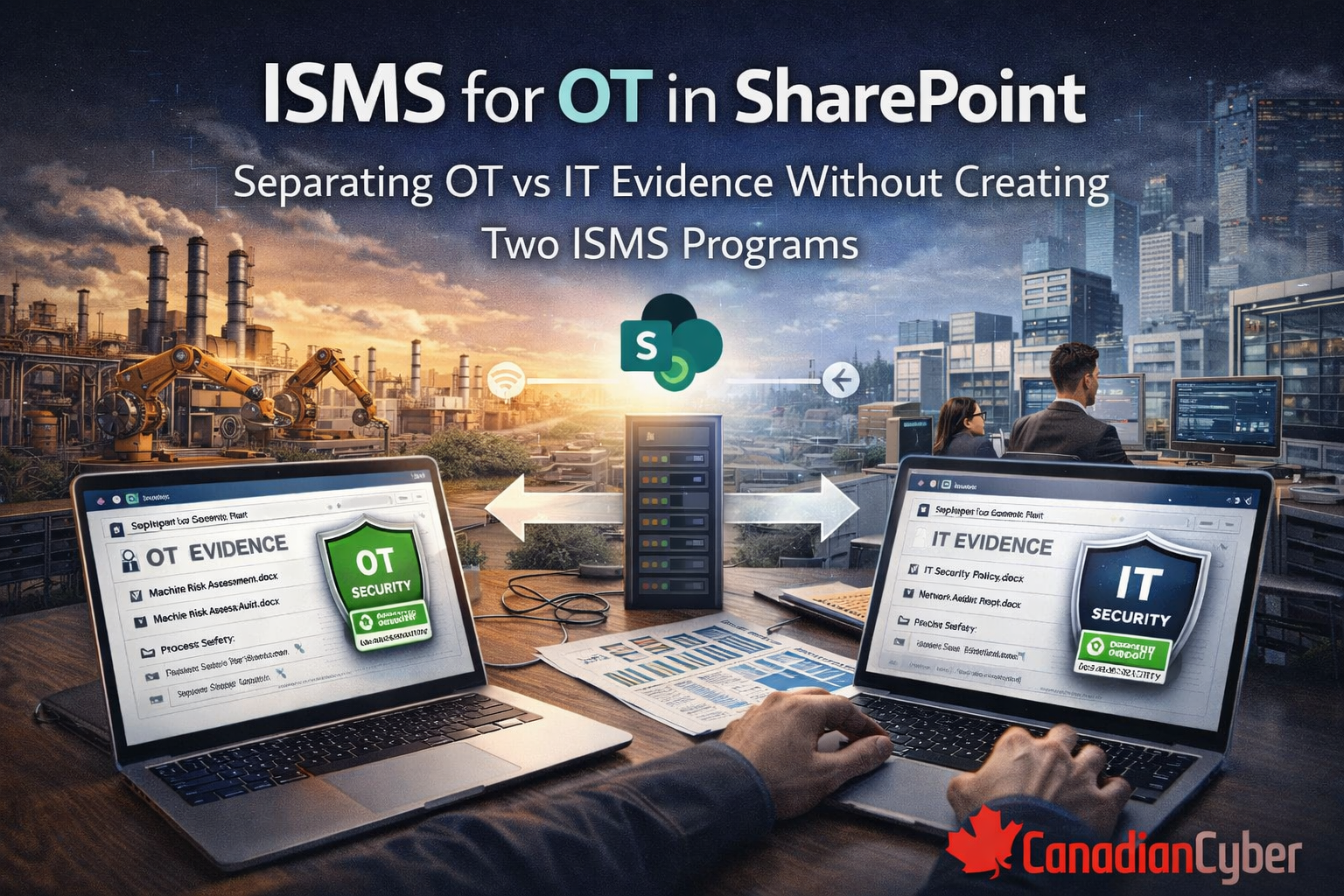
The goal: one governance system, two evidence lanes
A strong OT + IT ISMS should keep governance unified while allowing evidence to reflect real operational differences.
Unified governance
- one set of policies
- one risk methodology
- one management review process
- one internal audit cadence
- one corrective action system
Separated evidence lanes
- OT evidence for engineering-owned realities
- IT evidence for corporate IT-managed controls
- Shared evidence for boundary controls like vendor access and incident response
The test:
you should be able to answer questions like “show me the OT evidence for access control this quarter” or “show me the shared evidence for vendor remote access” in minutes, not hours.
Step 1: Don’t split the ISMS — split responsibilities and scope language
Before you build lists, libraries, or dashboards, you need two documents that stop confusion early.
Document 1: OT / IT responsibility matrix
Define who owns what across:
- remote access
- patch exceptions
- vendor access approvals
- logging and monitoring
- backups and restores
- incident response
- change management
This prevents the most common OT audit failure: unclear ownership.
Document 2: Shared responsibility statement
This is not policy duplication. It is implementation clarity.
Example
Control objective: Changes are authorized and tested
IT implementation: PR approvals, CI/CD, change tickets
OT implementation: maintenance window approvals, change log, validation checklist
Auditors accept OT constraints when governance is clear and evidenced.
Step 2: Use one Control Register, but add an Environment tag
Your Control Register should stay as a single SharePoint List so it remains the source of truth. The separation happens through metadata, not through duplicate registers.
Recommended Control Register columns
- Control ID
- Control name
- Control objective
- Owner
- Frequency
- Evidence required
- Environment: IT, OT, Shared
- Control implementation note
- Evidence link
Result:
one control set, easy filtering for OT-only, IT-only, and Shared controls.
Step 3: Separate evidence using metadata, not separate libraries
This is the highest-value design choice in SharePoint.
Do this
Use one Evidence Library with consistent metadata and views.
Avoid this
Creating separate “OT Evidence” and “IT Evidence” libraries unless you truly need them for permissions or regulatory reasons.
Evidence Library metadata
- Evidence type
- Evidence period
- Control ID
- Owner
- Environment: IT / OT / Shared
- Site or Facility
- System or Asset group
- Approved: Yes / No
- Approval date
Why this works:
SharePoint becomes an ISMS search engine instead of a document dump.
Step 4: Build evidence packs by period, with OT / IT separation inside the pack
You do not need two ISMS programs. You need one pack structure that makes OT and IT evidence easy to retrieve by period.
Option A: Nested folder pattern
Evidence Packs /
2026-Q1 /
IT /
OT /
Shared /
Option B: Flat naming pattern
2026-Q1 – IT – Access Reviews
2026-Q1 – OT – Vendor Remote Access
2026-Q1 – Shared – Incident Tabletop
Rule:
pick one pattern and stay consistent. Consistency beats perfection.
Step 5: Create the SharePoint views that make this usable
Views are how teams actually use the ISMS day to day. A good SharePoint site becomes useful because of filters, not because of folders.
Evidence Library views
- OT Evidence – This Quarter
- IT Evidence – This Quarter
- Shared Evidence – This Quarter
- Evidence Missing Approval
- Evidence by Control ID
Control and Risk views
- OT Controls Only
- Shared Controls
- OT Risks – High Residual
- Expiring OT Risk Acceptances
These views prevent drift:
they also make audits dramatically faster because teams stop hunting across multiple libraries.
Step 6: Treat OT exceptions as first-class records
OT environments commonly have patch deferrals, unsupported systems, vendor-only maintenance windows, or limited logging capability. These are not failures by themselves. They become failures when they live in email or tribal knowledge.
Risk Acceptance / Exception List fields
- Environment
- System or site
- Exception type
- Reason
- Compensating controls
- Approver
- Expiry date
- Evidence link
- Status
Non-negotiable:
expiry date required. That is how you keep one ISMS while still acknowledging OT reality.
Step 7: Create an Auditor View without oversharing OT details
OT evidence can expose sensitive information such as site layouts, vendor tools, asset types, or network paths. The goal is not to duplicate content. The goal is controlled visibility.
Auditor View should include
- control register filtered to scope
- evidence packs for the period
- limited OT evidence set, redacted where needed
- management review minutes
- corrective action status
- risk acceptance register with minimized sensitive detail
Tip: use SharePoint permissions and redacted artifacts rather than building duplicate auditor libraries.
What stays unified so you do not become two programs
Management review
One quarterly pack with OT posture, IT posture, shared boundary issues, and leadership decisions.
Internal audit and corrective actions
One internal audit plan, one corrective action register, findings tagged by Environment.
Risk scoring methodology
One model that considers OT impact such as safety and uptime and IT impact such as confidentiality and integrity.
Common mistakes and fixes
Common mistakes
- two separate SharePoint sites that drift apart
- OT evidence cannot be found during audits
- OT patch exceptions live in email
- shared controls become nobody’s job
- oversharing OT detail with auditors or customers
Fixes
- one site, one control register, metadata separation
- OT evidence views plus consistent period tagging
- exception register with expiry and compensating controls
- shared controls view with named owners
- Auditor View plus redaction and permissions
Next step
If your OT and IT evidence is already starting to split into separate folders, separate owners, and separate interpretations, fix the structure now before it turns into two different programs.
Final takeaway
The strongest OT + IT ISMS design is not two separate systems. It is one governance model with enough structure to reflect operational reality without duplicating ownership, audit logic, or evidence strategy.
In SharePoint, that means one control register, one evidence library, strong metadata, strong views, clear responsibility language, and a first-class exception process for OT realities.
In one line
Do not build two ISMS programs. Build one ISMS that knows how to separate evidence cleanly.
Follow Canadian Cyber
Practical cybersecurity + compliance guidance: