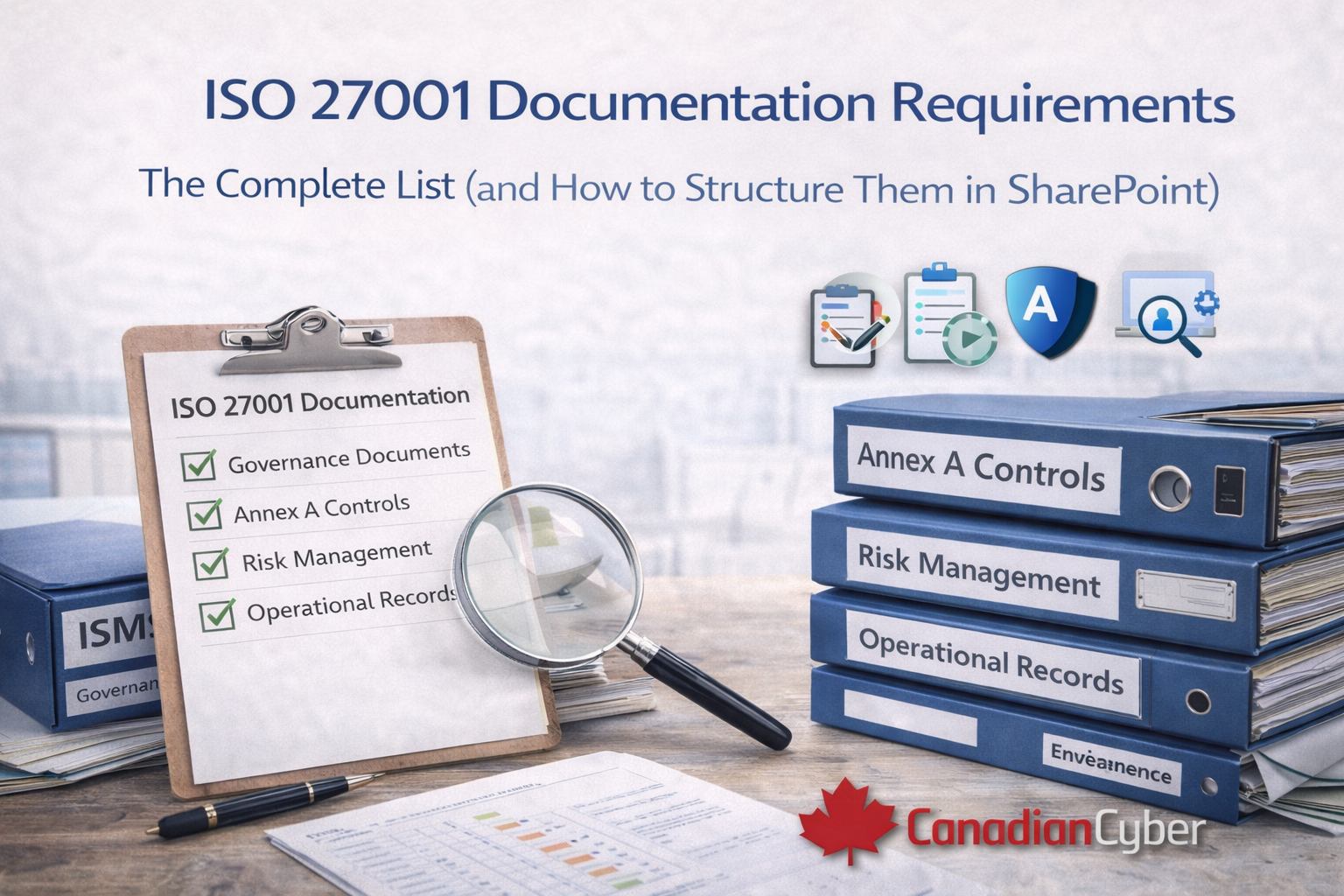
ISO 27001 Documentation Requirements: The Complete List (and How to Structure Them in SharePoint)
One of the most common questions organizations ask when preparing for ISO 27001 is:
“What documents do we actually need to pass the audit?”
It sounds simple, but many ISO 27001 projects fail here because having documents is not the same as having
controlled, audit-ready documentation.
Auditors don’t certify intentions. They certify approval, ownership, version control, and evidence.
If documentation isn’t controlled, it isn’t compliant.
What you’ll get from this guide
- The mandatory ISO 27001 documentation requirements (plus what auditors strongly expect)
- What auditors actually look for in documentation controls
- Common documentation mistakes that trigger nonconformities
- A practical SharePoint structure for ISO 27001 documentation
Not sure if your documentation would pass an audit?
Book a free ISO 27001 readiness assessment (30 minutes). No obligation. Real audit insight.
What ISO 27001 means by “documentation”
ISO 27001 documentation usually falls into three practical categories:
Policies and procedures
What you intend to do and how you do it.
Records and evidence
Proof that the process happened (and happened consistently).
Governance artifacts
Ownership, approvals, reviews, decisions, and accountability.
Auditors look for traceability across all three: policy → control → evidence → review → improvement.
Mandatory ISO 27001 documents (complete breakdown)
The list below combines required documented information and the items auditors commonly expect to see as audit-ready evidence.
| Documentation area | What you need | What auditors flag |
|---|---|---|
| ISMS governance | ISMS scope, Information Security Policy, roles and responsibilities, SoA (Statement of Applicability) | No approval, no owner, scope not aligned to reality |
| Risk management | Risk assessment methodology, risk register, risk treatment plan, risk acceptance records | Excel-only risk register, no review cadence, no linkage to controls, no management approval |
| Annex A controls | Control applicability, implementation notes, ownership, monitoring records, evidence attachments/links | “Implemented” with no proof, scattered evidence, weak traceability |
| Operational records | Training records, incident logs, access reviews, supplier assessments, change management evidence | Missing or outdated evidence, unclear retention, unclear ownership |
| Monitoring and improvement | Internal audit reports, management review minutes, corrective actions, continuous improvement records | No internal audits, informal management reviews, no proof of improvement |
Red flag: if your risk register lives in spreadsheets with no approvals and no review history,
auditors will treat it as weak control.
1) ISMS governance documents
These define how your ISMS is managed and what is in scope.
Required or strongly expected
- ISMS scope
- Information Security Policy
- ISMS roles and responsibilities
- Statement of Applicability (SoA)
How SharePoint helps
- Controlled libraries with metadata
- Approval workflows and sign-off records
- Version history (who changed what, when)
- Owner fields + review dates
2) Risk management documentation
This is one of the most audited areas because it drives control selection and treatment decisions.
Required documents
- Risk assessment methodology
- Risk register
- Risk treatment plan
- Risk acceptance records (where applicable)
SharePoint supports centralized tracking, ownership assignment, review cycles, and approval evidence.
3) Annex A controls documentation
Auditors expect each applicable control to be documented, implemented, and evidenced.
- Control ownership (named person or role)
- Implementation description (what’s in place)
- Monitoring and review notes
- Evidence links or attachments that match the control
- Traceability back to risks (and SoA rationale)
4) Operational records and evidence
These records prove the ISMS is working in practice, not just documented.
Common examples
- Training and awareness records
- Incident logs and follow-ups
- Access reviews and approvals
- Supplier assessments
- Change management records
5) Monitoring, audit, and improvement records
ISO 27001 is not a one-time project. Auditors look for continuous improvement over time.
- Internal audit reports
- Management review minutes and outputs
- Corrective actions and closure evidence
- Tracked improvements and re-tests
The biggest ISO 27001 documentation mistakes
- Templates exist but were never formally approved
- No document owners are assigned
- No review dates or review evidence
- No version control or uncontrolled “final” copies
- Documentation spread across multiple systems
- SharePoint used as file storage only
How to structure ISO 27001 documentation in SharePoint
A compliant SharePoint-based ISMS should be designed as a system, not a folder tree.
A practical structure includes:
| SharePoint area | What lives there | Controls to enforce |
|---|---|---|
| ISMS governance | Scope, policy, roles, SoA, governance decisions | Owners, approvals, versioning |
| Policies and procedures | All controlled ISMS documents | Approval workflow, published vs draft views |
| Risk management | Methodology, risk register, treatments, acceptances | Ownership, review cadence, approvals |
| Annex A controls | Control mapping, applicability, evidence links | Traceability, control owners, review notes |
| Training and awareness | Training records, acknowledgements, campaigns | Retention, reporting views |
| Incident and improvement | Incidents, corrective actions, lessons learned | Workflow, approvals, closure evidence |
| Audit and evidence repository | Evidence by control and by period | Versioning, access control, naming standards |
| Management reviews | Minutes, inputs, outputs, actions | Owners, approvals, action tracking |
This is the difference between “documents in SharePoint” and an “ISMS in SharePoint.”
A proper structure includes owners, access controls, approvals, review cycles, and traceability.
Why auditors accept SharePoint (when done right)
Auditors don’t require special software. They require control, evidence, traceability, and governance.
A properly designed SharePoint ISMS meets these expectations and is widely accepted by certification bodies.
How Canadian Cyber helps
Canadian Cyber helps organizations identify documentation gaps, design audit-ready ISMS structures, and implement ISO 27001 using SharePoint.
Our ISMS SharePoint Platform is purpose-built for ISO 27001 so you’re not guessing what auditors expect.
Free ISO 27001 documentation readiness assessment
In 30 minutes, we’ll review your documentation structure, assess SharePoint readiness, identify audit-critical weaknesses, and provide clear next steps.
No pressure. No obligation. Real answers.
Stay connected with Canadian Cyber
Follow Canadian Cyber for ISO 27001, ISMS, and SharePoint compliance insights: