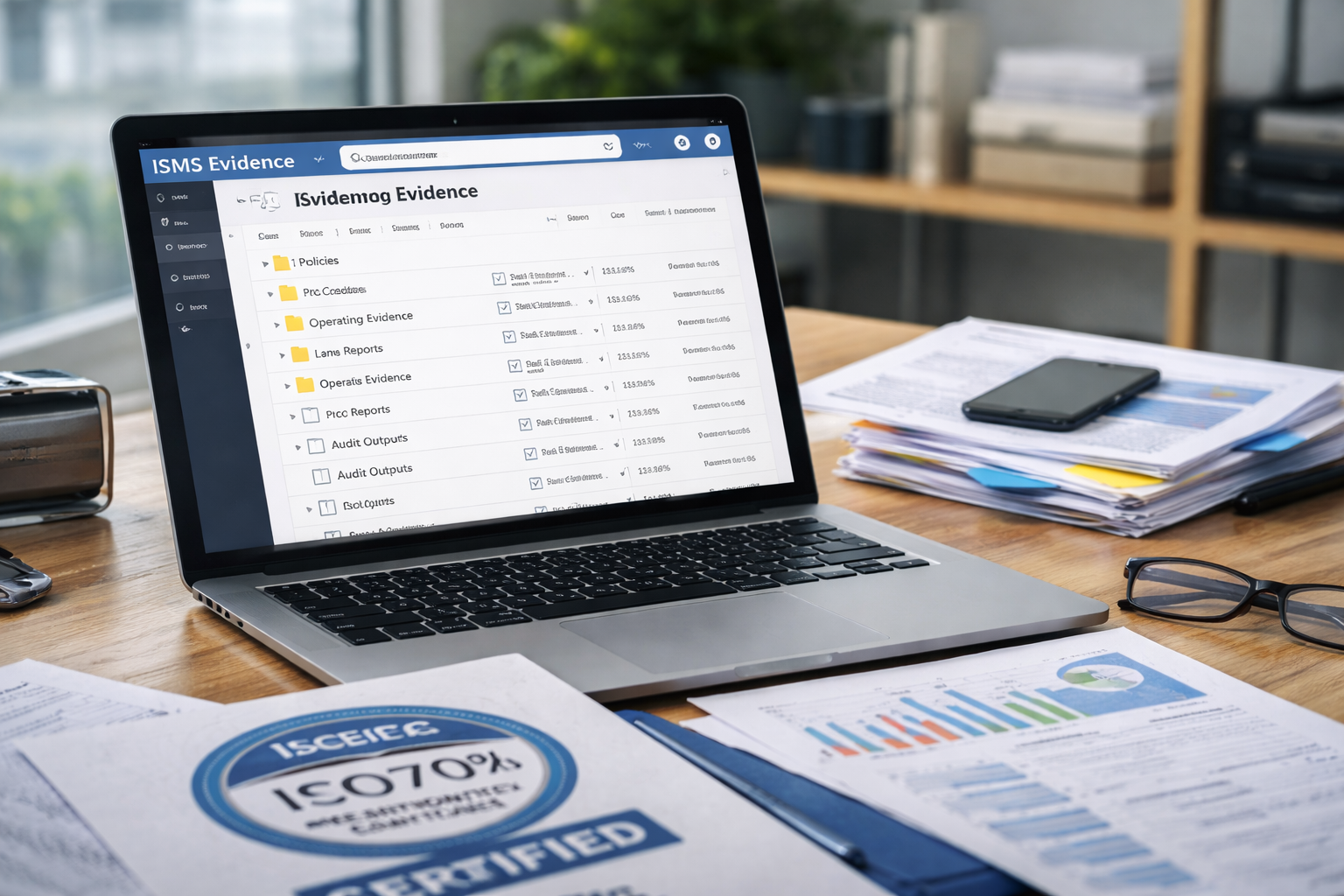
ISO 27001 Evidence Repository in SharePoint: A Best-Practice Setup (Audit-Ready)
If ISO 27001 evidence feels messy, it usually is for one reason:
there’s no single source of truth.
This guide shows a clean, audit-ready way to build an ISO 27001 evidence repository in SharePoint—
using a simple structure, clear naming rules, ownership, permissions, and reminders.
Practical steps
Audit-ready structure
Clear ownership
Easy to maintain
Want help setting this up quickly?
Explore our ISMS SharePoint Solution or book a quick call with our team.
Quick answer (for fast readers and AI search)
A strong ISO 27001 evidence repository in SharePoint has:
- One central Evidence site (not scattered across Teams/OneDrive)
- A stable folder structure based on Controls, Processes, or Evidence types
- Clear naming conventions and version control
- Owners + frequency (who uploads what, and when)
- Restricted permissions (least privilege + read-only for auditors)
- A repeatable evidence task system with reminders and completion tracking
Shortcut to audit readiness:
if you want an evidence system inside SharePoint (with ownership and reminders),
request a quick demo.
Why your evidence setup matters more than your documents
Auditors don’t just look at policies. They look for:
- Proof controls are operating (logs, tickets, approvals, training records)
- Consistency over time (monthly/quarterly evidence)
- Traceability (who did what, when, and where it’s stored)
A good repository reduces audit panic and cuts time spent hunting files.
Step 1: Create a dedicated SharePoint site for ISMS evidence
Best practice: create a dedicated SharePoint site, such as:
- Site name: ISMS Evidence Repository
- Owners: ISMS Manager + IT Admin (minimum two)
- Members: Control owners (limited access)
- Visitors: Read-only group for leadership and (temporary) auditors
Why a separate site helps
- Cleaner permissions
- Easier audit access (read-only)
- A single location to link evidence tasks, checklists, and reports
Need help with site structure and permissions?
Get guidance so your setup is secure and audit-friendly.
Step 2: Choose a folder structure auditors can understand in seconds
There are three common approaches. The best one depends on how your company runs.
Option A (most common): By ISO 27001 control domains / Annex A
Use this if your control owners think in “controls.”
Example top level
- A.5 Organizational Controls
- A.6 People Controls
- A.7 Physical Controls
- A.8 Technological Controls
Inside each:
- Policies & Standards
- Operating Evidence
- Screenshots & Exports
- Tickets & Approvals
- Vendor & Third-Party
Option B (very practical): By process or department
Use this if evidence is produced by functions (IT, HR, Finance, DevOps).
Example top level
- Access Management
- Change Management
- Incident Management
- Asset Management
- HR Security
- Supplier Management
Inside each:
- 01 Policies
- 02 Procedures
- 03 Evidence
- 04 Reports
- 05 Audit Outputs
Option C (high maturity): By “Control Owner → Control → Evidence”
Use this if you have many control owners and want maximum accountability.
Example top level
- IT Security Owner
- Access Reviews
- Patch Management
- HR Owner
- Onboarding
- Training
Recommendation: If you’re not sure, choose Option B.
It’s easiest for teams and still maps cleanly to ISO controls.
Want a ready-to-use folder blueprint tailored to your business scope, tools, and control owners?
Step 3: Use a naming convention that prevents chaos
When evidence is named well, you can find it instantly and prove consistency over time.
A simple, audit-friendly naming format
Use this for files and exports:
[Process]_[EvidenceType]_[System]_[YYYY-MM]_[OwnerOrTeam]
Examples:
AccessManagement_AccessReview_AzureAD_2026-01_ITChangeManagement_ChangeLog_Jira_2026-01_DevOpsIncidentManagement_IncidentReport_ServiceDesk_2025-12_IT
Folder naming tips
- Use numbers to keep order: 01 Policies, 02 Procedures, 03 Evidence
- Avoid “misc” folders
- Keep the structure stable year-to-year
Step 4: Assign ownership and frequency (this is where most teams fail)
A repository is useless without accountability.
Create a simple evidence register (even a list) with:
- Control or process name
- Evidence item
- Owner
- Frequency (monthly / quarterly / annually)
- Due date rule (example: “by the 5th business day”)
- Link to the SharePoint folder
- Status (not started / in progress / complete)
Example evidence register entries
| Process | Evidence | Owner | Frequency | Storage |
|---|---|---|---|---|
| Access Mgmt | Access review export | IT | Monthly | /Access Management/03 Evidence/Access Reviews/ |
| HR Security | Training completion report | HR | Quarterly | /HR Security/03 Evidence/Training/ |
| Change Mgmt | Change tickets report | DevOps | Monthly | /Change Management/03 Evidence/Change Logs/ |
If you want real audit readiness, set reminders so evidence is collected
before the audit is scheduled.
Want automated reminders and audit tracking inside SharePoint?
Our ISMS SharePoint Solution helps teams assign owners, collect recurring evidence,
and stay ready year-round.
Step 5: Set permissions the “auditor-safe” way
Evidence often contains sensitive data. You need two things:
- Least privilege for everyday users
- Read-only access for audit review
Recommended permission model
- ISMS Admins: Full control
- Control Owners: Contribute only to their areas
- General Staff: No access (unless needed)
- Auditors: Temporary read-only access (time-bound)
Also:
- Turn on versioning in document libraries
- Use unique permissions only where necessary (avoid a permission maze)
Step 6: Decide what belongs in SharePoint and what should be linked
Not everything should be copied into SharePoint.
Store in SharePoint (good)
- Policies, procedures, approvals
- Reports (PDF exports)
- Screenshots and evidence files
- Meeting minutes and review records
Link instead of copy (better)
- Ticketing systems (Jira/ServiceNow): link to saved exports + reference ticket IDs
- Security tool dashboards: export monthly snapshots + keep source links
- Cloud logs: store the export + note query/filter used
Golden rule: Evidence must be reviewable without special tool access.
Exports and snapshots help.
Want a proven evidence workflow that auditors love?
We’ll help you build it and keep it simple for your teams.
A ready-to-use SharePoint evidence checklist
Use this checklist before you declare your repository “done”:
- ✅ Dedicated SharePoint site created (ISMS Evidence)
- ✅ Folder structure chosen and documented
- ✅ Naming convention defined and shared
- ✅ Evidence register created (owner + frequency + link)
- ✅ Versioning enabled
- ✅ Permissions set (least privilege + read-only auditor role)
- ✅ Evidence reminders planned (monthly/quarterly cadence)
- ✅ “How to upload evidence” 1-page guide published
- ✅ Monthly review meeting scheduled (15 minutes is enough)
Common mistakes (and how to avoid them)
Mistake 1: Evidence scattered across Teams chats and personal drives
Fix: Centralize evidence storage in one SharePoint site.
Link out to sources, but store the audit-ready proof centrally.
Mistake 2: No due dates, no owners
Fix: Create an evidence register and assign a single accountable owner per evidence item.
Mistake 3: Folder structure changes every few months
Fix: Pick a structure that can survive growth.
Add subfolders, don’t redesign the whole library.
Mistake 4: “We’ll collect evidence during the audit”
Fix: Evidence is easiest when collected continuously.
Use a monthly/quarterly cadence.
FAQs
What is ISO 27001 evidence?
Evidence is proof that your ISMS controls are designed, implemented, and operating.
Examples include access reviews, change logs, training records, incident reports,
vendor assessments, and management review outputs.
Should I organize evidence by Annex A controls or by process?
If your team thinks in controls, organize by controls.
If your team works by departments and workflows, organize by process.
Most organizations find process-based structures easiest to maintain.
How long should we keep evidence?
Keep evidence according to your retention policy and legal or regulatory requirements.
Many organizations maintain at least 12 months of operating evidence for consistency,
plus longer for key reviews and risk decisions.
Can SharePoint handle an audit evidence repository?
Yes if permissions, structure, and versioning are configured properly and you maintain consistent evidence collection.
Ready to make your SharePoint evidence system audit-proof?
If you want to stop chasing evidence and start running a predictable audit-ready process,
our ISMS SharePoint Solution can help you:
- Assign owners and responsibilities
- Automate reminders for recurring evidence
- Track audit actions and closure
- Centralize policies, procedures, and proof
Let’s make your next audit easier.
Follow Canadian Cyber
Follow us for ISMS tips, ISO 27001 guidance, and SharePoint security best practices.