email-svg
Get in touch
info@canadiancyber.ca

Cloud Logging Evidence for ISO 27017

A practical guide to ISO 27017 cloud logging evidence using AWS and Azure examples. Learn what auditors actually ask for—logging coverage, integrity protection, monitoring alerts, and retention—and how to package cloud logging proof in an audit-ready evidence pack.
Main Hero Image
ISO 27017 • Cloud Logging • Operating Evidence • AWS + Azure

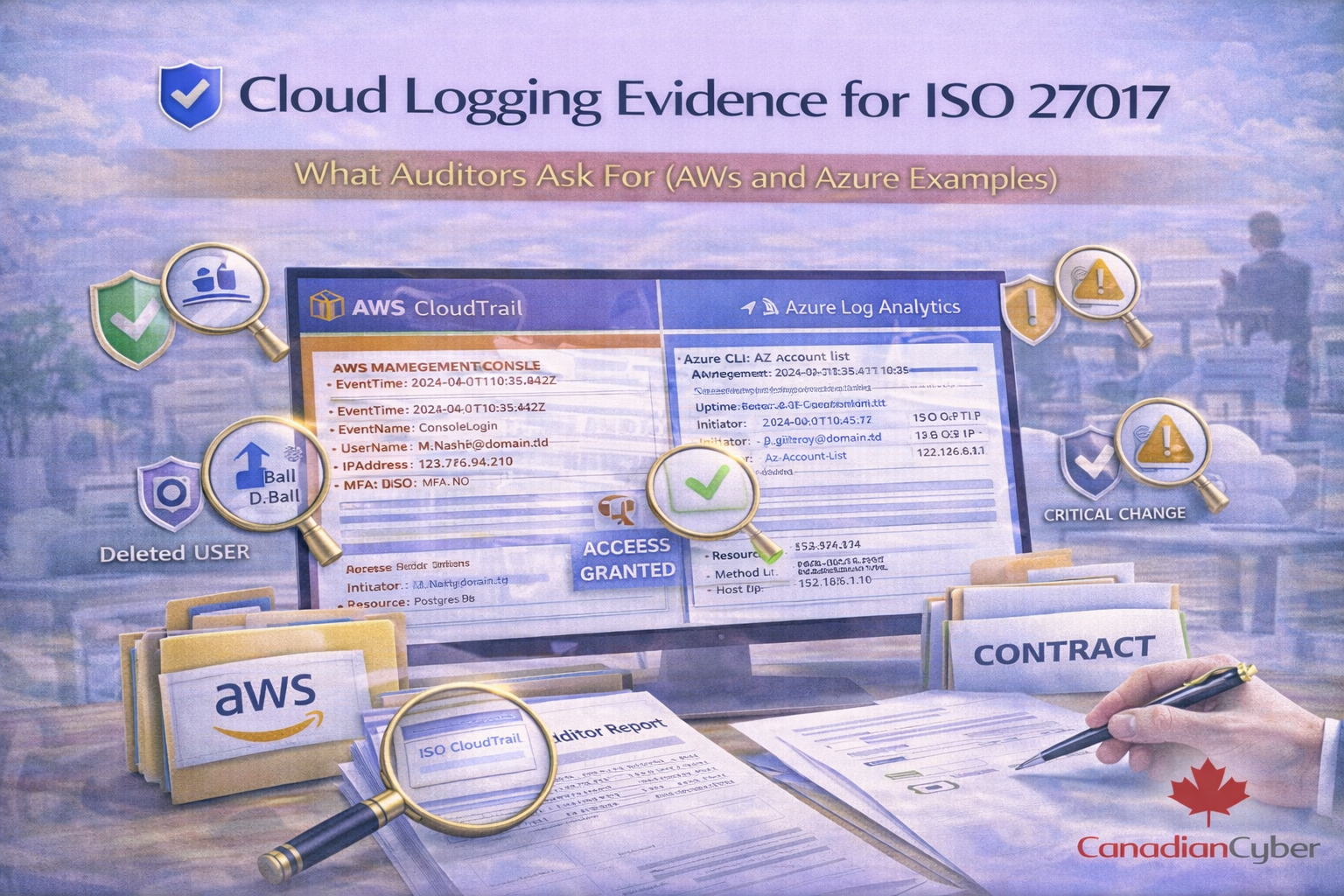
Cloud Logging Evidence for ISO 27017

What Auditors Ask For (AWS and Azure Examples)

ISO 27017 doesn’t just want “we have logging.” It wants proof that cloud logging is enabled, protected, reviewed, and acted on matching your shared-responsibility model.
This guide shows exactly what auditors ask for, what evidence to collect, and how to package it cleanly in SharePoint using practical AWS and Azure examples.

What ISO 27017 adds
Shared responsibility + admin tracking + continuous monitoring.
Auditor confirms
Coverage, integrity, monitoring, retention.
Fastest win
A clean evidence pack in SharePoint with operating proof.

Why ISO 27017 makes logging harder than “regular ISO”

ISO 27017 adds cloud-specific expectations around shared responsibility, administrative activity tracking, account/subscription governance, and continuous monitoring.
So “we have logs” is not enough. Auditors want evidence that logging is a working control.

What auditors are really trying to confirm

  1. Coverage: right logs enabled across accounts/subscriptions, regions, services
  2. Integrity: logs protected from tampering and deletion
  3. Monitoring: logs reviewed and alerts handled
  4. Retention: logs retained long enough and enforced technically
If your answer is “here’s our evidence pack,” audits move fast.

The auditor question script (copy/paste)

Internal audit interview checklist
Logging governance
  • What is your cloud logging standard (what must be logged, retention, review cadence)?
  • Who owns cloud logging (platform/security/IT)?
  • How do you validate logging is enabled across all environments?
Coverage and scope
  • Which accounts/subscriptions are in scope?
  • Are logs enabled in all regions (AWS) / subscriptions (Azure)?
  • Do you log admin activity, sign-ins, security control changes, and sensitive access?
Integrity and access control
  • Who can view logs? Who can delete/modify them?
  • Is storage protected (restricted roles, separate account/workspace, immutability where feasible)?
  • Do you alert on logging being disabled or tampered with?
Monitoring and response
  • What alerts exist and who responds?
  • Show a sample alert → ticket → investigation → closure chain.
  • How often do you review logs and how is it evidenced?
Retention
  • What is your retention period for audit/security logs?
  • Is retention enforced technically (not just in policy)?
  • What happens when retention changes?

Evidence pack checklist (what auditors expect)

If you prepare only one thing, prepare this cloud logging evidence pack.

A) Policy and procedure evidence
  • cloud logging standard (what logs, where stored, retention, review cadence)
  • log review procedure (who, how often, escalation steps)
  • incident response procedure referencing log sources
  • exception/risk acceptance process (for gaps)
B) Configuration evidence (AWS/Azure)
  • proof logging is enabled (exports/screenshots)
  • proof logs are centralized (or clearly segmented)
  • proof retention is configured
  • proof access control to log storage is restricted
  • proof alerting exists for high-risk events
C) Operational evidence (the most important)
  • monthly/quarterly log review sign-offs
  • sample alerts and tickets (2–3 per quarter if possible)
  • evidence of tuning and improvement (new rules, reduced false positives)
  • access review evidence for log administrators
Auditor mindset:
“Show me it worked in real life.”

AWS logging evidence (practical examples)

These are the AWS log sources auditors ask about most, with evidence ideas that stand up in audits.

1) AWS CloudTrail (management events)
Proves: who did what (API calls, console actions, security changes)
Auditor asks
  • Is CloudTrail enabled in all regions?
  • Is it an Organization trail (covers all accounts)?
  • Where are logs stored and who can access them?
  • Are logs protected from deletion/tampering?
Evidence to collect
  • org trail + multi-region enabled (export/screenshot)
  • delivery to centralized S3 bucket
  • log file validation enabled (if used)
  • S3 bucket policy: restricted write/read roles
  • S3 lifecycle: retention + archival
  • alerts: CloudTrail stopped, S3 policy changed, root activity, IAM policy changes
Common gaps:
CloudTrail not org-wide, missing regions, logs in prod account with broad admin, no alert on disable.

2) CloudWatch Logs / CloudWatch Alarms
Proves: alerting + operational telemetry + response traceability
Evidence to collect
  • alarm list (or key alarms) export
  • sample alarm → ticket → resolution
  • on-call/notification path
Common gaps:
alerts exist but no evidence of response; alarms route to an unmonitored mailbox.

3) AWS Config (configuration change tracking)
Proves: drift detection and compliance posture over time
Evidence to collect
  • AWS Config enabled across accounts/regions
  • key managed rules or conformance packs (if used)
  • sample finding → remediation ticket → closure evidence
Common gaps:
Config enabled but no workflow; findings not tracked.

4) AWS IAM and root account monitoring
Proves: visibility into high-risk privilege actions
Evidence to collect
  • detection rules for root console login
  • alerting on new access keys and policy attachment changes
  • changes to MFA settings and admin role changes
  • sample alert evidence (or tabletop record if no real alerts)
  • privileged access review evidence (quarterly)
Common gaps:
no monitoring of root usage; no periodic admin privilege reviews.

Azure logging evidence (practical examples)

1) Azure Activity Log (subscription-level operations)
Proves: who changed what in Azure (control-plane operations)
Evidence to collect
  • diagnostic settings sending Activity Log to Log Analytics and/or storage
  • subscription coverage evidence (list of subscriptions configured)
  • retention settings (Log Analytics retention and/or storage lifecycle)
  • alert rules: role assignment changes, policy changes, diagnostic settings modifications
Common gaps:
enabled in one subscription only; no central workspace strategy; retention too low without justification.

2) Microsoft Entra ID sign-in and audit logs
Proves: authentication, risky sign-ins, admin changes
Evidence to collect
  • sign-in/audit log access and retention evidence
  • Conditional Access policy evidence (MFA/admin restrictions)
  • sample alert/ticket for risky sign-in or admin change
  • quarterly privileged role review (Global Admin, etc.)
Common gaps:
no periodic review proof; too many admins with no tracking; risk events not escalated.

3) Azure Monitor / Log Analytics + Defender (if used)
Proves: centralized detection and response readiness
Evidence to collect
  • alert rules (key ones)
  • sample incident record showing triage and containment
  • playbooks/runbooks (if used)
Common gaps:
alerts exist but no triage evidence; “we would respond” without a documented chain.

4) Azure Policy (configuration governance)
Proves: preventing/detecting misconfiguration at scale
Evidence to collect
  • key Azure Policies assigned (and scope)
  • compliance report snapshot
  • exception/risk acceptance records for exemptions
Common gaps:
exemptions unmanaged; no approval trail.

The operating effectiveness evidence auditors love

1) Log review sign-offs (monthly/quarterly)
  • period covered
  • reviewer name
  • what was checked (admin actions, sign-in anomalies, logging health)
  • findings + follow-up tickets
  • approval/sign-off
2) Alert → ticket → resolution chain
  • 2–3 examples per quarter if possible
  • include misconfiguration finding evidence
  • use a tabletop record if you lack real alerts
3) Logging health checks
Prove you detect these conditions:
  • log ingestion stopped
  • diagnostic settings changed
  • log storage policies modified
  • retention reduced
  • CloudTrail/Activity Log disabled

Common cloud logging findings (and quick fixes)

Finding Quick fix Proof to store
Logging not centralized Centralize or document segmentation + scope coverage central destination config + scope list
No evidence of review Monthly/quarterly review sign-offs signed review template + findings
Too many can delete logs Restrict roles; separate log storage; immutability where feasible role exports + storage policy
Retention unclear/too short Define policy + enforce technically retention settings exports
No alert when logging disabled Add alerts for config changes and ingest failures sample alert + ticket chain

Make cloud logging evidence easy to maintain (not a screenshot scramble)
If evidence is scattered across consoles, screenshots, and tickets, audits get slow. Our SharePoint ISMS approach turns logging proof into a repeatable system.
Canadian Cyber’s ISMS SharePoint solution supports:
  • control register mapped to ISO 27017 / SOC 2
  • evidence library with metadata (control ID, period, owner)
  • automated reminders for monthly/quarterly log reviews
  • Teams approvals for sign-offs and exceptions
  • an Auditor View to share only what’s required

How to package cloud logging evidence in SharePoint (audit-fast)

Use a consistent folder structure and tag each file with metadata (control ID, period, system, owner, approval).

Suggested SharePoint structure (copy/paste)
/ISMS/Evidence/Cloud Logging/
01_Policy_CloudLoggingStandard.pdf
02_Runbook_LogReviewProcedure.pdf
03_AWS_Configuration/
CloudTrail_OrgTrail_Config.pdf
S3_LogBucketPolicy.pdf
Config_Rules_Summary.pdf
04_Azure_Configuration/
ActivityLog_DiagnosticSettings.pdf
LogAnalytics_Retention.pdf
Entra_AuditLogs_Retention.pdf
05_Operational_Evidence/
LogReview_2026-01_Signed.pdf
LogReview_2026-02_Signed.pdf
AlertTicket_Sample1.pdf
AlertTicket_Sample2.pdf
06_Exceptions_RiskAcceptance/
RA-012_LoggingGap_Approved.pdf
Pro tip:
add metadata tags: Control ID, Period, System (AWS/Azure), Owner, Approved (Yes/No).

Download the Cloud Logging Evidence Checklist
Want a ready-to-use checklist with AWS + Azure evidence items? Use this to standardize your audit pack.
Includes:
  • auditor question script
  • AWS evidence list (CloudTrail, Config, CloudWatch)
  • Azure evidence list (Activity Log, Entra logs, Monitor)
  • operating effectiveness templates (log review + alert chain)
  • SharePoint evidence pack structure

Follow Canadian Cyber
Practical cybersecurity + compliance guidance:

© 2026 Canadian Cyber. All rights reserved.


Related Post