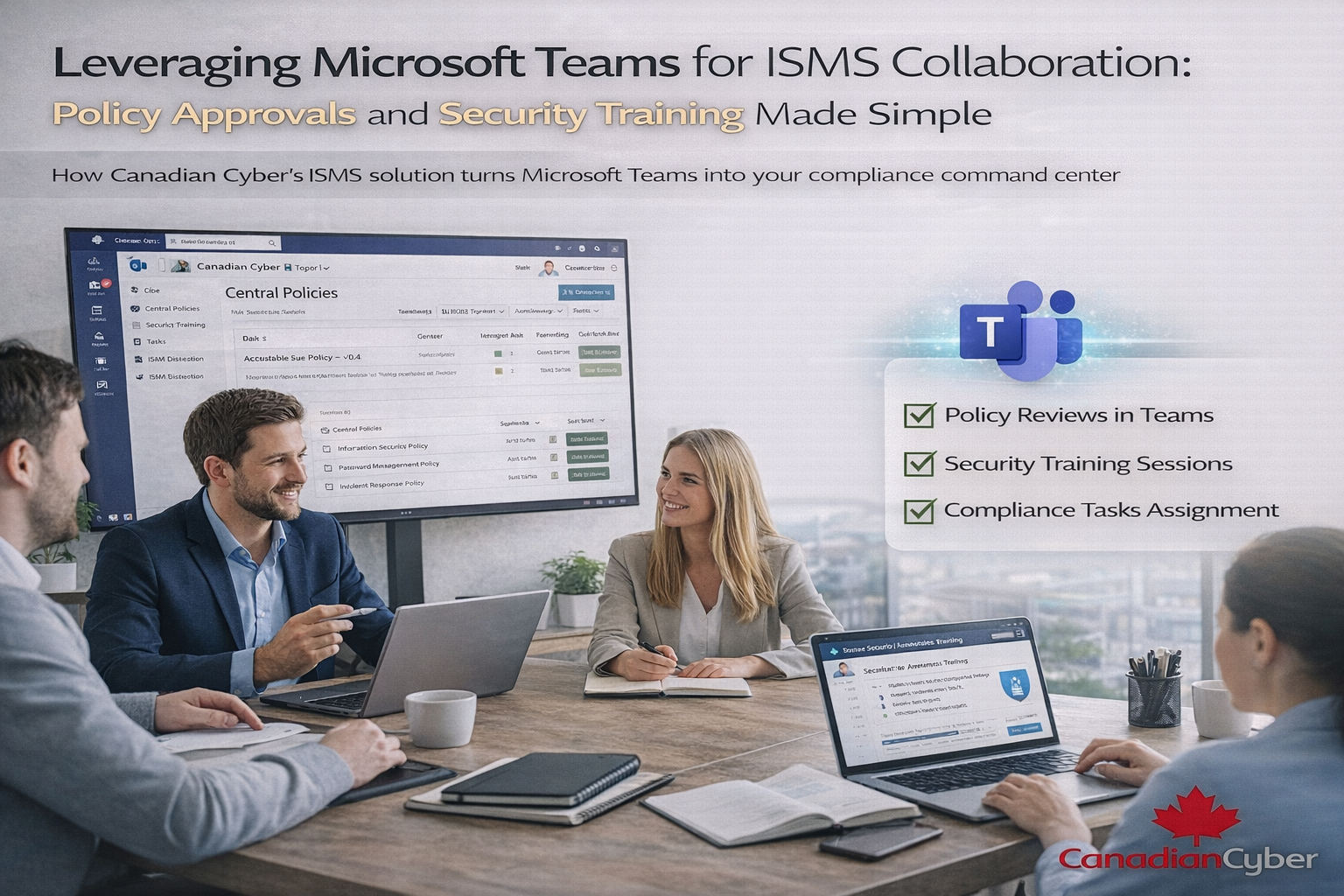
Leveraging Microsoft Teams for ISMS Collaboration: Policy Approvals and Security Training Made Simple
How Canadian Cyber’s ISMS solution turns Microsoft Teams into your compliance command center.
Most ISMS challenges are not technical. They are human.
- Policies are written but not reviewed
- Approvals get delayed in email threads
- Training is completed but not recorded
- No one knows who owns what
Reality: ISO 27001 and SOC 2 don’t fail because controls are unclear.
They fail because collaboration breaks down.
That’s why Canadian Cyber designed its ISMS solution to work natively with Microsoft Teams and SharePoint — so compliance happens where people already work.
Quick Snapshot
| Common ISMS pain point | What Teams + SharePoint fixes |
|---|---|
| Email approvals | Traceable workflows and notifications inside Teams |
| Version confusion | One source of truth with SharePoint version history |
| Training with no proof | Attendance, acknowledgments, and artifacts stored centrally |
| Unclear ownership | Named owners, Teams reminders, and visible task status |
Why Collaboration Is the Missing Link in Most ISMS Programs
An ISMS is a management system, not a document set. It needs regular review, clear ownership, and leadership involvement.
When ISMS work is handled through email and shared drives, three things happen:
- Approvals are hard to prove
- Training records become incomplete
- Tasks fall through the cracks
Key point: Teams helps most when it is connected to a structured, SharePoint-based ISMS.
Why Microsoft Teams + SharePoint Works So Well for Compliance
Microsoft 365 already gives you what ISO 27001 and SOC 2 programs need: collaboration, document control, and workflows.
Teams
Where approvals, reminders, and collaboration happen.
SharePoint
Your controlled system of record for policies and evidence.
Power Automate
Automated routing, reminders, and audit-ready tracking.
Policy Approvals Without Email Chaos
The common problem
- People approve the wrong version
- Feedback is spread across threads
- Audit trails are incomplete
Auditors expect formal review and approval with version history. Email is not reliable for that.
How the ISMS solution simplifies approvals
- Policies live in one SharePoint library
- Version control is always on
- Workflows route reviews and approvals
- Teams notifications prompt reviewers instantly
Result: One version, clear approvals, and a complete audit trail.
Security Training Made Simple in Microsoft Teams
ISO 27001 expects ongoing security awareness. That is hard to prove when training is informal or poorly tracked.
What the Teams-based approach looks like
- Training is delivered via Teams meetings (live or recorded)
- Materials are stored in linked SharePoint libraries
- Attendance and acknowledgments are recorded
- Evidence stays in one place for audit review
✔ Training is accessible ✔ Participation is visible ✔ Evidence is audit-ready
Clear Ownership of ISMS Tasks
A control without an owner becomes a blind spot.
Teams improves ownership by making responsibilities visible and hard to ignore.
How ownership stays visible
- Tasks are assigned to named owners
- Teams reminders nudge the right person
- Status updates are visible to stakeholders
- Deadlines are trackable and reportable
No More Version Confusion
Version confusion is a common audit finding. Teams + SharePoint prevents it by design.
One location
Policies and records live in a controlled library.
Version history
Every update is tracked automatically.
Controlled permissions
Edit access stays limited to owners.
A Fictional Example: From Email Confusion to Control
(This example is fictional but reflects real-world outcomes.)
An organization ran approvals through email. Reviews were delayed and the approved version was unclear. Training happened, but proof was missing.
After moving to the Canadian Cyber ISMS solution, policy approvals happened through Teams workflows, training ran through Teams channels, and evidence stayed in SharePoint. Audits became calm because collaboration became consistent.
Why Auditors Prefer Teams-Integrated ISMS Programs
Auditors look for:
- Clear approval trails
- Evidence of awareness
- Defined ownership
- Consistent records
When Teams is connected to a SharePoint-based ISMS, approvals and evidence become traceable by default.
That reduces audit stress and improves confidence.
How Canadian Cyber Makes This Work
We don’t just deploy a SharePoint site. We help you run compliance as an operational system inside Microsoft 365.
🔹 ISMS Solution Deployment
- SharePoint-based ISMS structure
- Teams-integrated workflows
- Microsoft 365 security alignment
🔹 Workflow & Training Enablement
- Policy approval automation
- Training channel setup
- Evidence tracking support
🔹 Optional vCISO Oversight
- Governance guidance
- Management review support
- Continuous improvement
Ready to See ISMS Collaboration in Action?
If you want policy approvals, training, and accountability to happen naturally inside Microsoft Teams, we can show you how it works in a real ISMS site.
FAQ
Q: Can Microsoft Teams be used for ISO 27001 compliance?
Yes. Teams can support ISO 27001 by enabling policy approvals, security training delivery, task ownership, and collaboration when connected to a SharePoint-based ISMS.
Q: Why do ISO 27001 audits fail because of collaboration issues?
Audits fail when approvals are missing, training evidence isn’t recorded, and ownership is unclear. Teams-based workflows improve traceability and accountability.
Q: What’s the benefit of integrating Teams with a SharePoint ISMS?
It creates a single system for policies, evidence, training records, and approvals. This reduces audit stress and eliminates document chaos.
Stay Connected With Canadian Cyber
Follow Canadian Cyber for ISO 27001, SOC 2, and practical Microsoft 365 compliance insights: