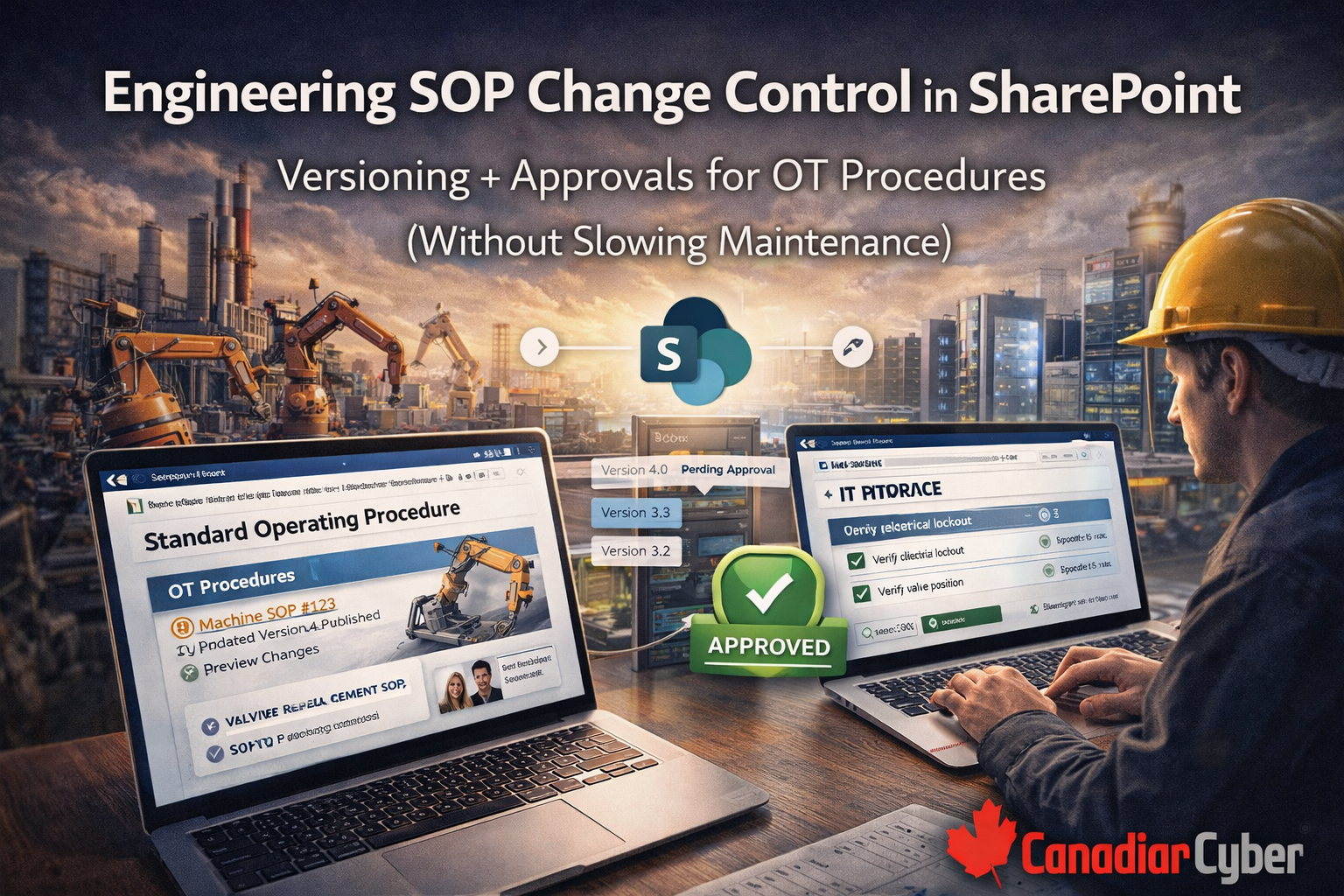
Why OT SOP change control matters
When an OT procedure changes without governance, the failures are predictable and expensive.
- a vendor workaround quietly becomes permanent
- different technicians follow different versions at different sites
- escalation paths are unclear during incidents
- maintenance steps drift away from actual configuration
- audits fail because you cannot prove what version was current when work happened
- post-incident reviews cannot tell whether the SOP was wrong or just not followed
A controlled SOP system gives you three outcomes:
one current version for technicians, approvals for engineering leadership, and evidence for audits, investigations, and management review.
The vCISO approach: one SOP library, three lanes
The trick is not more process. It is the right structure.
Lane 1: Standard SOPs
Routine, low-risk
- routine maintenance checks
- sensor calibration procedures
- standard commissioning steps
Approval model: supervisor or engineering approval
Lane 2: Critical SOPs
High-risk and safety-adjacent
- alarm or failover procedures
- remote access procedures
- emergency shutdown or recovery playbooks
Approval model: engineering lead plus security or IT concurrence
Lane 3: Emergency SOP Updates
Fast lane
- urgent vendor mitigation steps
- time-sensitive incident workarounds
Approval model: quick approval now plus mandatory post-review within 24–72 hours
Why this works:
OT can move fast without losing audit-grade evidence.
The SharePoint setup that actually works
1) Create an OT SOP Library
Use a SharePoint document library, not a shared drive, and enable the controls that make authorized change visible.
| Turn on |
Why it matters |
| Version history |
Required for traceability |
| Content approval |
Required for authorized change proof |
| Major/minor versions |
Recommended so drafts do not look current |
| Check out/check in |
Optional, but helpful when multiple editors collide |
Add metadata columns
- SOP Type: Standard / Critical / Emergency
- Site / Facility
- System
- Owner
- Approver
- Review frequency
- Next review date
- Status: Draft / In Review / Approved / Retired
- Related controls or framework mapping
2) Use SharePoint approvals as authorized change proof
OT auditors and internal stakeholders usually want to see what changed, who approved it, and when it went live. SharePoint content approval gives you that trail without adding another tool.
Standard SOP
1 approver: engineering supervisor
Critical SOP
2 approvers: engineering lead + OT security or IT
Emergency SOP
Immediate approval + required post-review approval
3) Add a SOP Change Request list
This is optional, but very high value in mature OT environments because it creates a clean request → approval → updated SOP chain.
Suggested fields
- Request ID
- SOP name
- Change reason
- Risk category
- Requested by
- Impacted sites or systems
- Proposed effective date
- Validation required
- Approval status
- Evidence link
If you are still managing OT SOPs with shared drives, PDFs, or email attachments named FINAL_v7, you are carrying unnecessary operational and audit risk.
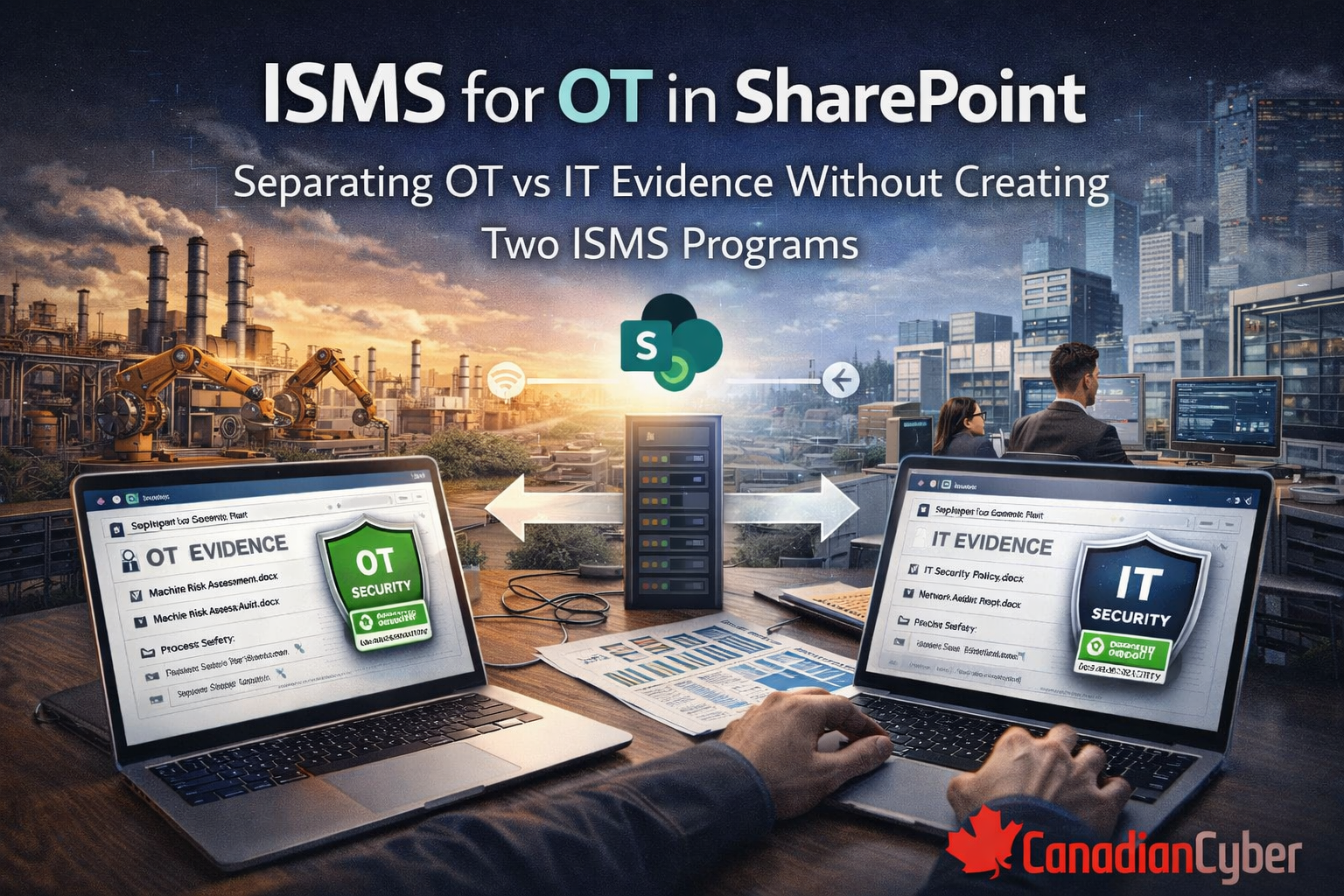
Our ISMS SharePoint solution gives you controlled SOP libraries, OT vs IT evidence separation, change request tracking, auditor-ready views, and reminder-driven review cycles.
The workflow: how an OT SOP change should move
Step 1 to Step 3
Step 1: Trigger and classify
Equipment change, vendor advisory, incident lesson, audit finding, or repeated confusion.
Step 2: Edit in draft
Use draft status and minor versions so technicians never see unapproved edits as current procedure.
Step 3: Approval
Capture approver name, role, timestamp, and notes where required.
Step 4 to Step 6
Step 4: Publish and notify
Publish the approved SOP and notify affected teams.
Step 5: Validate for critical SOPs
Use a tabletop, non-production test, or peer review and store proof.
Step 6: Post-implementation review
Especially for emergency changes, confirm whether the change worked and whether it should become permanent.
This is how you stop “temporary forever.”
Evidence auditors trust
If someone asks how you control OT procedures, you should be able to produce a clean evidence pack without chaos.
A strong evidence pack includes
- SOP library view showing approved SOPs only
- proof that version history is enabled
- approval records captured per version
- 3–5 sampled SOP changes showing previous version, updated version, approval, and effective date
- validation proof for critical SOPs
- retired SOPs with retention preserved
- emergency SOP updates with post-review records
Practical design tips so technicians actually use it
OT adoption fails when procedures are hard to find or too corporate to use in the field.
Field-friendly setup
- create an OT SOP Home page
- add tiles for SOPs by system, site, critical procedures, emergency runbooks, and recently updated SOPs
- use a search view that filters to Approved only
- keep SOPs concise and checklist-friendly
Rule:
technicians should get to the approved SOP in one click.
Common failures and how this design prevents them
Common failures
- people keep following old SOPs
- vendor workaround becomes permanent
- nobody knows who approved what
- approvals are so heavy OT cannot move fast
- audits become document hunts
Design fixes
- Approved-only views and publish current version
- Emergency lane plus mandatory post-review
- approval records tied to each version
- tiered approval model by risk
- metadata, views, and version history for instant retrieval
Next step
If your OT procedure control still lives across PDFs, emails, and shared drives, you can fix that without burying engineering in paperwork.
Final takeaway
OT SOP change control does not need a heavy corporate CAB to be credible. It needs clear lanes, visible approvals, strong version history, and a technician-friendly structure.
SharePoint already gives you most of what you need: versioning, approvals, metadata, filters, views, and retention. The real value comes from using those features in a way that matches OT reality instead of fighting it.
In one line
Good OT SOP control is not slow. It is fast, controlled, and provable.
Follow Canadian Cyber
Practical cybersecurity + compliance guidance: