email-svg
Get in touch
info@canadiancyber.ca

Risk Acceptance Workflow in SharePoint

A practical SharePoint workflow to document risk acceptance the way auditors expect: clear rationale, compensating controls, approval authority, expiry dates, reminders, and closure evidence.
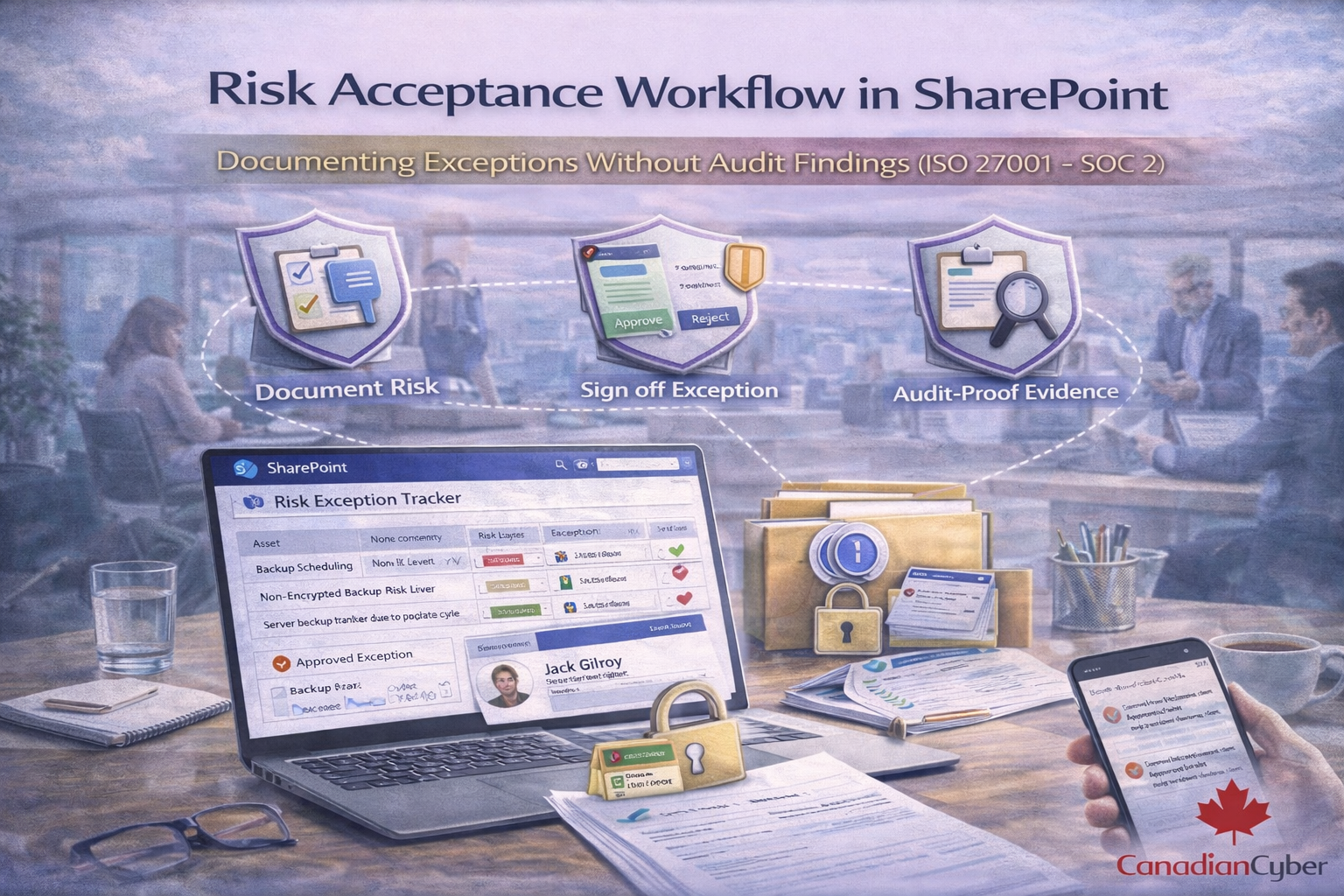
Main Hero Image
Exceptions • Approvals • Expiry • Dashboards • Audit-Ready Evidence

Risk Acceptance Workflow in SharePoint

Documenting Exceptions Without Audit Findings (ISO 27001 + SOC 2)

Risk acceptance is allowed in ISO 27001 and expected in SOC 2 but only if it’s disciplined.
Most audit findings happen when risk acceptance is informal: a Teams message, a spreadsheet line, or “we’ll fix it later.”
This guide shows a practical SharePoint workflow that creates clean evidence: rationale, approvals, expiry dates, and follow-up so exceptions don’t turn into nonconformities.

What auditors accept
A documented, time-bound decision with authority and evidence.
What auditors reject
“We discussed it in Teams” with no expiry, no owner, no proof.
Your goal
Exceptions become governance without nonconformities.

Why risk acceptance causes audit findings

Auditors don’t fail you for accepting risk. They fail you for accepting risk without control.

Common finding patterns
  • No owner (“IT accepted it”)
  • No business rationale
  • No expiry or review date
  • No link to risk register or control exception
  • No evidence of approval authority
  • No tracking of compensating controls
  • No closure when the issue is fixed
If you document these pieces consistently, risk acceptance becomes a strength not a weakness.

Risk acceptance in plain English

Risk acceptance means: “We understand the risk, we’re choosing not to fully mitigate it right now, and we accept the consequences under defined conditions.”

A good workflow answers
  • What is the exception?
  • What is the risk and impact?
  • Why accept now?
  • What compensating controls reduce exposure?
  • Who approved (with authority)?
  • When does acceptance expire?
  • What is the plan to eliminate or reduce the risk?

60-second check: would your current exception pass audit?
If any answer is “no,” you’re exposed to an audit finding.
Must-have
  • Owner named
  • Approver has authority
  • Expiry date exists
  • Evidence link exists
Must-explain
  • Business justification
  • Impact and likelihood
  • Compensating controls
  • Remediation plan + date

The SharePoint workflow model (that auditors trust)

Your SharePoint workflow needs two things: structured records (a list) and controlled evidence (a library with links).

Simple architecture
Risk Acceptance Register (List) + Risk Acceptance Evidence (Library) + Teams Approvals (optional but strong) + Power Automate reminders.

Step 1: Create a Risk Acceptance Register (SharePoint List)
This is the source of truth for every exception.
Minimum fields (audit-ready)
Category Fields Purpose
Core ID Auto ID, title, business unit/system, requestor, approver, framework mapping Accountability and scope
Risk context Risk register link, control IDs (ISO/SOC2), exception type, description, impact, likelihood, inherent risk Auditor-ready rationale
Decision detail Business justification, compensating controls, residual risk, decision Shows discipline
Time-bound Acceptance date, expiry/review date (required), remediation link, target fix date, status Prevents “forever” acceptance
Audit proof Approval artifact link, evidence links, notes/conditions, version history Traceability and integrity
Golden rule:
If a required field is missing, the risk acceptance is not complete.

Step 2: Create a Risk Acceptance Evidence Library
Store artifacts and make them searchable with metadata.
Store supporting artifacts such as:
  • screenshots
  • vendor correspondence
  • compensating control proof
  • approval exports/logs
  • risk analysis docs
  • remediation ticket exports
Recommended metadata:
Risk Acceptance ID, Control ID, period, system, owner, approved?, approval date.

The 7 steps in a defensible risk acceptance workflow

Workflow steps (audit-friendly)
  1. Request: record the unmet requirement, system/data impacted, and why.
  2. Risk analysis: short, factual, decision-ready (impact, likelihood, scenario).
  3. Compensating controls: what reduces exposure now; rate residual risk.
  4. Approval: authority + traceability (Teams Approval or signed artifact).
  5. Expiry + reminders: required review date; auto-remind and escalate.
  6. Monitor + report: dashboards for active, expiring, and high residual items.
  7. Close: proof of fix + verification + status closed.

What auditors ask (and how SharePoint answers instantly)

Auditor questions → SharePoint answers
“Show me your risk acceptances.”
View: Active + Approved items with expiry dates.
“Show me one example end-to-end.”
Record: request → analysis → compensating controls → approval → expiry → remediation → closure.
“Who approved this and when?”
Approval artifact linked (Teams Approval record or signed approval page).
“How do you prevent indefinite exceptions?”
Rule: expiry required + reminders + escalation + expired status.

Common audit findings (and how to prevent them)

Finding patterns
  • No expiry date
  • No business justification
  • No proof of approval authority
  • Compensating controls missing
  • Same exception repeats every quarter
Fixes that work
  • Make expiry mandatory and block approval without it
  • Require a short business rationale + impact statement
  • Use Teams Approvals or signed approvals and link the artifact
  • Require at least one compensating control (or reject)
  • Escalate repeat exceptions to management review with a funded plan

Turn exceptions into clean audit evidence (not findings)
If your risk acceptances live in emails and spreadsheets, you’re one audit away from findings. We can implement a SharePoint workflow that stays disciplined and visible.
Canadian Cyber can implement:
  • risk acceptance register (audit-ready fields)
  • approval workflows (Teams Approvals + escalation)
  • expiry reminders and auto-status changes
  • dashboards for management review
  • control-to-evidence traceability linking ISO 27001 and SOC 2

Copy/paste: risk acceptance approval wording (auditor-friendly)

Use this in your approval comment or approval page. It’s short, clear, and defensible.

Approval text
I acknowledge the risk described above and approve acceptance of the residual risk until [expiry date].
Conditions: [compensating controls + constraints] must remain in place.
Remediation plan: [ticket/project link] targeted for [date].
Approved by: [name/title] on [date].

Download the SharePoint Risk Acceptance Toolkit
Get the templates used to implement this workflow fields, metadata, automations, and dashboards.
Includes:
  • Risk Acceptance Register field map (SharePoint list design)
  • Evidence library metadata model
  • Approval + expiry reminder automations
  • Dashboard views for management review
  • Sample records (patching, vendor, logging)

Follow Canadian Cyber
Practical cybersecurity + compliance guidance for Canadian teams:

© 2026 Canadian Cyber. All rights reserved.


Related Post