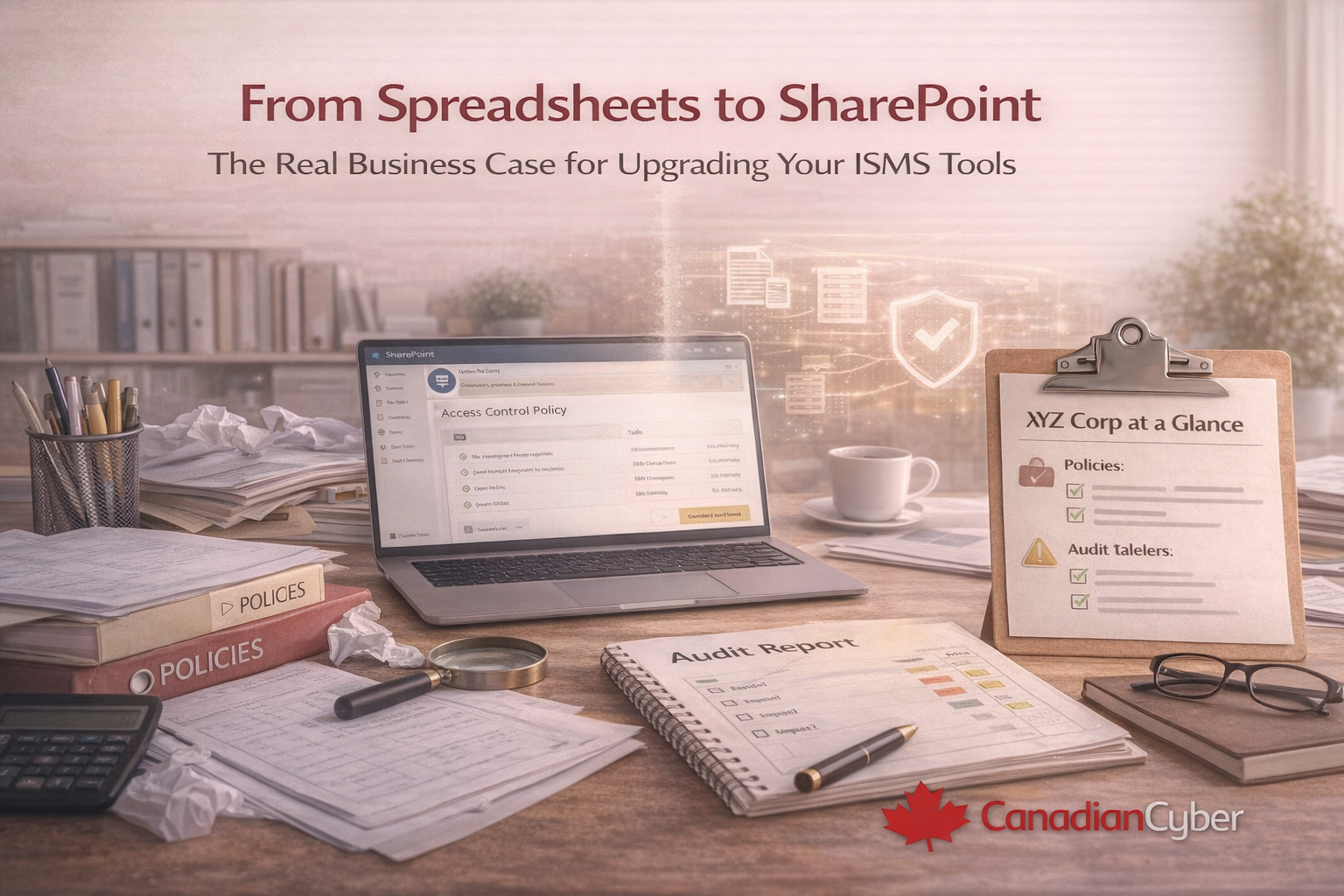
From Spreadsheets to SharePoint
The Real Business Case for Upgrading Your ISMS Tools
Spreadsheets don’t fail overnight. They fail slowly until audits get serious and customers ask harder questions.
That’s when “cheap” becomes expensive.
Every organization starts the same way: a few spreadsheets, some Word documents, and a shared folder named
“ISO Stuff – Final FINAL v3.”
At first, it works. Then the company grows, audits get real, and spreadsheets stop being inconvenient and start being risky.
Why Spreadsheets Break Down as Soon as Compliance Gets Real
Spreadsheets were never designed to run an ISMS. They don’t:
- Enforce ownership across teams
- Track approvals with a real audit trail
- Send reminders for reviews and evidence
- Prove consistency over time
Bottom line: Spreadsheets rely on memory, discipline, and hope. That’s not a compliance strategy.
The Hidden Cost Executives Don’t See
On paper, spreadsheets look “cheap.” In reality, they cost organizations time, momentum, and credibility:
| Hidden Cost Area |
What It Looks Like Day-to-Day |
Business Impact |
| Time loss |
Chasing updates, finding the “latest” version |
Hundreds of hours burned per audit cycle |
| Audit risk |
Missed reviews, inconsistent evidence |
Repeat findings and rework |
| Sales friction |
Slow security responses, delayed questionnaires |
Longer sales cycles and stalled deals |
| Team fatigue |
Fire drills before every audit |
Lower focus on real security improvements |
The Moment Most Teams Realize They’ve Outgrown Spreadsheets
It usually happens during an audit. An auditor asks:
“Can you show me evidence that this control was reviewed on time?”
The answer starts with: “Let me check…”
That pause is expensive because it signals uncertainty.
What Changes When Your ISMS Moves to SharePoint
A SharePoint-based ISMS doesn’t replace your people. It replaces the manual glue holding everything together.
Suddenly:
- Policies live in one controlled place
- Versions are tracked automatically
- Approvals are logged with real audit trails
- Evidence is easy to find (and consistently named)
- Everyone works from the same source of truth
| What You Need |
Spreadsheets |
SharePoint ISMS |
| Approvals + audit trail |
Manual notes, hard to prove |
Workflow approvals + history by default |
| Evidence consistency |
Scattered files, naming chaos |
Central libraries + structure + timestamps |
| Ownership |
Often unclear or single person dependent |
Assigned owners + visible accountability |
| Reminders + schedules |
Calendar guessing, missed reviews |
Automated reminders + recurring reviews |
Collaboration Without Chaos
Spreadsheets force serial work. SharePoint enables real collaboration:
- IT, HR, and Operations work in parallel
- Comments, approvals, and updates happen in one place
- No emailing files back and forth
Automation That Actually Saves Time
With SharePoint and Microsoft 365, automation removes friction without making compliance complex:
- Policy review reminders are automatic
- Evidence uploads follow consistent structure
- Tasks are assigned and tracked with clear ownership
- Audit trails exist by default
Executives Care About Outcomes, Not Tools
When leaders upgrade ISMS tools, they see business outcomes:
- Faster audit preparation
- Fewer repeat findings
- Shorter sales cycles (faster security responses)
- Stronger customer trust
- Lower compliance fatigue across teams
A Familiar Canadian Story
A mid-size Canadian company ran ISO 27001 on spreadsheets for years. Nothing “failed.”
But audits were painful, reviews were missed, and security questionnaires took weeks.
After moving to a SharePoint ISMS:
- Audit prep time dropped sharply
- Teams stopped chasing documents
- Leadership gained real visibility
Want to see what “audit-ready by design” looks like?
Get a structured SharePoint ISMS that centralizes policies, evidence, ownership, and approvals inside Microsoft 365.
Why SharePoint Beats Generic SaaS for Many Teams
Unlike cloud-only GRC tools, SharePoint:
- Lives inside your Microsoft 365 tenant
- Keeps compliance data under your control
- Integrates natively with Teams, Outlook, and Power Automate
- Scales as frameworks expand (ISO, SOC 2, privacy laws)
You already pay for Microsoft 365.
The win comes from structuring it properly for an ISMS.
How Canadian Cyber Makes the Transition Easy
Canadian Cyber helps organizations move from spreadsheets to a real ISMS by:
- Designing SharePoint portals aligned to ISO 27001 and SOC 2
- Automating review cycles, approvals, and evidence workflows
- Enabling year-round audit readiness (not audit-season panic)
Final Thought
Upgrading your ISMS tools isn’t about software. It’s about control, confidence, and credibility.
Stop managing compliance. Start running it.
Ready to upgrade from spreadsheets to a real ISMS?
Centralize policies, evidence, and ownership in SharePoint then automate the busywork with Microsoft 365 workflows.
Stay Connected With Canadian Cyber
Follow us for practical insights on ISMS automation, ISO 27001, SOC 2, and Microsoft 365 compliance: