email-svg
Get in touch
info@canadiancyber.ca

A vCISO Patch & Hardening Checklist

A practical SharePoint on-prem security checklist for 2026. Learn how vCISOs approach patching, hardening, logging, and admin controls to secure SharePoint Server farms before end of support.
Main Hero Image
SharePoint Server On-Prem • 2026 Risk • Patch + Hardening • vCISO Checklist

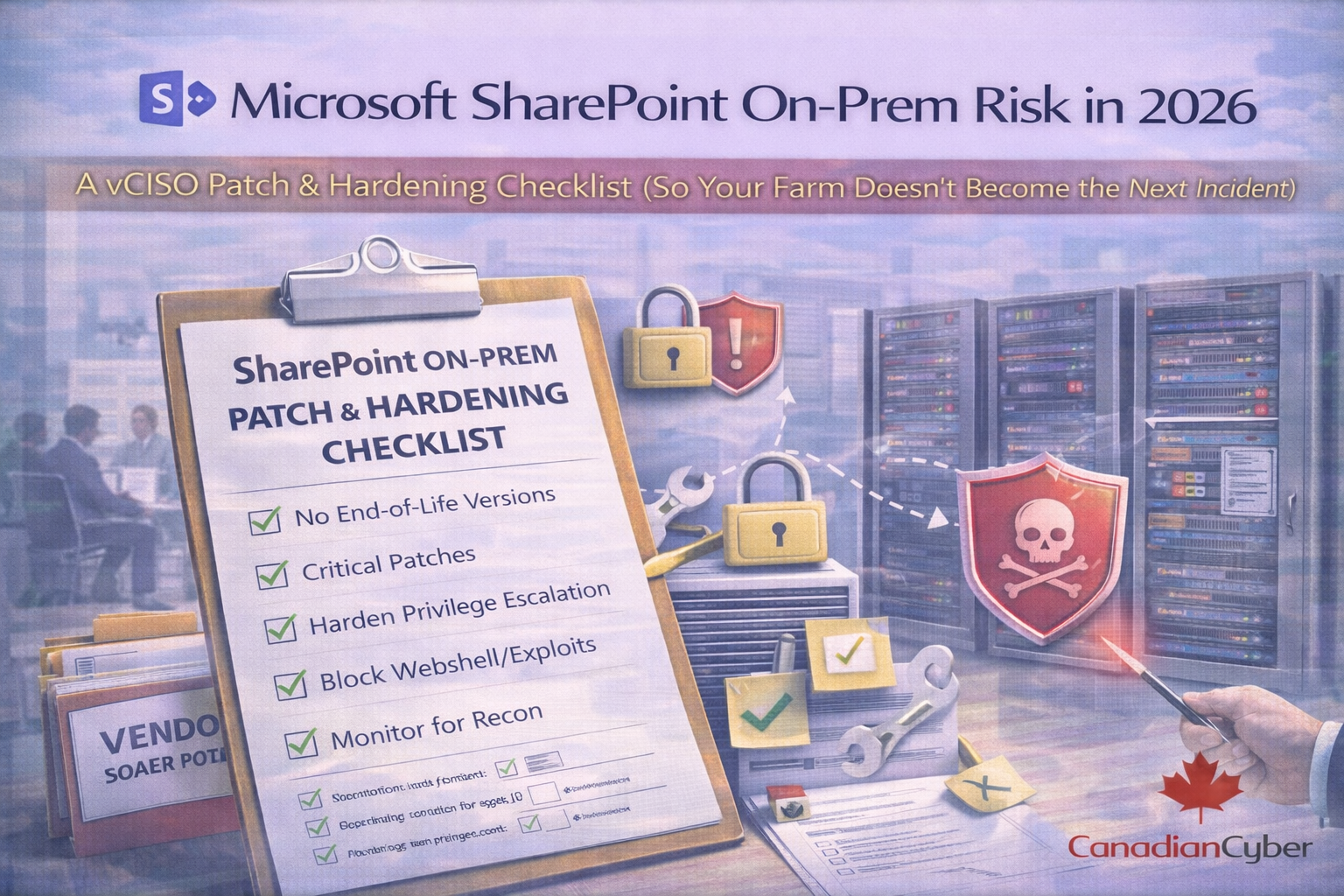
Microsoft SharePoint On-Prem Risk in 2026

A vCISO Patch & Hardening Checklist (So Your Farm Doesn’t Become the Next Incident)

If you still run SharePoint Server on-prem, 2026 is not business as usual. It’s a risk cliff.

  • SharePoint Server 2016 and SharePoint Server 2019 both reach end of support on July 14, 2026 (no security updates after that date).
  • On-prem SharePoint has been a high-value target in real exploitation campaigns, where guidance included rapid patching plus mitigations like enabling AMSI and rotating ASP.NET machine keys.

The question isn’t “Should we patch?” It’s: Do we have a patch and hardening plan that’s provable, repeatable, and fast enough for today’s threat pace?

Deadline risk
2016/2019 stop receiving security updates after July 14, 2026.
Exploit pattern
Patching + AMSI + machine key rotation show up repeatedly in response guidance.
vCISO focus
Make patching and hardening a governed control with evidence.

The 2026 risk story in one paragraph

If you’re on SharePoint 2016/2019, you’re approaching a hard deadline where security updates stop.
If you’re on SharePoint Subscription Edition, you’re supported, but you still need current servicing and hardening to avoid “known exploited” style incidents.
Either way, running internet-facing SharePoint on-prem without tight patching and hardening is an easy way to inherit ransomware risk.

vCISO principle
Make it fast. Make it repeatable. Make it provable.

The vCISO patch & hardening checklist (2026)

This is the checklist we use to get SharePoint farms audit-ready and incident-resistant.

Phase Days Outcome Evidence artifact
Phase 1: Know what you’re defending Day 1–2 Accurate inventory + exposure clarity Farm inventory + exposure diagram
Phase 2: Patch like a control Day 3–6 Cadence + SLAs + rollback path Patch policy + last 2–3 cycles
Phase 3: Harden like production Day 7–11 Reduced attack surface + controlled admin paths Hardening baseline + admin reviews
Phase 4: Prove it works Day 12–14 Patch-to-proof + IR readiness evidence Drill record + tabletop minutes

Phase 1: Know what you’re defending (Day 1–2)

1) Inventory your SharePoint reality (not what people think you run)
Confirm
  • SharePoint version(s): 2016 / 2019 / Subscription Edition
  • farm topology (WFEs, app servers, search, SQL)
  • authentication model (ADFS, SAML, Kerberos/NTLM, etc.)
  • external exposure (internet-facing? VPN? reverse proxy/WAF?)
  • custom solutions, legacy workflows, third-party add-ins
2026 reality check:
SharePoint Server 2016 and 2019 extended support ends July 14, 2026.

Phase 2: Patch like it’s a control (Day 3–6)

2) Establish a patch policy specific to SharePoint
  • Cadence: monthly + out-of-band for urgent issues
  • SLA by severity: exploited critical = hours/days; high = days/weeks
  • Rollback plan: snapshots + tested restore path
3) Patch the platform, not just SharePoint
SharePoint security depends on Windows Server, IIS, .NET, SQL Server, and endpoint protection.
“SharePoint patched” but Windows/IIS/SQL behind is how farms get owned.
4) Apply Microsoft/CISA-style mitigations when exploitation is active
During active exploitation guidance, steps can go beyond “install the update,” such as enabling SharePoint AMSI integration and rotating ASP.NET machine keys as part of patch/response playbooks.

Phase 3: Harden SharePoint like a production app (Day 7–11)

5) Reduce your attack surface
  • remove direct internet exposure where possible (VPN + reverse proxy + WAF)
  • lock down IIS (remove unused features, enforce modern TLS, request filtering)
  • restrict SQL connectivity to only SharePoint servers
6) Treat “admin” as a controlled system
  • minimize farm admins and local admins
  • use dedicated admin accounts (no daily-driver admin)
  • enforce MFA for admin access paths (jump box/PAM)
  • review admin group membership monthly/quarterly
7) Lock down service accounts and secrets
  • least privilege for SharePoint service accounts
  • rotate credentials where practical
  • protect privileged secrets (certs, keys, connection strings)
8) Enable security logging you can actually use

Minimum outcomes:

  • identify who changed what (admin/config)
  • detect suspicious behavior (anomalous IIS requests, new files in sensitive directories)
  • prove retention and review cadence

Phase 4: Prove it works (Day 12–14)

9) Run a “patch-to-proof” drill

Pick one recent patch cycle and prove:

  • ticket opened → approved → deployed → validated → closed
  • downtime window recorded
  • post-patch health checks completed
  • evidence stored in a predictable location
10) Run a tabletop for “SharePoint compromise”

Practice:

  • suspicious .aspx file or abnormal IIS requests
  • containment steps (isolate server, block inbound, preserve logs)
  • key rotation steps (where applicable)
  • restore decision tree
  • communications escalation (IT, leadership, legal, customers)

What auditors will ask for (and what to hand them)

Minimum evidence pack
  • SharePoint version and support status + plan if on 2016/2019
  • patch policy + SLAs + last 2–3 patch cycles (tickets, approvals, validation)
  • hardening baseline (ports/services, IIS, admin access model)
  • admin access reviews (farm admin, local admin, SQL admin)
  • logging/monitoring proof (what you log, who reviews, sample alert/ticket)
  • incident response runbook + one tabletop record
  • risk register entry for on-prem SharePoint (especially if internet-facing)
  • Bonus credibility: AMSI configuration evidence + monitoring (where applicable)

The 2026 decision you can’t avoid

If you’re on SharePoint 2016 or 2019, you need an executive decision path now because after July 14, 2026 you lose security updates.

Choose your path (make it explicit)
  • upgrade to SharePoint Subscription Edition
  • migrate to SharePoint Online (or hybrid)
  • accept unsupported risk (rarely acceptable in regulated orgs)

Make patching and hardening auditable, not tribal knowledge
This is where our ISMS SharePoint solution helps: it turns SharePoint on-prem security into governed workflow + evidence.
We help you set up:
  • a patch calendar with SLAs and approvals
  • hardening baselines and exception handling (risk acceptance with expiry)
  • monthly/quarterly access reviews
  • an evidence library auditors can self-serve (without oversharing)
  • a management review pack showing SharePoint risk posture

Your “SharePoint On-Prem 2026 Readiness” checklist
If you do nothing else this week, do these steps first.
  • confirm SharePoint version + support deadline
  • patch to latest security updates and validate
  • implement a hardening baseline (IIS, exposure, admin paths)
  • ensure AMSI integration is configured where applicable
  • rotate ASP.NET machine keys and follow incident-ready steps when guidance indicates
  • build an evidence pack you can hand to an auditor in 10 minutes

Follow Canadian Cyber
Practical cybersecurity + compliance guidance:

© 2026 Canadian Cyber. All rights reserved.


Related Post