



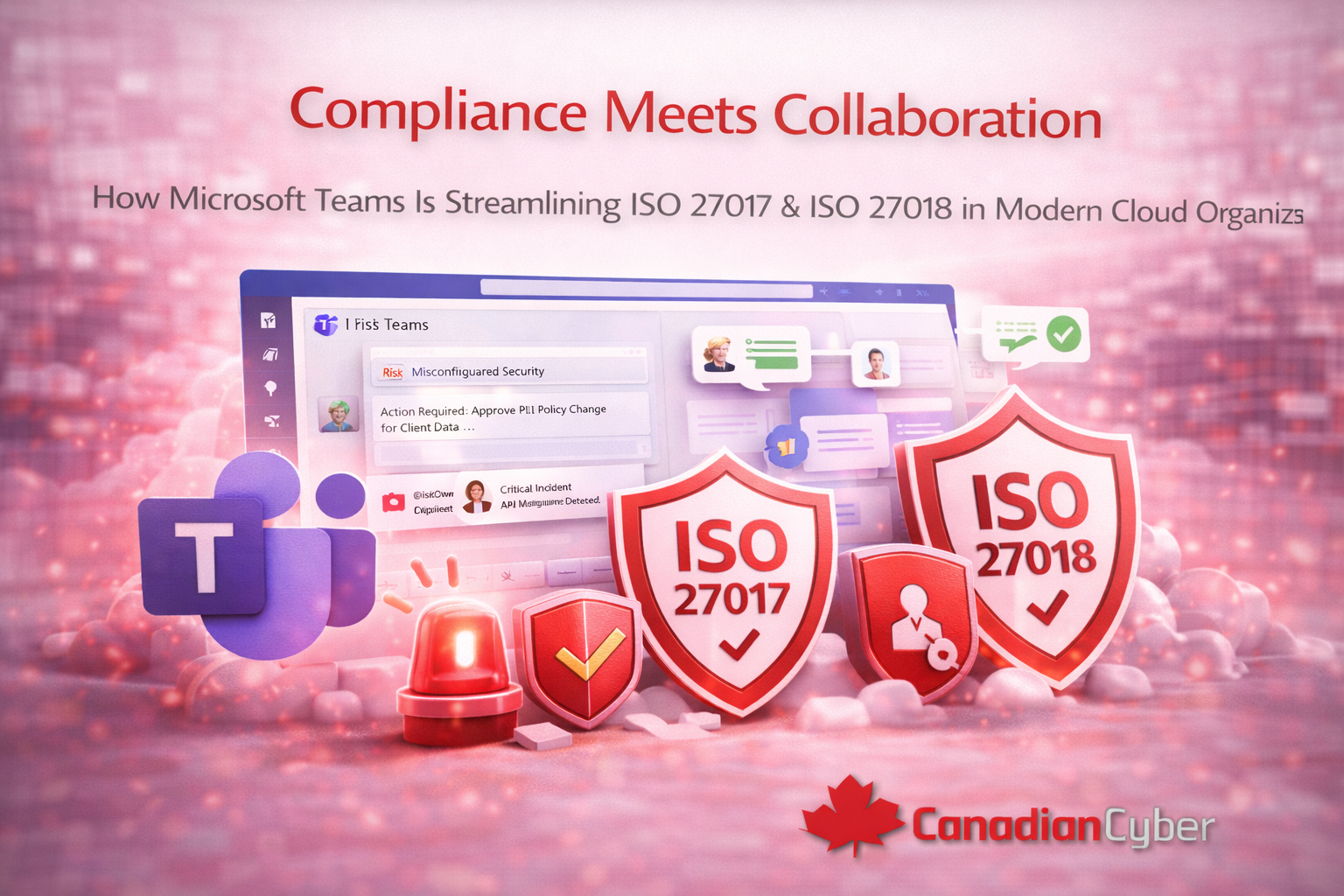
Compliance Meets Collaboration: How Microsoft Teams Streamlines ISO 27017 & ISO 27018 in Cloud Organizations
Compliance used to live in folders and spreadsheets.
In 2026, that model breaks down.
Cloud security and privacy fail in daily work, not in audits.
Put ISO workflows where people work every day.
Teams notifications + approvals reduce missed reviews and audit stress.
The simple question modern teams ask
What if ISO 27017 and ISO 27018 lived inside Microsoft Teams?
Teams is where work happens.
If compliance sits outside that flow, it gets delayed.
Sometimes it gets ignored.
Why inbox-based compliance fails
Here’s the usual pattern:
- A policy needs review.
- An approval is required.
- Someone is asked by email.
- Context is scattered across threads.
The result is predictable.
Reviews get missed.
Evidence is rebuilt during audit season.
What “compliance in Teams” looks like
When ISO workflows are embedded, the experience changes.
- Policy review tasks post to the right Team.
- Owners approve with one click.
- Risk reviews show up on schedule.
- Incident alerts reach the right people fast.
Key idea:
People don’t forget compliance.
The system reminds them.
ISO 27017: cloud security that moves with change
ISO 27017 is about cloud security controls.
In cloud environments, things change quickly.
Teams helps you keep pace.
It makes ownership visible and action immediate.
Example
A cloud configuration risk changes.
The cloud owner gets a Teams message with context.
A task is assigned.
Progress is tracked.
Risk management becomes operational.
ISO 27018: privacy decisions that don’t stall
ISO 27018 focuses on protecting PII in cloud services.
Privacy work often needs quick approvals and clear records.
Example
A PII-related policy is updated.
Privacy owners get a Teams approval request.
Comments stay in one thread.
The approval record is saved for audit evidence.
Privacy gets stronger without slowing delivery.
Incident alerts are harder to miss in Teams
Email can be missed.
Teams is more immediate.
- Alerts post to the correct channel.
- Owners are tagged automatically.
- Response starts with shared context.
Still managing compliance in inboxes and spreadsheets?
Bring ISO 27017 and ISO 27018 into Teams.
Use workflows that create evidence automatically.
The real benefit is culture
Speed matters.
But culture matters more.
When compliance lives in Teams:
- Security feels shared.
- Privacy feels visible.
- Ownership feels normal.
People stop treating ISO as “extra work.”
It becomes part of the workflow.
How Canadian Cyber enables Teams-based compliance
We design ISO workflows inside Microsoft 365.
Teams is the front door.
SharePoint is the system of record.
- Policies, risks, and evidence stored in SharePoint
- Automation powered by Power Automate
- Notifications and approvals delivered in Teams
Final takeaway
Compliance doesn’t fail because teams don’t care.
It fails because it is disconnected from daily work.
When compliance meets collaboration, decisions happen faster.
Evidence is easier to produce.
Audits feel calmer.
Want ISO compliance that fits how your team works?
Build collaboration-first ISO 27017 and ISO 27018 workflows in Microsoft 365.
Stay Connected With Canadian Cyber
Follow us for modern insights on cloud security, privacy, and compliance automation:










