
Get in touch
info@canadiancyber.ca


Rafia Rizwan

April 6, 2026
A practical internal audit guide for MSPs to test shared access, backup controls, and vendor governance with evidence auditors trust.
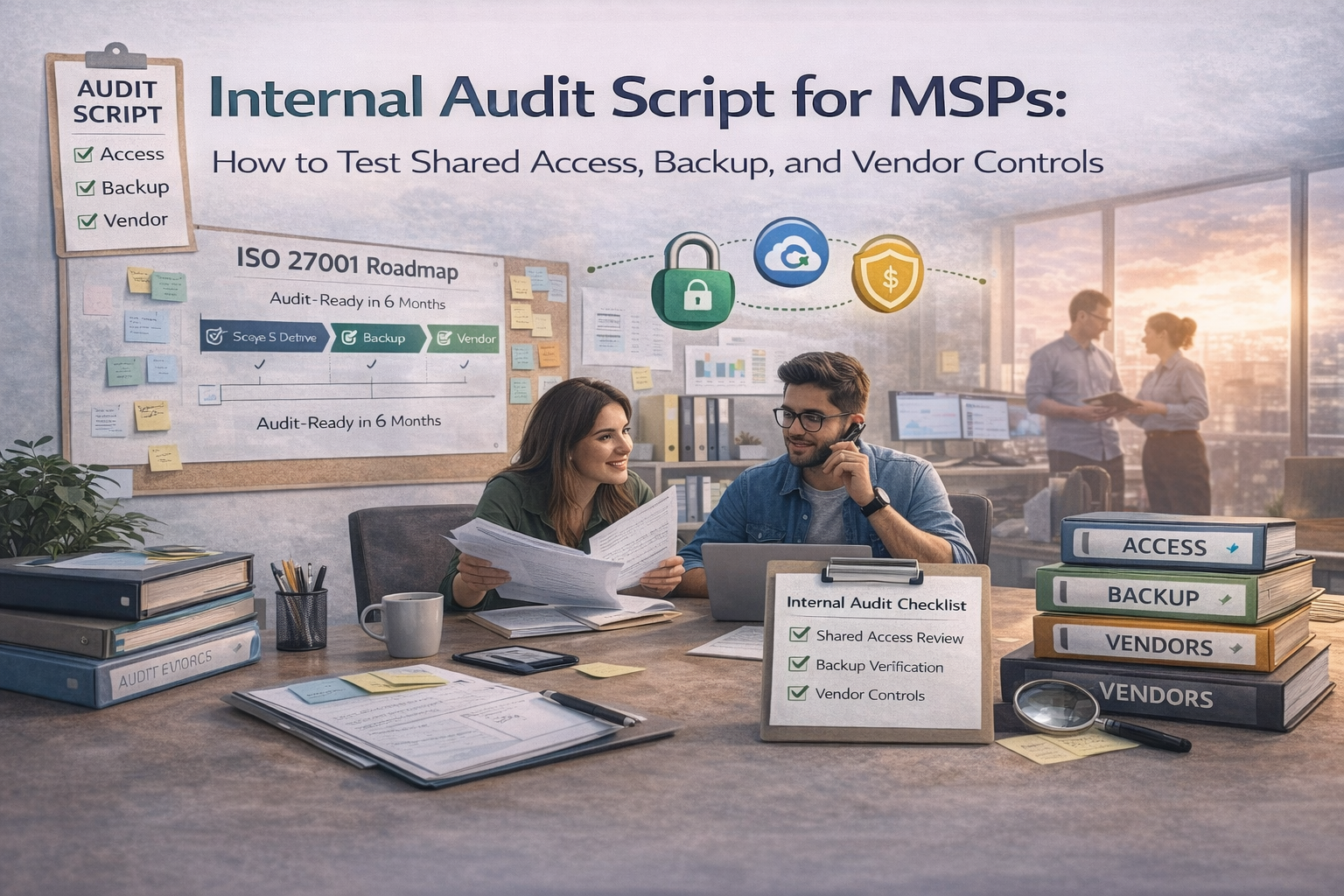
When an ISO 27001, SOC 2, or customer-driven internal audit happens, auditors usually push hard on three questions: who can do what across tenants, can you actually restore what you back up, and are third parties governed instead of just listed.
This is a practical audit script MSPs can run quarterly or as a micro-audit. It is built around test objectives, sample rules, steps, evidence capture, and clear pass or fail logic.
If your ISMS lives in SharePoint, keep the results clean. Store the script output as a short audit memo, save the sample evidence in the quarter’s evidence pack, and log findings plus CAPA in the corrective action register.
This is the MSP’s highest-risk control area. Auditors want proof that privileged access is known, justified, segmented, and reviewed.
| Area | What to do |
|---|---|
| Objective | Confirm privileged access is known, minimal, owned, and reviewed. |
| Sample | Pull full exports from RMM, PSA, M365 or Entra, and PAM if used. Sample 5 to 10 privileged accounts including a break-glass account, a service account, two technician or admin users, and one external vendor account if applicable. |
| Steps | Confirm owner, business justification, MFA where supported, least privilege alignment, and a periodic privileged access review for the quarter. |
| Evidence | Export snapshot, review sign-off, and MFA proof. |
| Pass or fail | Pass if all sampled accounts are justified, MFA-protected, and reviewed. Fail if there are unknown admins, shared admins, no review record, or MFA gaps. |
Search for accounts like admin@, support@, tech@, svc@, or noc@. If they exist, the audit question is not just whether they exist. It is whether they are governed tightly.
Fail:
shared admin accounts with no governance.
Select three customer tenants: one largest client, one regulated or high-risk client, and one smaller client. Then sample two to three technicians per client and verify they only have access to the clients they should support and only at the role level they actually need.
Pull three vendor access instances from the last quarter, or three active vendor accounts. Verify there is an approval record, the access is time-bound, least privilege is applied, and logs or session records exist where the platform supports them.
This is the “prove you can restore” section. Backups do not impress auditors by existing. They impress auditors when you can show that coverage is defined, failures are corrected, restores are tested, and backup administration is hardened.
Sample three customers using the same logic as before: largest, high-risk, and small. For each one, sample a server or workload backup, an M365 or SaaS backup if offered, and one critical configuration backup such as firewall, switch, or export.
| Check | What good looks like |
|---|---|
| Backup inventory | What is backed up is defined per client. |
| Frequency and retention | Matches contract terms or internal expectations. |
| Failure handling | Failed jobs create tickets and there is closure evidence. |
This is the backup control auditors trust most. Select two restore tests from the last quarter, or run one immediately if records are missing. One should be file-level and one should be a system, application, database, or VM restore.
Fail:
backups exist, but restores are not tested or not documented.
Pull the backup admin role list, sample three backup admin accounts, and confirm least privilege, MFA, deletion protection or immutability where feasible, and a break-glass process if needed.
MSP supply chain governance must be provable. Auditors want to see vendor tiering, evidence reviews, access mapping, and renewal discipline before a problem happens.
Pull the vendor register and sample five vendors: two critical, two high, and one medium. Confirm service, data type, access type, tier, contract owner, last review date, and next review date are all populated. Critical vendors should have assurance evidence such as SOC 2, ISO material, or internal security review notes.
Sample three critical vendors that can access customer data or environments. Document what they can access, how access is granted, how activity is logged, and whether contract terms cover incident notification, confidentiality, and data return or deletion expectations.
Look ahead to the next 90 days of critical vendor renewals. Confirm renewal dates are tracked and that review tasks are created 30 to 60 days before renewal. If assurance is missing, there should be a decision record showing accepted risk, conditional approval, or a replacement plan.
| Vendor governance proof | Why it matters |
|---|---|
| Tiered register with dates | Shows governance exists beyond a static list. |
| Access path and contract checklist | Shows the MSP understands vendor exposure and obligations. |
| Renewal review tasks and decisions | Shows vendor oversight happens before risk becomes an incident. |
For every failed test, record findings with a simple chain that makes the issue easy to understand and easy to fix.
The best MSP internal audits do not try to test everything at once. They focus on the control areas where trust is most exposed: shared access, recoverability, and vendor governance. When those are sampled well, evidenced cleanly, and tied to corrective actions, the whole audit gets easier.
That is how you turn internal audit from a quarterly fire drill into a repeatable operating discipline.










