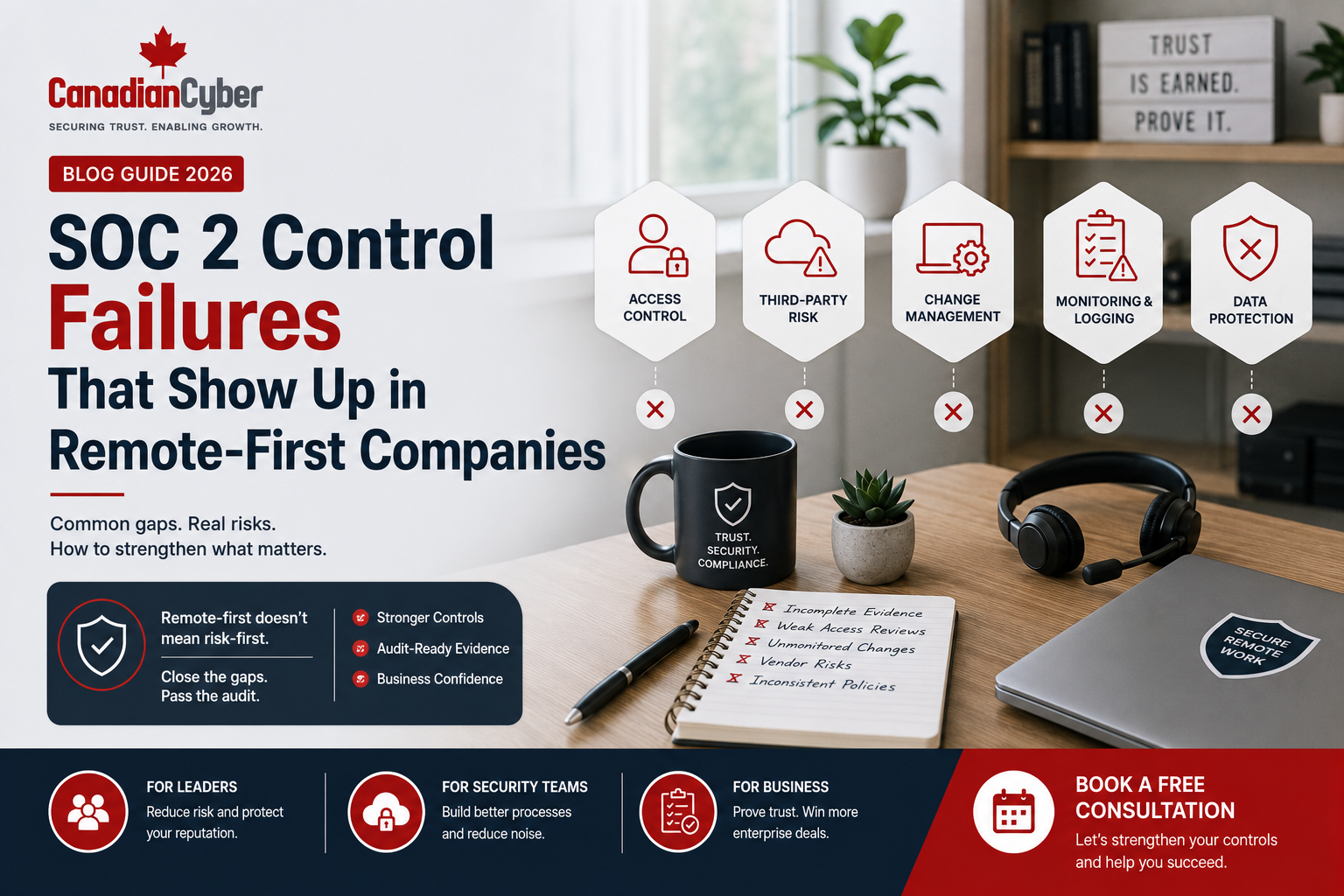
SOC 2 • Remote-First Companies • Control Failures • Audit Readiness • SaaS Security
SOC 2 Control Failures That Show Up in Remote-First Companies
Remote-first companies can scale quickly, hire globally, and operate across time zones. But remote work also creates SOC 2 control challenges around access, devices, vendors, evidence, offboarding, support data, AI tools, and incident response.
Quick Answer
Remote-first companies often fail SOC 2 controls because access, devices, vendors, evidence, onboarding, offboarding, change management, incident reporting, and data handling are not managed consistently across distributed teams.
Common failures include missing access review evidence, weak termination records, unmanaged endpoints, incomplete vendor reviews, scattered audit evidence, informal production access, undocumented support access, untested incident response, and unclear AI tool usage.
Practical takeaway: Remote-first SaaS companies should build structured controls, assign owners, centralize evidence, use automated reminders, and test readiness before the SOC 2 audit period.
Why Remote-First SOC 2 Is Different
Remote-first companies can scale quickly. They can hire globally, reduce office costs, operate across time zones, and use cloud tools, SaaS platforms, collaboration apps, and flexible workflows.
But remote-first work creates a different kind of SOC 2 challenge. Controls that were easy to manage in one office become harder when employees work from home, contractors join from different regions, support teams use multiple tools, developers push code from personal networks, and company data moves through cloud platforms, chats, tickets, shared drives, video calls, AI tools, and personal devices.
For remote-first SaaS companies, SOC 2 failures often do not happen because the company has no security tools. They happen because controls are informal, evidence is scattered, access is not reviewed, onboarding and offboarding are inconsistent, and remote work practices are not fully reflected in the control environment.
Remote-first is not a SOC 2 problem. Poorly controlled remote-first operations are.
Failure 1: Offboarding Is Not Fully Evidenced
Offboarding is one of the most common SOC 2 failure areas in remote-first companies. When employees and contractors are remote, access removal may depend on HR, IT, managers, payroll, identity providers, and multiple SaaS tools working together.
| What Goes Wrong | Evidence Auditors May Ask For |
|---|---|
| Termination notice is sent late, contractor end dates are not tracked, some SaaS tools are missed, or former users remain in Slack, GitHub, cloud tools, or support systems. | Termination checklist, offboarding ticket, HR termination notice, access removal record, identity provider logs, device return or wipe evidence, and contractor end-date tracker. |
Practical rule: A remote employee is not offboarded until access is removed and evidence is saved.
Failure 2: Access Reviews Are Late, Incomplete, or Too Informal
Remote-first companies often use many SaaS tools. That means access reviews are more important, not less.
Systems commonly missed in access reviews:
Slack or Teams
Microsoft 365
AWS, Azure, or GCP
Support ticketing tools
CRM platforms
Finance systems
AI platforms
| What Goes Wrong | How to Fix It |
|---|---|
| Only core systems are reviewed, support tools are skipped, contractors are not reviewed, admin access is not separated, exceptions are not documented, and evidence is not retained. | Build an access review schedule, define critical systems, assign system owners, review privileged access separately, track exceptions, and save exports and approvals in an evidence library. |
An access review is not complete until exceptions are resolved or formally accepted.
Failure 3: Remote Devices Are Not Managed Properly
Remote-first employees may work from laptops, personal devices, mobile phones, tablets, or contractor machines. SOC 2 auditors and enterprise buyers want to know how company data is protected on endpoints.
| Common Device Gaps | Evidence to Prepare |
|---|---|
| Employees use unmanaged devices, encryption is not verified, endpoint protection is incomplete, device inventory is missing, patching evidence is not retained, or mobile access is unmanaged. | Asset inventory, device encryption report, endpoint protection report, MDM report, patch compliance report, device assignment record, acceptable use policy, and BYOD policy where applicable. |
Practical rule: Remote work requires endpoint evidence, not only endpoint tools.
Failure 4: Security Awareness Training Is Too Generic
Remote-first employees face different risks. They may use home networks, collaboration tools, cloud drives, AI tools, personal devices, and async communication. Generic annual training may not be enough.
| What Goes Wrong | How to Fix It |
|---|---|
| Training completion exists but there is no behavior evidence, new hires are trained late, contractors are excluded, phishing training is missing, AI guidance is missing, and high-risk teams do not receive role-based training. | Create annual and new hire training, add role-based modules, track overdue users, use quizzes or phishing simulations where practical, and store reports in the SOC 2 evidence library. |
Training evidence is stronger when it shows people learned what matters for their role.
Failure 5: Support Access Is Poorly Controlled
Remote support teams may access customer data through tickets, screenshots, admin panels, logs, or support tools. For SaaS companies, this is a high-risk SOC 2 area.
Support access failures may include:
Practical rule: Remote support access should be treated as a critical SOC 2 control area.
Failure 6: Change Management Is Too Informal
Remote-first engineering teams move fast. That speed can create SOC 2 problems if change management evidence is weak. Changes may be approved in chat, pull requests may not show review evidence, production releases may not be linked to tickets, rollback plans may be missing, and developer production access may be too broad.
For SOC 2, “we discussed it in Slack” is not strong change approval evidence.
Failure 7: Vendor Risk Is Not Managed Across Remote Tools
Remote-first companies rely heavily on SaaS vendors. Each tool can become part of the risk environment. AI tools, collaboration platforms, support systems, monitoring tools, HR systems, and development tools should not be adopted without review.
| Vendor Evidence Auditors May Ask For | How to Fix It |
|---|---|
| Vendor register, critical vendor list, vendor risk assessments, SOC 2 reports from vendors, ISO certificates, DPA records, subprocessor list, AI vendor reviews, and vendor issue tracker. | Create a vendor register, classify vendors by risk, review vendors before onboarding, collect assurance reports, track renewals, and include AI tools and remote work tools. |
Practical rule: Every remote tool used by employees may become a vendor risk question.
Failure 8: Incident Reporting Is Not Clear for Remote Employees
Remote employees may notice suspicious activity but not know how to report it. They may report issues through random channels, ignore phishing emails, delay reporting lost devices, or fail to escalate privacy issues from support and operations.
Remote employees should know exactly where to report suspicious activity.
Failure 9: Audit Evidence Is Scattered Everywhere
This is one of the biggest SOC 2 pain points. Remote-first companies often work across many systems, so evidence ends up in Slack messages, personal folders, email, screenshots, cloud drives, chat approvals, ticket comments, and different team workspaces.
The fix is to create a central evidence workspace, map evidence to controls, assign evidence owners, use naming rules, track status and due dates, and use reminders for recurring evidence.
Practical rule: SOC 2 becomes harder when evidence is collected after the audit request instead of during normal operations.
Failure 10: AI Tool Use Is Not Governed
Remote-first teams often adopt AI tools quickly. This can create privacy, confidentiality, and procurement risks when employees use unapproved AI tools, paste customer data into prompts, summarize support tickets with unreviewed tools, or use AI with source code without guidance.
| AI Governance Evidence | What It Supports |
|---|---|
| AI acceptable use policy | Defines approved and prohibited AI use. |
| AI tool inventory | Shows which tools are used. |
| AI vendor review | Shows vendor and data handling review. |
| Prompt and output handling rules | Controls sensitive data use. |
| Training records | Proves employees were informed. |
Remote-first companies should treat AI governance as part of security and privacy control design.
Failure 11: Management Review Does Not Reflect Remote Work Risks
Management review should show leadership oversight of the control environment. In remote-first companies, leadership should review remote access risks, contractor risks, training metrics, device compliance, vendor risk, audit findings, AI risks, and corrective actions.
Practical rule: Management review should show that leadership understands how remote work affects security.
Failure 12: Policies Do Not Match Reality
Remote-first companies sometimes borrow generic policies. The problem is that policies do not match how the company actually works. Remote work policy may be missing, BYOD rules may be unclear, support data handling may not be documented, AI acceptable use may be missing, and change management may not match engineering practice.
SOC 2 policies should describe how the company actually operates, not how it wishes it operated.
Remote-First SOC 2 Readiness Checklist
| Control Area | Ready? |
|---|---|
| Remote onboarding process is documented. | |
| Offboarding evidence is retained. | |
| MFA is enforced across critical systems. | |
| Access reviews include SaaS, cloud, support, finance, and developer tools. | |
| Privileged access is reviewed separately. | |
| Devices are inventoried and protected. | |
| Security awareness training includes remote work risks. | |
| Support access is controlled and reviewed. | |
| Change management evidence is retained. | |
| Vendor register includes remote work tools and AI tools. | |
| Incident reporting process is clear for remote employees. | |
| Audit evidence is centralized. | |
| AI acceptable use is documented. | |
| Management review includes remote-first risks. |
How SharePoint Helps Remote-First SOC 2 Evidence
Remote-first companies need one trusted evidence workspace. Canadian Cyber’s ISMS SharePoint Solution helps organizations manage SOC 2 and ISO evidence inside Microsoft 365.
It can help organize:
Practical rule: Remote-first compliance works better when evidence is centralized, owned, and workflow-driven.
Canadian Cyber’s ISMS SharePoint Solution
Canadian Cyber’s ISMS SharePoint Solution helps remote-first companies manage audit evidence and control ownership inside Microsoft 365.
It can include a SOC 2 evidence workspace, ISO 27001 evidence workspace, risk register, control register, policy library, access review tracker, vendor register, AI governance register, support access tracker, incident register, corrective action tracker, training evidence tracker, management review dashboard, Power Automate reminders, Teams notifications, and client-ready evidence room.
Practical rule: This gives remote-first companies a central system for audit readiness and enterprise trust.
Frequently Asked Questions
Is SOC 2 harder for remote-first companies?
SOC 2 is not automatically harder for remote-first companies, but remote work creates more evidence and control challenges around access, devices, vendors, support data, onboarding, offboarding, and incident reporting.
What SOC 2 controls often fail in remote-first companies?
Common failures include weak offboarding evidence, incomplete access reviews, unmanaged devices, scattered evidence, poor vendor tracking, informal change management, weak incident reporting, and unapproved AI tool use.
How can remote-first companies prepare for SOC 2?
They should centralize evidence, document remote work policies, enforce MFA, review access, manage devices, track vendors, test incident response, govern AI tools, and run a readiness review before the audit period.
Should remote-first companies review contractor access?
Yes. Contractors should be included in onboarding, access review, training, device rules, and offboarding controls where relevant.
Can SharePoint help with remote-first SOC 2 evidence?
Yes. SharePoint can help centralize SOC 2 evidence, control mappings, access reviews, vendor records, incident evidence, training records, corrective actions, and management dashboards.
Can Canadian Cyber help remote-first companies with SOC 2?
Yes. Canadian Cyber supports SOC 2 readiness, remote-first control gap reviews, evidence planning, vCISO services, cybersecurity assessments, incident response tabletop exercises, and SharePoint evidence workspace implementation.
Takeaway
Remote-first companies can pass SOC 2 successfully, but they need controls that match how remote work actually happens.
The biggest SOC 2 failures usually come from unclear offboarding, incomplete access reviews, unmanaged devices, weak support access controls, informal change management, untracked vendors, unclear incident reporting, scattered evidence, unapproved AI tools, and policies that do not match reality.
The solution is not to stop remote work. The solution is to build remote-first controls that are documented, owned, evidenced, reviewed, and tested.
Preparing Your Remote-First Company for SOC 2?
Canadian Cyber can help you identify control failures before the auditor or enterprise buyer does. We support SOC 2 readiness, SOC 2 Type I and Type II preparation, SharePoint evidence workspaces, vCISO services, cybersecurity assessments, incident response tabletop exercises, ISO 27001 alignment, ISO 27017, ISO 27018, and ISO 42001 AI governance. You can also learn more about senior advisory support through Waqar Mehboob’s profile.
Stay Connected With Canadian Cyber
Follow Canadian Cyber for practical guidance on SOC 2 readiness, remote-first security, SaaS compliance, ISO 27001, ISO 42001, ISO 27017, ISO 27018, SharePoint ISMS, audit evidence, cybersecurity assessments, and vCISO support.