



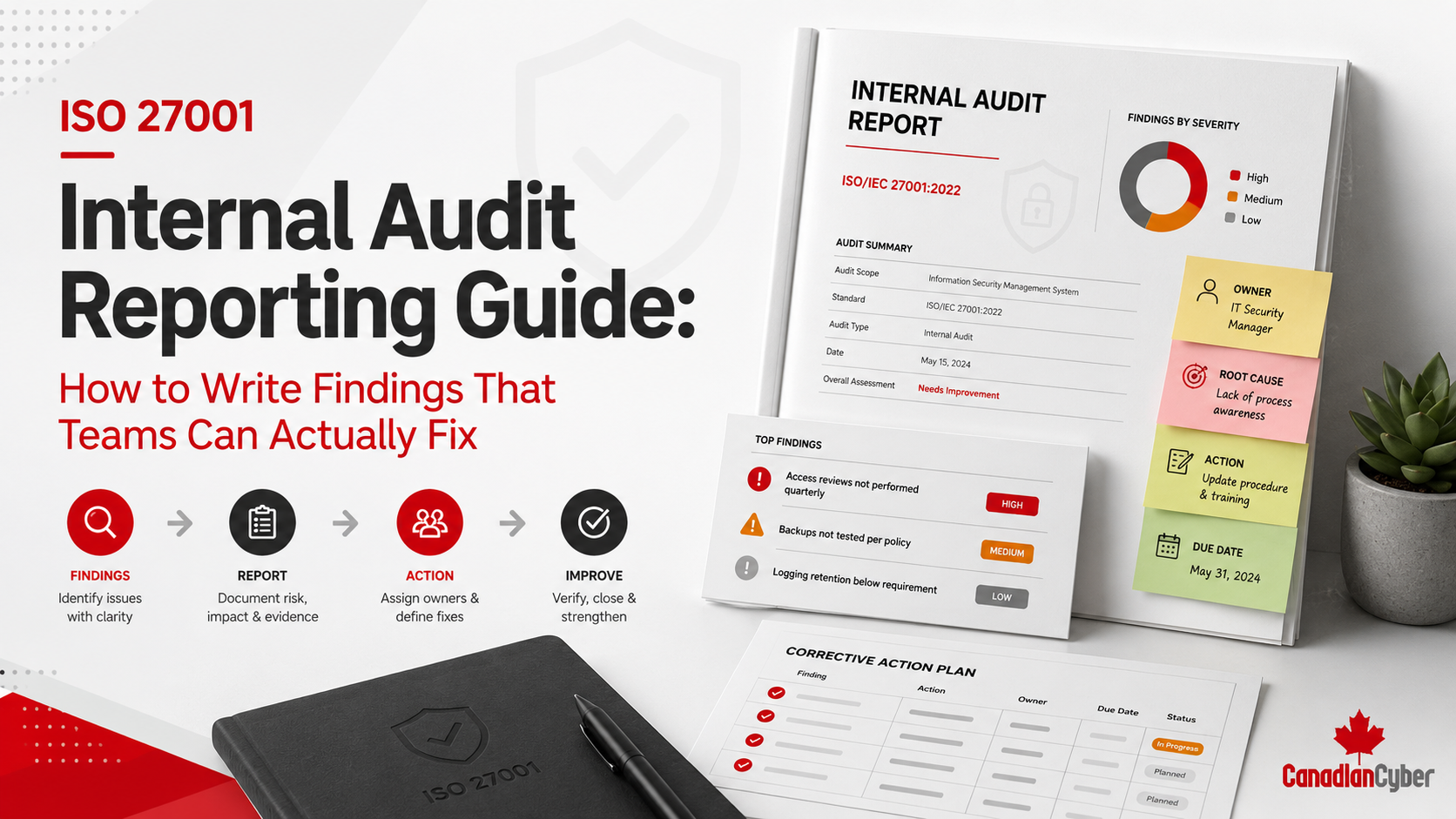
Internal Audit
Audit Reporting
ISO 27001 Internal Audit Reporting Guide: How to Write Findings Teams Can Fix
Learn how to write ISO 27001 internal audit findings that are clear, evidence-based, risk-ranked, owner-ready, and easy for teams to correct before certification or surveillance audits.
Quick Answer
What should an ISO 27001 internal audit finding include?
An ISO 27001 internal audit finding should clearly explain the criteria, condition, evidence, gap, risk, owner, corrective action need, closure evidence, and verification method.
Teams fix findings faster when the report explains what requirement was not met, what evidence showed the issue, why it matters, and what proof is needed for closure.
The goal is simple: write findings that help teams act, not findings that only sound audit-ready.
A Weak Audit Report Creates Confusion
A weak internal audit report creates more confusion than improvement.
The audit may identify real gaps.
The auditor may review the right evidence.
The interviews may reveal important issues.
But if the findings are written poorly, teams will struggle to fix them.
Practical rule: a finding should be written for the team that needs to fix it, not only for the auditor who found it.
The Main Reporting Problem
Many ISO 27001 audit findings describe a problem.
However, they do not explain how the team should fix it.
Weak Finding
“Vendor reviews were incomplete.”
This does not tell the owner which vendors, which period, which evidence, or what closure proof is needed.
Better Finding
“Three of five sampled critical vendors did not have documented annual security review conclusions for the current audit period.”
This gives the owner a clear issue to fix.
Quick Reporting Snapshot
| Reporting Area | What Good Findings Should Include |
|---|---|
| Criteria | The ISO 27001 clause, Annex A control, policy, procedure, or requirement tested. |
| Condition | What the auditor observed during review, interview, or sampling. |
| Evidence | The records, samples, documents, or interviews that support the finding. |
| Gap | What was missing, incomplete, outdated, inconsistent, or not operating. |
| Risk | Why the issue matters to security, certification, clients, or operations. |
| Closure Evidence | The proof needed before the finding can be closed. |
What Makes an Audit Finding Fixable?
A fixable finding has five qualities.
It identifies the exact issue.
It explains what was reviewed.
It shows which requirement was not met.
It explains why the issue matters.
It states what proof is needed.
Practical rule: a finding is not useful until the responsible team can turn it into a corrective action.
Best Structure for ISO 27001 Internal Audit Findings
Use a consistent format so every finding is easy to track, fix, and verify.
1. Start With a Clear Finding ID and Title
Every finding needs an ID.
This connects the report to the corrective action tracker.
The title should tell the reader what failed before they read the full detail.
| Weak Title | Strong Title |
|---|---|
| Access issue. | Privileged Access Review Did Not Include Cloud Administrator Accounts. |
| Vendor problem. | Critical Vendor Reviews Missing Documented Review Conclusions. |
| Policy gap. | Information Security Policy Approval Evidence Missing for Current Version. |
2. Classify the Finding Consistently
Classification should reflect risk, scope, evidence, and repeat nature.
| Classification | Meaning |
|---|---|
| Major Nonconformity | Significant failure, systemic issue, or absence of a required process. |
| Minor Nonconformity | A requirement is not fully met, but the issue is limited in scope. |
| Observation | An issue may become a problem if not addressed. |
| Opportunity for Improvement | The control works, but can be improved. |
| Evidence Gap | Evidence is missing, incomplete, or not strong enough. |
3. Link the Finding to Audit Criteria
Criteria explain what the finding is measured against.
Without criteria, findings can sound like opinions.
Weak Criteria Statement
“Best practice requires vendor review.”
Strong Criteria Statement
“The Supplier Security Procedure requires critical vendors to be reviewed annually, with documented reviewer, review date, risk rating, evidence reviewed, open issues, and next review date.”
Practical rule: criteria turn findings from opinions into audit conclusions.
Need Internal Audit Findings That Teams Can Actually Fix?
Canadian Cyber helps organizations write ISO 27001 internal audit reports that turn evidence into clear corrective actions.
We help prepare findings, risk-ranked summaries, corrective action trackers, SharePoint dashboards, and leadership-ready readiness reports.
4. Describe the Condition Observed
The condition explains what the auditor actually found.
It should be factual, specific, and neutral.
Weak Condition
“Access review was not good.”
Strong Condition
“The Q3 production system access review included standard employees but did not include privileged administrator accounts, vendor accounts, or service accounts.”
5. Name the Evidence Reviewed
The report should mention the evidence that supports the finding.
This helps the owner understand the basis for the issue.
6. Write a Clear Gap Statement
The gap statement explains the difference between the requirement and what was observed.
Use a simple formula.
Formula:
Requirement says X.
Evidence showed Y.
Therefore, the gap is Z.
7. Explain the Risk or Impact
Findings should explain why the issue matters.
Do not exaggerate. But do connect the finding to business, security, or certification impact.
8. Assign a Realistic Owner
Each finding needs an owner.
Do not assign every finding to the ISMS Manager. Assign the owner who can fix the process.
| Finding Area | Likely Owner |
|---|---|
| Policy approval. | ISMS Manager or document owner. |
| Privileged access. | IT Manager. |
| Vendor review. | Operations, Procurement, or Security. |
| Training completion. | HR. |
| Management review actions. | Leadership or ISMS Manager. |
9. Define the Corrective Action
The corrective action should guide the owner.
It should address the root cause, not only the sample.
Weak Corrective Action
“Fix access review.”
Strong Corrective Action
“Update the access review process to include employee users, privileged administrator accounts, vendor accounts, contractors, and service accounts. Complete a revised review, document exceptions, remove unnecessary access, and retain removal evidence.”
10. State Closure Evidence and Verification Method
Many findings stay open because teams do not know what evidence will close them.
Add closure evidence directly to the report.
| Finding | Closure Evidence |
|---|---|
| Policy approval missing. | Approved current policy, approval record, version history, and published copy. |
| Access review incomplete. | Revised access review, exception list, removal tickets, and sign-off. |
| Vendor reviews missing. | Completed reviews, conclusions, risk ratings, and next review dates. |
| Management review weak. | Updated minutes, decision log, action owners, and due dates. |
Weak Finding vs Strong Finding Examples
Access Review
Weak: Access reviews are incomplete.
Strong: The Q3 production system access review did not include privileged administrator accounts, vendor accounts, or service accounts as required by the Access Control Procedure.
Vendor Risk
Weak: Vendor management needs improvement.
Strong: Three of five sampled critical vendors did not have documented annual security review conclusions for the current audit period.
Policy Approval
Weak: Some policies are not approved.
Strong: The current Acceptable Use Policy version 2.0 is published in SharePoint, but no approval record was available for that version.
Recommended ISO 27001 Internal Audit Report Structure
A good report gives leadership a clear summary and gives teams enough detail to fix findings.
Executive Summary: What Leadership Needs
Leadership does not need every technical detail.
Leadership needs readiness, risk, blockers, decisions, and next steps.
| Leadership Summary Area | What to Include |
|---|---|
| Readiness status. | Ready, partially ready, blocked, or at risk. |
| Findings by type. | Major, minor, observation, OFI, evidence gap, or repeat issue. |
| High-risk themes. | Access, vendors, restore testing, management review, or corrective actions. |
| Decisions needed. | Resources, risk acceptance, deadlines, or prioritization. |
Corrective Action Tracker Fields
The internal audit report should feed directly into a corrective action tracker.
The report should not die as a PDF.
Correction vs Corrective Action
This distinction matters.
A correction fixes the immediate issue. A corrective action fixes the root cause.
Correction
Approve the current policy version.
Corrective Action
Implement a SharePoint approval workflow so future policy updates cannot be published without approval evidence.
How to Avoid Findings Teams Cannot Fix
Good reporting is firm, fair, and specific.
SharePoint Reporting and Corrective Action Dashboards
A SharePoint ISMS workspace can turn audit reporting into live remediation tracking.
The report tells the story. The dashboard drives closure.
Track each finding in one place.
Show urgent issues clearly.
Assign accountability.
Show what still needs proof.
Track items that need auditor review.
Show leadership what blocks readiness.
Practical rule: a static report tells the story. A live dashboard drives closure.
ISO 27001 Finding Writing Checklist
Before Writing
- Confirm audit criteria.
- Confirm evidence reviewed.
- Confirm condition observed.
- Confirm affected owner.
- Confirm risk or impact.
While Writing
- Use a specific title.
- State the requirement.
- Describe the condition.
- Explain risk.
- Define closure evidence.
After Writing
- Remove vague language.
- Confirm owner clarity.
- Add to the tracker.
- Define verification method.
- Link to SharePoint evidence.
How Canadian Cyber Helps
Canadian Cyber helps organizations produce ISO 27001 internal audit reports that teams can actually use.
We help move findings from vague comments to clear, risk-ranked, owner-ready corrective actions.
Frequently Asked Questions
What should an ISO 27001 internal audit finding include?
A finding should include criteria, condition observed, evidence reviewed, gap statement, risk or impact, classification, owner, recommended corrective action, closure evidence, and verification method.
Why are some internal audit findings hard to fix?
Findings are hard to fix when they are vague, not linked to criteria, missing evidence details, unclear about risk, assigned to the wrong owner, or missing closure evidence expectations.
What is the difference between correction and corrective action?
Correction fixes the immediate issue. Corrective action fixes the root cause so the issue does not happen again.
Should internal audit reports include closure evidence?
Yes. Closure evidence helps teams understand what proof is needed to close a finding and helps auditors verify remediation.
Can SharePoint help track audit findings?
Yes. SharePoint can track findings, owners, due dates, corrective actions, evidence links, verification status, overdue items, management attention items, and certification readiness dashboards.
Can Canadian Cyber help write ISO 27001 internal audit reports?
Yes. Canadian Cyber helps organizations write ISO 27001 internal audit findings, prepare corrective action trackers, build SharePoint dashboards, and produce leadership-ready certification readiness reports.
Takeaway
A good ISO 27001 internal audit report should not leave teams confused.
It should help them act.
The best findings clearly explain what requirement was tested, what evidence was reviewed, what gap was found, why the gap matters, who owns the fix, and what evidence will prove closure.
That is how audit reporting becomes useful for remediation, certification readiness, leadership visibility, and client trust.
If teams cannot fix the finding, the finding is not written well enough.
Turn ISO 27001 Audit Findings Into Corrective Actions
Canadian Cyber can help your organization write clear findings, define closure evidence, assign owners, build corrective action trackers, and prepare leadership-ready certification readiness reports.
We support ISO 27001 internal audit reporting, evidence review, findings writing, SharePoint ISMS dashboards, vCISO support, SOC 2 readiness, ISO 42001, ISO 27017, ISO 27018, and cybersecurity assessments.
Stay Connected With Canadian Cyber
Follow Canadian Cyber for practical guidance on ISO 27001 internal audits, audit findings, corrective action tracking, certification readiness, SharePoint ISMS, SOC 2 readiness, AI governance, and vCISO services.










