Get in touch
info@canadiancyber.ca


Rafia Rizwan

April 3, 2026
Struggling with audit evidence in SharePoint? Learn a practical folder structure that makes ISO 27001 and SOC 2 audits faster, cleaner, and audit-ready.
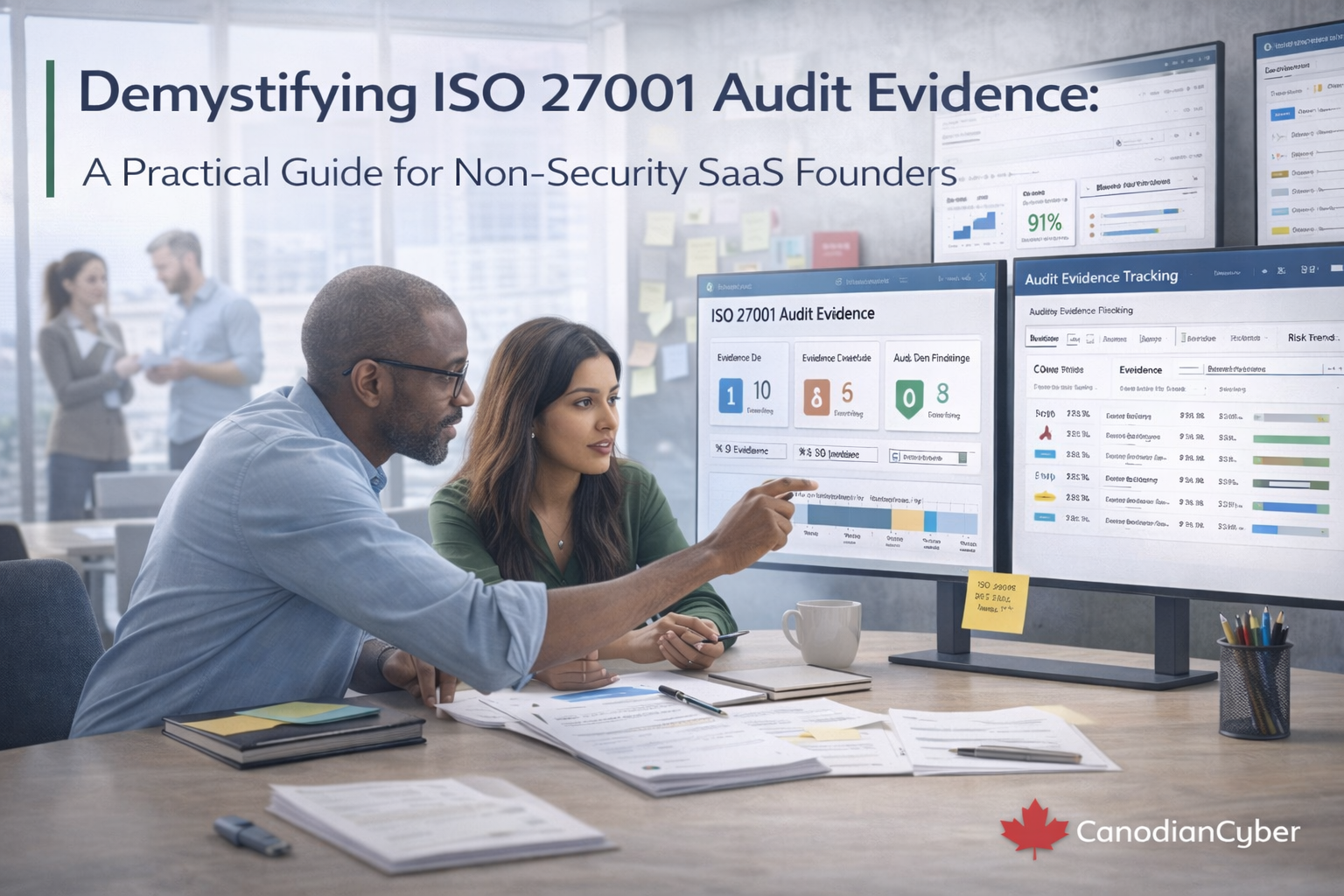
That is the difference between having evidence and being audit-ready by design.
Many teams already run their ISMS in SharePoint. Policies are there. Procedures are there. Some evidence is there too. But when a real assessment begins, the weaknesses show up quickly. The team searches across folders, exports fresh copies, renames screenshots, and stitches together packs while the auditor waits.
This blog shows a practical SharePoint structure that supports fast retrieval, clean traceability, and minimal oversharing. It is designed for companies that already use SharePoint and want audits to feel smoother, faster, and much less chaotic.
Your folder structure should be designed around how auditors actually work. They usually sample by period, by control theme, and by a handful of examples. They do not want thousands of raw files. They want curated, attributable, and understandable proof.
If your SharePoint design supports those patterns, audit retrieval becomes faster by default.
The simplest strong design uses three libraries, not one giant evidence library. Each library has a clear job.
This split keeps day-to-day operations usable for staff while making assessments much cleaner for auditors.
This is not where operating evidence should live. This is where the rules of the game live.
Turn on version history, content approval, and required metadata such as Owner, Status, and Next Review Date. When an auditor asks for the current approved policy, this structure should answer the question immediately.
This is where audits are usually won or lost. Random evidence folders create confusion. Quarter-based evidence packs create sampling logic.
Auditors usually want curated proof for a period. They want to know what happened, when it happened, who approved it, and what exceptions existed. That is why quarter-based structure works so well.
| Folder | What belongs there | Why it matters |
|---|---|---|
| 00_Overview | Quarter index, scope note, major changes, optional exceptions summary | Acts as the auditor landing page |
| 01_Access Reviews | Privileged reviews, joiner/mover/leaver samples, admin exports, sign-offs | Supports access governance sampling |
| 02_Logging & Monitoring | Retention proof, review sign-offs, alert-to-ticket examples | Shows operational monitoring and review cadence |
| 03_Vulnerability & Patch | Scan summaries, SLA tracking, exceptions, remediation proof | Proves trend and treatment, not just findings |
| 04_Change Management | Sampled changes, approvals, deployment proof, emergency change notes | Supports change sampling cleanly |
| 05_Backup & Restore | Inventory, success summaries, restore tests, RTO/RPO references | Restore-tested must be provable |
| 06_Incident Response & Tabletops | Tabletops, PIRs, action tracking, response runbook references | Shows readiness and learning |
| 07_Vendor & Subprocessor | Vendor register snapshots, decisions, review records, exception handling | Shows vendor governance, not just vendor PDFs |
| 08_Training & Awareness | Training completion, phishing summaries, acknowledgements | Proves awareness activity over time |
| 09_Internal Audit & CAPA | Audit plan, report, findings, corrective action export, closure evidence | Shows closure discipline and verification |
| 10_Management Review | Agenda, inputs, minutes, decisions, prior action follow-up | Supports governance review directly |
This structure works well for ISO 27001 and SOC 2 because it mirrors how evidence is actually sampled.
Auditors do not want endless raw exports. For recurring items, create a short evidence pack document that gives context first and underlying artifacts second.
Packs make audits faster because they reduce explanation time and make deeper sampling easier only when needed.
This is one of the best audit accelerators you can add. Create a separate library or restricted folder called Auditor View, broken down by quarter, and only place curated, read-only items there.
The benefit is simple. You can grant auditors access without exposing everything.
Pick one format and enforce it. Bad naming is a small issue until the day of the audit, then it becomes a big one.
Avoid names like “final_final_v2.pdf,” “audit stuff,” or “misc.” They destroy confidence quickly.
| Mistake | Why it hurts | Fast fix |
|---|---|---|
| One giant Evidence folder | Sampling becomes slow and messy | Split by quarter and evidence type |
| Evidence stored by team instead of period | Audit retrieval does not match sampling logic | Put period first, teams second if needed |
| Raw logs and screenshots everywhere | Too much noise, not enough context | Use short evidence packs with links to raw sources |
| No approvals captured | Uploaded does not mean validated | Use SharePoint approvals or a sign-off page |
| No auditor view | Every audit starts with permission confusion and oversharing risk | Build one curated read-only view once |
The best approach is balanced. Evidence Packs should be internally accessible by default, but sensitive items can be restricted. Vendor SOC reports often need tighter access. Auditor View should stay read-only and curated.
This keeps collaboration workable while still protecting sensitive material.
Most companies already have more evidence than they think. What they lack is a structure that lets them prove it quickly, clearly, and safely during an assessment.
A strong SharePoint design does not just store evidence. It organizes it by period, separates it by type, packages it with context, and exposes only what auditors actually need to see.
That is what makes an ISMS audit-ready by design.