email-svg
Get in touch
info@canadiancyber.ca

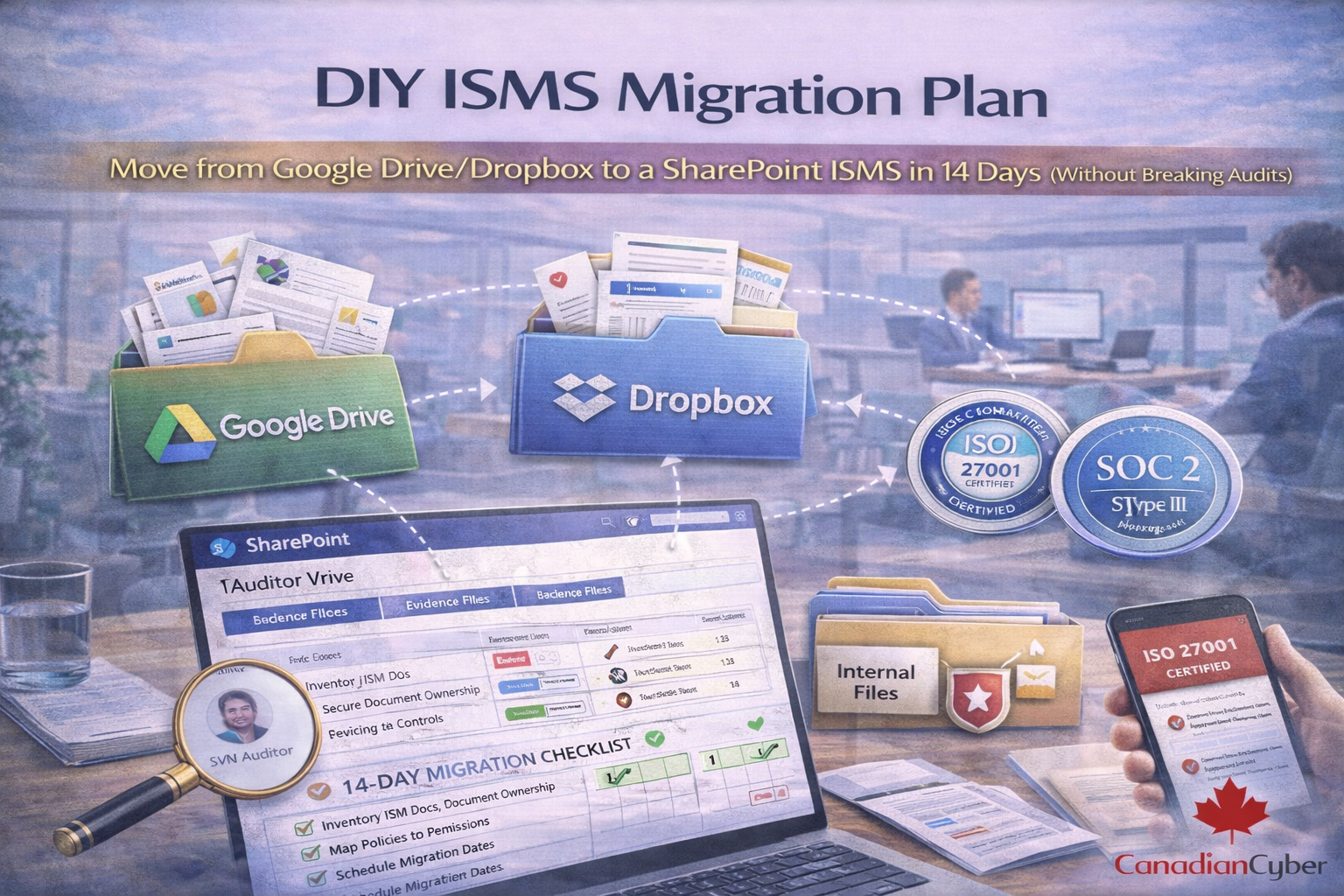
DIY ISMS Migration Plan

A practical 14-day migration plan to move your ISMS from Google Drive or Dropbox to SharePoint with structured evidence, control mapping, and auditor-ready traceability.

Main Hero Image
Migration • Traceability • Evidence • Auditor View • 14 Days

DIY ISMS Migration Plan

Move from Google Drive/Dropbox to a SharePoint ISMS in 14 Days (Without Breaking Audits)

If your ISMS lives in Google Drive or Dropbox, you’re not alone. It’s fast to start but painful to scale.
Evidence gets duplicated, version control breaks, and audits turn into a file-hunt.
This 14-day migration plan helps you move to a SharePoint-based ISMS with clean structure, traceability, and auditor-ready evidence without disrupting daily work.

Common pain
Duplicates, broken version control, and evidence hunts.
Migration goal
Traceability: control → owner → evidence → period.
14-day outcome
Auditor-ready SharePoint ISMS without disrupting work.

The “Drive-based ISMS” problem (you’ll recognize this)

Most teams start with good intentions: one folder for policies, one folder for evidence, one sheet to track tasks.

Then reality hits
  • five versions of the same policy
  • evidence buried in random subfolders
  • no control-to-evidence mapping
  • no ownership or due dates
  • everyone asks: “Where is the latest one?”
Audits don’t fail because you lack documents. They fail because you lack repeatable governance and traceability.

What “SharePoint ISMS” actually means (simple version)

A real SharePoint ISMS is not a SharePoint folder. It’s a system.

  • a policy library with version control and approvals
  • a control register (SharePoint List) that maps controls to evidence
  • an evidence library with metadata (period, owner, control ID)
  • views that show what’s due, missing, or expiring
  • workflows (Teams Approvals + Power Automate) to collect evidence routinely
In other words: less chasing, more system.

Before you migrate: pick your minimum viable ISMS

This is the key to migrating in 14 days. Don’t move everything. Move what makes audits easier first.

Day-14 target state (minimum)
  • Policies library (approved versions)
  • Evidence library (with periods and owners)
  • Control-to-evidence mapping list (ISO 27001 / SOC 2)
  • A simple “Audit Pack” view for auditors
  • A basic evidence cadence (monthly/quarterly reminders)

The 14-day DIY migration plan (realistic + audit-safe)

Use this as a day-by-day runbook. Keep scope tight. Move audit-critical items first.

Day Goal What to do Deliverable
Day 1 Freeze the chaos Announce 2-week window; set temporary source of truth; add “migration in progress” banner to Drive/Dropbox. One-page migration rules
Day 2 Fast inventory List policies, records, and evidence. Track file name, type, owner, last updated, audit relevance. Inventory sheet
Day 3 Create clean site structure Create SharePoint ISMS site and libraries: Policies, Evidence, Audits, Management Review. Create Control Register list. Site + libraries created
Day 4 Naming + metadata Define naming rules; add evidence metadata: Control ID, period, owner, framework, approved, approval date. Naming guide + metadata columns
Day 5 Build the audit brain Create Control Register fields: ID, statement, owner, frequency, evidence required, link, status, last/next dates. Top 25–50 controls populated
Day 6 Migrate policies first Move core policies, enable versioning, set owners, restrict edits, build a policy index view. Policy library stabilized
Day 7 Time-based evidence structure Create evidence folders by month/quarter; create “This Quarter” views; enforce Control ID tagging. Evidence library ready
Day 8 Migrate high-impact evidence Move 20–40 artifacts: access reviews, admin exports, log reviews, awareness metrics, backups/restore, vendor reviews. Evidence tagged + searchable
Day 9 Migrate governance records Move internal audit reports, management review minutes, risk register export, corrective action tracker. Governance libraries populated
Day 10 Build Auditor View Create read-only view: scope, control register view, evidence pack views, key summaries, request log. Auditor View ready (safe)
Day 11 Automate reminders Create 3–5 Power Automate reminders for log reviews, access reviews, vendor reviews, approvals. Automations running
Day 12 Mini internal audit Sample 5 controls: click Control → owner → evidence → period → approval → result. Capture gaps. Gap list + fixes
Day 13 Cutover Lock Drive/Dropbox ISMS folders to read-only; publish “SharePoint is source of truth”; update links. Formal cutover announcement
Day 14 Stabilize Remove duplicates, fix broken links, assign remaining owners, set monthly/quarterly cadence. Stabilized SharePoint ISMS

Common migration mistakes (avoid these)

  • Copying messy Drive folder structures into SharePoint
  • Migrating everything instead of the audit-critical 20%
  • No metadata, so evidence isn’t searchable
  • No control register, so evidence isn’t traceable
  • No ownership, so the ISMS decays again

Migrate fast and become audit-ready (without reinventing everything)
If you want the SharePoint structure out of the box, Canadian Cyber’s ISMS SharePoint solution includes control mapping, evidence libraries, auditor view design, and automations.
You get:
  • control register + mapping (ISO 27001 + SOC 2)
  • evidence libraries with metadata + views
  • auditor view design (no oversharing)
  • automations for evidence collection
  • templates for management review, internal audit, risk acceptance

Download the 14-Day ISMS Migration Checklist
Want a ready-to-run plan? This checklist turns the blog into a task list your team can execute.
Includes:
  • SharePoint site structure blueprint
  • control register starter template
  • evidence metadata model
  • naming conventions guide
  • day-by-day migration task list

Follow Canadian Cyber
Practical cybersecurity + compliance guidance for Canadian teams:

© 2026 Canadian Cyber. All rights reserved.


Related Post