



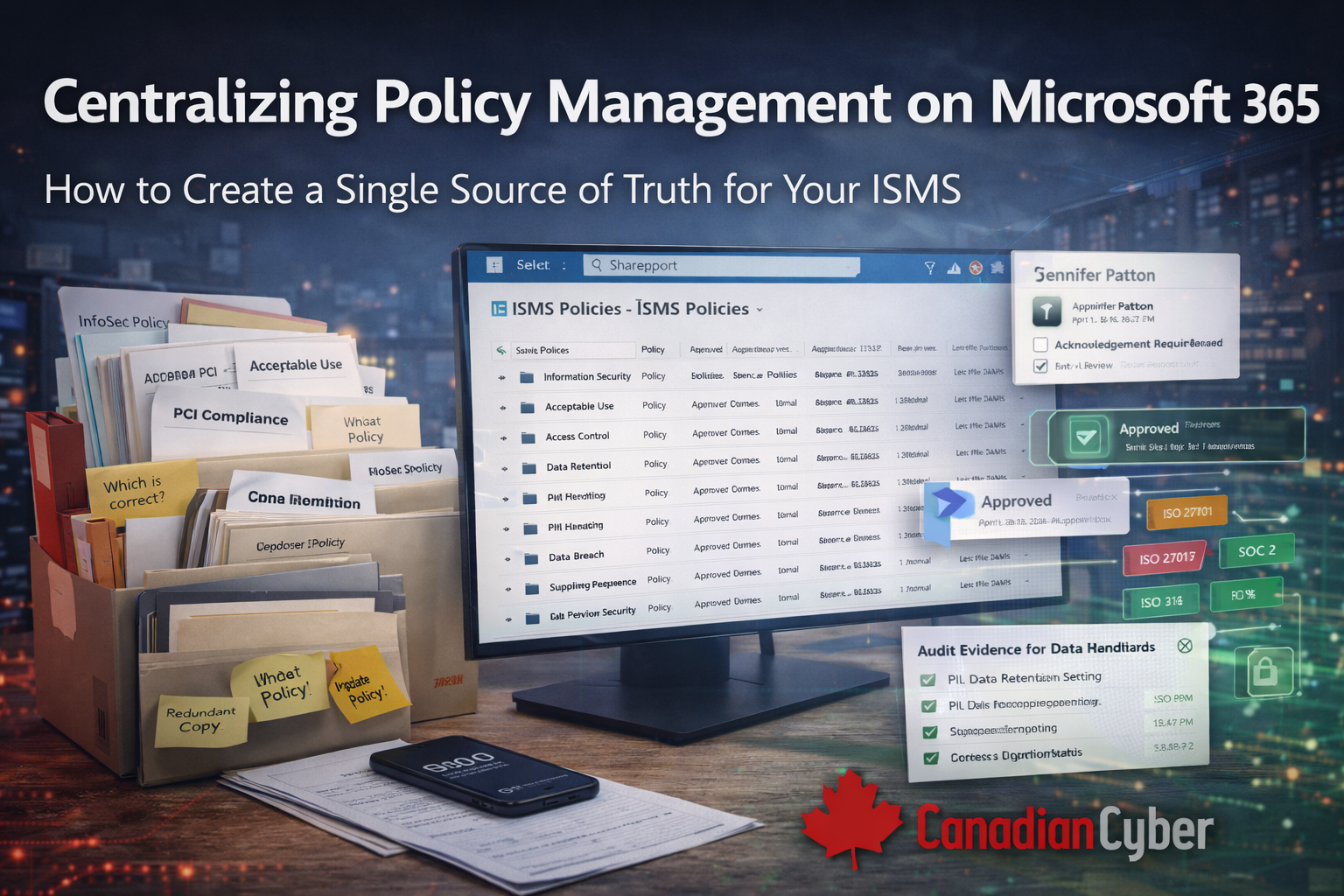
Centralizing Policy Management on Microsoft 365
How to Create a Single Source of Truth for Your ISMS
Most ISMS programs don’t fail because of weak controls.
They fail because nobody knows which policy is the right one.
Different versions. Different folders. Different answers depending on who you ask.
If your ISO 27001, ISO 27017, or ISO 27018 policies live across emails, desktops, and shared drives, you don’t have an ISMS.
You have policy chaos.
The solution is not more documents. It’s centralization.
Why policy sprawl breaks ISMS effectiveness
Policy sprawl is one of the most common audit findings. It usually looks like this:
- Multiple versions of the same policy
- No clear owner or approval history
- Outdated documents still in use
- Teams referencing different “final” copies
Auditors notice immediately. So do employees.
When people can’t trust the policy set, they stop using it. That’s when the ISMS becomes paperwork instead of governance.
The ISMS requirement everyone underestimates
ISO standards don’t just require policies to exist. They require policies to be:
- Approved
- Current
- Accessible
- Consistently used
That’s impossible without a single source of truth.
Quick snapshot: centralized policy management
| Problem | Scattered, outdated, duplicated policies |
| Best practice | One SharePoint-based ISMS portal |
| Outcome | Clear ownership, audit-ready documentation |
| Big win | Everyone references the same approved policy |
Why Microsoft 365 is ideal for ISMS policy management
Microsoft 365 is already part of most organizations. Using SharePoint for your ISMS means:
- No new tools to learn
- Built-in version control
- Native approvals and permissions
- Seamless collaboration
Instead of fighting M365, you use it intentionally.
Step 1: Import all existing policies into one portal
The first step is consolidation. Everything moves into one ISMS SharePoint site. No exceptions.
- Word policy documents
- Excel registers and procedures
- PDFs used for audits
- Department-specific policy copies
This immediately reduces duplication and removes “I have a newer version” conversations.
Step 2: Create a clear policy taxonomy
A strong ISMS is easy to navigate. Best practice is to organize policies by:
- ISO standard (ISO 27001, 27017, 27018, SOC 2)
- Control domain
- Business function (IT, HR, Legal, Operations)
This makes policies easy to find for staff and auditors.
Step 3: Enable co-authoring without losing control
Policies should be collaborative but controlled. SharePoint allows:
- Multiple contributors
- Tracked changes
- Version history
- Controlled publishing
Teams can contribute without creating shadow copies.
Struggling with policy sprawl across SharePoint and shared drives?
Centralize your ISMS policies with Canadian Cyber’s ISMS SharePoint Platform.
Step 4: Automate policy reviews and approvals
One of the biggest ISMS failures is missed policy reviews. A SharePoint-based ISMS fixes this by:
- Assigning policy owners
- Scheduling review cycles
- Capturing approvals digitally
- Maintaining a full audit trail
Auditors don’t ask if policies were reviewed. They ask when and by whom.
Centralization gives you proof in seconds.
Step 5: Remove all other “sources of truth”
This step is critical and often skipped. Once policies are centralized:
- Old shared folders are locked
- Desktop copies are deprecated
- Email attachments are discouraged
- There is only one authoritative location
Everything else is noise.
What auditors see when policies are centralized
When policies live in a proper ISMS portal, auditors see:
| What they ask | What you can show |
|---|---|
| Who owns this policy? | Assigned owner field + accountability trail |
| When was it approved? | Approval record with approver + timestamp |
| Which version is current? | Published view + version control |
| How do you ensure reviews happen? | Review cycles + automated reminders + evidence trail |
Audits move faster. Questions drop. Confidence rises.
Preparing for ISO 27001, ISO 27017, or ISO 27018 audits?
Create a single source of truth for your ISMS on Microsoft 365.
How Canadian Cyber’s ISMS SharePoint Platform helps
The Canadian Cyber ISMS SharePoint Platform is built specifically for compliance not generic document storage.
It helps you:
- Centralize all ISMS policies and procedures
- Apply ISO-aligned structure and metadata
- Automate approvals and reviews
- Stay continuously audit-ready
This is policy management designed for real audits, not theory.
The strategic benefit most teams miss
Centralized policy management doesn’t just help audits. It also:
- Improves staff awareness
- Reduces operational confusion
- Supports security culture
- Scales as standards grow
Your ISMS becomes something people actually use.
Final thought
An ISMS cannot function without trust in documentation. And trust starts with one source of truth.
Centralizing policies on Microsoft 365 with a purpose-built ISMS platform removes chaos, simplifies audits, and strengthens security governance.
Want to eliminate policy chaos for good?
Build your ISMS on a single source of truth with Canadian Cyber’s ISMS SharePoint Platform.
Stay connected with Canadian Cyber
Follow us for practical insights on ISMS design, ISO compliance, and audit automation:










