



MSP Security
Internal Audit
Multi-Client Risk
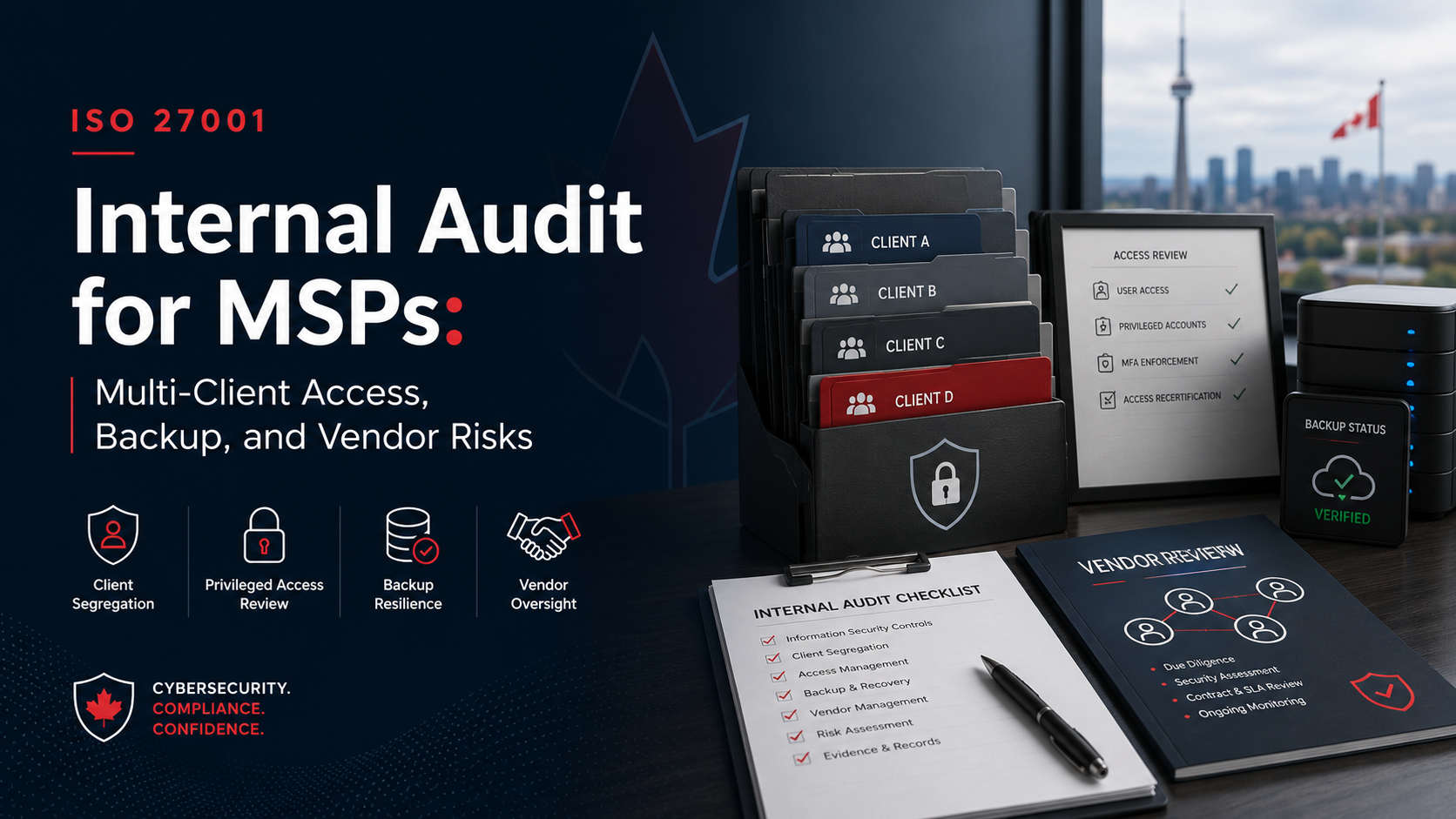
ISO 27001 Internal Audit for MSPs: Multi-Client Access, Backup, and Vendor Risks
Managed Service Providers protect more than their own business. They often protect many client environments at the same time. That makes ISO 27001 internal audit a client trust activity, not just a certification task.
Quick Answer
What should MSPs review during ISO 27001 internal audit?
MSPs should review multi-client access, privileged administrator accounts, client tenant separation, technician offboarding, remote access tools, backup ownership, restore testing, vendor risk, subcontractors, incident response, and client evidence handling.
The audit should prove who can access which client systems.
It should also prove how access is approved, reviewed, removed, monitored, and evidenced.
Bottom line: MSP internal audit should test whether controls work safely across multiple client environments.
Canadian Cyber MSP Audit Support
Prepare Your MSP for ISO 27001 Internal Audit
Canadian Cyber helps MSPs review multi-client access, privileged accounts, backups, restore testing, vendor risk, subcontractors, incident response, and SharePoint-based ISMS evidence.
We help identify gaps, organize audit evidence, verify corrective actions, and prepare for certification, surveillance audits, enterprise client reviews, and cyber insurance renewals.
Quick Snapshot
| MSP Internal Audit Area | What the Auditor Should Check |
|---|---|
| Multi-Client Access | Who can access which client systems. |
| Privileged Accounts | Admin access, emergency access, and shared account controls. |
| Client Tenant Separation | Evidence that client environments are separated. |
| Technician Offboarding | Access removal across MSP tools and client environments. |
| Remote Access Tools | Approval, MFA, logging, session control, and inactive devices. |
| Backup Responsibilities | Who monitors backups, alerts, failures, and restore testing. |
| Vendor Risk | RMM, PSA, backup, endpoint, cloud, identity, and security vendors. |
| Incident Response | Single-client, multi-client, vendor, and platform incident scenarios. |
Why MSPs Need a Different Internal Audit Lens
A standard ISO 27001 internal audit may review policies, risks, vendors, incidents, backups, and corrective actions.
That is useful.
But MSPs need more.
MSPs operate in a multi-client environment. That changes the audit risk.
For MSPs, internal audit should test not only whether controls exist, but whether they work safely across multiple client environments.
Who This Guide Is For
- Managed Service Providers and Managed Security Service Providers.
- IT service companies and cloud service providers.
- MSPs preparing for ISO 27001 certification or surveillance audits.
- MSPs supporting regulated, financial, healthcare, legal, SaaS, or professional services clients.
- MSP owners, executives, service delivery managers, IT managers, and security managers.
- vCISO teams supporting MSPs.
- Internal auditors and compliance leads.
- Canadian MSPs using Microsoft 365 or SharePoint for ISMS evidence.
The Big MSP Audit Question
The most important internal audit question is not only this:
“Do we have security controls?”
The better question is:
“Can we prove that our security controls protect each client environment separately, consistently, and responsibly?”
That question moves the audit from generic documentation to real MSP operating risk.
Core MSP Audit Areas
1. Multi-Client Access Control
Technicians may need access to many client systems. That access must be approved, limited, monitored, and removed.
Audit focus: client access matrix, technician access list, MFA reports, access approval tickets, offboarding records, role-based access, and exceptions.
2. Client Tenant Separation
MSPs often support many tenants, cloud platforms, client folders, and documentation systems.
Audit focus: tenant access matrix, SharePoint permissions, ticketing permissions, credential vault access, and client evidence separation.
3. Privileged Administrator Access
MSPs often hold powerful administrator access. This access can create serious downstream risk.
Audit focus: privileged account inventory, admin reviews, break-glass procedures, session logs, MFA, and removed access evidence.
4. Technician Onboarding and Offboarding
Access risk often appears when technicians join, change roles, or leave.
Audit focus: onboarding checklists, role-based access, HR termination records, offboarding checklists, client tenant removal, and verification sign-off.
5. Remote Access Tools
Remote access tools are essential for service delivery. They are also high risk.
Audit focus: remote access policy, tool inventory, MFA evidence, session logs, unattended access, inactive devices, and vendor review.
6. Backup Responsibilities
Backup responsibility may be shared between the MSP, client, cloud provider, and backup vendor.
Audit focus: backup service inventory, responsibility matrix, backup reports, failure tickets, restore tests, client agreements, and exceptions.
Need to Test Multi-Client Access Before an Audit?
Canadian Cyber can review your client access matrix, privileged accounts, technician offboarding, remote access tools, vendor platforms, and backup evidence before certification pressure arrives.
Backup, Restore, and Vendor Risk
7. Restore Testing
Backup reports show that backups may be running. Restore testing proves that recovery can work.
Audit focus: restore test schedule, results, screenshots or logs, recovery time evidence, issues, corrective actions, and client communications.
8. Vendor and Toolchain Risk
One MSP vendor platform may support many clients. That makes vendor risk multiplied.
Audit focus: RMM, PSA, backup, endpoint, cloud, identity, password vault, ticketing, AI, and subcontracted service vendors.
9. Subcontractors
Subcontractors with client access create both user risk and vendor risk.
Audit focus: contracts, confidentiality terms, training, MFA, time-limited access, access reviews, client approvals, and offboarding.
10. Multi-Client Incident Response
MSP incidents may affect one client, many clients, or the MSP platform itself.
Audit focus: incident response plan, client notification procedure, severity matrix, tabletop reports, vendor incidents, and lessons learned.
11. Client Evidence Handling
MSPs often hold sensitive client records, screenshots, tickets, alerts, diagrams, and configurations.
Audit focus: SharePoint permissions, client folders, evidence classification, secure sharing, retention, screenshot review, and credential handling.
12. MSP-Specific Risk Register
A generic IT risk register is not enough for an MSP.
Audit focus: multi-client privileged access, remote access misuse, restore failure, RMM compromise, credential vault exposure, subcontractor risk, and client notification failure.
MSP Internal Audit Red Flags
| Red Flag | Why It Matters |
|---|---|
| Technicians have access to all clients by default. | This creates unnecessary multi-client exposure. |
| Privileged access is not reviewed separately. | Admin access has higher impact and should receive deeper review. |
| Offboarding only removes Microsoft 365 access. | Client portals, RMM, PSA, backup consoles, vaults, and tools may remain open. |
| Restore testing is not documented. | Backups are not assurance unless recovery has been proven. |
| Critical MSP tools are not marked as critical vendors. | RMM, PSA, backup, endpoint, and password vault vendors can affect many clients. |
| Client evidence is mixed in one folder. | This weakens confidentiality and client separation. |
| Incident response ignores multi-client scenarios. | MSPs need plans for single-client, multi-client, vendor, and platform incidents. |
ISO 27001 Internal Audit Checklist for MSPs
| Audit Checklist Item | Ready? |
|---|---|
| Client access matrix is documented and current. | |
| Privileged access is reviewed separately. | |
| MFA is enforced for MSP tools and client access where applicable. | |
| Technician onboarding access is approved by role. | |
| Technician offboarding removes access from all MSP tools and client environments. | |
| Remote access tools are inventoried and reviewed. | |
| Client environments and evidence are separated. | |
| Backup responsibilities are documented by client or service. | |
| Backup failures are tracked and resolved. | |
| Restore testing is performed and documented. | |
| Critical MSP vendors are identified and risk-rated. | |
| Vendor reviews include RMM, PSA, backup, cloud, endpoint, and security tools. | |
| Subcontractor access is approved, trained, reviewed, and removed when no longer needed. | |
| Incident response covers client-impacting and multi-client scenarios. | |
| Client notification responsibilities are documented. | |
| Client evidence is stored securely and separated. | |
| MSP-specific risks are included in the risk register. | |
| Corrective actions are assigned, tracked, evidenced, and verified. | |
| Management review includes MSP-specific security risks. |
Common Internal Audit Findings for MSPs
Technicians can access more clients than their role requires.
Admin access is missed or hidden inside a general access review.
Former employees are removed from internal systems but not all client tools.
Backup jobs run, but recovery has not been proven.
RMM, PSA, backup, endpoint, and credential tools are not treated as high-risk vendors.
Client records are stored without clear separation or permissions.
The plan does not explain what happens if an MSP tool affects several clients.
Third-party technicians have access without strong approval, review, or offboarding.
MSP-specific risks are missing.
Findings are marked closed without evidence.
How SharePoint Helps MSPs Manage Internal Audit Evidence
A structured SharePoint ISMS can help MSPs manage evidence across clients, tools, controls, risks, and audit activities.
It can also support client-ready evidence rooms, management dashboards, and auditor-ready views.
Canadian Cyber’s ISMS SharePoint Solution Can Organize
MSPs need evidence systems that support both ISO 27001 audit readiness and multi-client service accountability.
How Canadian Cyber Helps
Canadian Cyber helps MSPs prepare for ISO 27001 internal audit with practical, risk-based reviews.
We focus on multi-client access, backup, vendor, incident, and evidence management risks.
We help MSPs understand where their ISMS is strong, where evidence is weak, and where service delivery risk needs better governance.
Canadian Cyber’s MSP-Focused Approach
Canadian Cyber helps MSPs move from generic compliance evidence to service-provider-specific audit readiness.
Our approach can include:
- MSP risk assessment.
- Internal audit planning.
- Evidence gap review.
- Client access mapping.
- Vendor dependency review.
- Backup and restore evidence review.
- Control owner interviews.
- Corrective action roadmap.
- SharePoint evidence workspace.
- Certification readiness support.
Frequently Asked Questions
Why is ISO 27001 internal audit important for MSPs?
ISO 27001 internal audit helps MSPs test whether security controls work across multiple client environments, tools, vendors, technicians, backups, and service workflows.
What makes MSP internal audits different?
MSPs often manage access, systems, backups, vendors, and incidents for many clients. This creates special audit risks around multi-client access, privileged accounts, remote tools, client evidence separation, and shared vendor platforms.
What access evidence should MSPs prepare?
MSPs should prepare access matrices, privileged access reviews, MFA reports, access approval tickets, offboarding evidence, remote access logs, contractor access records, and exception registers.
What backup evidence should MSPs prepare?
MSPs should prepare backup monitoring reports, backup failure tickets, restore test evidence, backup responsibility matrices, client exclusions, backup vendor reviews, and recovery test results.
What vendor risks should MSPs review?
MSPs should review vendors that support remote access, RMM, PSA, backup, endpoint security, cloud hosting, identity, credential management, ticketing, AI tools, and subcontracted services.
Should MSPs include client-impacting incidents in internal audit?
Yes. MSP incident response should cover internal incidents, single-client incidents, multi-client incidents, vendor incidents, and client notification responsibilities.
Can Canadian Cyber help MSPs prepare for ISO 27001 internal audit?
Yes. Canadian Cyber supports ISO 27001 internal audits for MSPs, multi-client access reviews, backup evidence reviews, vendor risk assessments, incident response tabletop exercises, SharePoint ISMS implementation, and vCISO services.
Takeaway
MSPs have a unique security role.
They protect their own business while supporting many client environments.
That means ISO 27001 internal audit should go beyond generic documentation.
It should test multi-client access, privileged accounts, technician offboarding, remote access tools, client environment separation, backup monitoring, restore testing, vendor dependencies, subcontractor access, incident response, client evidence handling, risk register accuracy, and corrective action tracking.
For MSPs, internal audit is not only about certification. It is about proving that client trust is being managed every day.
Ready to Prepare Your MSP for ISO 27001 Internal Audit?
Canadian Cyber can help your MSP prepare for certification, surveillance audit, enterprise client review, or cyber insurance renewal.
We provide ISO 27001 internal audits for MSPs, multi-client access reviews, backup and restore evidence reviews, vendor risk assessments, incident response tabletop exercises, vCISO services, SOC 2 readiness alignment, ISO 27017, ISO 27018, ISO 42001 AI governance readiness, SharePoint ISMS workspaces, and client-ready evidence rooms.
Stay Connected With Canadian Cyber
Follow Canadian Cyber for practical guidance on ISO 27001 internal audits, MSP security, multi-client access, backup risk, vendor risk, SharePoint ISMS, SOC 2, ISO 42001, ISO 27017, ISO 27018, vCISO services, cybersecurity assessments, and certification readiness.










