



Cloud Security
Internal Audit
Cloud Evidence
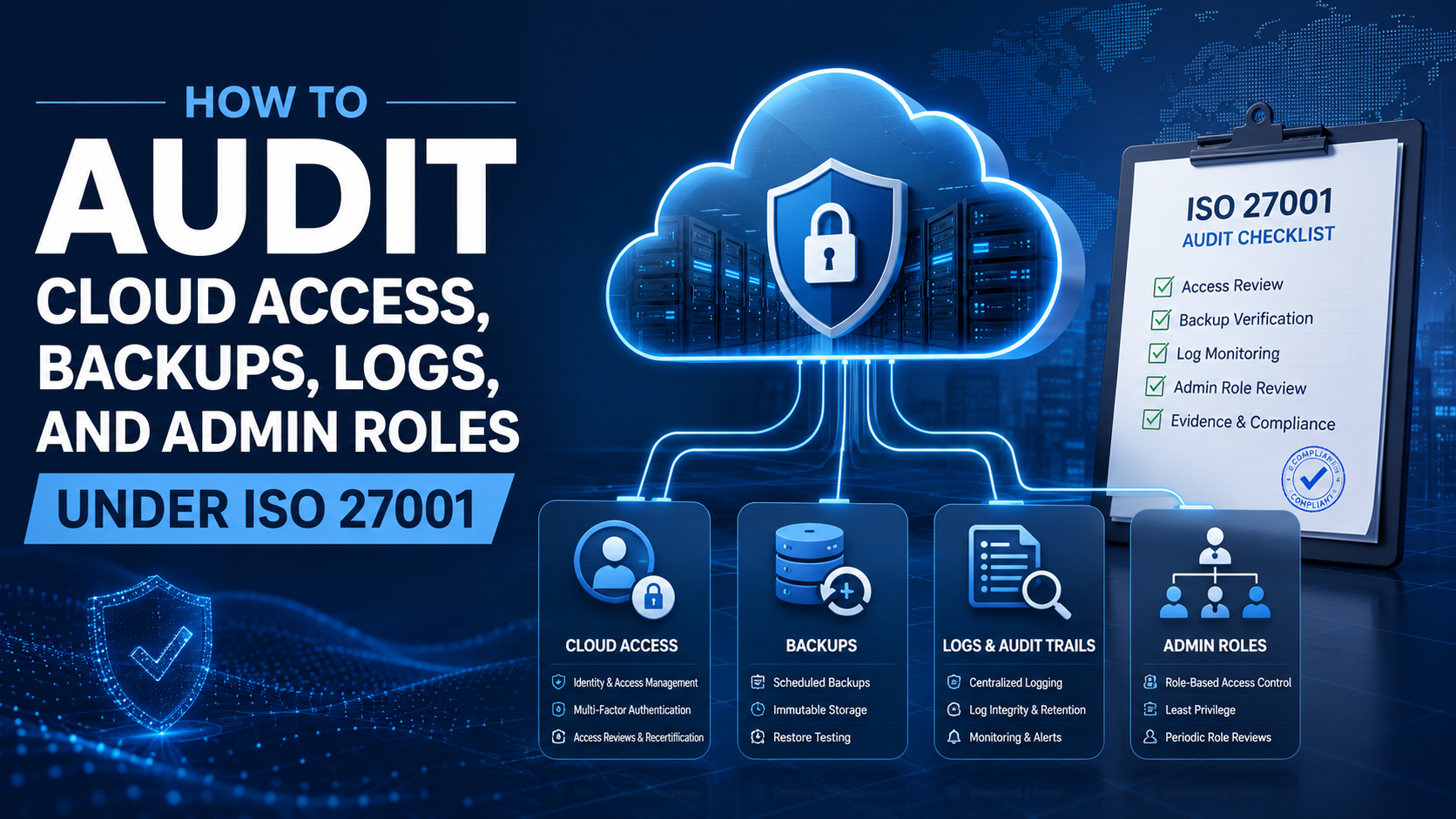
How to Audit Cloud Access, Backups, Logs, and Admin Roles Under ISO 27001
Cloud environments move fast. Users are added, admin roles change, backups run, logs grow, and alerts appear every day. ISO 27001 internal audit should prove that cloud controls are operating, reviewed, documented, and ready for evidence review.
Quick Answer
How should cloud controls be audited under ISO 27001?
Internal auditors should review whether cloud users are approved, access is role-based, privileged roles are restricted, MFA is enforced, backups are configured and tested, logs are collected, alerts are reviewed, and cloud evidence is retained.
The audit should not only confirm that controls exist.
It should confirm that controls are operating, reviewed, documented, and linked to risk treatment, corrective actions, and management review where needed.
Bottom line: Cloud audit evidence should prove approval, review, recovery, monitoring, accountability, and action.
Canadian Cyber Cloud Audit Support
Move Beyond Cloud Screenshots
Canadian Cyber helps organizations audit cloud access, admin roles, backups, logs, monitoring, vendor access, and cloud evidence under ISO 27001.
We support ISO 27001 internal audits, Microsoft 365 and Azure security assessments, SharePoint ISMS workspaces, corrective action tracking, vCISO services, SOC 2 readiness, ISO 27017, and certification readiness.
Quick Snapshot
| Audit Area | What Internal Audit Should Check |
|---|---|
| Cloud Access | Users, groups, roles, MFA, approvals, reviews, and removals. |
| Admin Roles | Privileged accounts, break-glass accounts, least privilege, and review evidence. |
| Backups | Backup scope, schedule, success reports, failure alerts, and restore testing. |
| Logs | Log sources, retention, alerting, monitoring, and review evidence. |
| Cloud Configuration | Security settings, baseline controls, exceptions, and change history. |
| Offboarding | Timely removal from cloud, admin, SaaS, and third-party platforms. |
| Vendor Access | External admins, support access, MSP access, and vendor reviews. |
| Corrective Actions | Findings, root cause, owner, due date, evidence, and verification. |
Why Cloud Security Needs Strong Internal Audit
Cloud security changes constantly.
A policy may say one thing, but the cloud environment may show another.
A user may have access that was never approved. An administrator may have more privilege than needed. A backup job may be failing silently.
Internal audit helps test whether cloud controls are real, operating, and evidenced.
Cloud audit evidence should prove control operation, not only control intention.
Who This Blog Is For
- ISO 27001 internal auditors and ISMS managers.
- Cloud administrators, IT managers, and security managers.
- Compliance teams and vCISO teams.
- SaaS companies, MSPs, FinTech companies, HealthTech companies, and AI platforms.
- Canadian businesses preparing for ISO 27001 certification.
- Organizations using Microsoft 365, Azure, AWS, Google Cloud, or SaaS platforms.
ISO 27001 Areas Connected to Cloud Audit
Cloud access, backups, logs, and admin roles connect to several ISO 27001 audit themes.
The audit should treat cloud security as part of the ISMS, not as a separate technical side project.
Practical rule: Cloud security should be audited through the same ISMS discipline used for risks, controls, evidence, and improvement.
Start With Scope: What Cloud Systems Are Being Audited?
Do not audit cloud controls before confirming which cloud systems are in scope.
Internal audit should confirm which platforms, SaaS applications, production systems, customer-facing services, vendors, and data flows are included.
Cloud Scope Questions
- Which cloud platforms are in use?
- Which SaaS applications store business or client data?
- Which systems are production systems?
- Which systems contain personal, confidential, or regulated data?
- Which systems are managed by vendors or MSPs?
Evidence to Review
- Cloud asset inventory.
- SaaS application inventory.
- Data classification register.
- Architecture and data flow diagrams.
- Vendor register and risk register.
- ISMS scope statement and cloud responsibility matrix.
Core Cloud Audit Areas
1. Cloud Access Control
The audit should verify whether users are approved, assigned appropriate roles, reviewed regularly, and removed when no longer needed.
Ask: Who has access? Who approved it? Is MFA enforced? Are contractors, guests, inactive users, and exceptions reviewed?
Review: user access exports, approval tickets, MFA reports, group membership reviews, role matrices, offboarding records, and exception registers.
2. Admin and Privileged Roles
Privileged access deserves deeper audit testing. Admin users should not be treated like standard users.
Ask: Who has global admin, tenant admin, root, owner, or super admin access? Are break-glass accounts controlled?
Review: privileged access inventory, admin role export, admin MFA report, emergency access logs, service account register, and admin offboarding evidence.
3. Joiner, Mover, Leaver Process
Cloud access depends on strong onboarding, role changes, and offboarding.
Ask: Are new users approved? Are movers removed from old groups? Are terminated users disabled quickly?
Review: new hire tickets, manager approvals, HR termination records, offboarding checklists, SaaS removal evidence, and verification sign-offs.
4. Cloud Backup Configuration
Backups are often assumed to be working. Internal audit should not rely on assumptions.
Ask: What is backed up? What is excluded? Are failures monitored? Are reports retained?
Review: backup policy, scope list, configuration exports, backup schedules, success reports, failure tickets, exception register, and vendor review.
Access evidence should prove approval, authentication, review, and removal. Backup evidence should prove scope, success, failure handling, and ownership.
Need to Audit Cloud Access, Admin Roles, Backups, and Logs?
Canadian Cyber can help review cloud access, privileged roles, backup evidence, restore testing, log retention, alert review, vendor access, and corrective actions under ISO 27001.
Restore Testing, Logs, Monitoring, and Configuration
5. Restore Testing
Backups are not enough. The organization must prove that recovery can work.
Ask: Are restore tests scheduled? Are critical systems tested? Are failures investigated?
Review: restore test schedule, test report, screenshots or logs, recovery time evidence, lessons learned, and corrective actions.
6. Cloud Logs
Logs help detect, investigate, and respond to security events.
Ask: Which logs are collected? Are admin activity logs collected? Are logs retained and protected?
Review: logging policy, log source inventory, identity log settings, admin logs, SIEM configuration, retention settings, and incident records linked to logs.
7. Monitoring and Alert Review
Logging collects records. Monitoring turns records into action.
Ask: Who reviews alerts? Are high-risk alerts escalated? Are false positives documented?
Review: alert dashboards, triage tickets, security operations reports, incident tickets, escalation records, and corrective actions.
8. Cloud Configuration and Change Control
Cloud environments can drift from secure baselines.
Ask: Is there a secure baseline? Are high-risk changes reviewed? Are exceptions time-limited?
Review: configuration baseline, security benchmark report, change tickets, storage reviews, encryption evidence, security dashboard, and exception register.
Practical rule: Logging evidence should prove collection, retention, protection, and review. Monitoring evidence should prove that alerts are reviewed and acted on.
Audit Area 9: Vendor and MSP Cloud Access
Some cloud access is held by vendors, MSPs, consultants, or support providers.
Internal audit should review third-party access carefully.
Internal Audit Questions
- Which vendors have cloud access?
- Which vendors have admin access?
- Is vendor access approved and time-limited?
- Are vendor accounts named and traceable?
- Is MFA required?
- Are vendors included in access reviews?
Evidence to Review
- Vendor access register.
- Vendor admin account list.
- Access approvals and MFA evidence.
- Support access logs.
- Contract, DPA, and vendor security review.
- Vendor offboarding records and exception register.
External admin access should be reviewed with the same discipline as internal privileged access.
Audit Area 10: Cloud Evidence Quality
Internal audit should check whether evidence is usable.
Bad evidence creates audit delays and weak findings.
Strong Cloud Evidence Should Be
- Current, dated, and complete.
- Linked to a control owner.
- Linked to a system or platform.
- Reviewed or approved where needed.
- Stored in a controlled location.
- Connected to corrective action when a gap exists.
Weak Evidence Examples
- Undated screenshots.
- Cropped dashboard images.
- Exports without reviewer sign-off.
- Reports with no period covered.
- Files stored in personal OneDrive.
- Access reviews without approval or removal decisions.
Practical rule: Cloud evidence should be understandable to someone who was not in the meeting.
Sampling Strategy for Cloud Audit Evidence
Internal auditors do not need to test every user, every log, and every backup record.
Sampling should be risk-based.
Common Cloud Internal Audit Findings
Too many users have admin roles or owner-level permissions.
Privileged access is mixed into general access reviews.
Some accounts bypass MFA without approved records.
Offboarding did not remove access from all cloud or SaaS platforms.
Backup reports exist, but restore testing is missing.
Failures appear in dashboards but are not assigned or resolved.
Logs are enabled, but no one can prove alert review.
Third-party accounts remain active or are not reviewed.
Corrective Action Examples
| Finding | Correction | Corrective Action |
|---|---|---|
| Too many global admins. | Remove unnecessary admin roles. | Create quarterly privileged access review workflow. |
| No restore testing evidence. | Perform restore test. | Add restore tests to the annual ISMS calendar. |
| Backup failures not tracked. | Resolve open failures. | Create alert-to-ticket workflow. |
| Logs not reviewed. | Review recent alerts. | Define monitoring owner and review cadence. |
| Vendor admin access not reviewed. | Review vendor accounts. | Add vendor access to access review process. |
| Former user still active. | Disable account. | Expand offboarding checklist to include SaaS and cloud tools. |
Practical rule: Corrective action should improve the process, not only fix the immediate issue.
Cloud Audit Checklist Under ISO 27001
| Checklist Item | Ready? |
|---|---|
| Cloud systems are included in the ISMS scope where applicable. | |
| Cloud asset inventory is current. | |
| SaaS application inventory is current. | |
| Cloud risks are included in the risk register. | |
| User access is approved and role-based. | |
| MFA is enforced or exceptions are documented. | |
| Guest and contractor access is reviewed. | |
| Privileged roles are inventoried. | |
| Admin access is reviewed separately. | |
| Break-glass accounts are documented and monitored. | |
| Service accounts are reviewed. | |
| Offboarding removes access from cloud and SaaS platforms. | |
| Vendor and MSP access is reviewed. | |
| Backup scope is documented. | |
| Backup success and failure reports are reviewed. | |
| Restore testing is performed and documented. | |
| Logs are enabled for critical systems. | |
| Admin activity logs are collected. | |
| Log retention is defined. | |
| Alerts are reviewed and escalated. | |
| Cloud configuration settings are reviewed. | |
| Security exceptions are documented and time-limited. | |
| Findings are tracked in a corrective action tracker. | |
| High-risk cloud issues are reported to management. |
How SharePoint Can Help Manage Cloud Audit Evidence
A structured SharePoint ISMS can help organizations organize cloud audit evidence in one controlled workspace.
Cloud audit readiness improves when access, backup, log, and admin evidence is organized before the auditor asks.
Canadian Cyber’s ISMS SharePoint Solution Can Track
How Canadian Cyber Helps
Canadian Cyber helps organizations audit cloud access, backups, logs, admin roles, and cloud evidence under ISO 27001.
We help teams move from scattered screenshots and informal explanations to structured, audit-ready evidence.
Canadian Cyber’s Cloud Audit Approach
Canadian Cyber’s approach helps organizations prove that cloud controls are operating and risks are managed.
Our approach can include:
- Cloud scope review.
- Asset and SaaS inventory review.
- Access control sampling.
- Privileged role testing.
- Backup and restore evidence review.
- Logging and alert review.
- Vendor access review.
- Cloud risk register update.
- Corrective action roadmap.
- SharePoint evidence workspace.
- Management dashboard and certification readiness support.
Frequently Asked Questions
What cloud access evidence should be reviewed during ISO 27001 internal audit?
Internal audit should review user access exports, MFA reports, access approval tickets, access review records, guest user reviews, role-based access matrices, exception records, and offboarding evidence.
How should admin roles be audited?
Admin roles should be reviewed separately from standard user access. The audit should check privileged role assignments, approval records, MFA, break-glass accounts, service accounts, emergency access, and admin access review evidence.
What backup evidence is needed for ISO 27001?
Backup evidence should include backup scope, backup configuration, backup success reports, backup failure records, alert tickets, backup ownership, exception records, and restore test evidence.
Why is restore testing important?
Restore testing proves that backups can actually be recovered. Backup success reports alone do not prove that the organization can restore systems or data when needed.
What logging evidence should auditors check?
Auditors should check log sources, identity logs, admin activity logs, alert dashboards, SIEM configuration, retention settings, alert review records, escalation tickets, and incident records linked to logs.
Can SharePoint help with cloud audit evidence?
Yes. SharePoint can organize access reviews, backup reports, restore tests, log reviews, admin role reviews, risk records, corrective actions, and management dashboards in one controlled workspace.
Can Canadian Cyber help audit cloud controls?
Yes. Canadian Cyber supports ISO 27001 internal audits, cloud access reviews, admin role testing, backup and restore evidence reviews, logging and monitoring reviews, SharePoint ISMS implementation, and vCISO services.
Takeaway
Cloud security cannot be audited with generic questions only.
Internal audit should test whether access, backups, logs, and admin roles are actually controlled.
The strongest cloud audit reviews who has access, who approved it, who reviews it, who removed it, which admins are privileged, which backups are running, which restores were tested, which logs are collected, which alerts are reviewed, and which risks are tracked.
A strong internal audit does not just find cloud gaps. It helps improve access control, recovery, monitoring, accountability, and management visibility before certification auditors or enterprise customers ask for proof.
Ready to Audit Cloud Access, Backups, Logs, and Admin Roles?
Canadian Cyber can help your organization prepare cloud evidence for ISO 27001 internal audit, certification audits, SOC 2 readiness, and enterprise customer reviews.
We provide ISO 27001 internal audits, cloud access reviews, privileged admin role reviews, backup and restore evidence testing, logging and monitoring reviews, Microsoft 365 and Azure security assessments, SharePoint ISMS workspaces, corrective action tracking, vCISO services, SOC 2 readiness alignment, ISO 27017, ISO 27018, ISO 42001 AI governance readiness, and cybersecurity assessments.
Stay Connected With Canadian Cyber
Follow Canadian Cyber for practical guidance on ISO 27001 internal audits, cloud security, admin roles, access reviews, backups, logs, SharePoint ISMS, SOC 2, ISO 27017, ISO 27018, ISO 42001, vCISO services, and cybersecurity readiness.










