



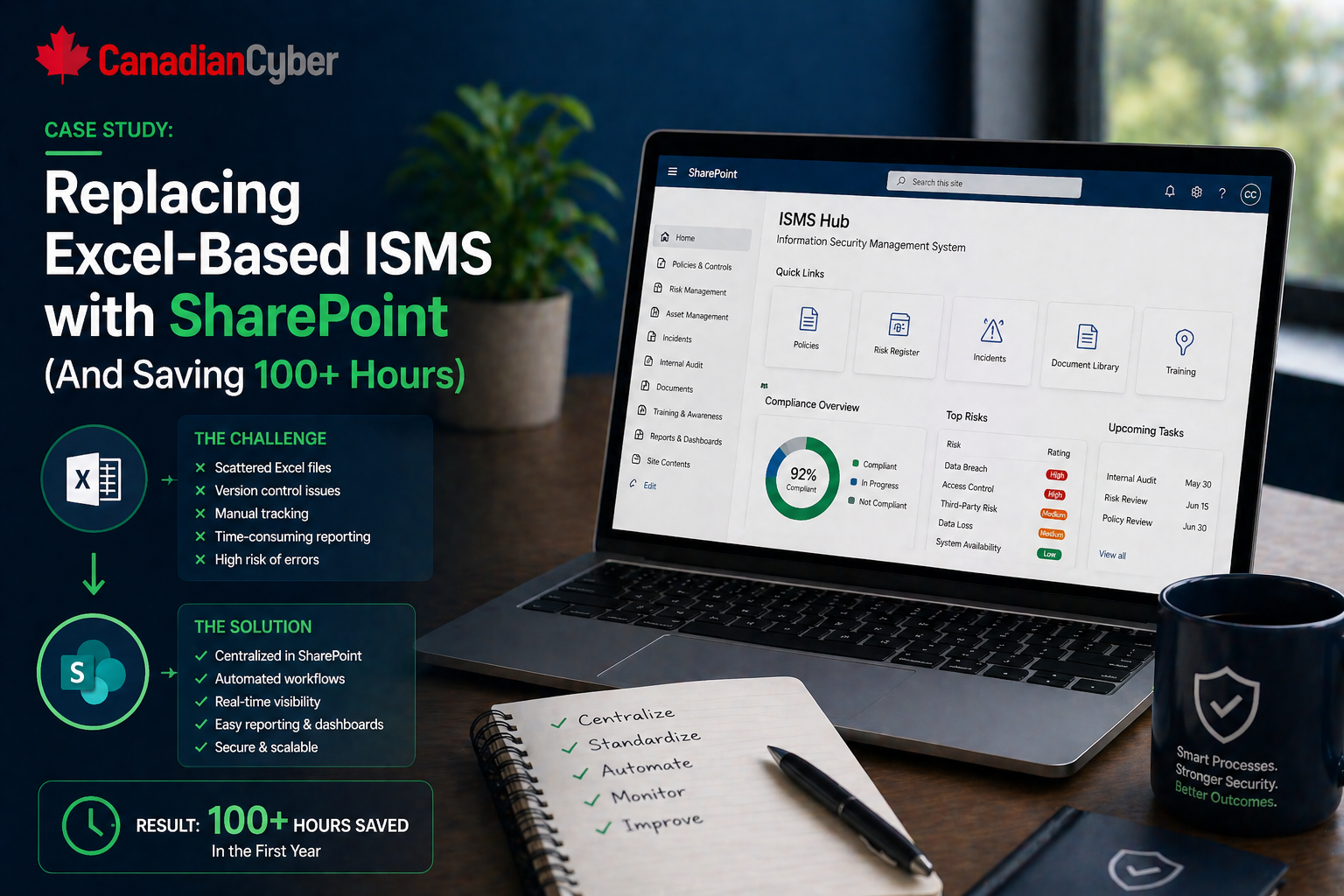
Case Study • SharePoint ISMS • Excel Replacement
Case Study: Replacing Excel-Based ISMS with SharePoint and Saving 100+ Hours
Excel is often where an ISMS begins. But once compliance becomes recurring, audit-critical, and evidence-heavy, scattered spreadsheets start costing real time.
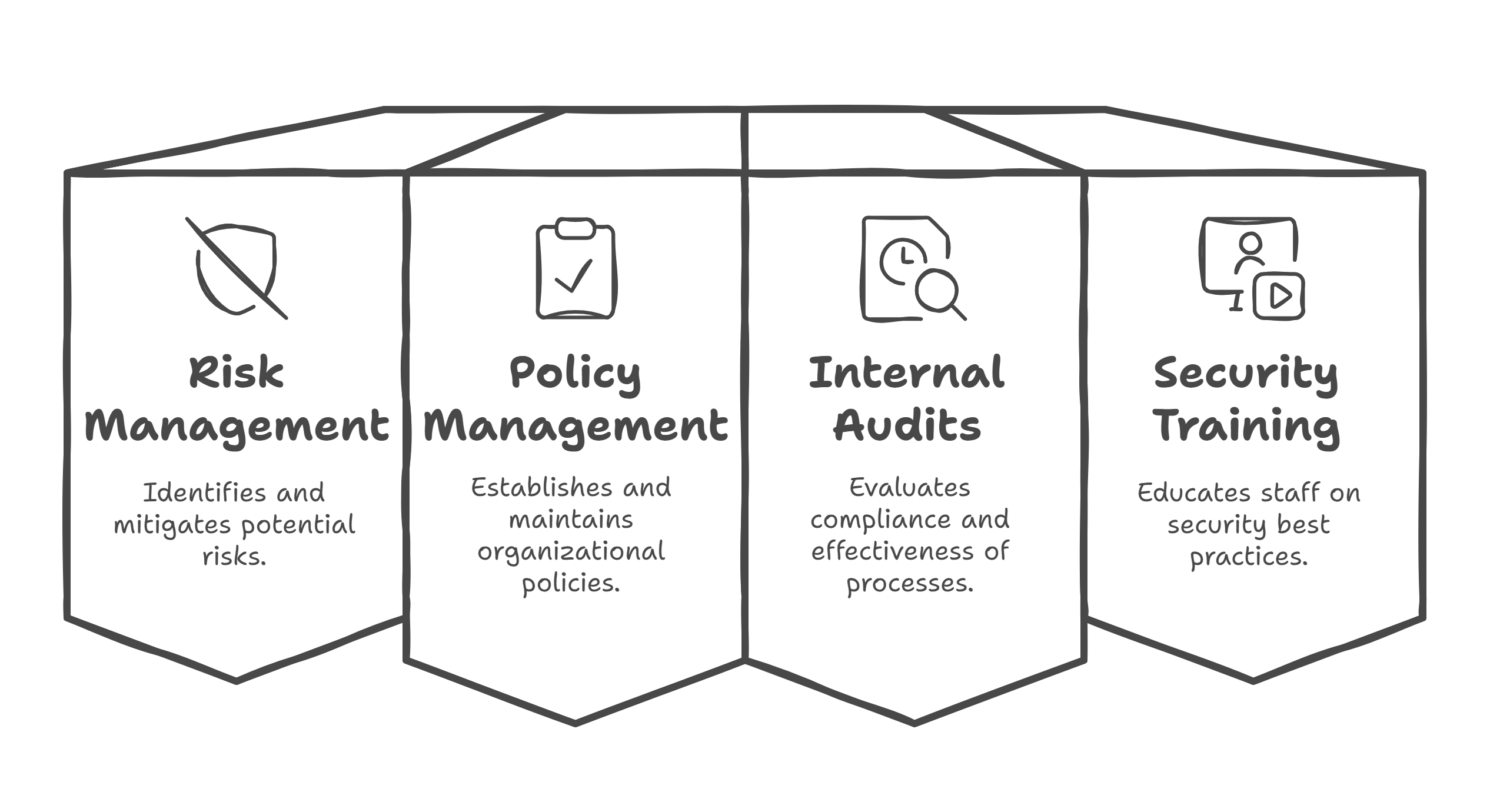
Quick Snapshot
| Category | Detail |
|---|---|
| Company | Fictional SaaS company preparing for ISO 27001 and SOC 2 readiness |
| Problem | ISMS tracking was split across too many Excel files |
| Solution | Moved risks, vendors, corrective actions, evidence, policies, and audit findings into SharePoint Lists and libraries |
| Outcome | 100+ hours saved across audit prep, reporting, evidence collection, and follow-up |
Introduction
Excel is often where an ISMS begins.
It feels simple. It is familiar. Everyone knows how to use it. And for a small compliance program, it can work well enough at first.
- A risk register in one spreadsheet.
- Corrective actions in another.
- Vendor reviews in a third.
- Evidence tracking in a fourth.
- Policy review dates in a fifth.
Then the organization grows. More controls. More evidence. More owners. More audits. More customer security questions. More versions of the same file.
The company did not save time by doing less compliance work. It saved time by stopping the same work from being repeated manually.
The Client Situation
Let’s call the company CloudLedger SaaS.
CloudLedger was preparing for ISO 27001 and SOC 2 readiness while serving a growing number of mid-market customers. The team had:
- 65 employees
- a small security and compliance team
- Microsoft 365 already in place
- a growing vendor list
- recurring access reviews
- internal audit requirements
- customer questionnaire pressure
- leadership asking for clearer compliance status
The company’s ISMS was mostly managed through Excel files stored in SharePoint. At first, that seemed practical. But by the time audit preparation started, the system had become hard to manage.
Still Running Your ISMS Through Excel?
Canadian Cyber helps teams replace spreadsheet-heavy compliance tracking with structured SharePoint ISMS workspaces.
The Problem
The ISMS was split across multiple spreadsheets:
- risk register
- Statement of Applicability tracker
- corrective action tracker
- vendor review tracker
- evidence request tracker
- policy review schedule
- access review tracker
- internal audit findings list
Each file had its own format. Some had owners. Some had dates. Some had evidence links. Some had outdated status fields. Some had copied tabs from older versions.
The Compliance Lead Kept Asking
- Which risks are overdue for review?
- Which corrective actions are still open?
- Which vendors need reassessment?
- Which policies are due this month?
- Which evidence is missing?
- Which spreadsheet is the current version?
The problem was not that Excel was useless. The problem was that Excel had become the operating system for the ISMS, and it was no longer strong enough for the job.
The Breaking Point
The breaking point came during audit readiness. A customer asked for evidence of access review completion, vendor review process, incident response readiness, policy approval history, and corrective action closure.
The evidence existed. But gathering it took too long.
- open several spreadsheets
- verify latest versions
- chase control owners
- copy status updates into a summary
- check whether evidence links still worked
- confirm whether closure notes were complete
- rebuild a report for leadership
By the end of the exercise, one audit-prep cycle had consumed more than 40 hours of manual coordination.
The Goal
CloudLedger wanted a better system without buying a heavy GRC platform. Because the company already used Microsoft 365, SharePoint was the practical choice.
The goal was to replace the Excel-based ISMS with a SharePoint structure that could manage:
- risks
- controls
- evidence
- vendors
- corrective actions
- policy reviews
- internal audits
- management review inputs
The Solution: Turning SharePoint Into an ISMS Workspace
The team redesigned SharePoint around live lists, controlled libraries, metadata, and filtered views.
Instead of treating SharePoint as a file cabinet, they turned it into a working ISMS environment.
1. Risk Register Moved From Excel to SharePoint List
The risk register became a structured SharePoint List with risk ID, title, description, owner, asset or process, inherent risk, existing controls, residual risk, treatment decision, treatment action, due date, status, and next review date.
| New View | What It Showed |
|---|---|
| High residual risks | Risks needing leadership attention |
| Overdue reviews | Risks past their review date |
| Risks by owner | Accountability by team member |
| Open treatment actions | Risk work still in progress |
Make Your Risk Register Work Like a Live Tool
We help migrate Excel risk registers into SharePoint Lists with owners, treatment actions, due dates, review cycles, and leadership-ready views.
2. Corrective Actions Became Trackable Work Items
Corrective actions were moved into a dedicated SharePoint List. Each action had an ID, source of finding, description, owner, priority, due date, status, evidence link, verification status, and closure date.
The team created views for:
- overdue actions
- high-priority actions
- actions pending verification
- actions by owner
3. Vendor Reviews Became a Live Register
The vendor review spreadsheet was replaced with a SharePoint vendor register.
| Vendor Field | Why It Helped |
|---|---|
| Vendor name and service | Clarified the dependency |
| Business owner | Showed who was responsible |
| Data handled | Highlighted vendor sensitivity |
| Criticality | Supported review priority |
| Next review date | Prevented missed reassessments |
4. Evidence Library Got Metadata
The evidence library was rebuilt with metadata instead of loose folders. This was one of the biggest time savers.
| Metadata Field | Purpose |
|---|---|
| Control Area | Links evidence to the relevant control |
| Evidence Type | Screenshot, report, policy, ticket, or record |
| Owner | Shows who is responsible |
| Period Covered | Shows audit relevance |
| Review Status | Shows whether evidence is accepted or needs update |
The team could filter evidence by control, owner, period, or audit area instead of searching through folders.
5. Policy Reviews Became Visible
Policy review tracking was added directly into the policy document library. Each policy had an owner, document type, approval status, version, approval date, next review date, and related control.
The team created views for:
- policies due for review
- policies pending approval
- approved policies
- archived documents
6. Internal Audit Findings Connected to Corrective Actions
Internal audit findings were no longer tracked in a standalone spreadsheet. They were added to a SharePoint audit findings list and linked to corrective actions.
- finding ID
- audit area
- description
- severity
- owner
- related corrective action
- status
- closure evidence
The Time Savings
After the SharePoint ISMS was implemented, the team tracked time savings over the next audit-prep cycle. They estimated more than 100 hours saved.
| Activity | Before | After | Time Saved |
|---|---|---|---|
| Evidence search and collection | 35 hours | 12 hours | 23 hours |
| Corrective action follow-up | 20 hours | 6 hours | 14 hours |
| Vendor review reporting | 15 hours | 4 hours | 11 hours |
| Risk register updates and summaries | 18 hours | 6 hours | 12 hours |
| Policy review tracking | 10 hours | 3 hours | 7 hours |
| Management review preparation | 18 hours | 7 hours | 11 hours |
| Audit request response coordination | 22 hours | 8 hours | 14 hours |
How Much Time Is Your Excel ISMS Costing?
If every audit request turns into version checks, copy-paste work, and follow-up emails, it may be time to move to a structured SharePoint model.
What Improved Beyond Time
The time savings were valuable. But the bigger improvement was control.
The New SharePoint ISMS Improved
- ownership visibility
- review discipline
- evidence quality
- corrective action closure
- vendor oversight
- audit readiness
- management reporting
- confidence during customer security reviews
The compliance lead was no longer acting as the human connector between eight spreadsheets. The system itself showed what needed attention.
What Made the Migration Work
The project succeeded because the team did not try to overbuild.
They focused on the highest-value ISMS areas first:
- risk register
- corrective actions
- vendor reviews
- evidence library
- policy reviews
- internal audit findings
Each list had clear fields, owners, due dates, statuses, and views. The goal was not to create a complex system. The goal was to make compliance work easier to run.
Lessons Learned
- Excel is fine until the process becomes recurring and audit-critical: Once owners, deadlines, evidence links, and status updates are involved, Excel starts creating drag.
- SharePoint works best when designed around workflows: Folders alone are not enough.
- Metadata saves more time than people expect: Good metadata makes evidence searchable and useful.
- Corrective actions need visibility: If findings are hidden in spreadsheets, follow-up slows down.
- Management review gets easier when inputs are structured: Risk, vendor, incident, and action summaries are faster when the data already lives in lists.
Canadian Cyber’s Take
At Canadian Cyber, we often see organizations using SharePoint only as a place to store compliance files. That misses the biggest opportunity.
A well-designed SharePoint ISMS can become a practical compliance engine. It can help teams manage risks, vendors, policies, evidence, corrective actions, audits, and management review.
Takeaway
Replacing an Excel-based ISMS with SharePoint is not just a technology change. It is an operating model change.
The real cost of an Excel-based ISMS is not the spreadsheet. It is the time spent trying to make scattered information behave like a system.
How Canadian Cyber Can Help
We help organizations replace Excel-heavy compliance tracking with practical SharePoint ISMS solutions.
- SharePoint ISMS architecture
- risk register migration
- corrective action tracking
- vendor review workflows
- evidence library design
- policy review tracking
- internal audit workspaces
- management review reporting
- vCISO support for continuous compliance
Stay Connected With Canadian Cyber
Follow Canadian Cyber for practical guidance on SharePoint ISMS, ISO 27001, SOC 2, evidence management, audit readiness, and vCISO support.










