



SOC 2 • ISO 27001 • Endpoint Security • MFA • Background Checks • Security Training
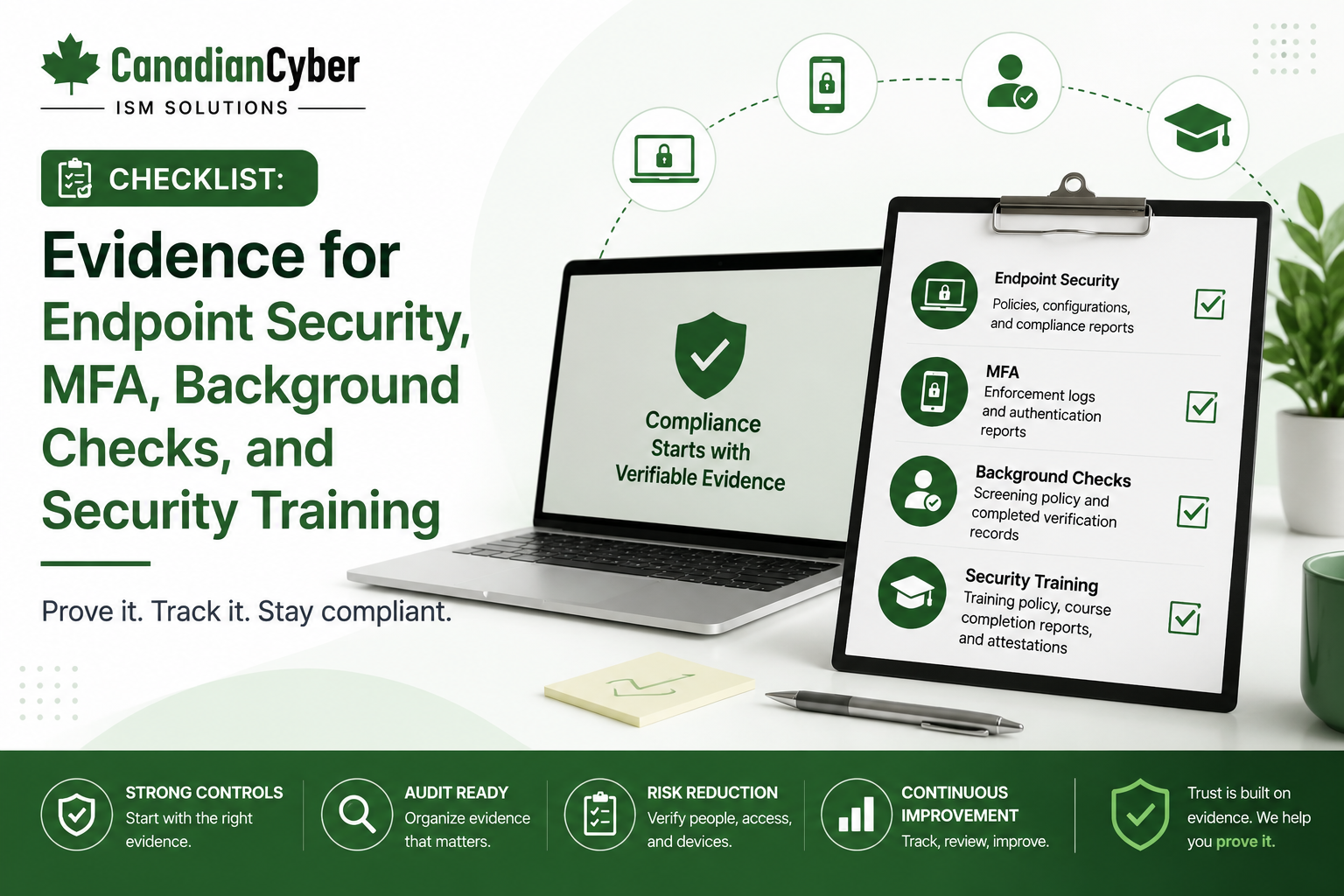
Checklist: Evidence for Endpoint Security, MFA, Background Checks, and Security Training
Endpoint security, MFA, background checks, and security training are common evidence areas in SOC 2, ISO 27001, cyber insurance reviews, and client security assessments. The control may exist, but the real challenge is proving it clearly, safely, and on time.
Canadian Cyber Security Evidence Readiness
Prepare Audit-Ready and Client-Ready Security Evidence
Canadian Cyber helps SaaS companies, accounting firms, professional services teams, and growing businesses prepare SOC 2 and ISO 27001 evidence, build SharePoint evidence libraries, assign control owners, and create client-ready security packs.
Quick Snapshot
| Evidence Area | What Auditors and Clients Want to See |
|---|---|
| Endpoint Security | Device inventory, encryption, patching, antivirus/EDR, screen lock, and offboarding evidence. |
| MFA | MFA configuration, user coverage, admin account protection, exceptions, and periodic review. |
| Background Checks | Screening policy, role-based requirements, completion evidence, exceptions, and privacy-aware recordkeeping. |
| Security Training | Training completion reports, policy acknowledgment, phishing awareness, role-based training, and remediation. |
| Ownership | Clear evidence owners, due dates, approval status, and review frequency. |
| Business Outcome | Faster SOC 2, ISO 27001, client review, and cyber insurance readiness. |
Introduction
Security evidence is often harder to collect than teams expect. The controls may already exist. Laptops may be encrypted. MFA may be enabled. Employees may receive training. Background checks may be performed. Endpoint protection may be running.
But when an auditor, customer, cyber insurance reviewer, or procurement team asks for proof, the team may struggle to produce clear evidence.
Common questions include:
- Where is the device report?
- Does it show all employees?
- Is MFA enabled for every user or only admins?
- Are MFA exceptions documented?
- Who owns the evidence?
- Is training completion current?
- Are background checks tracked appropriately?
- Can evidence be shared safely with a client?
- Is the evidence approved or still a draft?
For SOC 2, ISO 27001, cyber insurance, and client security reviews, endpoint security, MFA, background checks, and security training are high-value evidence areas.
Need Help Preparing Audit-Ready Security Evidence?
Canadian Cyber helps organizations prepare evidence for endpoint security, MFA, background checks, security training, SOC 2, ISO 27001, cyber insurance, and client reviews.
Why These Four Evidence Areas Matter
Endpoint security, MFA, background checks, and security training are often reviewed together because they show how the organization manages workforce security.
| Area | Risk Reduced |
|---|---|
| Endpoint Security | Reduces risk from lost laptops, malware, unpatched devices, and unmanaged systems. |
| MFA | Reduces risk from stolen passwords and account takeover. |
| Background Checks | Supports trust in hiring and role-based screening. |
| Security Training | Reduces risk from phishing, poor data handling, and unsafe user behavior. |
Common review scenarios include:
ISO 27001 implementation
ISO 27001 internal audit
client vendor security review
cyber insurance renewal
enterprise procurement review
investor due diligence
remote work security review
Auditors and clients do not only ask, “Do you have the control?” They ask, “Can you prove it?”
Evidence Area 1: Endpoint Security
Endpoints include laptops, desktops, mobile devices, and sometimes virtual workstations used to access company systems or customer data. For SaaS and professional services organizations, laptops are often the main endpoint risk.
Endpoint Security Evidence Checklist
| Evidence | Ready? |
|---|---|
| Device inventory | |
| Device owner list | |
| Endpoint management platform report | |
| Disk encryption report | |
| Antivirus or EDR status report | |
| Patch compliance report | |
| Screen lock policy evidence | |
| Local admin rights review | |
| Device offboarding or wipe evidence | |
| Endpoint security policy |
Endpoint Security Questions
| Question | Yes / No |
|---|---|
| Are all company devices inventoried? | |
| Are devices assigned to named users? | |
| Are laptops encrypted? | |
| Is endpoint protection installed and active? | |
| Are devices patched within defined timelines? | |
| Are devices wiped or returned during offboarding? |
Practical rule: Endpoint evidence should show coverage, not only configuration. A screenshot from one laptop is weaker than a report showing all managed devices.
What Good Endpoint Evidence Looks Like
Strong endpoint evidence should answer which devices are managed, who owns each device, whether devices are encrypted and patched, whether endpoint protection is active, how exceptions are documented, and what happens when an employee leaves.
| Weak Evidence | Strong Evidence |
|---|---|
| Screenshot of one encrypted laptop | Full encryption compliance report. |
| Verbal statement that devices are patched | Patch compliance report. |
| Device list with no owners | Device inventory with assigned users. |
| Antivirus screenshot | Endpoint protection dashboard export. |
| Offboarding policy only | Offboarding ticket showing device wipe or access removal. |
Need Better Endpoint Evidence?
Canadian Cyber helps teams collect endpoint evidence that shows coverage, ownership, encryption, patching, endpoint protection, offboarding, and exception handling.
Evidence Area 2: MFA
MFA is one of the strongest controls for protecting cloud accounts. It is also one of the most requested evidence items in SOC 2, ISO 27001, cyber insurance, and client reviews.
MFA Evidence Checklist
| Evidence | Ready? |
|---|---|
| MFA policy | |
| MFA configuration screenshot | |
| MFA user coverage report | |
| MFA admin coverage report | |
| SSO configuration evidence | |
| Conditional access policy evidence | |
| Exception list | |
| Break-glass account controls | |
| Quarterly MFA review |
MFA Questions
| Question | Yes / No |
|---|---|
| Is MFA required for all employees? | |
| Is MFA required for administrators? | |
| Is MFA required for remote access? | |
| Are MFA exceptions documented and approved? | |
| Are break-glass accounts controlled? | |
| Are high-risk applications protected by SSO and MFA? |
Common MFA Evidence Gaps
| Gap | Why It Matters |
|---|---|
| Admin accounts not separately reviewed | High-risk accounts need stronger evidence. |
| Break-glass accounts not documented | Emergency access can create audit questions. |
| Contractors excluded from MFA | External accounts create risk. |
| Exceptions not approved | Uncontrolled exceptions weaken the control. |
| MFA screenshot only | Does not prove user coverage. |
The strongest MFA evidence includes configuration, coverage, exceptions, and review.
Evidence Area 3: Background Checks
Background checks can be sensitive. Organizations should handle evidence carefully and avoid sharing unnecessary personal details. Auditors and clients usually need proof that the process exists and is followed, not private screening reports.
Background Check Evidence Checklist
| Evidence | Ready? |
|---|---|
| Background check policy | |
| Role-based screening requirements | |
| New hire checklist | |
| Background check completion confirmation | |
| Exception approval record | |
| Privacy-aware evidence summary | |
| Vendor review for screening provider |
Background Check Evidence Tips
| Avoid Sharing | Better Evidence |
|---|---|
| Full background check report | Completion confirmation. |
| Personal screening details | HR attestation. |
| Sensitive personal records | Anonymized sample. |
| Unrestricted HR folder | Controlled evidence summary. |
| Verbal confirmation | Signed or system-generated completion record. |
For background checks, prove completion without exposing unnecessary personal information.
Evidence Area 4: Security Training
Security training shows that employees understand their responsibilities. Training evidence is commonly requested during SOC 2, ISO 27001, client reviews, and cyber insurance assessments.
Security Training Evidence Checklist
| Evidence | Ready? |
|---|---|
| Security awareness policy | |
| Annual training completion report | |
| New hire training record | |
| Role-based training record | |
| Policy acknowledgment records | |
| Overdue training list | |
| AI use training where applicable | |
| Secure coding training for engineers where applicable |
Role-Based Training Evidence
| Team | Training Topic |
|---|---|
| Engineering | Secure coding, secrets management, and change management. |
| Support | Customer data handling, ticket confidentiality, and escalation. |
| HR | Background checks, onboarding, offboarding, and privacy. |
| Finance | Fraud awareness, invoice scams, and payment changes. |
| Leadership | Incident response, risk management, and governance. |
| AI Users | Approved AI tools, data use rules, and output verification. |
Training evidence should show completion rate, audience, date, and follow-up for overdue users.
Combined Evidence Checklist for Audits and Client Reviews
Use this checklist before SOC 2, ISO 27001, a cyber insurance review, or a client security assessment.
| Evidence Area | Core Evidence | Owner | Status |
|---|---|---|---|
| Endpoint Security | Device inventory, encryption report, endpoint protection report, patch report, offboarding evidence. | ||
| MFA | MFA policy, configuration, coverage report, admin evidence, exceptions, review evidence. | ||
| Background Checks | Policy, role-based screening rules, completion confirmation, exception approval, vendor review. | ||
| Security Training | Training policy, new hire report, annual completion report, acknowledgment record, role-based evidence, overdue follow-up. |
Evidence Ownership Model
Each evidence item needs an owner. If no one owns the evidence, the control may fail during audit prep.
| Evidence Area | Suggested Owner |
|---|---|
| Endpoint Security | IT Manager or Engineering Lead. |
| MFA | IT Manager, Security Lead, or CTO. |
| Background Checks | HR or People Operations. |
| Security Training | HR, Compliance, or vCISO. |
| Evidence Library | Compliance or Operations. |
| Audit Readiness | Compliance Lead or vCISO. |
Build a SharePoint Evidence Library
Canadian Cyber helps organizations build SharePoint evidence libraries for SOC 2, ISO 27001, client security reviews, and cyber insurance readiness.
How to Store This Evidence in SharePoint
Canadian Cyber’s ISMS SharePoint solution helps teams organize security evidence in one controlled workspace with metadata, status, ownership, review dates, and auditor-ready views.
| SharePoint Section | Evidence Stored |
|---|---|
| Endpoint Security Evidence | Device inventory, encryption, patching, and EDR reports. |
| MFA Evidence | MFA configuration, coverage reports, and exceptions. |
| HR Security Evidence | Background check completion, onboarding, and policy acknowledgments. |
| Training Evidence | Training reports, role-based training, and overdue records. |
| Policy Library | Endpoint, access, training, and background check policies. |
| Corrective Action Tracker | Gaps, owners, due dates, and closure evidence. |
| Management Review Dashboard | Leadership visibility into status and overdue items. |
Recommended Metadata
Control ID
Evidence type
Evidence owner
Evidence period
Review status
Approval date
Auditor ready
Client ready
Confidentiality level
Auditor-Ready vs Client-Ready Evidence
Not all evidence should be shared with clients. Some evidence may contain sensitive internal details. Create separate auditor-ready and client-ready views in SharePoint.
| Evidence Type | Auditor-Ready | Client-Ready |
|---|---|---|
| MFA | Full coverage report. | MFA control summary. |
| Endpoint Security | Device compliance export. | Endpoint security summary. |
| Background Checks | HR completion evidence. | Background check policy statement. |
| Training | Training report. | Security awareness summary. |
| Access Reviews | Detailed review record. | Access review process summary. |
30-Day Evidence Readiness Plan
| Week | Focus | Actions |
|---|---|---|
| Week 1 | Inventory and Ownership | Identify evidence needed, assign owners, create evidence checklist, set review dates, and create SharePoint evidence library. |
| Week 2 | Endpoint and MFA Evidence | Collect device inventory, encryption report, endpoint protection report, patch report, MFA configuration, MFA coverage report, and exceptions. |
| Week 3 | HR and Training Evidence | Collect background check policy, completion evidence, training report, policy acknowledgments, overdue employee list, and follow-up actions. |
| Week 4 | Review and Client-Ready Pack | Review evidence quality, approve audit-ready evidence, create client-ready summaries, track gaps, and prepare management summary. |
Common Mistakes to Avoid
- Relying on screenshots only. Screenshots can help, but reports showing coverage are stronger.
- No evidence owner. Unowned evidence becomes stale.
- Sharing sensitive HR details. Background check evidence should protect privacy.
- MFA exceptions are not documented. Exceptions should be approved and reviewed.
- Training reports are outdated. Training evidence should match the current review period.
- Endpoint reports do not show all devices. Coverage matters.
- Evidence is scattered. Centralize evidence in a structured workspace.
What Good Looks Like
Strong evidence for endpoint security, MFA, background checks, and security training can show:
- device inventory
- encryption coverage
- endpoint protection status
- patch compliance
- MFA configuration
- MFA user coverage
- admin MFA evidence
- approved MFA exceptions
- background check policy
- role-based screening rules
- completion confirmation
- security training completion
- policy acknowledgments
- role-based training
- overdue training follow-up
- evidence owners
- review dates
- SharePoint evidence library
- auditor-ready view
- client-ready view
- corrective action tracker
This makes SOC 2, ISO 27001, cyber insurance, and client reviews easier to handle.
Canadian Cyber’s Take
Canadian Cyber often sees companies underestimate basic workforce security evidence. They may have MFA. They may have endpoint protection. They may perform background checks. They may provide security training.
But they cannot prove it quickly. That is where audit readiness breaks down.
The strongest organizations collect evidence continuously, assign owners, review exceptions, protect sensitive HR information, and store approved records in a structured SharePoint evidence library.
Good security is important. Good evidence makes it defensible.
Takeaway
Endpoint security, MFA, background checks, and security training are high-impact evidence areas for SOC 2, ISO 27001, client security reviews, and cyber insurance.
Focus on:
- coverage reports
- owners
- review dates
- exceptions
- approval status
- privacy-safe background check evidence
- training completion
- centralized SharePoint evidence
- client-ready summaries
- corrective actions
When these evidence areas are organized, buyers and auditors gain confidence faster.
How Canadian Cyber Can Help
Canadian Cyber helps organizations prepare audit-ready and client-ready security evidence for SOC 2, ISO 27001, cyber insurance, and customer reviews.
- security evidence readiness reviews
- SOC 2 evidence planning
- ISO 27001 evidence planning
- endpoint security evidence review
- MFA evidence review
- background check evidence review
- security training evidence review
- SharePoint evidence library setup
- auditor-ready evidence views
- client-ready evidence packs
- control owner assignment
- evidence owner tracking
- corrective action trackers
- management review dashboards
- vCISO support
Stay Connected With Canadian Cyber
Follow Canadian Cyber for practical guidance on SOC 2, ISO 27001, endpoint security, MFA, background checks, security training, SharePoint ISMS, audit evidence, client reviews, and vCISO support.










