



SOC 2
Client Reviews
Audit Calendar
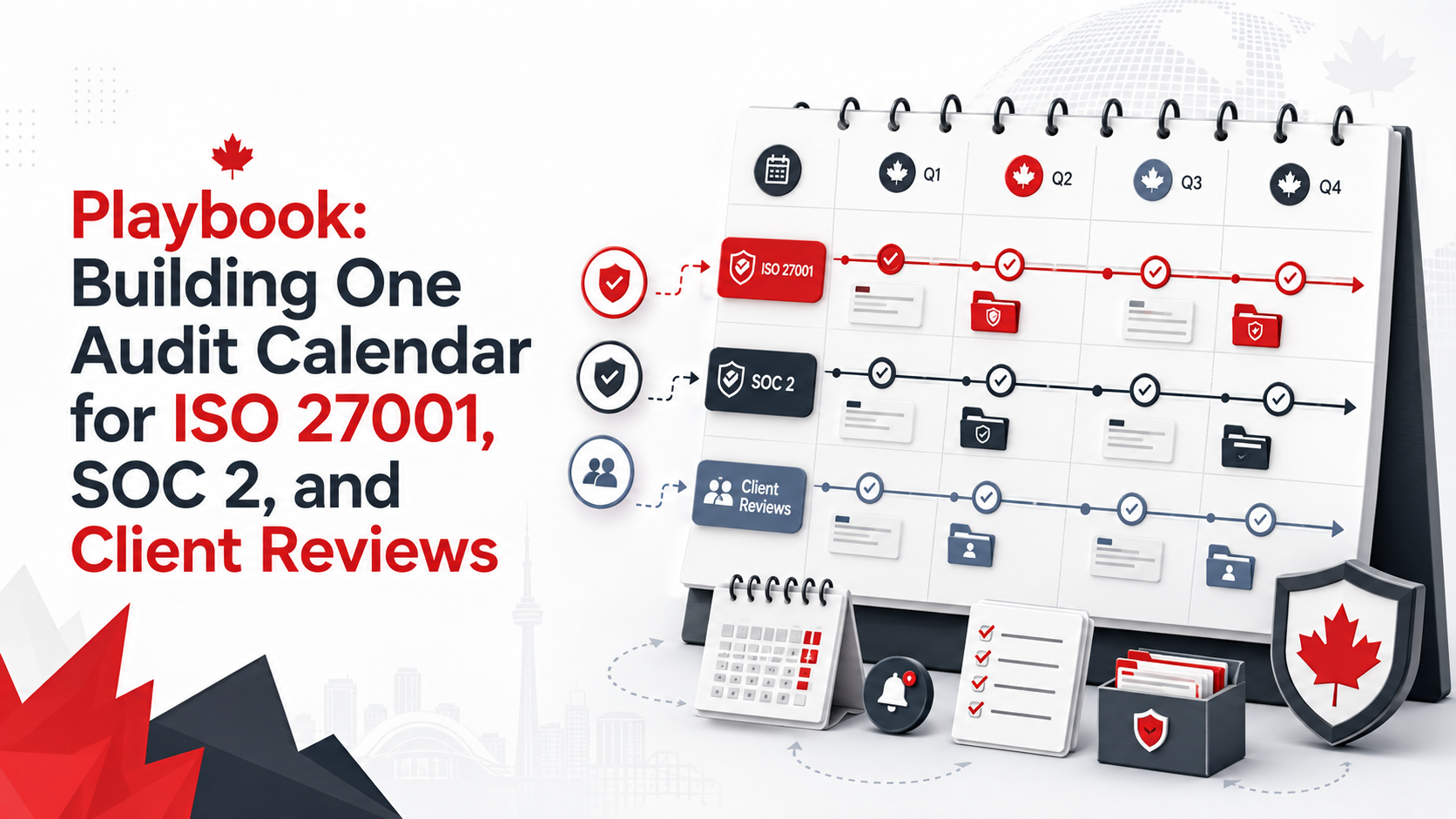
Playbook: Building One Audit Calendar for ISO 27001, SOC 2, and Client Reviews
Security teams do not need three separate evidence worlds. A single audit calendar can reduce repeated work and improve readiness all year.
Quick Answer
What should one audit calendar include?
One audit calendar should combine recurring evidence work into a single annual plan.
It should include access reviews, vendor reviews, backup testing, incident exercises, training, risk reviews, AI governance, corrective actions, internal audits, management reviews, and client evidence updates.
Each activity should have an owner, frequency, due date, evidence location, framework mapping, and review status.
Bottom line: one calendar helps teams collect evidence once and use it across ISO 27001, SOC 2, and client reviews.
Canadian Cyber Audit Calendar Support
Reduce Audit Fatigue with One Evidence Rhythm
Canadian Cyber helps organizations build unified audit calendars for ISO 27001, SOC 2, and client security reviews.
We help map evidence, assign owners, create SharePoint trackers, prepare client-ready evidence packs, and reduce repeated requests.
Quick Snapshot
| Calendar Area | ISO 27001 | SOC 2 | Client Reviews |
|---|---|---|---|
| Access Reviews | Yes | Yes | Yes |
| Vendor Reviews | Yes | Yes | Yes |
| Backup and Restore Testing | Yes | Yes | Yes |
| Risk Register Review | Yes | Partial | Yes |
| AI Governance Review | Yes | Yes | Yes |
| Corrective Actions | Yes | Yes | Yes |
Why One Audit Calendar Matters
Most organizations do not struggle because they have no security work.
They struggle because the work is scattered.
ISO 27001 asks for internal audit evidence. SOC 2 asks for operating control evidence. Clients ask for security proof.
The same teams get asked for the same proof again and again.
If three reviews ask for similar evidence, schedule the work once and map it to all three needs.
Who This Playbook Is For
- SaaS companies preparing for SOC 2.
- Canadian businesses preparing for ISO 27001.
- MSPs, FinTech companies, HealthTech companies, and AI platforms.
- Security managers, ISMS managers, compliance teams, and vCISO teams.
- Sales and customer success teams answering security questionnaires.
- Teams using SharePoint or Microsoft 365 for evidence management.
The Goal Is One Evidence Rhythm
ISO 27001, SOC 2, and client reviews are different.
They should not be treated as one identical audit.
However, many evidence activities overlap.
Shared Evidence Examples
Step 1: List Every Audit and Review Requirement
Start with every recurring trust obligation.
Do not build the calendar from one framework only.
Include These Sources
- ISO 27001 internal audit program.
- SOC 2 readiness plan.
- Enterprise client reviews.
- Cyber insurance requests.
- Board reporting needs.
- AI governance reviews.
Questions to Ask
- Which reviews happen annually?
- Which reviews happen quarterly?
- Which controls need monthly proof?
- Which evidence supports more than one need?
- Which client reviews create repeat work?
Step 2: Create a Common Evidence Map
Evidence mapping turns a schedule into a trust system.
It shows where one activity can support many reviews.
| Evidence | ISO 27001 Use | SOC 2 Use | Client Review Use |
|---|---|---|---|
| Access Review | Access control evidence. | Logical access evidence. | User access governance proof. |
| Vendor Register | Supplier management. | Vendor oversight. | Third-party risk proof. |
| Restore Test | Continuity evidence. | Availability evidence. | Recovery assurance. |
| AI Tool Register | Risk and supplier evidence. | Emerging control evidence. | AI governance response. |
| Corrective Action Tracker | Continual improvement. | Issue remediation. | Audit maturity proof. |
Step 3: Assign Evidence Owners
A calendar without owners becomes a wish list.
Every recurring activity needs a responsible person.
| Evidence Area | Suggested Owner |
|---|---|
| Access Reviews | IT Manager or Security Manager. |
| Vendor Reviews | Procurement, Security, or Compliance. |
| Backup Evidence | IT Operations. |
| Incident Response | Security Lead or vCISO. |
| Risk Register | ISMS Manager. |
| Client Evidence Pack | Security or Customer Trust Lead. |
Practical rule: the evidence owner should be clear before the audit request arrives.
Need One Calendar for ISO 27001, SOC 2, and Client Reviews?
Canadian Cyber can help map overlapping evidence, assign owners, and build a practical SharePoint audit workspace.
For senior advisory support, view Waqar Mehboob’s profile.
Step 4: Set Evidence Frequencies
Not every activity needs the same timing.
The frequency should match risk, business needs, and client commitments.
| Activity | Suggested Frequency |
|---|---|
| User Access Review | Quarterly. |
| MFA Exception Review | Monthly or quarterly. |
| Vendor Review | Annual for standard vendors. More often for critical vendors. |
| Backup Monitoring Review | Monthly. |
| Restore Testing | Quarterly, semi-annual, or annual. |
| Risk Register Review | Quarterly. |
| Corrective Action Review | Monthly. |
| Client Evidence Pack Refresh | Quarterly. |
Step 5: Build the Annual Audit Calendar
Spread evidence work across the year.
Do not place every review in the month before an audit.
| Month | Main Focus | Evidence Activities |
|---|---|---|
| January | Planning and Scope | ISO scope, SOC 2 boundary, client obligations. |
| February | Access Control | User access, guest access, offboarding sample. |
| March | Privileged Access | Admin roles, break-glass accounts, MFA exceptions. |
| April | Vendor Risk | Critical vendors, AI vendors, contracts, DPAs. |
| May | Backup and Recovery | Backup reports, failure tickets, restore test. |
| June | Incident Response | Tabletop exercise and escalation review. |
| July | Cloud and SaaS Security | Cloud configuration, logs, SaaS inventory. |
| August | AI Governance | AI tools, Shadow AI, vendor review. |
| September | Training | Security training, AI training, acknowledgments. |
| October | Risk and Actions | Risk register, treatment plan, overdue findings. |
| November | Management Review | Leadership reporting, decisions, resources. |
| December | Evidence Quality | Client-ready pack and evidence validation. |
Step 6: Add Client Review Milestones
Client reviews do not always follow your audit schedule.
That is why client evidence work should be planned ahead.
Client Review Activities to Schedule
Step 7: Include AI Governance
AI is now part of client trust.
Clients may ask how AI tools, data, vendors, and outputs are controlled.
AI Calendar Activities
Step 8: Add Corrective Action Follow-Up
An audit calendar should not only collect evidence.
It should also help close gaps.
| Status | Meaning |
|---|---|
| Open | Action assigned. |
| In Progress | Owner is working on the action. |
| Pending Evidence | Closure proof is needed. |
| Pending Verification | Evidence is being checked. |
| Closed and Verified | Closure evidence was reviewed. |
Step 9: Create Framework-Specific Views
One calendar can support several needs.
Still, each audience needs its own view.
ISO 27001 View
Show ISMS scope, risks, treatment actions, SoA, internal audit, management review, supplier reviews, access reviews, incidents, training, and improvement.
SOC 2 View
Show system description inputs, control evidence, operating period evidence, service commitments, access samples, changes, incidents, and availability evidence.
Client Review View
Show client-ready evidence packs, questionnaire responses, policy summaries, client confidence reports, vendor summaries, AI summaries, and incident response summaries.
Step 10: Use SharePoint as the Audit Calendar Workspace
A SharePoint ISMS workspace can support the calendar, evidence library, owners, reminders, and reporting.
It works best when evidence has metadata.
Suggested SharePoint Lists
Step 11: Add Automation
Manual reminders are easy to miss.
Use automation to support accountability.
Useful Automations
Step 12: Define Evidence Quality Rules
One calendar will fail if evidence quality is poor.
Set clear rules before evidence is uploaded.
Good Evidence Should Be
- Current and dated.
- Complete and reviewed.
- Linked to an owner.
- Mapped to a framework.
- Stored in the right location.
Weak Evidence Includes
- Undated screenshots.
- Files in personal folders.
- Missing review notes.
- Duplicate outdated versions.
- Evidence with no owner.
Practical rule: evidence should be understandable to someone who did not create it.
Step 13: Build a Client-Ready Evidence Pack
A client-ready evidence pack should not include everything.
It should include approved, safe summaries.
| Include | Avoid |
|---|---|
| Security policy summary. | Full internal audit report. |
| Access control summary. | Sensitive findings. |
| Vendor risk summary. | Admin account names. |
| AI governance summary. | Private evidence links. |
| Incident response summary. | Detailed vulnerabilities. |
Unified Audit Calendar Template
| Field | Description |
|---|---|
| Activity Name | Access review, vendor review, restore test, or other activity. |
| Control Area | Access, vendor, backup, AI, incident, or risk. |
| Framework | ISO 27001, SOC 2, client review, or multiple. |
| Owner | Person responsible for the evidence. |
| Frequency | Monthly, quarterly, annual, or event-based. |
| Evidence Location | SharePoint library or tracker link. |
| Evidence Status | Not Started, Requested, Received, Reviewed, or Approved. |
| Client-Ready | Yes, No, or Needs Redaction. |
| Risk Link | Related risk register item. |
| Corrective Action Link | Related finding or action. |
Common Mistakes to Avoid
This creates duplicate work.
The calendar should track evidence activities too.
Evidence requests become last-minute chases.
Client reviews are part of the trust workload.
AI questions are now part of trust reviews.
Findings need verification and visibility.
Unified Audit Calendar Checklist
| Checklist Item | Ready? |
|---|---|
| List ISO 27001 audit activities. | |
| List SOC 2 evidence activities. | |
| List client review needs. | |
| Identify overlapping evidence. | |
| Create a framework mapping. | |
| Assign evidence owners. | |
| Define review frequencies. | |
| Build a 12-month calendar. | |
| Add AI governance activities. | |
| Add corrective action follow-up. | |
| Create SharePoint evidence views. | |
| Review the calendar quarterly. |
How Canadian Cyber Helps
Canadian Cyber helps organizations build unified audit calendars for ISO 27001, SOC 2, and client reviews.
We help teams move from reactive audit preparation to continuous trust readiness.
Why This Matters for Growth
A unified audit calendar is not only a compliance tool.
It also supports growth.
Enterprise clients move faster when evidence is ready.
Sales teams respond faster to security reviews.
Executives see risk and audit status more clearly.
Good audit planning helps security become a sales enabler, not a sales blocker.
Frequently Asked Questions
What is a unified audit calendar?
It is one schedule for recurring audit, evidence, risk, and client review activities across ISO 27001, SOC 2, and customer security reviews.
Can one calendar support ISO 27001 and SOC 2?
Yes. Many evidence activities overlap. Framework-specific items should still have separate views.
What should be included in the calendar?
Include evidence activities, owners, due dates, frequencies, framework mappings, evidence locations, corrective actions, management review, AI governance, and client-ready evidence updates.
How often should access reviews be scheduled?
Many organizations schedule user access reviews quarterly. Privileged access may need more frequent review for high-risk systems.
Should AI governance be included?
Yes. AI tool inventory, AI vendor review, Shadow AI review, AI training, and AI risk updates should be scheduled where AI tools are used.
Can SharePoint manage an audit calendar?
Yes. SharePoint can manage audit calendars, evidence registers, framework mappings, corrective actions, risk registers, vendor reviews, AI reviews, dashboards, and client-ready evidence rooms.
How does Canadian Cyber help?
Canadian Cyber helps design unified audit calendars, map evidence, build SharePoint ISMS workspaces, track actions, and prepare client-ready evidence packs.
Takeaway
ISO 27001, SOC 2, and client reviews should not create three separate evidence worlds.
That is how duplicate work happens.
A better approach is one audit calendar.
Use one calendar for access reviews, vendor reviews, backup tests, incident exercises, AI governance, training, risk updates, corrective actions, management review, and client evidence updates.
The frameworks are different.
The evidence rhythm can be shared.
Ready to Build One Audit Calendar?
Canadian Cyber can help reduce repeated evidence requests across ISO 27001, SOC 2, and client reviews.
We provide unified audit calendar design, ISO 27001 internal audit services, SOC 2 readiness support, SharePoint ISMS workspaces, evidence mapping, client-ready evidence packs, AI governance planning, corrective action tracking, vCISO services, ISO 27017, ISO 27018, ISO 42001 readiness, and cybersecurity assessments.
Stay Connected With Canadian Cyber
Follow Canadian Cyber for practical guidance on ISO 27001 internal audits, SOC 2 readiness, client evidence reviews, AI governance, SharePoint ISMS, vendor risk, cloud security, vCISO services, and certification readiness.










