ISO 27001
API Security
Machine Credentials
Internal Audit
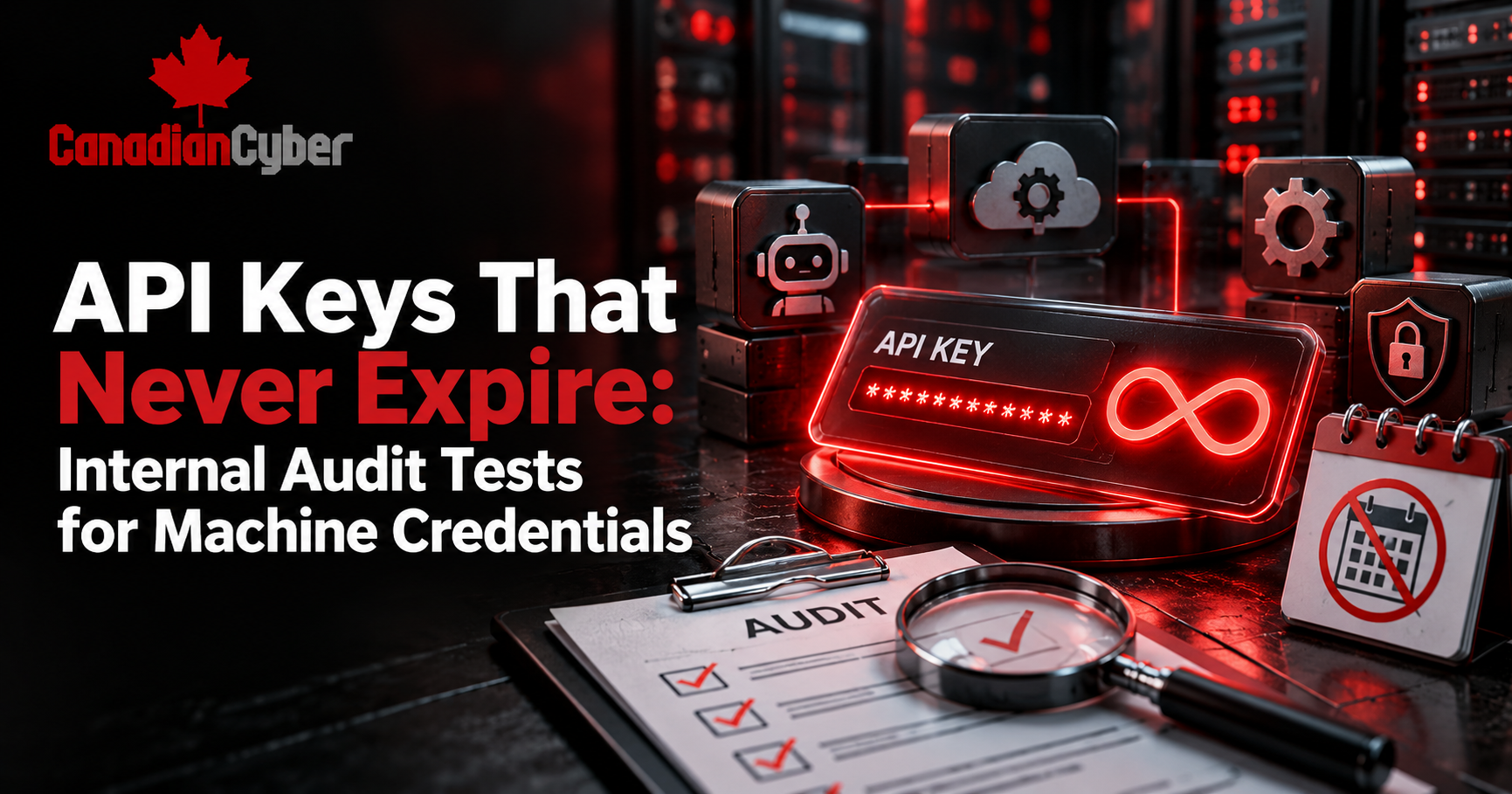
API Keys That Never Expire: Internal Audit Tests for Machine Credentials
Learn how to audit API keys, client secrets, tokens, certificates, and other machine credentials under ISO 27001.
When an API Key Outlives the Project
A developer creates an API key.
The application goes live.
Later, the project changes.
The developer leaves.
Three years later, the key still works.
Nobody remembers who created it.
Nobody knows where else it was copied.
Worse, nobody wants to disable it because they do not know what will break.
This is how machine credentials become permanent security risks.
API keys, client secrets, tokens, certificates, and service credentials are now everywhere.
For ISO 27001 internal auditors, these credentials deserve the same attention as employee passwords. In some cases, they deserve even more.
Quick Answer
What Should Internal Audit Check for API Keys and Machine Credentials?
Internal auditors should verify that important machine credentials have:
- A documented owner.
- A clear business purpose.
- Minimum necessary permissions.
- Secure storage.
- Defined expiration or lifecycle controls.
- Regular rotation.
- Monitoring.
- A documented revocation process.
- Evidence that unused credentials are removed.
The most important question is simple:
If this API key were stolen today, how long would it continue working?
If the answer is “indefinitely,” the control environment deserves closer review.
Why Long-Lived API Keys Are Dangerous
Passwords are usually connected to people.
Machine credentials often are not.
They may be created once and then disappear into:
Microsoft notes that workload identities are harder to manage than human identities.
For example, they cannot normally use human-style MFA.
They may also lack a formal lifecycle and need secrets stored somewhere.
As a result, the risk model is different.
If an employee password is compromised, security teams may reset it.
If an unknown API key is compromised, the organization first has to answer:
Practical rule: uncertainty about a credential is part of the risk.
1. Build the Machine Credential Inventory
Start with visibility.
Ask the organization to identify all important machine credentials.
Do not rely only on a manually maintained spreadsheet.
Instead, compare the register with the real environment.
Review cloud platforms, repositories, application registrations, secret vaults, SaaS integrations, and pipelines.
Evidence to Request
- Machine credential register.
- Application inventory.
- Service-account inventory.
- Cloud IAM exports.
- Microsoft Entra application registrations.
- Secret-vault inventory.
- CI/CD secret configuration.
- API integration lists.
Common finding: the organization knows which applications exist, but it cannot produce a complete list of the credentials they use.
That is a lifecycle problem.
2. Check Who Owns Every Credential
Every important credential should have an accountable owner.
Avoid vague ownership such as:
“IT owns it.”
Instead, identify the person or role responsible for the credential.
That owner should confirm that the credential:
- Is still required.
- Has appropriate permissions.
- Is stored correctly.
- Is rotated.
- Is disabled when no longer needed.
Audit Test
Select a sample API key.
Then ask:
If those responsibilities are unclear, ownership is weak.
3. Test Whether Credentials Expire
Next, review credential lifetime.
Some organizations create credentials with very long expiry periods.
Others create credentials that never expire.
That may reduce maintenance. However, it also gives an attacker more time to use a stolen credential.
Microsoft’s current identity guidance warns about the risk of long-lived credentials and recommends defined lifetime and rotation practices.
Internal audit should identify:
- Credentials with no expiration.
- Extremely long-lived credentials.
- Expired credentials that still appear in systems.
- Credentials nearing expiry with no owner.
- Old credentials that remained active after replacement.
Important: expiration alone is not enough.
A key can expire every year and still be stored insecurely.
Therefore, audit the full credential lifecycle.
4. Review Where Secrets Are Stored
Ask developers one simple question:
Where is the API key?
The answer matters.
High-Risk Storage Locations
Better options include approved secret-management platforms.
Protected CI/CD secret stores can also reduce exposure.
Cloud-native credential services may provide another option.
GitHub recommends keeping unencrypted credentials out of repositories, including private repositories.
Audit Evidence
- Secret-management policies.
- Vault access.
- Repository scans.
- Environment configurations.
- CI/CD configuration.
- Developer procedures.
- Access logs.
Do not accept “developers know not to put keys in code.” Test it.
5. Search for Hardcoded Secrets
Secret scanning is one of the most useful machine-credential audit tests.
API keys often appear in code by accident.
They may also remain in Git history after a developer removes them from the latest version.
GitHub’s secret-scanning capability can identify API keys, passwords, tokens, and other secret types in repository history.
Internal Audit Should Ask
Does the organization scan:
Then ask what happens when a secret is found.
Detection without remediation is not enough.
Could an Old API Key Still Access Your Production Systems?
Canadian Cyber can review your API keys, client secrets, service credentials, permissions, storage, rotation, monitoring, and revocation evidence.
The goal is simple: find hidden machine credentials before they become audit findings or security incidents.
6. Test the Permissions Behind the Key
An API key may look like a random string.
However, its real risk depends on what it can do.
Ask:
What authority does this credential provide?
An API key might allow:
The auditor should compare:
For example, a reporting integration may only need to read ticket metrics.
Yet its API key may have:
That should be challenged.
If read-only access meets the business need, broader permissions create unnecessary risk.
7. Test Credential Rotation
Organizations often say:
“We rotate our keys.”
Internal audit should request evidence.
Check:
- When the key was created.
- When it was last rotated.
- The defined rotation frequency.
- Who performed the rotation.
- Whether the previous credential was removed.
- Whether rotation is automated.
- Whether rotation was tested before production use.
Microsoft recommends regular certificate rotation. It also supports overlapping credentials during controlled transitions.
Common Finding
A new credential was created.
The application moved to the new key.
However, the old key was never revoked.
8. Test What Happens After Exposure
Assume an API key appears in a public repository.
What happens next?
The organization should not simply remove the key from the code.
Once exposed, assume the credential may already be compromised.
GitHub’s remediation guidance recommends revoking exposed credentials. Removing the secret from the repository is not enough.
Internal Audit Scenario
Ask the team:
API key discovered in GitHub at 10:00 AM. What happens next?
A strong answer should sound like this:
A weak answer is:
9. Review Logging and Monitoring
Can the organization see how machine credentials are being used?
Important questions include:
Audit logs are essential after a credential compromise.
GitHub’s incident guidance recommends reviewing events, IP addresses, actors, and unexpected activity linked to compromised credentials.
Simple Audit Test
Pick one privileged API credential.
Then ask:
Show me what this key did yesterday.
If the organization cannot answer, investigation and detection may be difficult.
10. Challenge Whether Static Keys Are Needed at All
One of the best audit recommendations may be simple:
Modern platforms increasingly support alternatives to static credentials.
Examples include:
Microsoft recommends moving applications away from shared secrets where appropriate.
Managed identities can remove the need to store some static credentials.
Workload identity federation can also reduce dependence on long-lived secrets.
Therefore, internal audit should ask:
Why does this API key need to exist?
That question may be more useful than asking when the key will be rotated.
API Keys and ISO 27001
ISO/IEC 27001:2022 does not include an Annex A control called “API key management.”
However, machine credentials can affect several control areas.
| ISO 27001 Control | Machine Credential Audit Focus |
|---|---|
| A.5.15 Access Control | Are machine credentials governed by access rules? |
| A.5.16 Identity Management | Are machine identities managed through their lifecycle? |
| A.5.17 Authentication Information | Are API keys, secrets, and credentials protected? |
| A.5.18 Access Rights | Are machine permissions approved and reviewed? |
| A.8.2 Privileged Access Rights | Are privileged credentials tightly restricted? |
| A.8.3 Information Access Restriction | Can keys access more data than required? |
| A.8.5 Secure Authentication | Are suitable machine authentication methods used? |
| A.8.15 Logging | Is credential activity recorded? |
| A.8.16 Monitoring Activities | Is unusual machine activity detected? |
The exact controls should depend on the organization’s risks, systems, scope, and Statement of Applicability.
Common Internal Audit Findings
Watch for these patterns:
No credential-lifetime standard exists.
Nobody is accountable for the key.
Secrets appear in source code or configuration files.
The API key can perform actions the application does not need.
The procedure says keys are rotated, but evidence is missing.
Replacement credentials were created, but previous keys remain active.
Several applications use the same credential.
Security cannot determine where or how the credential was used.
Teams are afraid to disable a compromised key because dependencies are unknown.
Quick Internal Audit Checklist
Before closing the audit, confirm:
- Machine credentials are inventoried.
- Each credential has an owner.
- Business purpose is documented.
- Permissions follow least privilege.
- Long-lived credentials are identified.
- Expiry requirements are defined.
- Rotation is performed and evidenced.
- Old credentials are revoked.
- Secrets are not hardcoded.
- Repositories are scanned for exposed credentials.
- Secret-management platforms are used where appropriate.
- Credential activity is logged.
- Abnormal usage can be detected.
- Exposed keys can be revoked quickly.
- Unused credentials are removed.
- Static credentials are replaced where safer options exist.
Why This Matters Even More Now
Machine authentication is becoming more important.
Organizations are adding more APIs.
They are also adding cloud workloads, automation, SaaS integrations, and AI agents.
As a result, machine credentials now sit behind more business processes.
NIST’s September 2026 guidance on tokens and assertions also highlights this issue.
It emphasizes lifecycle controls, key management, verification, and continuous monitoring.
Machine credentials cannot be “create once and forget.”
They need lifecycle governance.
Centralize Machine Credential Audit Evidence in SharePoint
Machine credential evidence can become scattered across teams and systems.
A structured ISMS workspace can bring that evidence together.
Canadian Cyber’s ISMS SharePoint Solution can help centralize:
Explore Canadian Cyber’s ISMS SharePoint Solution
Frequently Asked Questions
Should API keys expire?
Where possible, machine credentials should have defined lifecycle controls.
The right lifetime depends on the technology, risk, business need, and available authentication options.
How often should API keys be rotated?
There is no universal rotation period for every environment.
The frequency should reflect privilege, exposure, architecture, vendor requirements, and available alternatives.
Is rotating an API key enough?
No.
Also review permissions, storage, ownership, usage, monitoring, revocation, and whether the credential is still needed.
What should happen if an API key is exposed?
Treat it as potentially compromised.
Revoke it, replace it where needed, update dependent systems, review logs, investigate misuse, and correct the cause.
Are API keys covered by ISO 27001?
Yes, where relevant. API keys can affect identity management, authentication information, access rights, privileged access, logging, and monitoring.
Should API keys be stored in source code?
No.
Use approved secure credential-management mechanisms instead.
Are managed identities better than stored API keys?
They can reduce the need for stored static secrets when the platform supports them.
However, managed and federated identities still need ownership, least privilege, monitoring, and lifecycle governance.
The Takeaway
The most dangerous API key may not be the one exposed yesterday.
It may be the key created five years ago that still works today.
Internal auditors should test machine credentials as a lifecycle:
Then ask the questions that matter:
If those answers are unclear, the organization does not just have an API key problem.
It has an identity and access-governance problem.
Need Help Auditing Machine Credentials Under ISO 27001?
Canadian Cyber helps organizations review identity management, service accounts, API credentials, privileged access, cloud security, and Microsoft 365 environments.
We also help teams review audit evidence and corrective actions as part of ISO 27001 internal audits.
Our ISMS SharePoint Solution can centralize identity registers, access reviews, risk assessments, evidence, findings, ownership, corrective actions, review dates, and management reporting.
Stay Connected With Canadian Cyber
Follow Canadian Cyber for practical guidance on ISO 27001 internal audits, API security, identity management, machine credentials, SharePoint ISMS, AI governance, and cybersecurity risk management.