ISO 27001
Identity Management
Non-Human Identities
AI Agents
The Non-Human Identity Explosion: Auditing Service Accounts, Workload Identities, and Bots Under ISO 27001
Learn how to audit service accounts, workload identities, service principals, bots, AI agents, and other machine identities under ISO 27001.
The Identities That Never Resign
Your employees probably have named accounts.
They may use MFA. Their access is approved and reviewed.
When they leave, their accounts are usually disabled.
However, what happens to the identities that never resign?
Modern organizations can accumulate many of these non-human identities.
Unfortunately, they do not always receive the same governance as human accounts.
Therefore, ISO 27001 internal auditors should ask:
Do you know which non-human identities exist, what they can access, and who is responsible for them?
Quick Answer
How Should ISO 27001 Auditors Review Non-Human Identities?
Auditors should include non-human identities in the organization’s identity and access-control review.
For each significant identity, verify the following:
- A clear business purpose.
- A named owner.
- Appropriate permissions.
- Secure authentication.
- Credential or token protection.
- Regular access review.
- Logging and monitoring.
- A defined lifecycle.
- Removal when no longer required.
Bottom line: the main risk is not that a non-human identity exists. The risk is that nobody remembers why it exists or how powerful it has become.
What Is a Non-Human Identity?
A non-human identity represents software instead of a person.
For example, it may represent an application, service, automated process, device, or AI agent.
Microsoft uses the term workload identity for identities assigned to software workloads.
These workloads can include applications, services, scripts, and containers.
The identity allows the workload to authenticate and access resources.
For internal audit, the concept is simpler:
Something that is not a person has permission to access your systems.
Therefore, that permission needs governance.
Why Non-Human Identities Are Becoming an Audit Priority
Organizations are automating more work.
Cloud applications now communicate with other cloud applications.
In addition, APIs connect SaaS platforms.
DevOps pipelines deploy software automatically.
Bots move information between systems.
AI agents can also retrieve information and perform actions.
As a result, every connection may require another identity.
Microsoft notes that non-human identities are increasing significantly.
These identities can also be harder to govern than normal user accounts.
For example, teams must protect credentials and track lifecycle events.
Security tooling is also changing.
Microsoft Defender now includes inventory capabilities for service principals and service accounts.
It also provides visibility into some OAuth applications and service principals used by AI agents.
Audit signal: identity governance can no longer stop at employee accounts.
1. Start With the Non-Human Identity Inventory
First, test visibility.
Ask for a complete list of non-human identities.
Next, compare the register with the identities that actually exist.
Check directories, cloud platforms, applications, and infrastructure.
Evidence to Request
- Microsoft Entra identity exports.
- Active Directory service-account lists.
- Cloud IAM inventories.
- Application registrations.
- Enterprise applications.
- OAuth application inventories.
- API credential registers.
- CMDB records.
- AI agent inventories.
Common finding: the technical environment contains more identities than the official register.
If an identity is missing from the register, the organization may also miss its access review.
2. Ask Who Owns Every Identity
A human employee usually has an obvious owner.
A service principal does not.
For example, a bot may continue running long after its developer leaves.
Therefore, internal audit should ask:
Who is accountable for this identity today?
Every material non-human identity should have a business or technical owner.
The owner should understand:
- Why the identity exists.
- Which system uses it.
- What access it requires.
- What would break if it were disabled.
- Whether it is still required.
“No one knows” is an audit finding waiting to happen.
3. Compare Required Access With Actual Access
Next, test least privilege.
It may need backup repository access. However, it probably does not need Global Administrator rights.
It may need read access. It may not need delete permissions.
It may need one environment. It should not automatically access every subscription.
Microsoft recommends least privilege and lifecycle governance for service accounts.
Internal Audit Test
For each sampled identity, document:
Then compare the results.
Look for:
- Unused permissions.
- Administrative roles.
- Broad API scopes.
- Access to sensitive systems.
- Write access when read-only access would work.
- Cross-environment access.
- Old permissions from previous projects.
Microsoft Defender can also highlight non-human identities that appear overprivileged or unused. Therefore, these checks are increasingly important.
Do You Know Which Machine Identities Have Privileged Access?
Canadian Cyber helps organizations review service accounts, workload identities, privileged access, ownership, credential risks, and lifecycle gaps.
We also review AI agent identities and ISO 27001 identity-management evidence.
4. Look Closely at Privileged Service Accounts
Some non-human identities are especially powerful.
For example, they may:
Because of this, these identities deserve stronger audit sampling.
Ask:
If this identity were compromised, what could an attacker do?
Then compare that answer with:
What does this identity normally do?
The difference between those answers shows the real risk.
5. Audit Credentials, Secrets, Certificates, and Tokens
Human identities often authenticate interactively.
Non-human identities may use different methods.
Therefore, the control environment is different.
Workload identities often cannot use human-style MFA.
Instead, they may depend on stored credentials or machine authentication.
Internal auditors should review how these credentials are protected.
Questions to Ask
- Where are credentials stored?
- Are secrets embedded in source code?
- Are credentials stored in configuration files?
- Who can retrieve them?
- When were they last changed?
- Can long-lived secrets be eliminated?
- Are certificates monitored for expiration?
- Can managed or federated identities replace static credentials?
This topic is especially important in 2026.
In September 2026, NIST finalized guidance on identity and access tokens.
The guidance focuses on forgery, theft, and misuse.
It also emphasizes token verification, lifecycle controls, key management, and monitoring.
As a result, token governance is becoming more relevant to modern identity audits.
6. Test the Lifecycle
Employees have a clear lifecycle:
Non-human identities need a lifecycle too.
For example:
Internal audit should find identities that escaped this process.
Common examples include:
- Accounts created for old migrations.
- Service principals from abandoned projects.
- Test automation still connected to production.
- Bots created by former employees.
- Old application registrations.
- Expired integrations that still retain permissions.
- Duplicate service accounts.
Microsoft identifies weak lifecycle processes as a common workload-identity challenge.
Therefore, ask one question for every sampled identity:
What event will cause this identity to be removed?
If nobody can answer, the lifecycle is incomplete.
7. Review AI Agents as Identities
AI adds another dimension to identity governance.
An AI agent may be able to:
Therefore, the agent’s identity matters.
Microsoft now distinguishes agent identities from traditional application identities.
Agents may be created dynamically and may operate with more autonomy.
As a result, they may need different lifecycle and governance controls.
Internal Audit Questions for AI Agents
- Does the agent have a unique identity?
- Who sponsors or owns it?
- Which permissions does it have?
- Can its actions be separated from human activity?
- Can the identity be revoked?
- Does it have access to privileged systems?
- Are its actions logged?
AI agents still require access governance.
8. Review Logging and Monitoring
Non-human identities may operate all day.
Therefore, monitoring is essential.
Security teams should be able to identify:
Microsoft Defender provides risk and activity visibility for workload and non-human identities.
It can also help identify suspicious service-principal activity.
Simple Audit Test
Pick one important service account.
Then ask security:
Where would we see suspicious activity from this identity?
If nobody can answer quickly, the monitoring process may need improvement.
ISO 27001 Controls to Consider
Non-human identities can affect several ISO/IEC 27001:2022 Annex A controls.
| ISO 27001 Control | Audit Focus |
|---|---|
| A.5.15 Access Control | Are non-human identities governed by access rules? |
| A.5.16 Identity Management | Are service and workload identities managed through their lifecycle? |
| A.5.17 Authentication Information | Are secrets, keys, and authentication information protected? |
| A.5.18 Access Rights | Are permissions approved, reviewed, changed, and removed? |
| A.8.2 Privileged Access Rights | Are privileged machine identities tightly controlled? |
| A.8.5 Secure Authentication | Are suitable authentication methods used? |
| A.8.15 Logging | Is non-human identity activity recorded? |
| A.8.16 Monitoring Activities | Can suspicious machine activity be detected? |
The exact controls depend on your risks, systems, scope, and Statement of Applicability.
Common Internal Audit Findings
Watch for these patterns.
The account is active, but nobody knows who owns it.
The identity has more access than its current function requires.
Long-lived passwords or API keys remain unchanged for years.
Several systems use one account, so accountability becomes difficult.
Human accounts are reviewed, but workload identities are excluded.
Old application identities remain active after projects finish.
Bots or AI agents receive high privileges because deployment was easier.
The organization cannot reconstruct what a service principal did.
These are not just housekeeping problems. They are access-control weaknesses.
Quick Internal Audit Checklist
Before closing the audit, confirm:
- Non-human identities are inventoried.
- Every material identity has an owner.
- Business purpose is documented.
- Permissions follow least privilege.
- Privileged identities receive extra review.
- Authentication credentials are securely managed.
- Static secrets are minimized.
- Credentials and certificates have lifecycle controls.
- Access is reviewed periodically.
- Unused identities are disabled.
- Old projects do not leave orphaned accounts.
- AI agents are included in identity governance.
- Important activity is logged.
- Suspicious activity is monitored.
- Identities can be revoked quickly.
The Question Auditors Should Start Asking
Internal auditors often ask:
“Show me your user access list.”
However, that question is becoming incomplete.
A better question is:
“Show me every identity — human and non-human — that can access important information or systems.”
Then ask:
Together, these questions expose the real identity-control environment.
How SharePoint Can Support Non-Human Identity Audit Evidence
Non-human identity evidence can become fragmented.
IT may hold the account list.
Security may hold monitoring evidence.
Meanwhile, application owners may hold the business justification.
A central ISMS workspace can bring these records together.
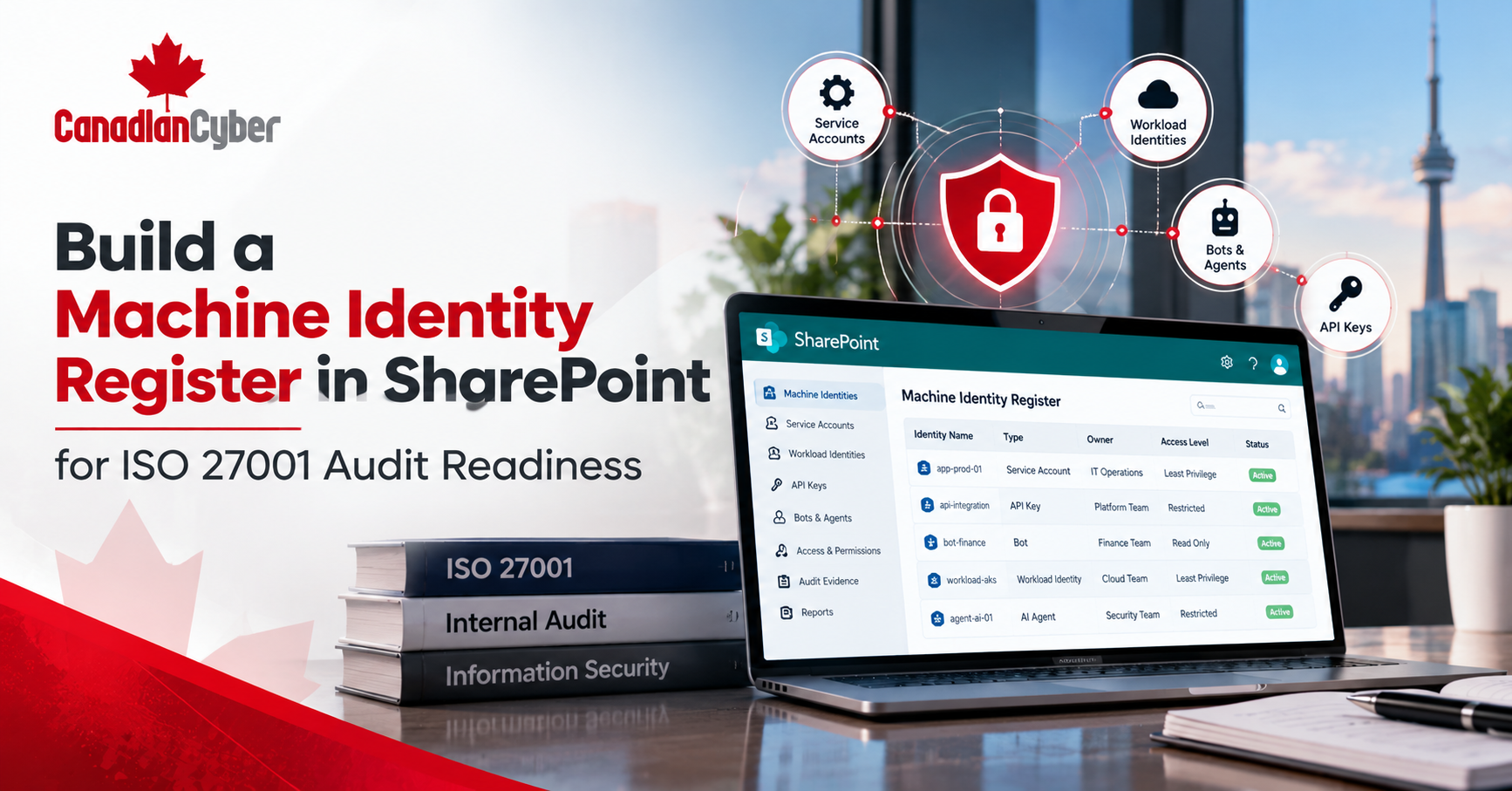
Canadian Cyber’s ISMS SharePoint Solution can help organize:
Track service accounts, workload identities, bots, and AI agents.
Link each material identity to a responsible owner.
Track periodic permission and privilege reviews.
Link excessive access and lifecycle gaps to risk treatment.
Track orphaned accounts, static secrets, and monitoring gaps.
Assign owners, due dates, evidence, and closure status.
Explore Canadian Cyber’s ISMS SharePoint Solution
Frequently Asked Questions
What is a non-human identity?
A non-human identity represents an application, service, workload, bot, script, automation, device, or AI agent instead of a person.
Are service accounts covered by ISO 27001?
Yes. Service accounts can fall within identity, authentication, access-rights, privileged-access, logging, and monitoring controls.
What is the difference between a service account and a workload identity?
A service account often supports an application or automated service.
A workload identity represents software such as an application, service, container, automation process, or pipeline.
However, terminology varies between platforms.
Should service accounts use MFA?
Many workload identities cannot perform human-style MFA.
Instead, organizations should use secure machine authentication, least privilege, managed identities where appropriate, strong credential management, and monitoring.
How often should non-human access be reviewed?
The frequency should be risk-based.
Privileged identities should usually receive more frequent review.
Reviews should also follow major changes, incidents, ownership changes, or workload retirement.
Are AI agents non-human identities?
Yes, when an agent has its own identity or uses application credentials. Therefore, AI agents should be included in ownership, permission review, logging, and lifecycle management.
The Takeaway
Your biggest identity risk may not have a password reset ticket.
It may never log into a laptop.
It may never take a vacation.
Yet it may have permanent access to important systems.
Cloud automation is growing.
APIs, SaaS integrations, DevOps, and AI agents are growing too.
Therefore, non-human identity governance should become part of normal ISO 27001 internal audit.
Start with the basics:
An identity that nobody remembers can still have access that an attacker would value.
Need Help Auditing Identity and Access Under ISO 27001?
Canadian Cyber helps organizations review access control, identity management, privileged access, Microsoft 365 security, and cloud environments.
We also help teams review internal audit evidence and corrective actions.
In addition, our ISMS SharePoint Solution can organize access reviews, risks, evidence, findings, responsibilities, and corrective actions.
Stay Connected With Canadian Cyber
Follow Canadian Cyber for practical guidance on ISO 27001 internal audits, access control, identity management, service accounts, workload identities, AI agents, SharePoint ISMS, and cybersecurity maturity.