ISO 27001
Workload Identities
Identity Management
Internal Audit
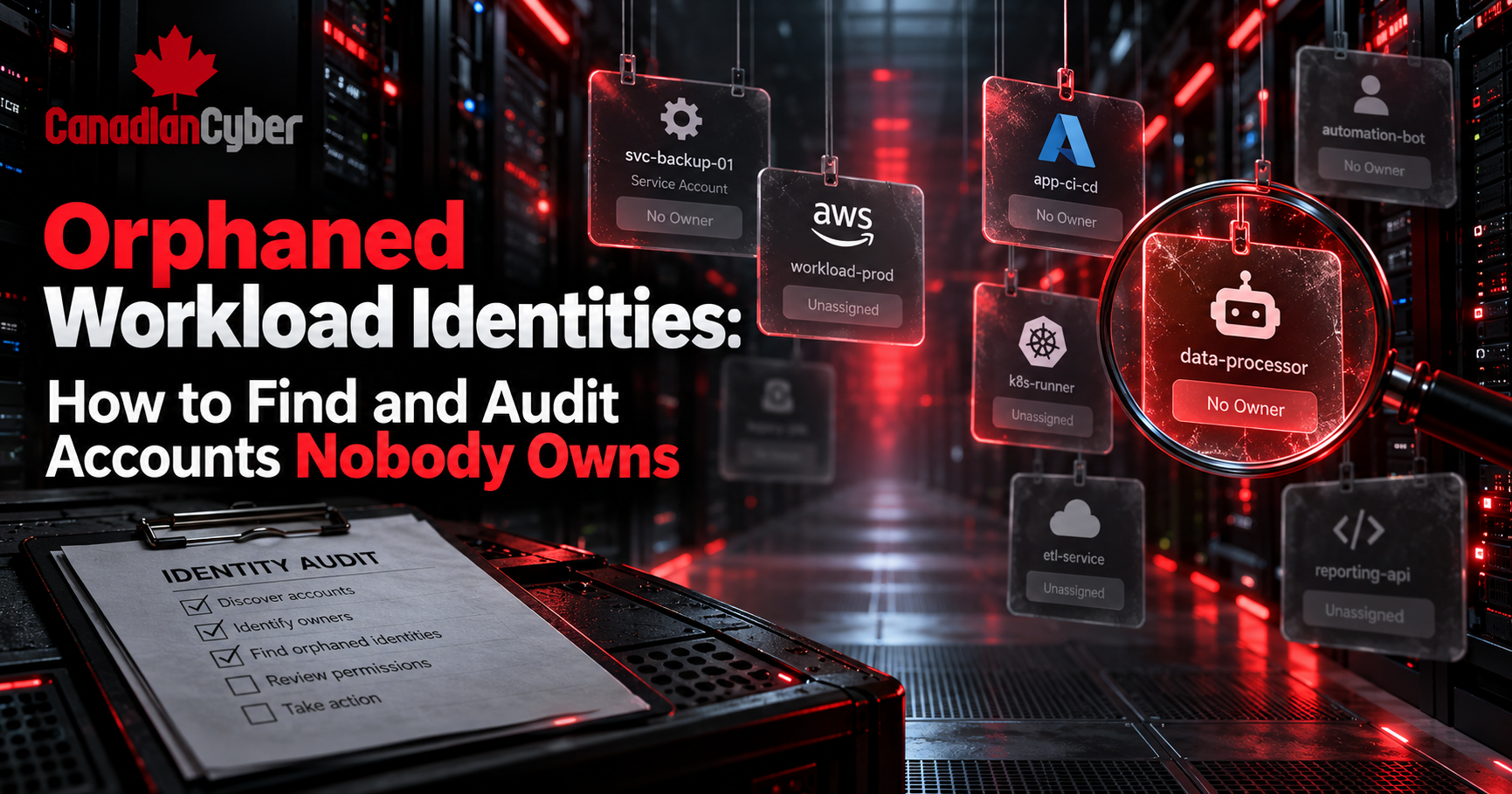
Orphaned Workload Identities: How to Find and Audit Accounts Nobody Owns
Learn how ISO 27001 internal auditors can find orphaned workload identities, confirm ownership, review access, and remove accounts that are no longer needed.
When the Application Is Gone but the Identity Remains
The application was retired.
The developer left.
The migration ended two years ago.
However, the service principal still exists.
It still has permissions.
Its credentials may still work.
Worse, nobody knows who owns it.
This is an orphaned workload identity.
These identities are easy to miss.
They do not belong to normal employees.
Instead, they may belong to applications, scripts, cloud services, bots, or AI agents.
Even so, they can still access valuable systems and data.
Therefore, internal audit should ask one simple question:
Who is responsible for every machine identity that still has access?
If nobody can answer, investigate the identity.
Quick Answer
What Are Orphaned Workload Identities?
Orphaned workload identities are machine identities with no clear owner or purpose.
They may also belong to workloads that no longer exist.
Common examples include:
- Service accounts.
- Service principals.
- Managed identities.
- Application registrations.
- Automation accounts.
- API identities.
- Bots.
- CI/CD identities.
- AI agent identities.
First, confirm whether the identity is still used.
Next, review its permissions and activity.
Then, confirm who owns it.
Finally, disable or remove identities that are no longer required.
Key principle: every identity needs a valid purpose and accountable owner.
Why Orphaned Workload Identities Are Dangerous
Workload identities often outlive the systems that created them.
For example, a team creates a service principal.
Later, the project ends.
The original employee changes roles or leaves.
Yet the identity stays active.
Microsoft recommends documenting the owner and purpose of service accounts.
Organizations should also document permissions, risk, review periods, and expected lifetime.
Finally, the lifecycle should end when the related workload is retired.
Without this process, unused identities can build up.
Some may still have:
As a result, orphaned identities increase attack surface.
What Is a Workload Identity?
A workload identity allows software to authenticate to another resource.
Microsoft Entra uses the term for applications, service principals, and managed identities.
For internal audit, use a simpler definition:
A workload identity is an account used by software instead of a person.
Service Principal
Azure Resource
Managed Identity
Database
Agent Identity
SharePoint + Tools
Employees eventually leave the company.
Workload identities do not. Therefore, someone must manage their lifecycle.
1. Start With the Full Identity Inventory
First, build a complete inventory.
Do not rely only on the official register.
Instead, compare the register with the real environment.
Review:
Microsoft recommends managing the full identity lifecycle.
Evidence to Request
- Workload identity inventory.
- Service-account register.
- Service-principal export.
- Managed identity list.
- Application registrations.
- Privileged role assignments.
- AI agent inventory.
- Cloud IAM exports.
Next, compare those sources.
Audit red flag: the directory contains 450 identities, but the register contains 280.
2. Check Whether Every Identity Has an Owner
Next, test ownership.
Every important identity should have an accountable owner.
That owner should know:
- Why the identity exists.
- Which application uses it.
- Which systems it accesses.
- What would break if it was disabled.
- Whether it is still required.
Microsoft recommends documenting an owner when service accounts are created.
Internal Audit Test
Select a sample of workload identities.
Then ask:
Who owns this account today?
Now contact the listed owner.
If they do not know the account, investigate it.
Check Whether the Owner Is Still Valid
A name in a field is not enough.
Confirm that the owner:
- Still works for the organization.
- Still manages the related system.
- Understands the identity.
- Accepts responsibility for review.
An outdated owner is almost as weak as no owner.
3. Look for Identities Linked to Former Employees
This test can find orphaned accounts quickly.
Compare identity ownership with:
Then find identities owned only by former employees.
Example
A former DevOps engineer owns six application registrations.
The employee left eight months ago.
The applications still have production access.
Therefore, internal audit should ask:
- Are the identities still required?
- Who owns them now?
- What permissions do they have?
- Are the credentials still active?
Offboarding should also review machine identities controlled by departing employees.
4. Check Whether the Application Still Exists
A workload identity can outlive its application.
Therefore, trace each identity to a real workload.
Ask:
What application, script, service, bot, or automation uses this identity?
Then verify the answer.
Look for links to:
Microsoft recommends removing service accounts when their workloads are retired.
Useful Evidence
- CMDB records.
- Application inventory.
- Project closure records.
- Cloud resources.
- CI/CD pipelines.
- Architecture diagrams.
- Change tickets.
If the workload is gone, ask why the identity remains.
Do You Know Which Machine Accounts Nobody Owns?
Canadian Cyber can review service accounts, workload identities, service principals, managed identities, and AI agents.
We help find hidden access before it becomes an audit finding.
5. Review Sign-In and Activity Logs
An ownerless identity may still be active.
So, do not delete it immediately.
First, check how it is used.
Review:
Microsoft recommends checking activity before removing an uncertain account.
Questions to Ask
- When did the identity last authenticate?
- Which resource did it access?
- Which application triggered the activity?
- Was the activity expected?
Warning: no recent activity does not always mean safe to delete.
Some workloads run only once a month.
Others run quarterly.
Some only run during disaster recovery.
Therefore, combine logs with owner confirmation.
6. Review Permissions Before Taking Action
Orphaned identities are more dangerous when they have high privileges.
Therefore, prioritize identities with:
Microsoft recommends reviewing machine identities for excessive privilege.
It also recommends applying least privilege.
Use a Risk-Based Approach
A dormant read-only identity may be lower risk.
An ownerless administrator account needs faster action.
No Owner + High Privilege + Active Credentials = High Priority
7. Pay Attention to Managed Identities
Managed identities can reduce secret-management risk.
However, they still need lifecycle controls.
Microsoft distinguishes two main types.
System-Assigned Identity
It belongs to one Azure resource. When the resource disappears, the identity also disappears.
User-Assigned Identity
It has its own lifecycle. Therefore, it may remain after the original resource is gone.
For that reason, review user-assigned identities carefully.
Internal Audit Questions
- Which resources use the identity?
- Does it have active assignments?
- Who owns it?
- What permissions does it have?
- Is it still required?
An identity with no workload but active permissions needs investigation.
8. Include AI Agent Identities
AI agents add another non-human identity type.
They may:
Microsoft includes sponsorship and lifecycle concepts for agent identities.
Every AI agent needs accountable ownership.
Ask
- Who sponsors the agent?
- Who manages it?
- Why does it exist?
- What data can it access?
- Which tools can it use?
- Is it still active?
- What happens when the project ends?
An abandoned AI agent with active access is still an orphaned identity.
9. Test the Access Review Process
Finding orphaned identities manually is useful.
However, preventing them is better.
Run recurring access reviews for machine identities.
Microsoft Entra supports reviews for several identity scenarios.
A Good Review Should Ask
A checkbox marked “Reviewed” is not enough.
A good review should create a clear decision.
10. Define What Happens When Nobody Responds
This is often the missing control.
An access review finds an identity.
The owner has left.
The application team does not respond.
What happens next?
Use a defined escalation process.
1. Owner does not respond.
2. Security checks activity and dependencies.
3. The identity is temporarily disabled.
4. Affected teams are notified.
5. A monitoring period begins.
6. Remove the identity if no dependency appears.
Microsoft also recommends planning for missed account reviews.
In some cases, temporary disabling can help verify business need.
Without escalation, orphaned accounts can remain active for years.
ISO 27001 Controls to Consider
Orphaned workload identities may affect several ISO/IEC 27001:2022 controls.
| ISO 27001 Control | Audit Focus |
|---|---|
| A.5.15 Access Control | Is machine access restricted? |
| A.5.16 Identity Management | Are workload identities managed through their lifecycle? |
| A.5.17 Authentication Information | Are machine credentials protected? |
| A.5.18 Access Rights | Is access reviewed and removed? |
| A.8.2 Privileged Access Rights | Are privileged orphaned accounts identified quickly? |
| A.8.15 Logging | Can identity activity be traced? |
| A.8.16 Monitoring Activities | Can unusual activity be detected? |
The exact mapping depends on your scope, risks, and Statement of Applicability.
Common Internal Audit Findings
Watch for these common problems.
The account has no new owner.
The identity still exists.
Nobody has clear responsibility.
The listed person does not know the account.
Nobody knows if the identity is used.
An ownerless account still has admin access.
The resource is gone, but the identity remains.
The project ended, but access remains.
Nobody approves removal.
Quick Orphaned Workload Identity Audit Checklist
Before closing the audit, confirm:
- Workload identities are inventoried.
- Every important identity has an owner.
- Owners are still active and responsible.
- Business purpose is documented.
- Identities map to active workloads.
- Recent activity has been reviewed.
- Permissions follow least privilege.
- Privileged identities receive extra review.
- Former employee ownership is checked.
- User-assigned managed identities are reviewed.
- AI agent identities are included.
- Access reviews happen regularly.
- Review results lead to action.
- Missing owners trigger escalation.
- Unneeded permissions are removed.
- Unused identities are disabled.
- Deprovisioning evidence is retained.
Centralize Workload Identity Evidence in SharePoint
Identity evidence often sits across several teams.
Security may own activity logs.
IT may own identity inventories.
Application teams may own business context.
As a result, audit evidence can become fragmented.
Canadian Cyber’s ISMS SharePoint Solution can centralize:
Explore Canadian Cyber’s ISMS SharePoint Solution
Frequently Asked Questions
What is an orphaned workload identity?
It is a machine identity with no clear owner, purpose, or active workload.
It may still keep access after the original project ends.
How do you find orphaned service accounts?
Compare service accounts with owner records, HR data, application inventories, and logs.
Also look for former employees, retired systems, and long inactivity periods.
Should an inactive service principal be deleted?
Not immediately.
First, check dependencies, activity, purpose, permissions, and ownership.
Then use a controlled deprovisioning process.
Why are orphaned workload identities an ISO 27001 issue?
They can expose gaps in identity management, access reviews, logging, and monitoring.
Can managed identities become orphaned?
Yes, especially user-assigned managed identities.
They may remain after the original workload is removed.
Should AI agents have owners?
Yes.
AI agents should have clear ownership, controlled permissions, lifecycle management, and audit evidence.
The Takeaway
An orphaned identity does not need a human owner to keep working.
That is the problem.
It can still authenticate.
It can still call APIs.
It can still access data.
It can still hold powerful permissions.
Therefore, do not only ask which identities exist.
Also ask:
Every identity needs a purpose, owner, review date, appropriate access, and end-of-life process.
Without those controls, an identity can become an orphan.
If that orphan has privileged access, the risk becomes much greater.
Need Help Auditing Workload Identities Under ISO 27001?
Canadian Cyber helps organizations review identity management, workload identities, privileged access, and Microsoft 365 controls.
Our ISMS SharePoint Solution can also centralize reviews, evidence, owners, findings, and corrective actions.
Stay Connected With Canadian Cyber
Follow Canadian Cyber for ISO 27001, identity management, access control, AI governance, and internal audit guidance.