
Get in touch
info@canadiancyber.ca


Rafia Rizwan

April 22, 2026
A practical guide to continuous compliance in SharePoint, showing how to build an ISMS engine with workflows, metadata, and structured tracking.
So they create folders. Then more folders. Then subfolders. Then a few spreadsheets. Then another document library. Then a naming convention nobody fully follows. Then a version of the risk register saved somewhere else “for now.”
At first, it feels organized enough. But over time, the same SharePoint environment starts causing problems. Policies are hard to find. Evidence is scattered. Review dates are missed. Corrective actions live in spreadsheets instead of workflows. Ownership is unclear. The same file exists in three places. Auditors ask for proof, and the team starts hunting.
That is when a hard truth becomes obvious: the organization did not build a compliance system. It built a document dump.
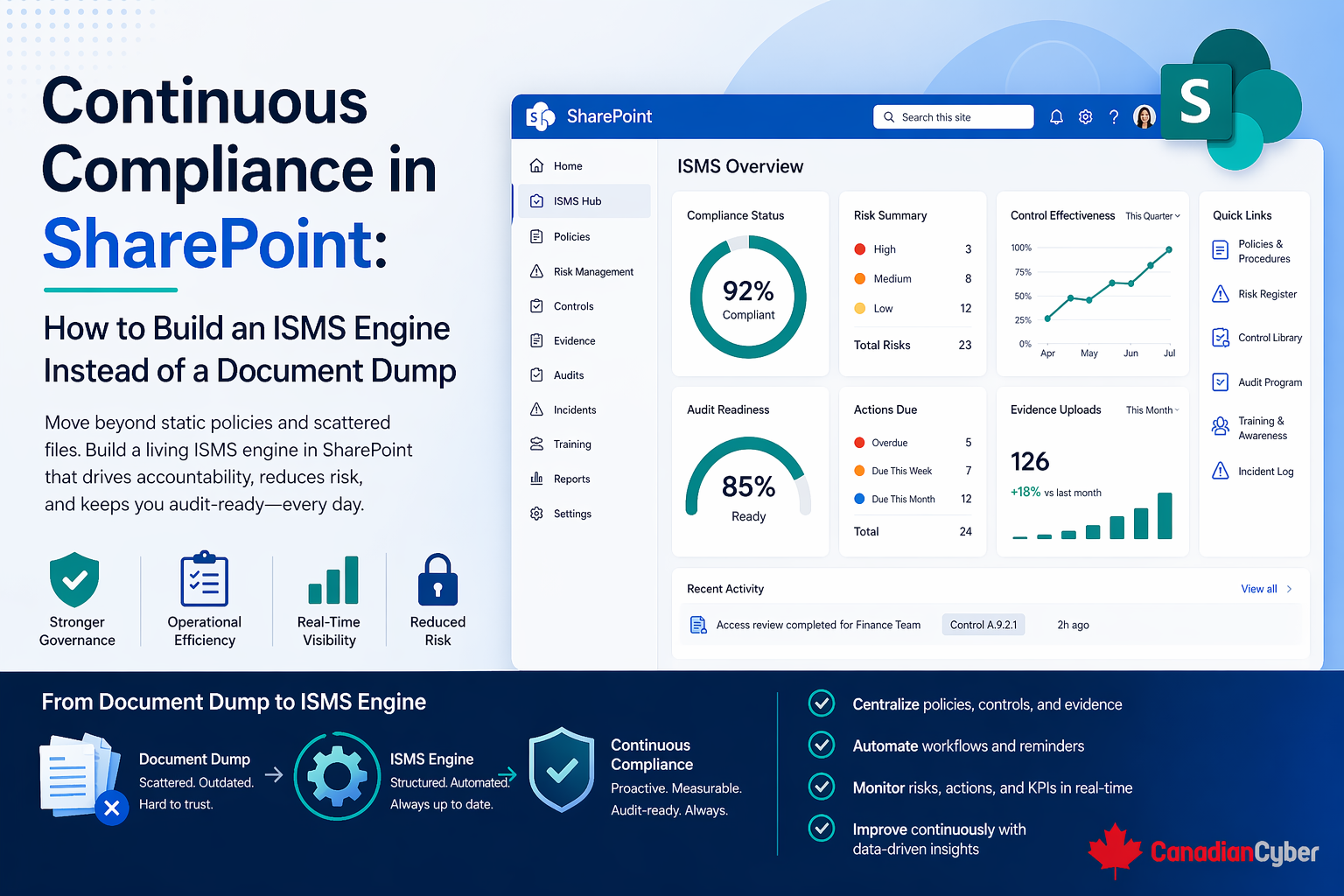
Continuous compliance in SharePoint works best when the platform is designed to drive ownership, review, evidence, and follow-through, not just store files.
SharePoint is powerful, but it is also easy to misuse. Many compliance environments fail for a simple reason: the setup starts with storage, not workflow.
The team thinks it needs a policy library, an audit folder, a risk register file, and evidence folders by control. Those things are not wrong. But by themselves, they do not create continuous compliance. They create a repository.
Repositories break down when the organization needs more than storage.
A folder structure cannot answer those questions well. That is why a static SharePoint setup usually starts feeling weak as the ISMS matures.
Continuous compliance does not mean the organization is in audit mode every day. It means the ISMS is being maintained as a living management system rather than rebuilt before every audit.
That usually requires the organization to manage policy reviews, risk updates, control ownership, evidence collection, vendor reviews, access reviews, incidents and near misses, corrective actions, internal audits, management review, training and awareness, and change tracking on an ongoing basis.
When these activities are handled continuously, audit preparation gets easier because the system is already operating. When they are handled only before external review, the team ends up scrambling.
Picture this: a growing company has an ISO 27001 program and stores everything in SharePoint. It has policy folders, audit folders, a risk register spreadsheet, a corrective action spreadsheet, evidence subfolders by control, vendor review PDFs, meeting notes, and internal audit reports.
On paper, it looks complete. Then the next audit cycle begins.
Now the trouble starts. The files exist, but the system does not tell the story. The team has to manually reconstruct status, ownership, review history, evidence freshness, and what still needs attention.
That is the exact difference between a document dump and an ISMS engine.
A strong SharePoint-based ISMS does not eliminate documents. It organizes them around controlled workflows and structured records.
That usually means SharePoint is used for three different jobs at once:
This is the key mindset shift. Instead of asking, “Where should we store this?” ask, “How should this move, be reviewed, be owned, and be reported?”
One of the most common mistakes in SharePoint ISMS design is organizing everything around document categories only: Policies, Procedures, Audits, Risks, Evidence, Vendors.
That is tidy, but not always useful. A better design approach is to organize around the activities that keep the ISMS alive.
Each of these activities usually needs an owner, a status, a due date, supporting records, a review rhythm, and a visible trail. That is what folders alone cannot provide.
To make SharePoint support continuous compliance well, most organizations need a combination of document libraries, SharePoint lists, metadata, filtered views, approval and version control, linked records, and dashboards or status views.
Every ISMS in SharePoint needs a central controlled library for policies, procedures, standards, guidelines, templates, and approved forms. But the goal is not only to store them. The goal is to make policy governance visible.
| Field | Why It Matters |
|---|---|
| Document title | Easy identification |
| Document owner | Accountability |
| Document type | Policy, procedure, standard, etc. |
| Version | Control over updates |
| Approval status | Draft, approved, archived |
| Approval date | Governance record |
| Next review date | Continuous review trigger |
| Applicable area | Helps filtering and reporting |
This turns the policy library into a managed control set, not just a folder tree.
If the risk register lives as a spreadsheet inside SharePoint, it is better than nothing. But it usually becomes far more useful as a structured SharePoint list.
That allows tracking fields like risk ID, title, description, category, owner, inherent risk, existing controls, residual risk, treatment plan, target date, review date, status, and trend.
A scalable SharePoint ISMS should not require people to open a spreadsheet and manually interpret everything every time.
Corrective actions are one of the clearest signs of whether the ISMS is actually operating. If these are managed in scattered Excel files or meeting notes, the system will start breaking down.
A better SharePoint setup uses a dedicated corrective action list with fields such as action ID, source of finding, description, owner, priority, due date, status, evidence attached or linked, verification by, and closure date.
A lot of SharePoint ISMS setups create giant evidence folders by clause or control. That works at first, but it becomes messy fast. A stronger model usually combines an evidence library, metadata, and linkage to controls or activity type.
| Field | Why It Matters |
|---|---|
| Evidence title | Easy identification |
| Related control / clause | Ties file to requirement |
| Period covered | Shows timeliness |
| Owner | Accountability |
| Evidence type | Screenshot, report, meeting minutes, approval record, etc. |
| Review date | Supports freshness |
| Source process | Access review, vendor review, incident, audit, etc. |
Without this structure, evidence becomes a pile of files that only makes sense to the person who uploaded them.
Vendor governance is often weak in SharePoint because contracts and review files are stored, but the actual oversight is not tracked cleanly.
A better setup uses a vendor list with fields such as vendor name, service type, criticality, owner, security review status, last review date, next review date, data sensitivity, contract status, and linked evidence.
Audit reports belong in a document library. But audit management should usually also have a structured tracker. This may include audit title, scope, date, auditor, status, linked report, findings count, corrective action linkage, and next review or follow-up.
The audit does not disappear into storage once the PDF is uploaded. That is what continuous compliance looks like.
Many organizations store management review meeting minutes, but do not structure the supporting inputs well. SharePoint can help by tracking items such as open risks, overdue actions, policy review status, audit outcomes, incident summary, vendor review status, training completion, and improvement opportunities.
These can then roll into a management-review workspace or dashboard. This gives leadership a more usable ISMS picture than asking them to read across ten different folders and spreadsheets.
A lot of SharePoint environments fail because teams recreate a shared drive inside SharePoint and stop there. But SharePoint becomes much more powerful when metadata is used well.
Instead of relying only on folder location, the system can tell you owner, status, review date, control area, sensitivity, period covered, and related action or risk.
That is how filtered views and dashboards become useful. It is also how teams reduce duplication, because one file can be found through many useful views without being copied into multiple folders.
If several of these are true, the problem is probably not SharePoint itself. It is the design model.
When SharePoint is designed more intentionally, the ISMS starts behaving differently. It supports routine ownership. It supports review cycles. It supports evidence freshness. It supports reporting. It supports traceability. It supports improvement.
That is the real goal. A document dump can hold an ISMS. But it cannot run one well.
Most organizations do not need to rebuild everything at once. A practical upgrade path usually works better.
| Phase | What to Focus On |
|---|---|
| Phase 1: Stabilize core libraries | Clean up policy library, evidence storage, audit reports, and key naming and ownership fields |
| Phase 2: Move critical trackers into lists | Prioritize risk register, corrective action tracker, vendor review tracker, and audit tracker |
| Phase 3: Add metadata and filtered views | Make it easier to answer what is overdue, what is high risk, what lacks evidence, and what leadership needs to review |
| Phase 4: Create management and owner views | Build simple dashboards or list views for control owners, compliance leads, leadership, and audit preparation |
This approach improves the system without overwhelming the team.
Continuous compliance in SharePoint is not about uploading more documents. It is about designing the platform so the ISMS can actually operate over time.
That means moving beyond folders and building a system that can manage ownership, review dates, risks, corrective actions, vendor oversight, evidence freshness, audit follow-through, and management visibility.
Because in the end, the goal is not to prove that documents exist. It is to prove that the security management system is alive, maintained, and improving. And that only happens when SharePoint supports the work, not just the storage.










