
Get in touch
info@canadiancyber.ca


Rafia Rizwan

April 15, 2026
A practical guide to corrective action tracking in SharePoint that helps manage findings, owners, deadlines, and evidence for audit-ready compliance.
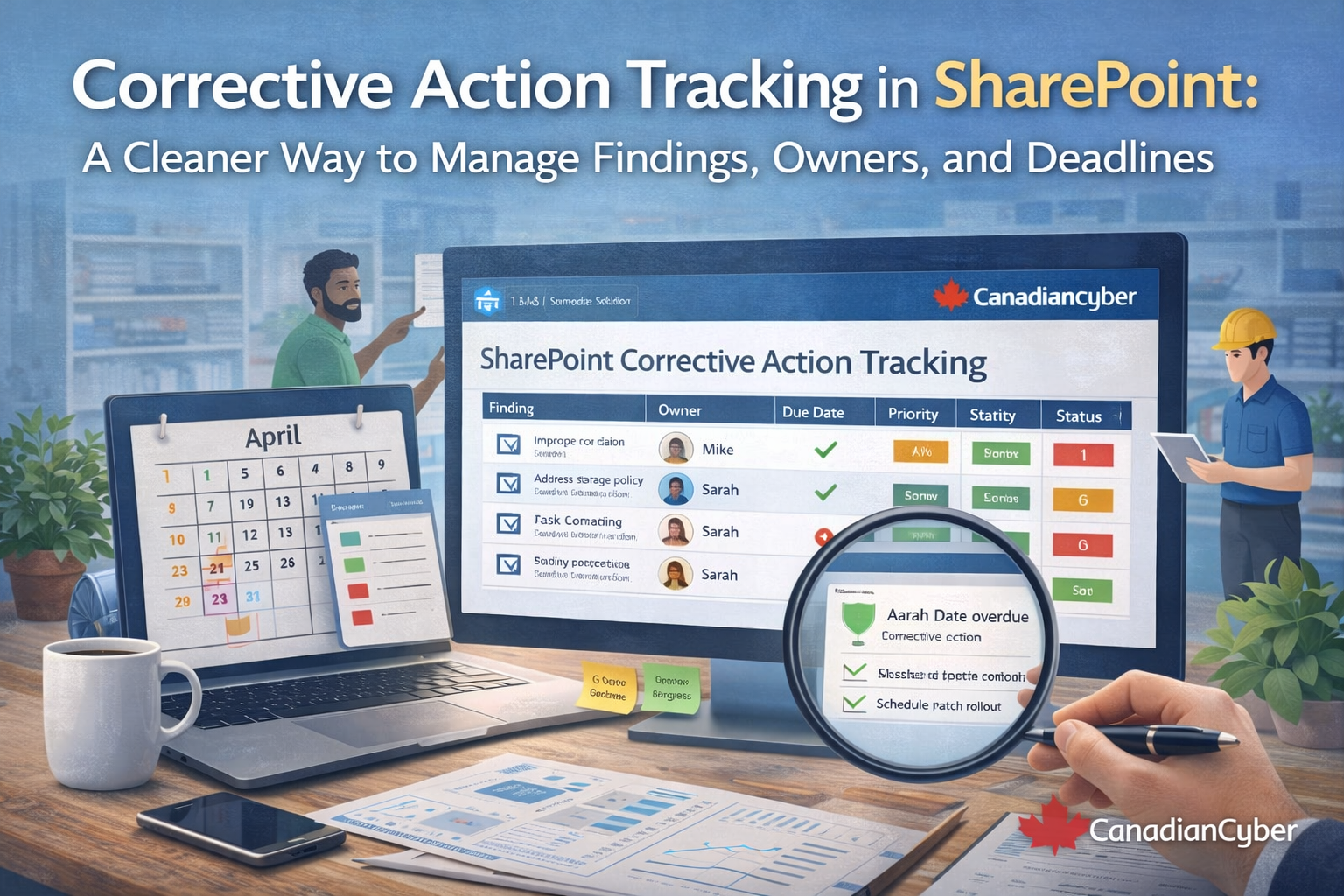
A finding on its own does not improve security. A missed control does not fix itself. And a spreadsheet full of action items does not automatically become accountability.
Yet many organizations still manage corrective actions in ways that make follow-through harder than it needs to be. Findings get buried in email threads. Deadlines live in someone’s memory. Owners are unclear. Status updates drift. By the time the next audit comes around, nobody is fully sure what was closed, what is overdue, or what evidence exists.
This is exactly where a structured SharePoint-based corrective action tracker can make the process cleaner, more visible, and much easier to defend.
Corrective actions sound simple in theory. Identify the issue. Assign an owner. Set a deadline. Implement the fix. Verify closure.
In practice, that chain breaks very quickly when the system behind it is weak.
For organizations already using Microsoft 365, SharePoint is often one of the most practical places to manage corrective actions because it is already part of the operating environment.
When it is structured properly, it turns scattered remediation work into a controlled register with traceability, ownership, and evidence.
That means corrective actions stop being loose tasks and start becoming a managed process that leadership and auditors can both follow.
Imagine an internal audit identifies four issues:
The report gets emailed around. Someone creates an Excel file. A manager updates a few rows. Another owner forgets. One deadline passes quietly. Another action gets marked done, but no evidence is attached.
Three months later, leadership wants a status update before the next audit. Now everyone is scrambling to answer the same questions again.
A properly structured SharePoint tracker changes this completely by making each finding a controlled record instead of a loose reminder.
A strong corrective action tracker should do more than list tasks. It should support accountability, traceability, evidence, and verification.
| Field | Why it matters |
|---|---|
| Corrective Action ID | Gives every action a unique reference point. |
| Finding title and source | Shows what the issue is and where it came from. |
| Description and root cause | Helps prevent superficial fixes. |
| Action required and owner | Defines the work and who is accountable for it. |
| Department and priority | Supports reporting and risk-based follow-up. |
| Target due date and current status | Makes timelines visible and progress measurable. |
| Evidence link or attachment | Proves the remediation actually happened. |
| Verified by and closure date | Shows the action was reviewed and formally closed. |
Do not track findings in separate spreadsheets by team, department, or audit source. Keep one central SharePoint list as the source of truth, then use filtered views for different audiences.
Avoid vague labels like IT team, security, or management. Every corrective action should have one named owner so accountability is real and escalation is possible.
This is one of the most important distinctions. An action may be implemented, but not yet verified. A policy may be updated, but not yet approved. Training may be delivered, but attendance proof may still be missing.
Corrective actions should not rely on verbal confirmation. Each record should point to the proof that the work happened.
Deadlines are where discipline becomes visible. A strong SharePoint tracker should make it easy to filter what is overdue, what is due this week, what is high priority, and what is waiting for verification.
Weak corrective actions often address only the visible problem. Strong corrective actions also explain why the issue happened so the same finding does not return next cycle.
Corrective action tracking should not serve auditors only. It should help leadership see whether the program is improving or drifting.
A well-built SharePoint tracker should support management views that are short, practical, and decision-friendly.
| Metric | Why leadership cares |
|---|---|
| Total open actions | Shows remediation workload and exposure. |
| Overdue actions | Highlights execution risk and weak follow-through. |
| Actions by department | Reveals bottlenecks or uneven accountability. |
| High-priority findings still open | Supports risk-based prioritization. |
| Average time to close | Shows how mature the remediation process is. |
| Repeat findings | Signals deeper control weakness or superficial fixes. |
Spreadsheets are familiar, but they become messy quickly once corrective actions start coming from multiple sources like audits, incidents, vendor reviews, or risk assessments.
| Spreadsheet approach | SharePoint approach |
|---|---|
| Easy to duplicate and lose version control | Centralized live record |
| Manual coordination for updates | Structured list-based updates |
| Weak permissions | Better access control |
| Hard to filter consistently | Custom views and metadata |
| Evidence often stored elsewhere | Evidence can be linked directly |
| Reporting is manual | Views and dashboards are easier to build |
Moving corrective actions into SharePoint helps, but only if the structure is disciplined enough to support consistency.
Many organizations do the hard part first. They run the audit, identify the issues, and document the findings.
What slows them down is everything after that.
Corrective action tracking works best when it is simple enough that people actually use it, structured enough that auditors can follow it, visible enough that leadership can manage it, and flexible enough to support audits, incidents, risk reviews, and broader compliance programs.
A well-built SharePoint corrective action tracker does exactly that. It moves the organization from scattered remediation to controlled follow-through, with clear ownership, real deadlines, and evidence-backed closure.
Corrective actions are where compliance either becomes real or starts to break down.
If findings are managed through spreadsheets, inboxes, and memory, delays and repeat issues are almost guaranteed.
But with a properly structured SharePoint tracker, every finding can have a clear owner, a real deadline, a consistent status, attached evidence, and a verifiable path to closure.
That makes audits easier, management reporting clearer, and remediation far more reliable.










