



SharePoint ISMS • ISO 27001 • Small Security Teams
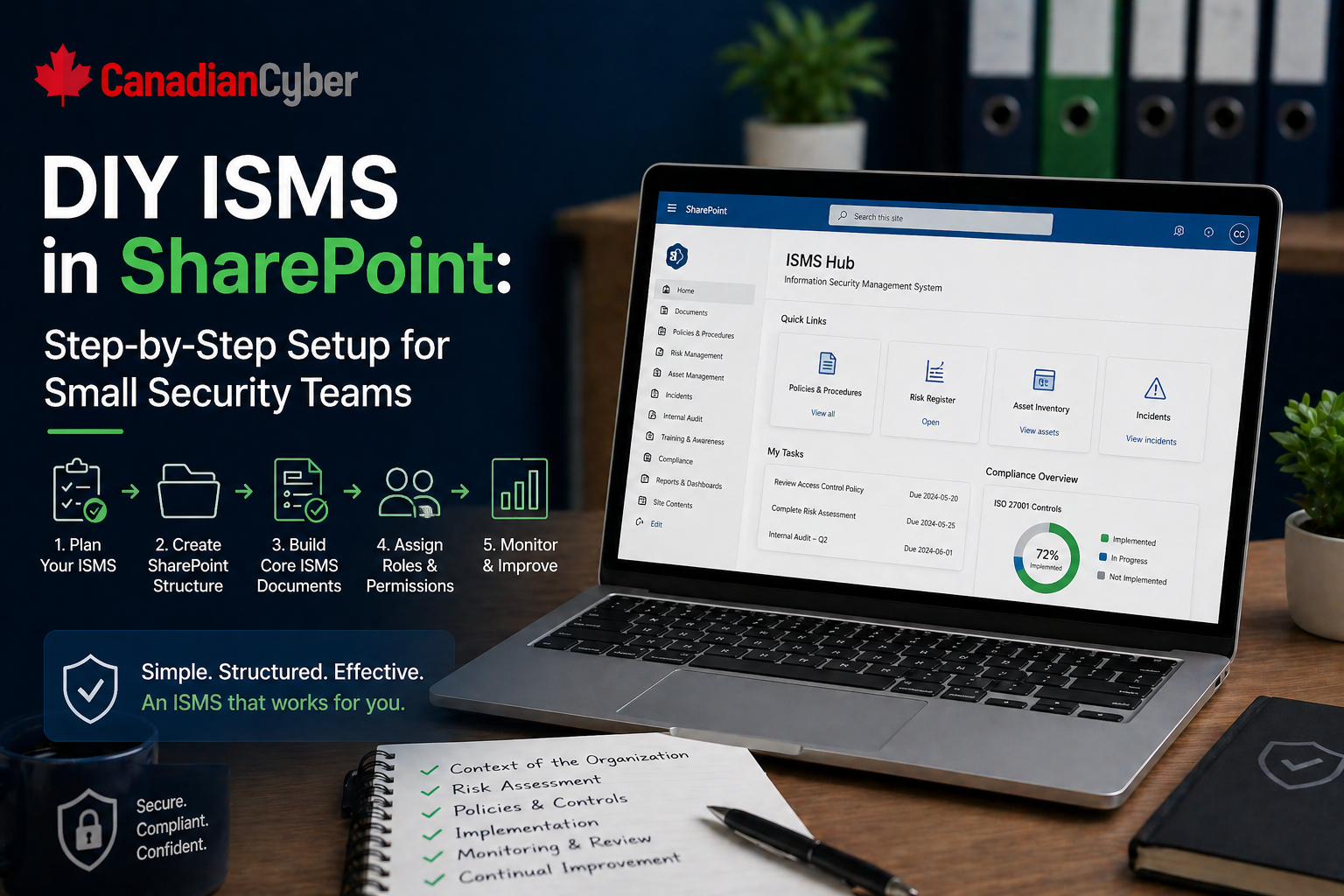
DIY ISMS in SharePoint: Step-by-Step Setup for Small Security Teams
Small security teams can use SharePoint as a practical ISMS workspace for policies, risks, evidence, vendors, audits, corrective actions, and management review without overcomplicating compliance operations.
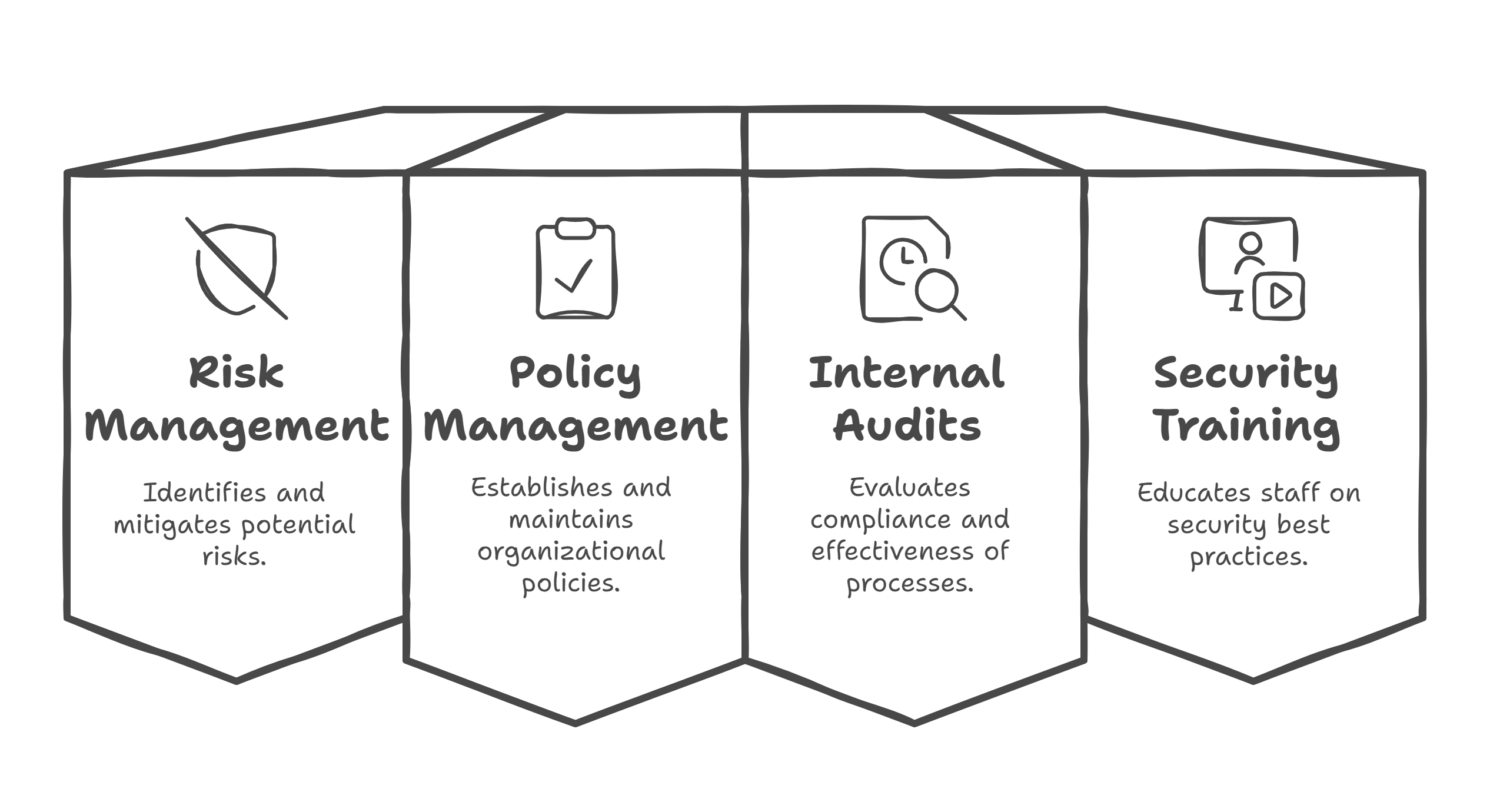
Quick Snapshot
| ISMS Area | SharePoint Setup |
|---|---|
| Policies | Controlled document library with owners, approval dates, versions, and review dates |
| Risks & SoA | SharePoint Lists for risk treatment, control applicability, owners, and evidence links |
| Evidence | Metadata-driven library linked to controls, periods, owners, and source systems |
| Audit Readiness | Track corrective actions, vendors, incidents, internal audits, and management review in one workspace |
Introduction
Small security teams do not always need a heavy GRC platform to start managing an ISMS properly.
Many already have Microsoft 365. They already use SharePoint. They already store policies, evidence, risks, audit notes, vendor reviews, and corrective actions somewhere.
The problem is that “somewhere” usually turns into a mess.
A DIY SharePoint ISMS should help you manage ownership, reviews, evidence, risks, actions, and audit readiness in one clean operating system.
Without structure, the ISMS quickly becomes:
- policies sitting in folders
- risk registers living in Excel
- evidence uploaded without metadata
- corrective actions tracked in email
- vendor reviews scattered across files
- audit prep becoming a manual search exercise
That is not an ISMS. That is a document dump.
Want SharePoint to Work Like an ISMS?
Canadian Cyber helps small security teams turn scattered folders, spreadsheets, and evidence into a structured SharePoint ISMS workspace.
Why SharePoint Works Well for a Small-Team ISMS
SharePoint is useful because it can support three things at once:
| Capability | How It Helps the ISMS |
|---|---|
| Document Control | Keeps policies, procedures, standards, and templates organized with ownership and review dates |
| Structured Tracking | Uses lists for risks, vendors, corrective actions, incidents, and audit requests |
| Audit Evidence Management | Links evidence to controls, owners, collection dates, and audit periods |
For a small security team, this is powerful because the team does not need ten disconnected tools to run the ISMS. It needs one clear structure.
Step 1: Create the Main ISMS Site
Start with one dedicated SharePoint site. Name it clearly, such as Information Security Management System or ISO 27001 ISMS Workspace.
Your main navigation should be simple:
- Policies
- Risk Management
- Controls and SoA
- Evidence Library
- Vendors
- Incidents
- Internal Audits
- Corrective Actions
- Management Review
- Templates
Step 2: Build a Controlled Policy Library
Create a document library for policies, procedures, standards, guidelines, and templates. The key is to add metadata so policies are managed, not just uploaded.
| Field | Purpose |
|---|---|
| Document Owner | Shows accountability |
| Document Type | Policy, procedure, standard, or template |
| Version | Supports document control |
| Approval Status | Draft, approved, or archived |
| Next Review Date | Prevents stale policies |
| Related Control | Connects the document to ISO 27001 controls |
Step 3: Create the Risk Register as a SharePoint List
Do not rely only on Excel once the ISMS becomes active. A risk register should be a living management tool.
Create fields such as:
- Risk ID, Risk Title, and Risk Description
- Risk Owner and Asset or Process
- Inherent Likelihood and Inherent Impact
- Existing Controls and Residual Risk
- Treatment Decision and Treatment Action
- Due Date, Status, and Review Date
Still Running Your Risk Register in Excel?
We help teams migrate risk registers into SharePoint Lists with owners, treatment actions, review dates, and audit-ready views.
Step 4: Add a Statement of Applicability Tracker
Create a list or structured table for the SoA. This makes audit preparation easier because you can quickly show which controls apply, why they apply, how they are implemented, and where the evidence lives.
- control ID and control name
- applicable or not applicable
- justification
- implementation status
- control owner
- linked policy
- linked evidence
- review notes
Step 5: Build an Evidence Library With Metadata
This is one of the most important parts. Create an evidence library, but do not rely only on folders.
| Evidence Field | Purpose |
|---|---|
| Evidence Type | Screenshot, report, log, or meeting minutes |
| Related Control | Links evidence to a requirement |
| Evidence Owner | Shows responsibility |
| Period Covered | Shows audit relevance |
| Collection Date | Shows freshness |
| Source System | Shows where it came from |
Evidence should be searchable, linked, and audit-ready. Evidence without context is hard to defend during audits.
Step 6: Create a Corrective Action Tracker
Use a SharePoint List for corrective actions. This turns audit findings into managed improvement work.
- action ID and source of finding
- issue description and root cause
- owner, priority, due date, and status
- evidence of completion
- verified by and closure date
Step 7: Build a Vendor Review Tracker
Vendor reviews are often forgotten until audit time. A SharePoint tracker helps small teams stay ahead.
| Vendor Field | Why It Matters |
|---|---|
| Vendor Name and Service Provided | Identifies the dependency |
| Business Owner | Shows accountability |
| Data Handled | Clarifies sensitivity |
| Criticality | Supports risk ranking |
| Last and Next Review Date | Prevents stale vendor reviews |
| Open Issues | Tracks unresolved vendor risk |
Need a Cleaner Vendor Review Process?
Canadian Cyber can help set up vendor trackers with criticality, review status, evidence links, reassessment dates, and open issues.
Step 8: Add Incident and Near-Miss Records
Do not only track major incidents. Near misses are useful because they show the ISMS is learning and improving.
- incident ID and date detected
- reported by, incident type, and severity
- affected system and owner
- response actions and closure summary
- lessons learned
- linked corrective action
Step 9: Create an Internal Audit Workspace
Your internal audit section should include the audit plan, checklist, evidence requests, interview notes, findings, final report, and corrective actions.
A simple audit request list can track:
- request ID
- control area
- assigned owner
- evidence link
- status and comments
- gap identified
Step 10: Build a Management Review Area
Management review should not be rebuilt from scratch every time.
| Management Review Content | Why It Helps |
|---|---|
| Risk summary | Keeps leadership aware of top risks |
| Audit results | Shows control and process performance |
| Corrective action status | Shows improvement follow-through |
| Incident summary | Supports security trend visibility |
| Improvement actions | Connects ISMS activity to business decisions |
Step 11: Standardize Templates
Standard templates make the ISMS easier to run and easier to audit.
- risk assessment and risk treatment plan
- incident record and corrective action
- vendor review and access review
- internal audit checklist
- management review agenda
- evidence record
- policy template
Step 12: Add Simple Dashboards and Views
Small teams need visibility. You do not need a complex dashboard at first. Filtered SharePoint views can be enough.
Useful SharePoint Views
- risks due for review
- high residual risks
- overdue corrective actions
- vendors due for review
- policies due for review
- missing evidence
- open audit findings
Ready for a Cleaner Compliance Workspace?
We can help build SharePoint views, lists, metadata, templates, and evidence structures that make your ISMS easier to operate.
Common Mistakes to Avoid
- Building too many folders: Folders alone do not create workflow or accountability.
- Keeping everything in Excel: Excel is useful early, but it becomes risky for live compliance tracking.
- Uploading evidence without metadata: Evidence without context is hard to defend during audits.
- Forgetting ownership: Every policy, risk, control, and action needs an owner.
- Ignoring review dates: An ISMS only works if reviews happen on schedule.
- Making the system too complex: Small teams need a system they can actually maintain.
Canadian Cyber’s Take
At Canadian Cyber, we often see small teams trying to run ISO 27001 or SOC 2 readiness through scattered spreadsheets, folders, and email threads.
That works for a while. Then the first real audit, customer review, or management meeting exposes the weakness.
A SharePoint ISMS should give small teams one source of truth, clear ownership, structured evidence, live trackers, review visibility, and corrective action follow-through.
Takeaway
A DIY ISMS in SharePoint can work very well for small security teams when it is built around structure, not storage.
The goal is not to upload more compliance documents. It is to build a system that helps your team manage security, prove controls, and improve continuously.
How Canadian Cyber Can Help
We help organizations build practical SharePoint ISMS solutions for ISO 27001, SOC 2, and continuous compliance.
- SharePoint ISMS setup
- risk register and SoA structure
- evidence library design
- corrective action workflows
- vendor review tracking
- internal audit workspaces
- management review templates
- vCISO guidance for ISMS operations
Stay Connected With Canadian Cyber
Follow Canadian Cyber for practical guidance on SharePoint ISMS, ISO 27001, SOC 2, evidence management, audit readiness, and vCISO support.










