



ISMS Documents • Version Control • Audit Evidence • SharePoint ISMS • ISO 27001
Common Mistakes: Poor Version Control in ISMS Documents and Audit Evidence
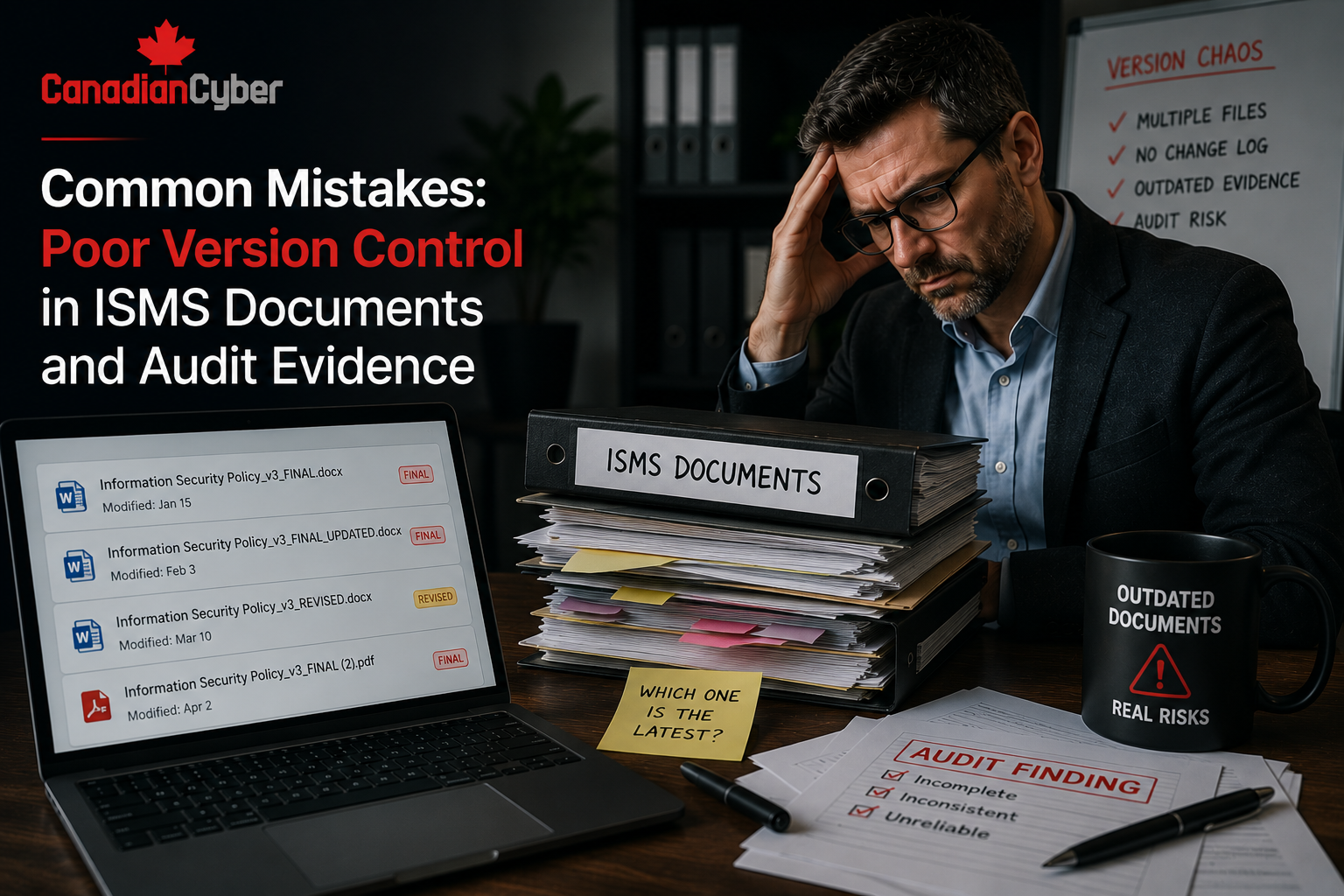
Poor version control makes a good ISMS look messy. If auditors cannot tell which policy is current, which evidence belongs to the audit period, or which corrective action proof is final, your team will waste time explaining what SharePoint should have made obvious.
Quick Snapshot
| Version Control Problem | Audit Impact |
|---|---|
| Multiple “final” files | Auditors cannot confirm the approved version. |
| Old policies still active | Staff may follow outdated requirements. |
| Evidence overwritten | Audit trail is lost. |
| No approval history | Management sign-off is hard to prove. |
| Outcome | Stronger document control, faster audits, and cleaner ISO 27001 or SOC 2 evidence. |
Introduction
Every ISMS has documents.
Policies. Procedures. Risk registers. Statement of Applicability. Internal audit reports. Management review minutes. Corrective action records. Vendor reviews. Access review evidence. Backup test results. Screenshots. Exports. Approvals.
The problem is not that these documents exist.
The problem is that many organizations cannot control them properly.
You see files like:
- Access Control Policy Final.docx
- Access Control Policy Final Updated.docx
- Access Control Policy Final Final.docx
- Audit Evidence Q1 Latest.xlsx
- Vendor Review Updated Use This One.pdf
During an audit, this creates instant friction.
The auditor asks:
- Which version is approved?
- Who approved it?
- When was it reviewed?
- What changed?
- Is this evidence from the correct period?
- Was this file replaced after the audit request?
- Can staff access the current version?
If your team cannot answer quickly, the ISMS looks weaker than it may actually be.
Want Cleaner Version Control in Your SharePoint ISMS?
Canadian Cyber helps organizations build SharePoint ISMS libraries with version history, metadata, approval workflows, evidence naming rules, audit-ready views, and controlled document lifecycle processes.
Why Version Control Matters in an ISMS
Version control is not just an admin task.
It is part of trust.
Auditors, clients, insurers, and leadership need confidence that documents are current, approved, accurate, and controlled.
For ISO 27001, version control supports documented information control. For SOC 2, it helps prove that policies, procedures, reviews, and evidence were maintained consistently.
| Version Control Element | What It Proves |
|---|---|
| Version number | Which document is current. |
| Approval status | Whether the document is authorized. |
| Owner | Who maintains the document. |
| Review date | Whether the document is current. |
| Change history | What changed and when. |
| Evidence period | Proof belongs to the right audit window. |
Simple rule: If the document supports a control, audit, risk, or decision, version control matters.
Mistake 1: Using “Final” Instead of Real Version Numbers
This is the classic mistake.
Teams use “final” because they want to show the document is done. But “final” becomes meaningless as soon as the file changes.
| Bad File Name | Better File Name |
|---|---|
| AccessControlPolicy-Final.docx | AccessControlPolicy-v1.0-Approved-2026-03-15.pdf |
| AccessControlPolicy-Final2.docx | AccessControlPolicy-v1.1-Approved-2026-06-20.pdf |
| AccessControlPolicy-NewFinal.docx | AccessControlPolicy-v2.0-Draft-2026-09-01.docx |
| Version Type | Meaning |
|---|---|
| v0.1 | Early draft. |
| v0.9 | Ready for review. |
| v1.0 | First approved version. |
| v1.1 | Minor update. |
| v2.0 | Major update. |
Never use “final” as a version control method. Use version numbers, approval status, and dates.
Mistake 2: Letting Old Policies Stay Active
Old policies can create confusion.
If staff can access outdated policies, they may follow the wrong process. During an audit, this raises questions.
| What Goes Wrong | Audit Risk |
|---|---|
| Old policy versions remain in the main folder. | Current version is unclear. |
| Drafts are visible to staff. | Users may follow unapproved content. |
| Archived policies are not labelled. | Auditors cannot tell what was active. |
| Old links point to outdated files. | Staff may use the wrong policy. |
Better SharePoint Setup
- version history enabled
- approval status metadata
- current approved view
- archived view
- draft visibility restricted
- policy owner field
- next review date
Staff should see approved policies. The ISMS team should control drafts and archived versions.
Mistake 3: Overwriting Audit Evidence
Audit evidence should not be overwritten casually.
If you replace evidence after it is collected, you may lose the original audit trail.
For example:
- A Q1 access review is uploaded.
- Someone notices a mistake.
- They upload a new file with the same name.
- The old evidence disappears.
- No one records what changed.
| Scenario | Better Action |
|---|---|
| Evidence has a minor naming issue. | Rename with a controlled format. |
| Evidence has missing context. | Add a review note or cover sheet. |
| Evidence is incorrect. | Upload corrected version and keep history. |
| Evidence replaces old proof. | Archive old version. Do not delete silently. |
Do not delete or overwrite evidence just because it is messy. Control it.
Need Better Evidence Control Before an Audit?
Canadian Cyber can help clean up audit evidence, configure SharePoint version history, build controlled evidence libraries, and create auditor-ready views for ISO 27001 and SOC 2.
Mistake 4: No Approval History
Policies and key ISMS documents need approval evidence.
A file sitting in SharePoint is not automatically approved.
Documents that usually need approval include:
- Information Security Policy
- Access Control Policy
- Supplier Security Policy
- Incident Response Plan
- Risk Management Procedure
- Statement of Applicability
- Internal Audit Report
- Management Review Minutes
| Approval Detail | Why It Matters |
|---|---|
| Document name | Shows what was approved. |
| Version | Shows which version was approved. |
| Approver | Shows who approved it. |
| Approval date | Shows when approval happened. |
| Next review date | Supports lifecycle control. |
Automate Policy Approvals in SharePoint
Canadian Cyber can set up SharePoint policy approval workflows with Power Automate, metadata, review dates, and audit-ready approval records.
Mistake 5: No Review Date or Next Review Date
Documents can become stale quickly.
Policies, risk registers, vendor reviews, and procedures need review cycles.
| Document Type | Suggested Review Cadence |
|---|---|
| Information Security Policy | Annual. |
| Access Control Policy | Annual or after major identity changes. |
| Incident Response Plan | Annual and after incidents. |
| Vendor Register | Quarterly or annual, depending on vendor tier. |
| Risk Register | Quarterly. |
| Statement of Applicability | Annual or after scope/control changes. |
If a document affects security decisions, it should have a next review date.
Mistake 6: Evidence Does Not Show the Audit Period
Audit evidence must match the period being tested.
A file named MFA_Report.pdf is weak.
A file named AccessControl-EntraID-MFAReport-2026-Q1.pdf is much better.
| Weak Evidence Name | Strong Evidence Name |
|---|---|
| MFAReport.pdf | AccessControl-EntraID-MFAReport-2026-Q1.pdf |
| AccessReview.xlsx | AccessControl-SharePoint-ClientFolderReview-2026-Q1.xlsx |
| BackupTest.docx | BackupRecovery-ProductionDB-RestoreTest-2026-03-15.pdf |
| VendorList.xlsx | VendorRisk-CriticalVendorReview-2026-Q2.xlsx |
Evidence naming formula: ControlArea-System-EvidenceType-Period-Version.
Mistake 7: No Metadata for Version Control
File names help.
Metadata makes SharePoint stronger.
A proper ISMS library should include fields that show status, owner, date, and control mapping.
| Recommended Metadata | Purpose |
|---|---|
| Document Type | Policy, procedure, evidence, report, or record. |
| Owner | Person responsible. |
| Version | Current version. |
| Approval Status | Draft, pending, approved, or archived. |
| Related Control | Maps to ISO, SOC 2, or internal control. |
| Evidence Period | Month, quarter, or year supported. |
Metadata should make audit questions easier to answer. If it does not, simplify it.
Mistake 8: Everyone Can Edit Approved Documents
Document control fails when too many people can edit approved documents.
| Common Permission Problem | Risk |
|---|---|
| All staff can edit policies. | Unauthorized changes. |
| Draft and approved files live together. | Confusion. |
| Archived documents can be modified. | Audit trail weakness. |
| Evidence can be deleted by uploaders. | Loss of proof. |
| Role | Permission |
|---|---|
| ISMS Admin | Full control. |
| Policy Owner | Edit assigned drafts. |
| Approver | Approve or reject. |
| Control Owner | Upload evidence. |
| General Staff | Read approved policies. |
Approved ISMS documents should be protected from casual editing.
Protect Approved Documents From Accidental Changes
Canadian Cyber can configure controlled SharePoint libraries with permissions, approved views, archived views, content approval, and document lifecycle workflows.
Mistake 9: Risk Register Versions Are Not Controlled
Risk registers change often. That is normal.
But the organization should still know what changed and when.
Risk register version problems include:
- risk ratings change with no explanation
- accepted risks disappear
- treatment actions are edited without history
- owners change without record
- management review cannot trace decisions
Use SharePoint Lists with version history enabled. Track risk owner, risk rating, treatment decision, accepted by, acceptance expiry date, last review date, management review flag, evidence link, and status changes.
Risk changes are management decisions. They should not vanish without history.
Mistake 10: Corrective Action Evidence Is Not Linked to Findings
Corrective actions need traceability.
If an internal audit finding is raised, the closure evidence should link directly to that finding.
| Strong CAPA Field | Example |
|---|---|
| Finding ID | IA-2026-004 |
| Finding | Guest users not reviewed. |
| Corrective Action | Complete SharePoint guest access review. |
| Owner | IT Lead |
| Closure Evidence | CAPA-IA-2026-004-GuestAccessReview-2026-Q2.pdf |
| Verified By | ISMS Owner |
A corrective action is not closed until the closure evidence is linked and verified.
Mistake 11: Management Review Packs Are Rebuilt From Scratch
Management review is often rushed.
Teams rebuild the pack manually each time. That creates version control problems.
Common issues include:
- old risk charts reused
- outdated audit findings included
- wrong version of the risk register used
- actions from last meeting missing
- decisions not recorded
| Management Review Evidence Name | Purpose |
|---|---|
| ManagementReview-Pack-2026-Q2-v1.pdf | Controlled input pack. |
| ManagementReview-Minutes-2026-Q2-Approved.pdf | Approved minutes. |
| ManagementReview-ActionTracker-2026-Q2.xlsx | Action follow-up. |
| ManagementReview-RiskDecisions-2026-Q2.pdf | Leadership decisions. |
Management review is evidence of leadership governance. Control it like an important ISMS record.
Mistake 12: Auditor Evidence Copies Are Not Controlled
During audits, teams often create separate auditor folders.
That can help. But it can also create duplicate evidence.
What goes wrong?
- evidence copied out of source folders
- copies renamed inconsistently
- updates happen in one place but not another
- auditor reviews stale files
- teams lose track of final evidence
Use an audit workspace that links to controlled evidence where possible. If copies are needed, label them clearly with audit period, auditor request ID, source location, copy date, evidence owner, review status, sensitivity, and final submission status.
Auditor folders should not become uncontrolled duplicates of your ISMS.
SharePoint Version Control Settings to Use
SharePoint can support strong document control if configured properly.
| Setting | Why It Helps |
|---|---|
| Version history enabled | Tracks changes. |
| Major and minor versions | Separates drafts from approved versions. |
| Content approval | Supports approval workflow. |
| Required metadata | Ensures owner, status, and review date are captured. |
| Restricted edit permissions | Protects approved documents. |
| Alerts or workflows | Reminds owners of review dates. |
Do not use SharePoint like a shared drive. Use the features that make it an ISMS.
Build Version Control Into Your ISMS
Canadian Cyber’s ISMS SharePoint solution can include controlled libraries, version history, metadata, approval workflows, evidence views, and audit-ready dashboards.
Version Control Checklist
Use this before your next audit.
| Question | Yes / No |
|---|---|
| Do policies have version numbers? | |
| Are approved versions clearly marked? | |
| Are drafts separated from approved documents? | |
| Are old versions archived? | |
| Is version history enabled in SharePoint? | |
| Is approval evidence saved? | |
| Does each policy have an owner? | |
| Does evidence show the audit period? | |
| Are corrective action files linked to findings? | |
| Are edit permissions restricted for approved documents? |
If several answers are “no,” your ISMS may have version control risk.
What Good Looks Like
A well-controlled ISMS document system has:
- clear naming rules
- version numbers
- approval status
- policy owners
- review dates
- metadata
- archived old versions
- protected approved documents
- audit-period evidence naming
- corrective action traceability
- controlled auditor access
- Power Automate approval workflows
Auditors should not need a meeting just to understand which file is current. The system should make it obvious.
Canadian Cyber’s Take
At Canadian Cyber, we often see organizations with good security work hidden inside poor document control.
The policy was reviewed. The access review happened. The vendor was assessed. The restore test was completed. The corrective action was closed.
But the evidence is named badly, stored inconsistently, overwritten, or missing approval history.
That creates unnecessary audit pain.
Version control is not glamorous. But it is one of the easiest ways to make an ISMS look mature, organized, and trustworthy.
A strong SharePoint ISMS should make version control part of the process, not an afterthought.
Takeaway
Poor version control can make a strong ISMS look weak.
Fix the basics:
- Stop using “final.”
- Use version numbers.
- Enable SharePoint version history.
- Add owners and approval status.
- Use review dates.
- Archive old versions.
- Protect approved documents.
- Name evidence by control, system, type, and period.
- Link corrective actions to findings.
- Control auditor evidence folders.
The goal is simple. Auditors should know what is current. Owners should know what to review. Leadership should know what was approved. Your team should stop wasting time hunting for “the real final version.”
How Canadian Cyber Can Help
Canadian Cyber helps organizations clean up ISMS document control and build SharePoint systems that are audit-ready.
- SharePoint ISMS version control setup
- policy library design
- document approval workflows
- evidence vault configuration
- metadata and naming rules
- audit evidence organization
- corrective action traceability
- management review libraries
- Power Automate review reminders
- ISO 27001 document control readiness
- SOC 2 evidence management
- SharePoint cleanup and redesign
- vCISO support for ISMS governance
Stay Connected With Canadian Cyber
Follow Canadian Cyber for practical guidance on SharePoint ISMS, ISO 27001, SOC 2, document control, audit evidence, version history, Power Automate workflows, and vCISO governance.










