



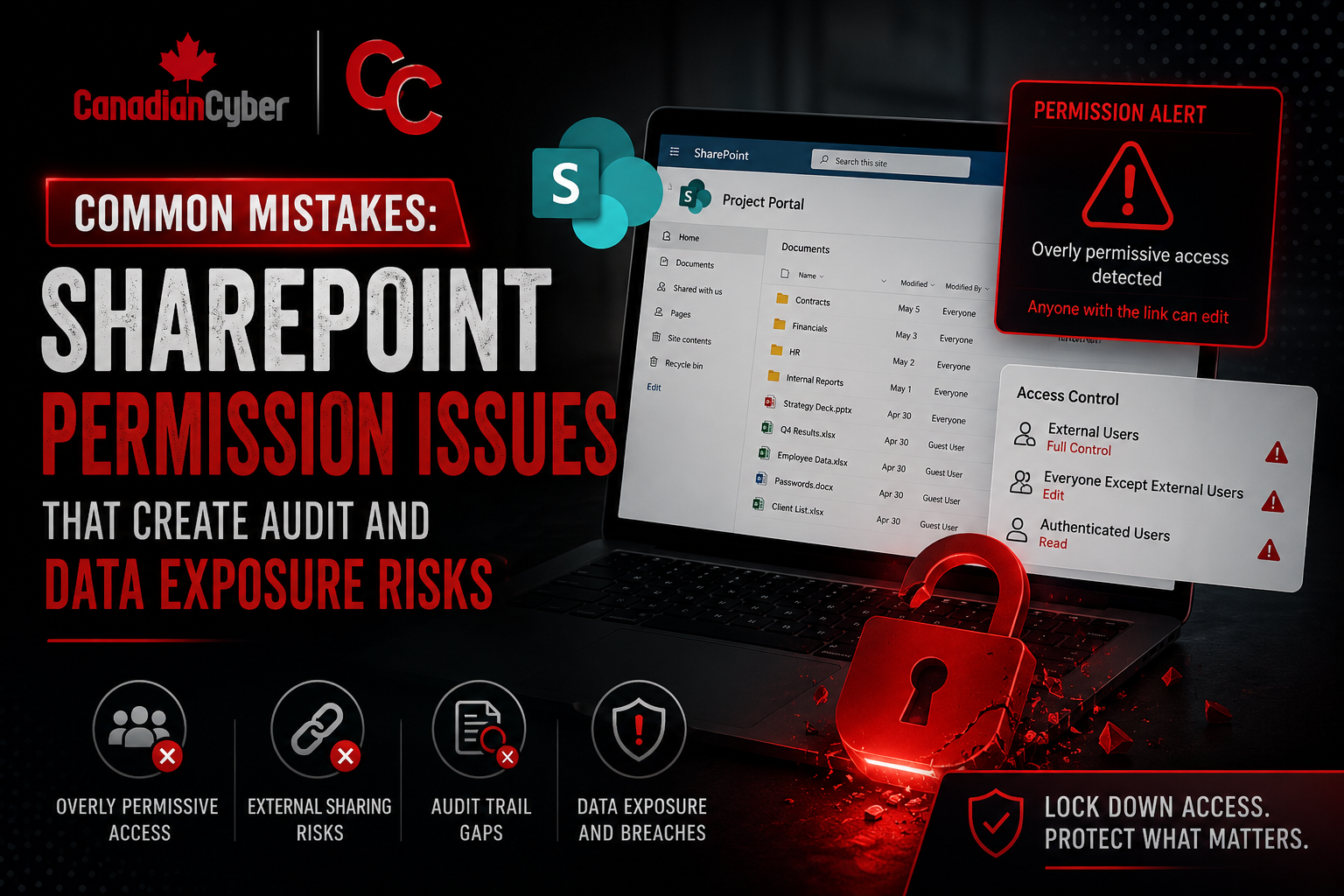
Common Mistakes • SharePoint Governance • Audit Risk
Common Mistakes: SharePoint Permission Issues That Create Audit and Data Exposure Risks
Poor SharePoint permissions quietly create security, audit, privacy, and operational risks long before anyone notices.
Quick Snapshot
| Permission Issue | Why It Matters |
|---|---|
| Excessive Access | Broad groups expose sensitive records to users who do not need them. |
| Broken Inheritance | Hidden permission exceptions become hard to explain during audits. |
| Guest Access | Former vendors, auditors, or consultants may keep access longer than intended. |
| Weak Reviews | Permissions grow silently when access reviews are not scheduled and documented. |
Introduction
SharePoint is one of the most widely used platforms for collaboration, compliance, and document management.
And that is exactly why permission mistakes become dangerous.
- A policy folder gets shared too broadly.
- An audit evidence library inherits the wrong permissions.
- A contractor keeps access after offboarding.
- A temporary exception never gets removed.
- A sensitive HR file becomes searchable by the wrong department.
Most SharePoint permission issues do not start with malicious intent. They start with convenience.
In simpler terms: poor SharePoint permissions quietly create security, audit, privacy, and operational risks long before anyone notices.
Worried About SharePoint Permission Sprawl?
Canadian Cyber helps organizations review SharePoint permissions, external sharing, sensitive libraries, and audit-ready access records.
Why SharePoint Permission Risks Matter
Organizations often store highly sensitive information in SharePoint.
This can include:
- audit evidence
- policies
- contracts
- customer data
- HR records
- incident reports
- legal documents
- vendor reviews
- risk registers
- executive reports
- engineering files
If permissions are weak, overshared, or poorly governed, the result can be:
- unauthorized access
- accidental exposure
- audit findings
- privacy violations
- data leakage
- loss of customer trust
The risk grows as SharePoint environments expand.
The Problem With “It’s Just Internal”
Many organizations assume internal users are automatically safe.
But most SharePoint exposure issues happen internally through:
- excessive permissions
- inherited access
- stale accounts
- shared links
- guest users
- forgotten folders
- broad department groups
- poor ownership
The issue is usually not hackers. It is lack of governance.
Common SharePoint Permission Mistakes
1. Using “Everyone” or Broad Groups Too Often
One of the most common mistakes is granting access to everyone, all employees, entire departments, or large security groups.
This often happens because it is fast and easy. But broad permissions create unnecessary exposure.
Example
An audit evidence library is shared with a department-wide group instead of only the compliance team. Now users who do not need access can view risk registers, incident records, corrective actions, vendor findings, and audit reports.
Better practice: Use least privilege. Grant access only to users or groups who genuinely need it.
2. Broken Inheritance Without Documentation
SharePoint inheritance can become messy quickly.
Teams break inheritance to solve a short-term problem, then forget about it.
Months later, nobody remembers:
- who has access
- why inheritance was broken
- whether access is still needed
Better practice: Track broken inheritance exceptions with:
- location
- approver
- business reason
- review date
3. Guest Access Left Active Too Long
External sharing is useful. But unmanaged guest access creates major exposure risk.
Common examples include:
- former vendors still active
- external auditors with lingering access
- consultants never removed
- shared links that never expire
Auditors may ask:
- Who can access sensitive libraries externally?
- How are guest users reviewed?
- Are external shares time-limited?
- Are guest permissions monitored?
Better practice: Review guest access regularly, set expiration rules, remove inactive guests quickly, and restrict external sharing for sensitive libraries.
4. Sharing Through Links Instead of Structured Permissions
People often bypass governance by creating quick sharing links.
The problem is that links may:
- spread beyond intended users
- remain active too long
- bypass structured group permissions
- become difficult to track
For sensitive information, controlled group-based permissions are usually safer than ad hoc sharing links.
5. No Ownership for Sensitive Libraries
Some SharePoint sites exist without clear ownership.
Nobody knows:
- who reviews permissions
- who approves access
- who removes users
- who validates sharing settings
Better practice: Every sensitive library should have an owner, backup owner, review responsibility, and documented access process.
6. Contractors and Departed Employees Retain Access
Offboarding failures are extremely common.
Users may leave the company but still retain:
- SharePoint access
- synced folders
- shared links
- Teams-connected site permissions
- access through nested groups
Better practice: Tie SharePoint access reviews to offboarding workflows, quarterly access reviews, identity provider cleanup, and contractor expiration dates.
7. Sensitive Data Stored in Open Collaboration Areas
SharePoint is built for collaboration. That sometimes leads teams to store sensitive files in spaces designed for broad teamwork.
Examples include:
- HR files in general operations sites
- incident records in project folders
- audit evidence inside open Teams channels
- vendor risk reviews in shared procurement sites
Better practice: Separate highly sensitive information into controlled libraries with tighter permissions.
8. No Permission Review Process
Permissions often grow silently over time.
New employees are added. Projects expand. Vendors join. Temporary access becomes permanent.
Run periodic permission reviews for:
- compliance libraries
- HR records
- executive sites
- audit evidence
- incident records
- customer data repositories
Track: reviewer, review date, removals made, and exceptions approved.
9. Compliance Evidence Libraries Are Too Open
Audit evidence libraries often contain highly sensitive operational information.
Examples include:
- vulnerability reports
- penetration tests
- incident records
- backup evidence
- risk assessments
- vendor weaknesses
- corrective actions
Compliance evidence itself often becomes sensitive information.
Better practice: Limit access to the compliance team, internal audit, security leadership, and approved reviewers only.
10. Permissions Are Managed Manually With No Standards
Some organizations manage permissions inconsistently across every site.
One team uses groups. Another shares directly. Another uses links. Another breaks inheritance everywhere.
Create permission standards such as:
- group-based access by default
- restricted use of direct user permissions
- approval for external sharing
- review schedule for sensitive sites
- documented inheritance exceptions
11. Teams and SharePoint Permissions Drift Apart
Microsoft Teams often creates SharePoint sites automatically. That means Teams membership can affect SharePoint access.
Example
A user added to a Teams channel suddenly gains access to files stored in the connected SharePoint library.
Better practice: Review Teams-connected SharePoint permissions regularly, especially for sensitive projects.
12. No Logging or Monitoring of Sensitive Access
Many organizations collect SharePoint logs but never review them.
That means unusual behavior may go unnoticed, such as:
- mass downloads
- unusual sharing activity
- access outside normal hours
- repeated permission changes
- suspicious external sharing
Better practice: Monitor permission changes, external sharing activity, high-volume downloads, access to sensitive libraries, and guest activity.
What Auditors Commonly Look For
During ISO 27001, SOC 2, or privacy audits, auditors often ask:
- Who can access sensitive SharePoint sites?
- How is access approved?
- How are permissions reviewed?
- How is guest access controlled?
- Are sensitive records separated properly?
- How are permission changes tracked?
- How is offboarding handled?
- Are access reviews documented?
Weak answers create audit findings quickly.
A Practical SharePoint Permission Governance Model
| Area | Good Practice |
|---|---|
| Ownership | Every sensitive site has an owner |
| Access Model | Group-based permissions |
| Reviews | Quarterly or risk-based reviews |
| External Sharing | Restricted and monitored |
| Offboarding | Automated or tracked removal |
| Exceptions | Documented and reviewed |
| Logging | Sharing and access monitoring |
| Sensitive Libraries | Separate restricted areas |
Make SharePoint Easier to Audit
Canadian Cyber helps build SharePoint permission standards, review workflows, sensitive library separation, and evidence-ready access records.
Canadian Cyber’s Take
At Canadian Cyber, we often see organizations invest heavily in compliance documentation while overlooking SharePoint permission governance.
That creates hidden exposure risk.
The problem is rarely one catastrophic setting. It is usually years of small permission decisions that nobody reviewed carefully.
A strong SharePoint governance approach should focus on:
- least privilege
- ownership
- review cycles
- external sharing controls
- sensitive library separation
- audit-ready access records
Takeaway
SharePoint permission issues create both audit risk and real data exposure risk.
The most common mistakes include:
- excessive access
- broken inheritance
- stale guest users
- uncontrolled sharing links
- weak ownership
- poor offboarding
- missing permission reviews
- overexposed evidence libraries
Fixing these issues does not require locking SharePoint down completely. It requires structured governance and intentional access control.
Collaboration tools should help the organization work faster — not accidentally expose the very information the security program is trying to protect.
How Canadian Cyber Can Help
At Canadian Cyber, we help organizations improve SharePoint governance for ISO 27001, SOC 2, privacy, and operational security programs.
- SharePoint permission reviews
- sensitive library segregation
- access governance workflows
- external sharing controls
- audit-ready permission tracking
- evidence library security design
- vCISO guidance for SharePoint governance
Stay Connected With Canadian Cyber
Follow Canadian Cyber for practical guidance on SharePoint governance, ISO 27001, SOC 2, audit readiness, evidence management, and vCISO support.










