ISO 27001 Using SharePoint: The Complete Guide for Microsoft 365 Organizations
Learn how to implement an audit-ready ISO 27001 Information Security Management System (ISMS) using Microsoft 365 SharePoint with clear structure, evidence, and workflows.
ISO 27001 projects rarely fail because of weak security. They fail because the ISMS is poorly structured and unmanaged.
If your organization already uses Microsoft 365 and SharePoint, you may already have what you need to build a structured, auditable ISMS without buying expensive or complex tools.
Want expert confirmation before you proceed?
Book a Free ISO 27001 Readiness Assessment (30 minutes). No obligation. Practical, audit-focused guidance.
Who this guide is for
This guide is written for:
- IT Managers, CTOs, CISOs, and Compliance Managers
- Organizations planning ISO 27001 certification
- Teams already using Microsoft 365 / SharePoint
- Businesses that want clarity before the audit
If that sounds like you, this guide can save you months of trial-and-error and reduce audit stress.
What ISO 27001 actually requires (in simple terms)
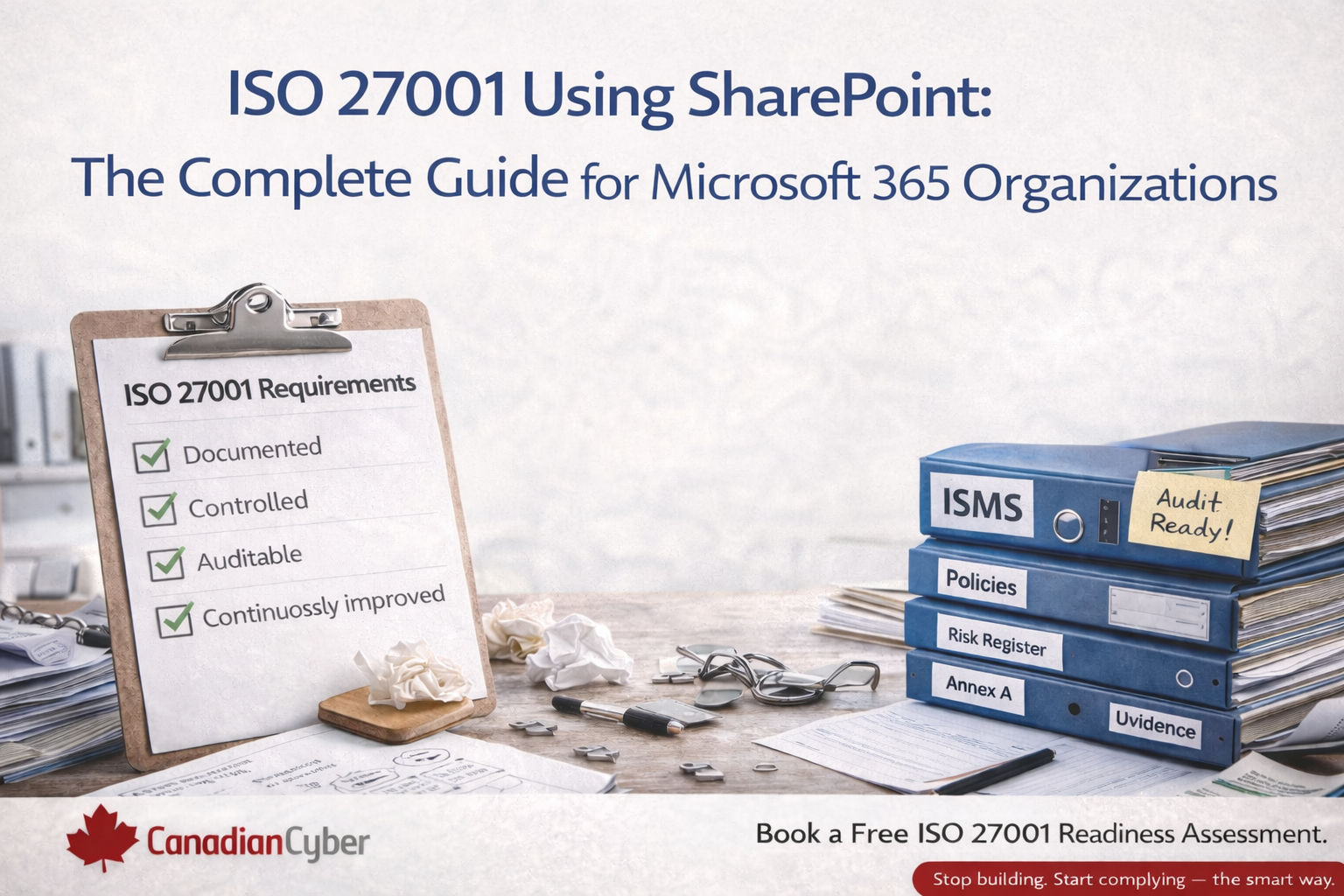
ISO/IEC 27001 requires an Information Security Management System (ISMS) that is:
- Documented
- Controlled
- Auditable
- Continuously improved
Auditors don’t just look for documents. They look for ownership, version control, evidence, risk-based decisions, and traceability.
Can SharePoint be used for ISO 27001?
Yes and many organizations already do. SharePoint supports ISO 27001 by providing:
- Centralized document management
- Version history and approvals
- Role-based access control (RBAC)
- Audit trails
- Integration with Microsoft 365 security controls
Important: Using SharePoint as “just folders” is one of the top reasons ISO 27001 audits fail.
If you’re unsure whether your SharePoint setup is audit-ready, a short review can prevent costly rework later.
Quick check: is your SharePoint ISMS audit-ready?
Get a practical assessment and clear next steps.
Why ISO 27001 projects fail (and how SharePoint fixes it)
Common failure points
- Policies scattered across email and drives
- No approval or review workflow
- Risk registers in spreadsheets
- Missing evidence during audits
- No linkage between risks, controls, and documents
What a structured SharePoint ISMS adds
- Controlled document lifecycle
- Clear accountability and ownership
- Centralized evidence repository
- Audit-ready traceability
- Repeatable workflows (reviews, approvals, reminders)
Auditors flag lack of control not lack of intent. SharePoint solves this when it’s structured like an ISMS, not a file cabinet.
ISO 27001 areas you can manage in SharePoint
1) Policies and procedures
Common examples include:
- Information Security Policy
- Access Control Policy
- Incident Management Procedure
SharePoint enables controlled templates, approvals, version tracking, and permission-based access.
2) Risk management
ISO 27001 requires a defined methodology, a risk register, a risk treatment plan, and management approval.
With SharePoint, risks can be centralized, assigned to owners, tracked through treatment, and maintained with historical evidence.
3) Annex A controls and evidence
Each control should show applicability, implementation status, and supporting evidence.
SharePoint supports control-by-control documentation, evidence linking, access segregation, and clear audit trails.
4) Records and continuous improvement
Examples include:
- Training records
- Incident logs
- Supplier assessments
- Internal audits
- Management reviews
Recommended ISO 27001 SharePoint structure
A high-impact SharePoint ISMS usually includes these areas:
| ISMS Area | What it contains | Audit benefit |
|---|---|---|
| ISMS Governance | Scope, roles, objectives, SoA | Clear accountability |
| Policies & Procedures | Approved documents, reviews, versions | Version control + approvals |
| Risk Management | Risk register, treatment, owners | Risk-based decisions |
| Annex A Controls | Control mapping + evidence links | Traceability to evidence |
| Training & Awareness | Training records, acknowledgements | Proof of awareness |
| Incident Management | Incidents, actions, learnings | Operational maturity |
| Audit Evidence | Evidence libraries, exports, logs | Faster audit response |
| Management Reviews | Minutes, decisions, follow-ups | Continuous improvement |
This structure is built into the Canadian Cyber ISMS SharePoint Platform to help teams stay audit-ready year-round.
SharePoint vs dedicated ISMS tools
| Option | What to expect | Best fit |
|---|---|---|
| Dedicated ISMS tools | High licensing cost, extra platform, learning curve | Large teams needing strict tooling |
| SharePoint-based ISMS | Uses existing M365 investment, familiar to staff, scalable | Most SMEs and M365-first orgs |
For most small and mid-sized organizations, a structured SharePoint ISMS is the most practical choice — as long as it is designed for audits (not folders).
Common mistakes to avoid
- Treating SharePoint as file storage only
- No approval workflows or review cycles
- No linkage between risks and controls
- No evidence tracking or audit trail
- No defined ISMS ownership
These mistakes are exactly what auditors flag. Fixing them early is the fastest path to a calm audit.
How Canadian Cyber helps
Canadian Cyber specializes in:
- ISO 27001 implementation and support
- SharePoint-based ISMS design
- Audit readiness and remediation
- Ongoing ISMS management
Our ISMS SharePoint Platform is designed specifically for ISO 27001 not generic document storage.
Free ISO 27001 Readiness Assessment
If ISO 27001 is on your roadmap, guessing is risky. Get clear next steps and confirm your SharePoint approach.
No obligation. No pressure. Just practical, audit-focused guidance.
Stay connected with Canadian Cyber
Follow us for ISO 27001 insights, compliance tips, and SharePoint best practices.
Tip: Search “Canadian Cyber” on your preferred platform if you don’t see us right away.