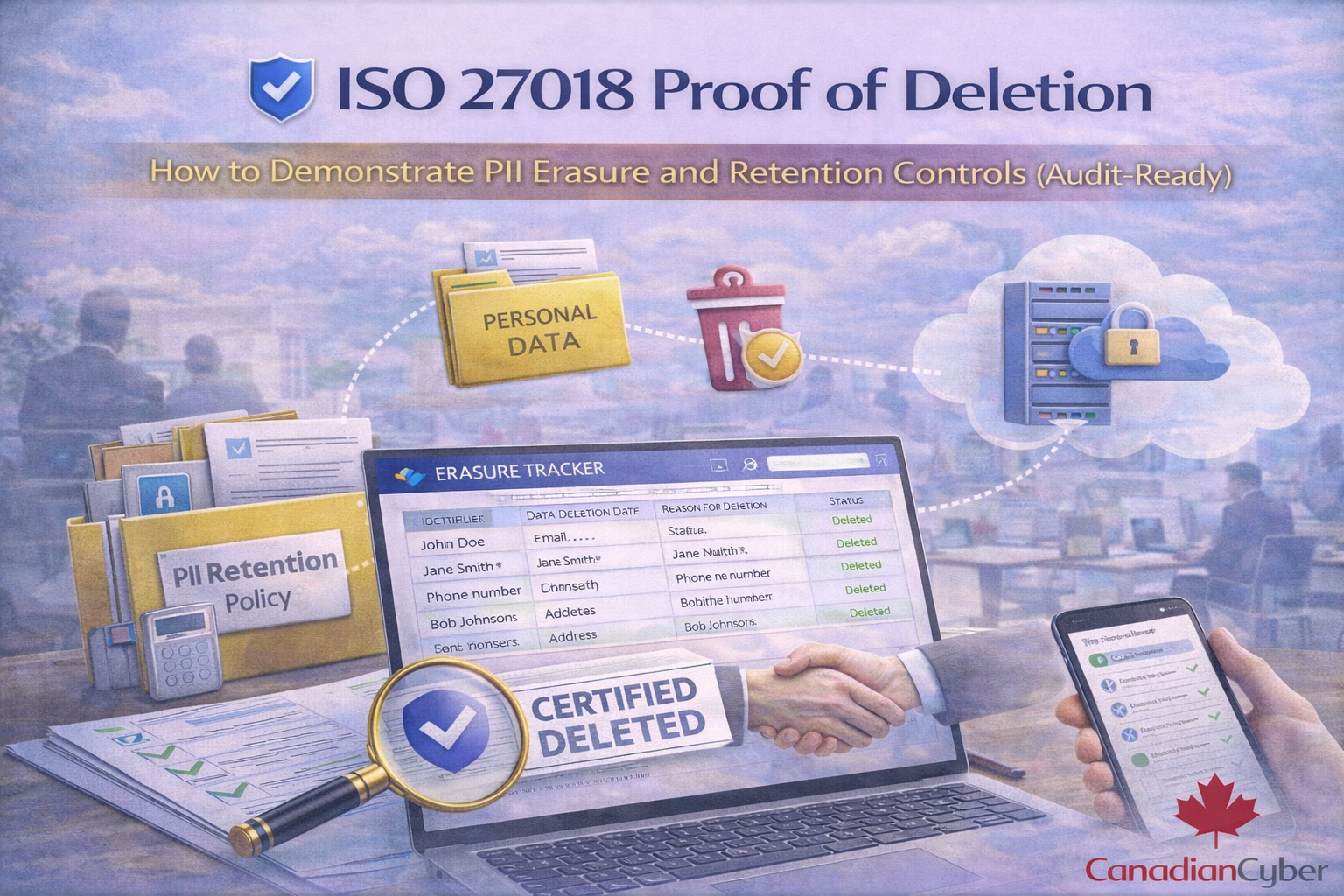
Why “proof of deletion” is now a real buyer question
Customer security reviews increasingly ask how long data is retained, what happens on deletion, and whether you can prove it across backups, logs, and third-party systems.
ISO 27018 makes this concrete
- retention is defined and followed
- deletion is executed consistently
- exceptions are controlled
- evidence exists for audits
What ISO 27018 is driving (plain English)
ISO 27018 focuses on protection of PII in public cloud services acting as PII processors. For deletion, the core expectation is:
defined retention, repeatable deletion, verifiable outcomes (within technical limits), and transparent scope (including backups).
ISO 27018 deletion proof is not about perfection. It’s about controlled process + transparent scope + evidence.
The deletion reality most teams ignore: PII lives in more places than you think
Common PII locations
- primary application databases
- file storage (uploads, exports)
- search indexes
- analytics events
- support tickets
- email notifications
- logs (application, audit, security)
- backups and snapshots
- third-party subprocessors (CRM, support tools, payment providers)
Step 1: Define your PII retention policy like an auditor would
If you want deletion proof, you need retention clarity first. A retention policy should specify PII categories, purpose, retention period, disposal method, owners, and an exceptions process.
Audit-friendly output
A one-page retention schedule table.
| PII category |
Purpose |
Retention period (example) |
Disposal method |
| Customer account data |
Service delivery |
Contract end + 30/60/90 days |
Delete or anonymize |
| Support tickets |
Support, traceability |
12–24 months (or per contract) |
Delete or archive |
| Security logs |
Security monitoring |
90–365 days (risk-based) |
Expire / delete |
| Backups |
Resilience |
30–90 days rolling (example) |
Expire (encrypted) |
| Billing records |
Tax/legal requirements |
Per legal requirements (often longer) |
Archive / restricted access |
Key:
don’t copy someone else’s numbers. Use periods you can enforce.
Step 2: Build your PII data map (minimum viable version)
You don’t need a massive data governance program. You need a defensible map of where PII lives and how deletion is triggered.
A simple PII map answers
- which systems store/process PII
- which PII types are in each system
- who owns each system
- how deletion is triggered
- whether it’s deleted or anonymized
- whether it is in scope for deletion requests
- how backup/log handling works
Proof of deletion: the 5 pieces auditors and buyers expect
1) A documented deletion request workflow
Deletion must be triggered through a defined channel, such as:
- customer termination/offboarding
- privacy request
- automated retention expiry
Evidence: deletion request ticket or form with timestamps.
2) A repeatable deletion runbook (what you do every time)
- identity verification (for requests)
- scope confirmation (customer/account/user)
- systems checklist (DB, storage, indexes, tools)
- execution steps (scripts or platform actions)
- verification steps
- exceptions (legal hold, disputes)
- communication template (completed / partial / pending backups expiry)
Evidence: runbook document + change history.
3) System-level deletion evidence (what actually proves it)
Acceptable proof examples (without oversharing):
- redacted query results showing records removed/anonymized
- job logs from deletion scripts (job ID, timestamp, success)
- admin audit logs showing deletion actions
- storage deletion logs (where available)
- screenshots of deletion confirmation in SaaS tools (support/CRM)
Important: proof is the action + success outcome, not the customer’s data.
4) Backup and snapshot handling (buyers always ask)
Be clear and factual. Typical approach:
- delete PII from active systems upon request
- encrypted backups may retain historical copies until they expire
- backup access is restricted
- restores are controlled, approved, and logged
Audit-friendly statement (copy/paste)
We delete PII from active systems upon request. Encrypted backups may retain historical copies until their retention window expires.
Backup access is restricted and restores are controlled and logged.
Evidence:
backup retention settings, restore ACL, restore test records, documented backup retention period.
5) Third-party/subprocessor deletion (don’t forget this)
If PII flows into vendors, you need one of:
- automatic deletion sync (ideal)
- periodic deletion sweeps
- contractual deletion terms on request/termination
- a documented process for sending deletion requests
Evidence:
subprocessor list, DPA clause excerpts, request tickets/emails, vendor confirmations (if provided).
How to make deletion provable without manual chaos
The easiest way to stay consistent is to standardize a deletion proof artifact.
Use “Deletion Certificates”
- request ID
- customer/account identifier (non-sensitive)
- request date and completion date
- systems covered (checklist)
- method used (delete/anonymize)
- backup retention disclosure statement
- approver name/title
- exceptions (legal hold, limited scope)
Automate the evidence trail (especially if you run on Microsoft 365)
If your ISMS runs in SharePoint, you can turn deletion into a repeatable governance control.
SharePoint workflow pattern
- SharePoint List: Deletion Requests Register
- Document library: Deletion Evidence
- Power Automate: route approvals, assign checklist tasks, reminders, lock evidence after completion
- Teams Approvals: privacy/security sign-off
Make deletion proof audit-ready (without oversharing)
If buyers are asking for deletion proof, we can help you operationalize ISO 27018-style controls using our ISMS SharePoint solution.
We implement:
- PII retention schedule + policy
- deletion request workflow with approvals
- system checklist + evidence collection in SharePoint
- deletion certificate template
- buyer-ready evidence pack (without exposing PII)
Common “proof of deletion” failures (and how to avoid them)
Failure patterns
- Deletion is done but there’s no record
- Backups aren’t addressed
- Vendors aren’t included
- No verification step
- Retention is inconsistent
Fixes that work
- Ticket + checklist + certificate every time
- Document backup retention and disclose expiry windows
- Map subprocessors and define deletion request path
- Add post-deletion verification (query/log confirmation)
- Use a retention schedule with owners and change control
Practical FAQ (what buyers ask)
“Can you delete PII from backups immediately?”
Usually no, and that’s normal. The control is to delete from active systems, keep backups encrypted and access-restricted, and ensure backups expire within defined retention windows.
“If we restore from backup will deleted PII return?”
Use a controlled restore process: restore only what’s needed, re-apply deletion requests if required, and record the restore and remediation steps.
“Is anonymization acceptable?”
Yes, if it is irreversible and meets your privacy requirements. Many platforms anonymize analytics identifiers rather than delete entire event rows.
Follow Canadian Cyber
Practical cybersecurity + compliance guidance for Canadian teams: