



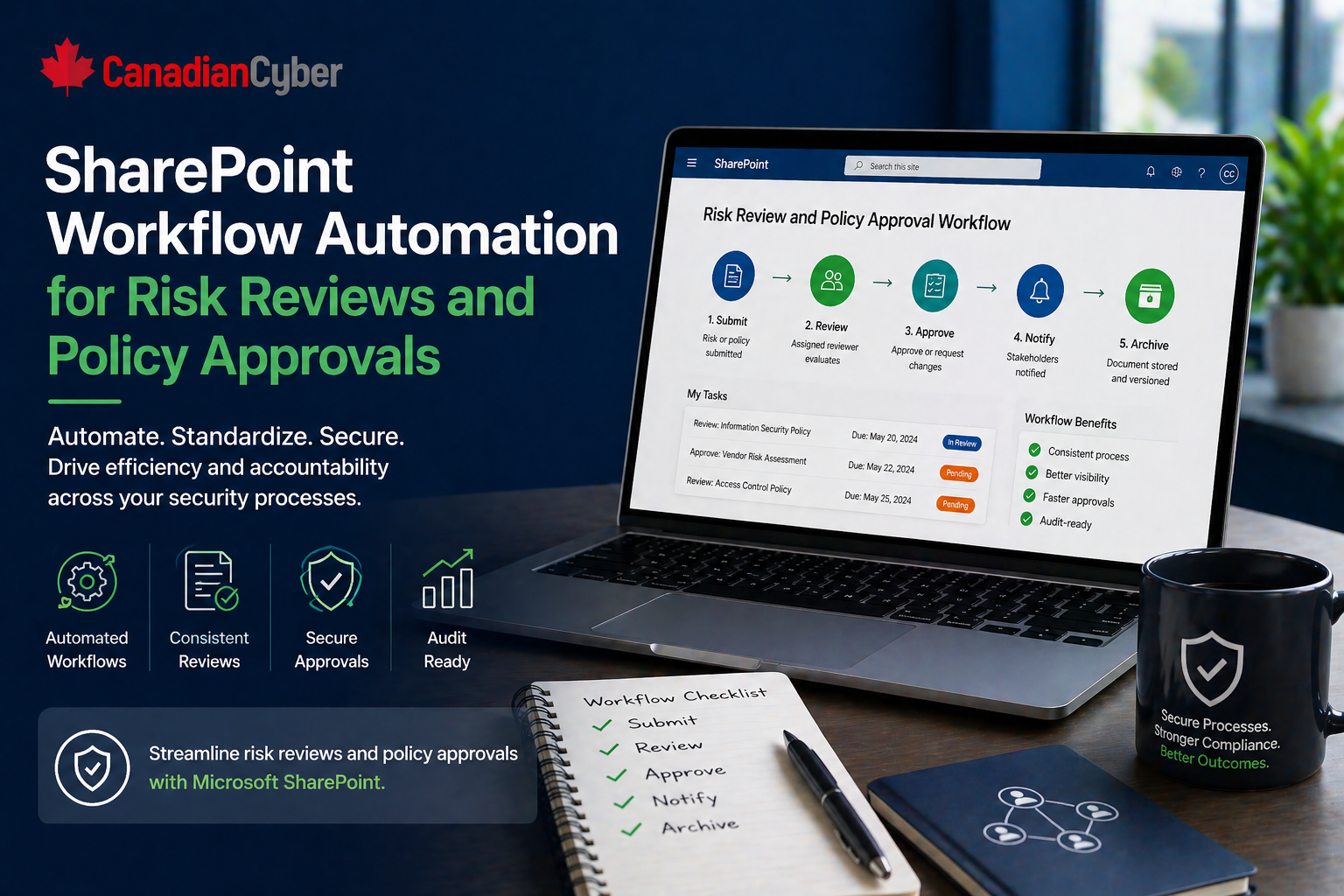
SharePoint ISMS • Workflow Automation • Risk & Policy Reviews
SharePoint Workflow Automation for Risk Reviews and Policy Approvals
Risk reviews and policy approvals should not depend on memory. With the right SharePoint setup, recurring ISMS work becomes visible, repeatable, and audit-ready.
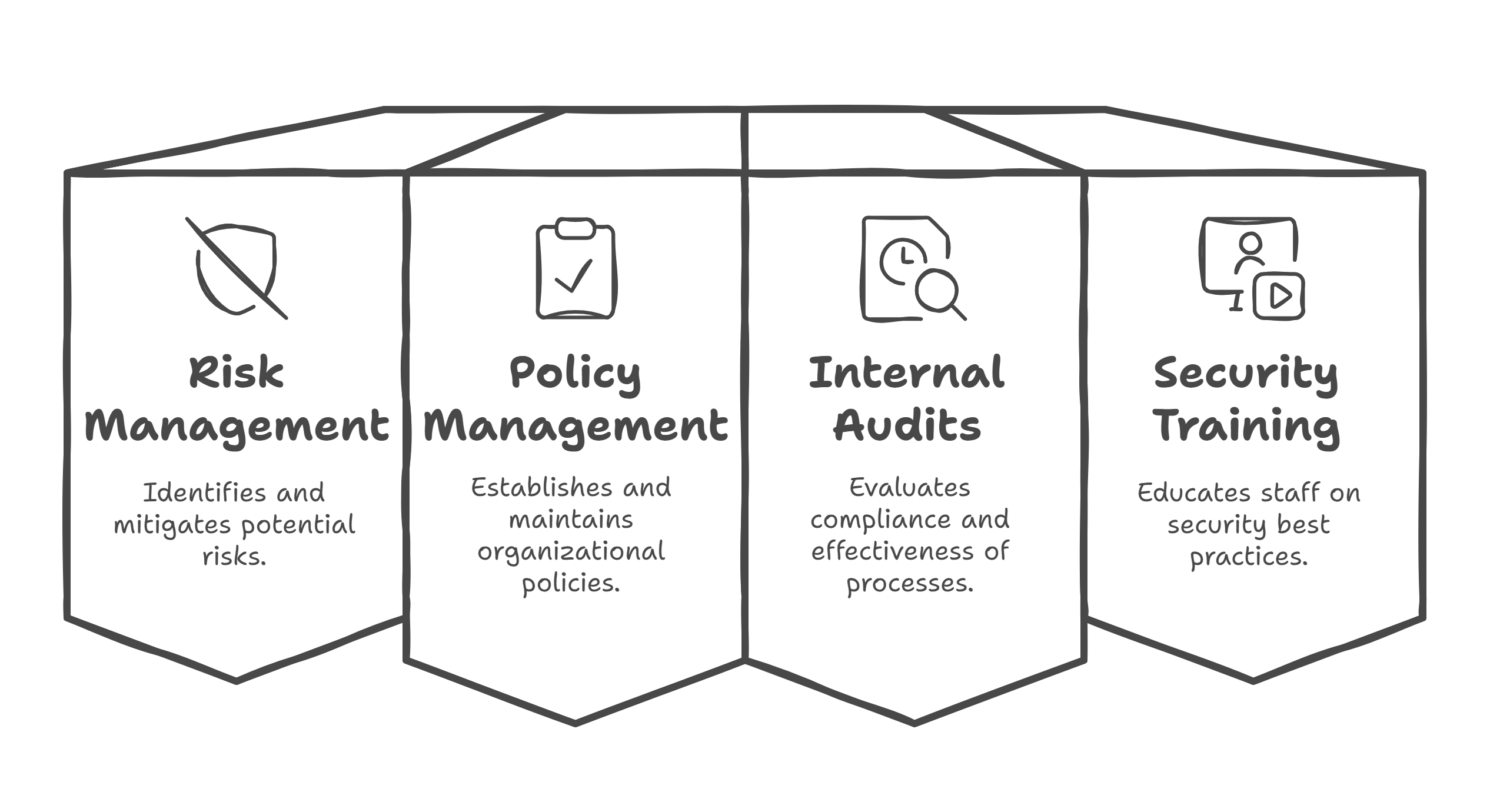
Quick Snapshot
| Workflow Area | Automation Value |
|---|---|
| Risk Reviews | Reminds owners, tracks residual risk updates, and flags overdue reviews |
| Policy Approvals | Routes documents for review, records approvals, and manages versions |
| Evidence Links | Connects completed reviews and approvals to proof for audits |
| Audit Readiness | Makes overdue items, owners, status, and review history easier to show |
Introduction
Risk reviews and policy approvals should not depend on memory.
But in many organizations, they do.
- A risk owner forgets to update residual risk.
- A policy waits too long for approval.
- A review date passes quietly.
- An exception is discussed in a meeting but never documented.
- A compliance lead sends another reminder manually.
SharePoint should not just store your ISMS documents. It should help move the work forward.
When designed properly, SharePoint workflow automation can turn risk reviews and policy approvals into repeatable, visible, and evidence-ready processes.
Still Chasing Risk Reviews Manually?
Canadian Cyber helps organizations build SharePoint workflows for risk reviews, policy approvals, reminders, evidence links, and overdue escalation.
Why Manual Reviews Break Down
Manual review processes usually fail for predictable reasons:
- owners are unclear
- due dates are missed
- approvals happen in email
- evidence is stored separately
- status updates are inconsistent
- reminders depend on one person
- leadership cannot see what is overdue
This creates problems during ISO 27001, SOC 2, internal audits, and management reviews. The issue is not that people refuse to comply. The issue is that the workflow is too manual.
Why SharePoint Is a Good Fit
SharePoint works well because it can combine structured records, documents, evidence, metadata, and views in one ISMS environment.
| SharePoint Capability | How It Helps |
|---|---|
| Document libraries | Store policies, approvals, versions, and controlled documents |
| SharePoint Lists | Track risks, owners, review dates, approvals, and actions |
| Metadata | Makes records searchable and audit-friendly |
| Automated reminders | Reduces manual chasing by compliance leads |
| Filtered views | Shows overdue work, pending approvals, and owner-specific tasks |
Part 1: Automating Risk Reviews in SharePoint
A risk register should not be a static spreadsheet. It should be a living record.
A SharePoint risk review workflow can help track:
- risk owner
- residual risk
- treatment status
- review date
- overdue reviews
- approval or acceptance
- evidence of treatment
What the Risk Register Should Include
| Field | Purpose |
|---|---|
| Risk ID | Tracks each risk clearly |
| Risk Owner | Assigns accountability |
| Residual Risk | Shows remaining exposure |
| Treatment Decision | Mitigate, accept, transfer, or avoid |
| Review Date | Triggers review cycle |
| Evidence Link | Connects proof of action |
Risk Review Workflow Example
- Risk review date approaches.
- SharePoint sends reminder to the risk owner.
- Owner reviews risk, treatment progress, and residual rating.
- Owner updates status and adds evidence link.
- Compliance lead receives notification.
- If accepted or closed, approval is recorded.
- If overdue, escalation is sent.
Want a Live Risk Review Workflow?
We help teams build SharePoint risk registers with review reminders, overdue views, treatment tracking, and evidence links.
Useful Automated Risk Views
- risks due this month
- overdue risk reviews
- high residual risks
- risks pending approval
- treatment actions overdue
- risks by owner
Part 2: Automating Policy Approvals in SharePoint
Policies also need workflow discipline. A policy is not controlled just because it is uploaded.
It needs:
- owner
- version
- approval status
- review date
- approver
- approval evidence
- archive process
What the Policy Library Should Include
| Field | Purpose |
|---|---|
| Policy Owner | Shows accountability |
| Document Type | Policy, procedure, or standard |
| Approval Status | Draft, pending, approved, or archived |
| Approver | Routes sign-off |
| Next Review Date | Triggers future review |
| Related Control | Links to ISO or SOC 2 requirement |
Policy Approval Workflow Example
- Policy owner uploads or updates draft.
- Status changes to “Pending Approval.”
- Approver receives notification.
- Approver reviews the document.
- Approval or rejection is recorded.
- Approved version is locked or marked current.
- Next review date is automatically set.
- Old version is archived.
Useful Policy Views
- policies pending approval
- policies due for review
- approved policies
- archived policies
- policies by owner
- policies linked to ISO 27001 controls
A clean approval trail helps prove that policies are reviewed, approved, current, and controlled.
Where Automation Adds the Most Value
SharePoint automation is especially useful for recurring admin work that supports human judgment.
| Automation Use | Value |
|---|---|
| Reminders before due dates | Prevents silent missed reviews |
| Overdue escalation | Creates accountability |
| Approval routing | Keeps sign-off out of scattered email threads |
| Evidence link tracking | Connects completed work to proof |
| Owner notifications | Keeps accountability visible |
The goal is not to automate judgment. Risk owners still decide whether residual risk is acceptable. Approvers still decide whether a policy is ready. SharePoint simply makes the process visible and repeatable.
Make Reviews Happen Without Constant Chasing
Canadian Cyber can help design reminders, escalation, status views, approval routing, and evidence tracking in your SharePoint ISMS.
Common Mistakes to Avoid
- Automating a messy process: Clean up the process before automating it.
- Using too many status labels: Keep statuses simple and consistent.
- Forgetting evidence links: A completed review should connect to proof.
- Not assigning real owners: Automation cannot fix vague accountability.
- Creating too many workflows at once: Start with risk reviews and policy approvals first.
- Ignoring overdue escalation: Reminders help, but escalation creates accountability.
What Auditors Like to See
Auditors usually want to see that:
- risks are reviewed on schedule
- residual risk is updated
- treatment actions are tracked
- policies are approved
- old versions are controlled
- review evidence exists
- ownership is clear
- overdue items are visible
Canadian Cyber’s Take
At Canadian Cyber, we often see organizations using SharePoint as a storage site instead of an ISMS engine.
That creates avoidable audit stress.
Risk reviews and policy approvals are perfect starting points for workflow automation because they are recurring, evidence-heavy, and ownership-driven.
Takeaway
SharePoint workflow automation can make risk reviews and policy approvals much easier to manage.
Compliance maturity is not only about having the right documents. It is about making sure reviews happen, approvals are recorded, and the ISMS keeps moving without constant manual chasing.
How Canadian Cyber Can Help
We help organizations turn SharePoint into a practical ISMS workflow system.
- SharePoint risk register setup
- policy approval workflows
- review reminder automation
- evidence library design
- corrective action tracking
- ISO 27001 and SOC 2 workflow mapping
- vCISO guidance for continuous compliance
Stay Connected With Canadian Cyber
Follow Canadian Cyber for practical guidance on SharePoint ISMS, workflow automation, ISO 27001, SOC 2, evidence management, and audit readiness.










