



ISMS SharePoint • Audit Evidence Room • ISO 27001 • SOC 2 • Client Security Reviews
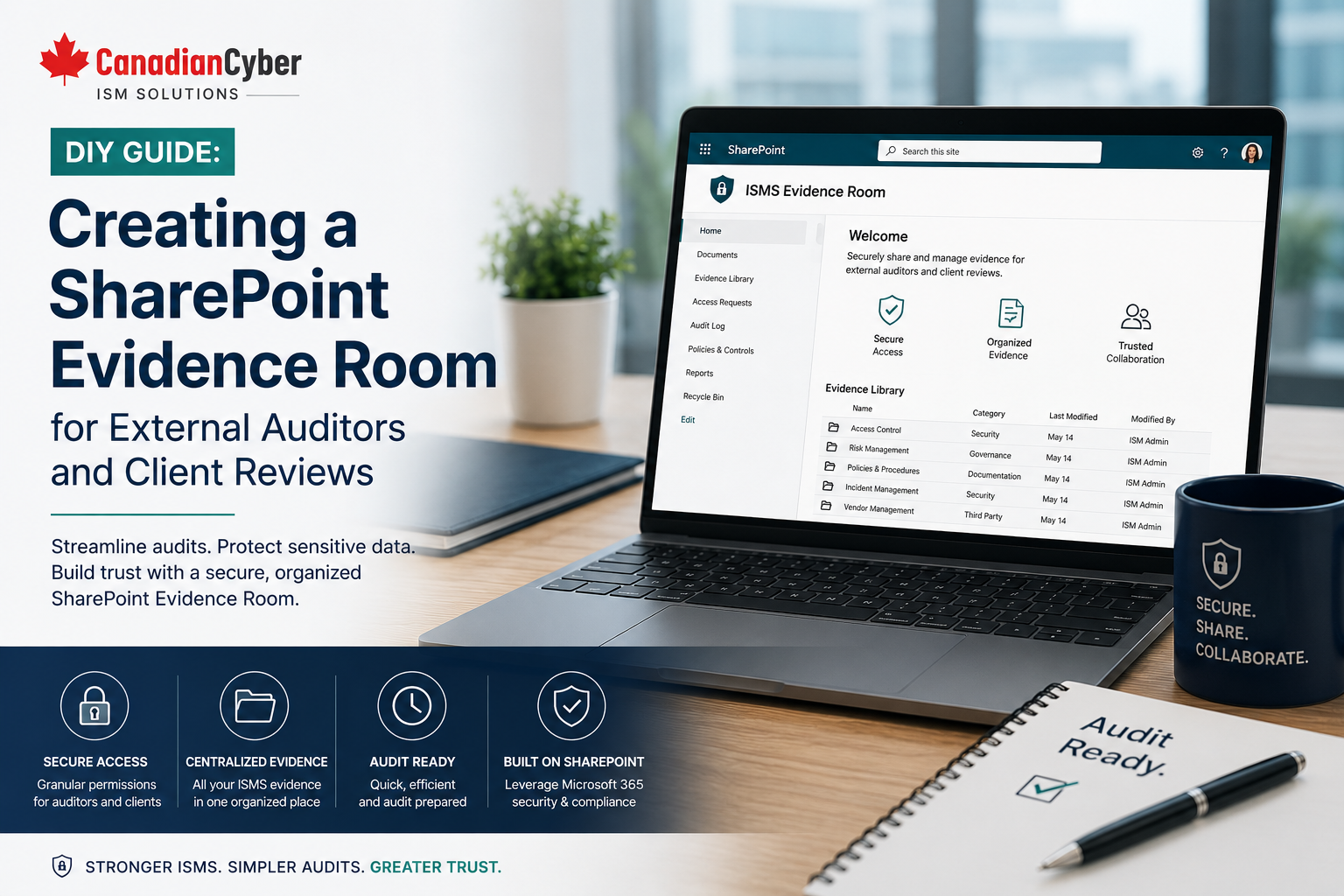
DIY Guide: Creating a SharePoint Evidence Room for External Auditors and Client Reviews
External audits and client security reviews become easier when evidence is already organized, permissioned, approved, and mapped to controls. A SharePoint evidence room helps teams manage audit files, policies, risks, vendors, corrective actions, and client-ready evidence inside Microsoft 365.
Quick Snapshot
| Evidence Room Area | How SharePoint Helps |
|---|---|
| Audit Evidence | Centralizes ISO 27001, SOC 2, ISO 42001, and client review evidence. |
| Control Mapping | Links files to controls, owners, risks, periods, and audit requests. |
| Auditor Access | Creates controlled, read-only access for external auditors. |
| Client Reviews | Keeps client-ready security summaries and approved evidence packs separate from internal files. |
| Business Outcome | Less audit stress, faster reviews, stronger evidence quality, and better compliance operations. |
Why Audit Evidence Gets Messy
Audit evidence is often scattered across the business.
It may live in:
Teams chats
Spreadsheets
SharePoint folders
OneDrive folders
HR systems
Ticketing tools
Vendor portals
Screenshots
PDF exports
This creates pressure during external audits and client reviews. Teams lose time. Owners are unclear. Files are outdated. Auditors ask for the same proof again. Client reviewers need a cleaner evidence pack.
A SharePoint evidence room fixes this by giving security, compliance, IT, HR, vendors, and leadership one structured place to manage proof.
The goal is not to create more paperwork. The goal is to make evidence easier to find, review, approve, reuse, and share safely.
Need a SharePoint Evidence Room for Audit Readiness?
Canadian Cyber helps organizations build practical SharePoint evidence rooms for ISO 27001, SOC 2, ISO 42001, internal audits, external auditors, client reviews, vendor evidence, and management reviews.
What Is a SharePoint Evidence Room?
A SharePoint Evidence Room is a dedicated Microsoft 365 workspace for information security evidence.
It helps teams store, organize, review, approve, and share evidence for audits and client reviews.
It can support:
SOC 2 readiness
ISO 42001 evidence
Client security questionnaires
Vendor due diligence
Cyber insurance evidence
Internal audits
Management reviews
Practical rule: An evidence room should not be a random folder. It should be structured around controls, owners, metadata, review dates, and approved evidence.
Why Use SharePoint for an ISMS Evidence Room?
Many organizations already use Microsoft 365. SharePoint is familiar, available, searchable, and connected to daily work.
This makes SharePoint a practical middle ground. It is stronger than scattered spreadsheets and folders. It is also lighter than buying a complex GRC platform too early.
| SharePoint Feature | ISMS Benefit |
|---|---|
| Document Libraries | Store policies, evidence, audit files, reports, and exports. |
| Lists | Track risks, controls, assets, vendors, and corrective actions. |
| Metadata | Organize files by framework, control, owner, period, status, and review date. |
| Permissions | Control internal, auditor, client, and restricted evidence access. |
| Version History | Track changes and support document traceability. |
| Views | Create auditor, client, owner, management, and control views. |
| Search | Find evidence faster during audits and reviews. |
Core Sections of a SharePoint Evidence Room
A useful evidence room should have clear sections. Each section should support a real compliance purpose.
| Evidence Room Section | Purpose |
|---|---|
| Audit Evidence Library | Stores evidence mapped to controls and audit periods. |
| Control Register | Tracks controls, owners, status, and evidence needs. |
| Risk Register | Tracks risks, treatment plans, owners, and review dates. |
| Policy Library | Stores approved policies, versions, and review records. |
| Vendor Register | Tracks supplier reviews, contracts, and assurance evidence. |
| Access Review Library | Stores access reviews, admin reviews, and sign-offs. |
| Corrective Action Tracker | Tracks findings, gaps, actions, owners, due dates, and closure evidence. |
| Auditor Evidence Room | Provides controlled access to selected audit files. |
| Client Review Pack | Stores approved evidence for client security reviews. |
Do not mix policies, risks, evidence, access reviews, and audit requests in one unstructured folder.
Move From Audit Folders to a Real Evidence Workspace
Canadian Cyber designs SharePoint ISMS workspaces with control registers, risk registers, evidence libraries, auditor rooms, client packs, metadata, permissions, and workflow-ready structures.
How the Audit Evidence Library Works
The Audit Evidence Library is the heart of the evidence room. It stores documents, screenshots, exports, logs, approvals, reports, and review records.
Common evidence types include:
Access review sign-offs
Backup reports
Restore test results
Risk records
Policy approvals
Vendor reviews
Incident records
Training reports
Internal audit reports
Recommended Metadata for Audit Evidence
| Metadata Field | Purpose |
|---|---|
| Framework | ISO 27001, SOC 2, ISO 42001, or client review. |
| Control ID | Maps evidence to a control requirement. |
| Evidence Type | Report, screenshot, export, approval, policy, or log. |
| Evidence Owner | Shows accountability. |
| Evidence Period | Monthly, quarterly, annual, or audit period. |
| Review Date | Shows when evidence was reviewed. |
| Status | Draft, ready, approved, expired, or archived. |
| Confidentiality Level | Internal, restricted, auditor-ready, or client-ready. |
Metadata makes SharePoint useful for audits. Without metadata, SharePoint becomes another folder dump.
How Control Mapping Helps Audits
Auditors usually ask for evidence by control area. Clients ask similar questions during security reviews.
A control register helps teams know what proof is needed, who owns it, and whether the evidence is current.
| Control Area | Evidence Needed |
|---|---|
| Access Control | User access review, privileged access review, and MFA report. |
| Backup and Recovery | Backup report and restore test record. |
| Supplier Security | Vendor review, contract, and assurance report. |
| Incident Response | Incident plan, tabletop report, and incident record. |
| Security Awareness | Training report and phishing simulation result. |
| Risk Management | Risk register and treatment plan. |
| AI Governance | AI inventory, impact assessment, and AI risk register. |
Creating an Auditor Evidence Room
External auditors should not receive access to everything. They should only see approved evidence that is relevant to the audit.
An auditor evidence room should include:
Read-only access
Limited folder visibility
Evidence index
Control mapping
Version-controlled files
Restricted files separated
Access expiry plan
| Auditor Access Question | Why It Matters |
|---|---|
| What evidence should the auditor see? | Prevents oversharing. |
| Should access be read-only? | Protects evidence integrity. |
| Is sensitive information redacted? | Protects confidentiality. |
| Who approves auditor access? | Supports governance. |
| When will access expire? | Reduces long-term exposure. |
Auditor access should be controlled, temporary, and limited to approved evidence.
Creating a Client Review Evidence Pack
Client security reviews are becoming more common. Clients may ask for security evidence before signing, renewing, or expanding a contract.
A client review pack may include:
ISO 27001 status
SOC 2 status
MFA confirmation
Access control summary
Incident response summary
Business continuity summary
Vendor risk process
Client-ready overview
| Internal Evidence | Client-Ready Evidence |
|---|---|
| Full access export | Access review summary. |
| Internal risk register | Risk management overview. |
| Raw incident ticket | Incident response process summary. |
| Internal vulnerability report | Remediation status summary. |
| Detailed admin screenshot | Control summary or redacted evidence. |
Permissions Design for the Evidence Room
The evidence room may contain sensitive security information. Permissions must be planned carefully.
| Permission Group | Recommended Access |
|---|---|
| ISMS Owners | Full control. |
| Control Owners | Contribute to assigned areas. |
| Evidence Contributors | Upload and update evidence. |
| Management Reviewers | Read dashboards and leadership reports. |
| External Auditors | Read-only access to approved evidence. |
| Client Reviewers | Read-only access to client-approved files. |
| Restricted Evidence Owners | Access to sensitive evidence only. |
Protect Evidence With the Right Permissions
Canadian Cyber helps design SharePoint permission groups for ISMS owners, control owners, auditors, client reviewers, management reviewers, and restricted evidence areas.
Suggested Folder and Library Structure
The structure should be easy to understand. A reviewer should know where to look without asking the evidence owner.
| Recommended Top-Level Area | Purpose |
|---|---|
| ISMS Governance | Scope, roles, objectives, and governance evidence. |
| Policies and Procedures | Approved policies, versions, and review records. |
| Risk Register | Risks, treatments, owners, and reviews. |
| Audit Evidence Library | Evidence mapped to frameworks and controls. |
| Vendor and Supplier Security | Vendor reviews, contracts, and assurance records. |
| Internal Audit | Internal audit plans, results, and findings. |
| Management Review | Agendas, minutes, decisions, metrics, and actions. |
| Client Review Pack | Approved evidence and summaries for client reviewers. |
Weak folder name: Audit Stuff
Better folder name: ISO 27001 Evidence / Access Control / Q2 2026 / Approved
Evidence Naming and Workflow
A clear naming convention saves time. It also helps auditors understand files before opening them.
Recommended naming format:
Framework_Control_EvidenceType_Period_Owner_Status
Example file names:
ISO27001_AccessReview_Q2-2026_IT_ApprovedSOC2_BackupRestoreTest_May-2026_IT_ApprovedISO27001_VendorReview_DMSProvider_2026_Compliance_ApprovedISO42001_AIInventory_Q2-2026_Governance_DraftClientReview_IncidentResponseSummary_2026_Approved
Recommended Evidence Statuses
Under Review
Approved
Submitted to Auditor
Submitted to Client
Expired
Archived
Audit readiness is a workflow, not a folder.
Corrective Action Tracker
Audits create findings. Client reviews create gaps. Internal reviews create improvement actions. A corrective action tracker keeps this work visible.
| Corrective Action Field | Why It Matters |
|---|---|
| Finding ID | Creates a unique reference. |
| Source | Shows whether it came from an audit, review, or risk assessment. |
| Related Control | Connects the action to a requirement. |
| Owner | Assigns accountability. |
| Due Date | Creates urgency. |
| Evidence of Closure | Proves the issue was fixed. |
| Verification | Confirms closure was reviewed. |
Management Review Dashboard
Leadership needs a summary. They do not need to browse every evidence folder.
Useful dashboard metrics include:
High-risk findings
Overdue actions
Evidence readiness
Policy review status
Vendor review status
Access review completion
Audit request status
Use SharePoint Views for Different Audiences
One of SharePoint’s biggest strengths is views. The same evidence can be displayed in different ways without duplicating files.
| Recommended View | Audience |
|---|---|
| Auditor Evidence View | External auditor. |
| Client-Ready Evidence View | Client reviewer. |
| Evidence Due This Month | Control owners. |
| Missing Evidence | ISMS owner. |
| High-Risk Controls | Leadership. |
| Expired Evidence | Compliance team. |
| Corrective Actions Due | Action owners. |
External Auditor Preparation Checklist
| Question | Yes / No |
|---|---|
| Is evidence mapped to audit requests? | |
| Is evidence approved for auditor access? | |
| Is sensitive information redacted where needed? | |
| Are files named clearly? | |
| Is auditor access read-only? | |
| Is access time-bound? | |
| Is an evidence index available? |
Client Review Preparation Checklist
| Question | Yes / No |
|---|---|
| Is the client pack approved internally? | |
| Are confidential internal details removed? | |
| Is the evidence business-friendly? | |
| Are security summaries current? | |
| Are questionnaire responses aligned with evidence? | |
| Is access limited to client-approved files? | |
| Is access expiry defined? |
Common Mistakes to Avoid
- Using SharePoint as a dumping ground. A random library does not create audit readiness.
- Mixing internal and client-ready evidence. Not all audit evidence should be shared with clients.
- No evidence owner. Every recurring evidence item needs accountability.
- No review dates. Evidence gets stale quickly.
- No control mapping. Auditors need to know which evidence supports which control.
- Giving auditors too much access. External access should be limited, read-only, and time-bound.
- Not tracking corrective actions. Findings need owners, due dates, closure evidence, and verification.
What Good Looks Like
A strong SharePoint Evidence Room can show:
- approved ISMS scope
- control register
- risk register
- policy library
- audit evidence library
- evidence metadata
- control mapping
- evidence owners
- review dates
- access reviews
- vendor reviews
- incident records
- backup and recovery evidence
- management review records
- corrective action tracker
- auditor evidence room
- client review pack
- restricted access permissions
This turns SharePoint into a practical compliance operations workspace.
Canadian Cyber’s Take
Many teams are not ready for a complex GRC platform. But they have outgrown spreadsheets, scattered folders, and last-minute evidence collection.
SharePoint can be a strong middle ground when it is designed properly.
A well-built ISMS SharePoint workspace can support:
SOC 2 readiness
ISO 42001 AI governance
Client security reviews
Internal audits
External audits
Management reviews
Vendor risk
Corrective actions
The key is structure. A good SharePoint evidence room makes evidence easier to find, update, review, approve, and share safely.
Takeaway
A SharePoint Evidence Room helps organizations prepare for external auditors and client reviews without scrambling.
Canadian Cyber’s ISMS SharePoint solution helps teams organize:
- controls
- risks
- policies
- audit evidence
- access reviews
- vendor reviews
- incidents
- backup records
- management review evidence
- corrective actions
- auditor evidence packs
- client review packs
The goal is simple: make compliance evidence easier to manage, easier to prove, and easier to reuse.
How Canadian Cyber Can Help
Canadian Cyber helps organizations build practical ISMS SharePoint workspaces for audits, client reviews, and security governance.
- SharePoint evidence room design
- ISO 27001 evidence libraries
- SOC 2 evidence organization
- ISO 42001 AI governance evidence
- control registers and risk registers
- policy libraries and vendor registers
- access review evidence
- incident response evidence
- backup and recovery evidence
- corrective action trackers
- management review dashboards
- external auditor evidence rooms
- client review evidence packs
- permission design, metadata, views, and workflow reminders
Stay Connected With Canadian Cyber
Follow Canadian Cyber for practical guidance on ISMS SharePoint, ISO 27001 evidence rooms, SOC 2 readiness, ISO 42001 governance, audit preparation, client security reviews, SharePoint compliance workflows, and vCISO support.










