



Healthcare
ISO 27001
Corrective Actions
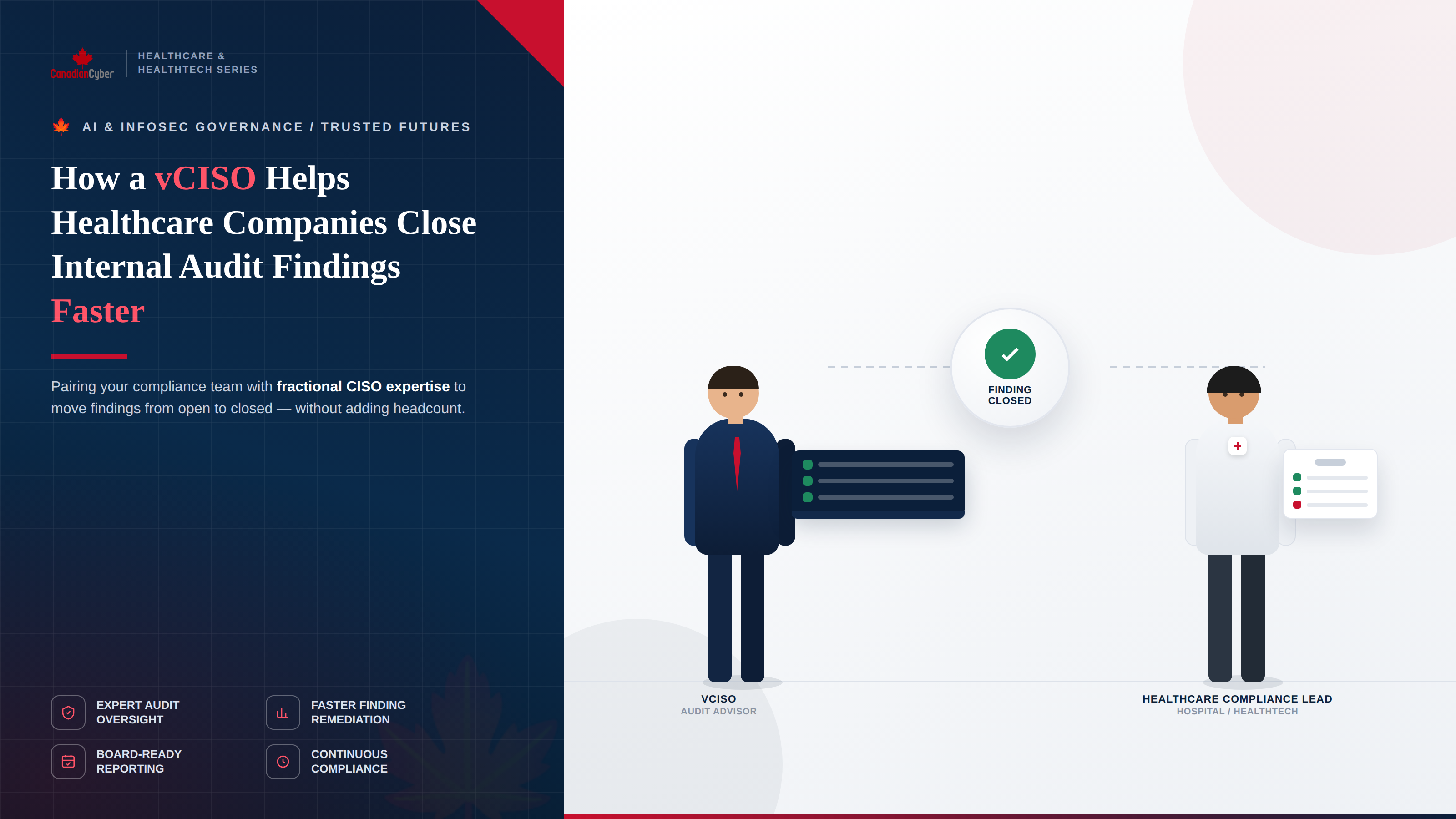
How a vCISO Helps Healthcare Companies Close ISO 27001 Internal Audit Findings Faster
A vCISO helps healthcare companies close findings faster by bringing structure, risk focus, evidence discipline, and leadership visibility to the corrective action process.
Quick Answer
How does a vCISO help healthcare companies close findings faster?
A vCISO helps healthcare companies close internal audit findings faster by prioritizing risk, assigning owners, defining root causes, and creating clear corrective actions.
The vCISO also collects closure evidence, verifies completion, escalates delays, and reports progress to leadership.
Bottom line: findings close faster when ownership, evidence, due dates, risk, and verification are managed in one clear process.
Canadian Cyber vCISO Support
Close Healthcare ISO 27001 Findings With Verified Evidence
Canadian Cyber helps healthcare and HealthTech companies close ISO 27001 internal audit findings faster.
We support PHI evidence gaps, access reviews, vendor access, AI governance, backups, logs, corrective actions, SharePoint dashboards, and management reporting.
Quick Snapshot
| Common Problem | How a vCISO Helps |
|---|---|
| Findings have no clear owner | Assigns named control owners and clear responsibilities. |
| Findings are treated equally | Prioritizes by PHI, patient data, business, and audit risk. |
| Root cause is weak | Identifies why the control failed and how to prevent repeat findings. |
| Evidence is scattered | Builds a controlled evidence workspace. |
| Fixes are not verified | Requires closure evidence and independent validation. |
| Leadership lacks visibility | Creates dashboards, status reports, and escalation paths. |
Why Healthcare Audit Findings Need Faster Closure
Healthcare internal audit findings can slow down certification readiness.
They can also affect hospital security reviews, client onboarding, cyber insurance, board reporting, and leadership confidence.
For healthcare and HealthTech companies, findings often involve sensitive areas.
These areas include PHI, patient data access, vendors, cloud apps, AI tools, support tickets, backups, logs, incident response, and risk treatment.
Healthcare findings should be closed based on risk, evidence, and verification. They should not be closed only because the audit deadline is close.
Who This Blog Is For
- Healthcare providers, clinic networks, and telehealth providers.
- HealthTech companies and Healthcare SaaS platforms.
- Patient portal providers and medical billing platforms.
- AI health platforms and clinical workflow platforms.
- Security managers, privacy officers, IT managers, compliance teams, and internal auditors.
- Canadian healthcare organizations preparing for ISO 27001, hospital reviews, or client security reviews.
The Main Problem: Findings Get Stuck Between Teams
Internal audit findings often sit between security, IT, privacy, legal, operations, support, vendors, and leadership.
Everyone may agree that the issue matters.
But no one owns the full closure process.
Common Reasons Findings Stay Open
Practical rule: a finding needs an owner, action plan, evidence requirement, target date, and verification step before it can close properly.
How a vCISO Changes the Process
A vCISO brings security leadership without requiring a full-time CISO.
For healthcare companies, the vCISO becomes the bridge between audit findings and real operational closure.
The vCISO Helps With
Step 1: Prioritize Findings by Healthcare Risk
Not all findings have the same urgency.
A missing policy review date matters.
But uncontrolled vendor admin access to a PHI system is more urgent.
High-Priority Healthcare Findings
Step 2: Assign Clear Owners
Findings stay open when ownership is vague.
A vCISO helps assign each finding to a named control owner.
| Finding Type | Likely Owner |
|---|---|
| PHI inventory gap | Privacy Officer or Security Lead. |
| Access review gap | IT Manager or System Owner. |
| Vendor review gap | Procurement, Security, or Compliance. |
| AI tool governance gap | Security, Privacy, Compliance, or Product Owner. |
| Backup restore gap | IT Operations. |
| Incident response gap | Security Lead or vCISO. |
A finding should never be assigned to a department only. It should have a named responsible owner.
Step 3: Fix the Root Cause, Not Just the Sample
A weak corrective action fixes only the audit sample.
A strong corrective action fixes the process.
Example
Finding: One terminated user still had access to the patient portal.
Weak fix: Remove that one user.
Better fix: Review all terminated users, update the offboarding checklist, add the patient portal to the workflow, assign HR and IT handoff owners, and test a sample each month.
vCISO Root Cause Questions
Step 4: Define Evidence Before Work Begins
Many findings stay open because teams do not know what evidence the auditor needs.
A vCISO defines closure evidence early.
| Finding | Closure Evidence |
|---|---|
| Missing access review | Completed access review, reviewer sign-off, and removal evidence. |
| Vendor not reviewed | Vendor risk assessment, contract or DPA, and review notes. |
| AI tool not approved | AI assessment, approved use case, vendor review, and data restriction guidance. |
| Restore test missing | Restore test report, result, issues, and owner sign-off. |
| Logs not reviewed | Log review schedule, reviewed alerts, and ticket evidence. |
Need to Close Healthcare ISO 27001 Findings Faster?
Canadian Cyber helps healthcare and HealthTech companies close findings through vCISO leadership, corrective action planning, evidence review, SharePoint dashboards, and management reporting.
For senior advisory support, view Waqar Mehboob’s profile.
Step 5: Build a Corrective Action Tracker
A vCISO helps move findings out of email and into a proper tracker.
The tracker should show what is open, who owns it, what evidence is needed, and what is blocking closure.
Corrective Action Tracker Fields
Practical rule: use “Pending Verification” before “Closed” so findings are not closed without evidence review.
Step 6: Use Risk-Based Timelines
Not every finding should have the same due date.
A vCISO helps set realistic timelines based on risk, urgency, and effort.
| Risk Level | Example Finding | Suggested Timeline |
|---|---|---|
| Critical | Vendor admin access to PHI system not reviewed. | Immediate containment and short-term closure. |
| High | AI tool processing patient data without approval. | Fast review, risk decision, and control update. |
| Medium | Missing vendor review notes. | Planned closure within audit cycle. |
| Low | Policy review date missing. | Scheduled update with next governance review. |
Step 7: Remove Blockers Early
Findings often stay open because of blockers.
The vCISO identifies blockers early and escalates them with options.
Common Blockers
Step 8: Verify Closure Independently
A finding should not be closed because the owner says it is fixed.
The vCISO helps verify closure evidence before the finding is marked closed.
Verification Questions
- Was the action completed?
- Does the evidence match the finding?
- Does the evidence prove the control works?
- Was the root cause addressed?
- Were affected systems reviewed?
- Were users or vendors removed where needed?
- Was the risk register updated?
- Was management informed if risk remains?
Step 9: Connect Findings to the Risk Register
Healthcare internal audit findings should not live separately from risk management.
A vCISO helps connect findings to the ISMS risk register.
| Finding | Related Risk |
|---|---|
| Vendor access not reviewed. | Unauthorized third-party access to PHI. |
| AI tool not assessed. | PHI exposure through unapproved AI processing. |
| Restore testing missing. | Inability to recover patient data systems. |
| Logs not reviewed. | Delayed detection of unauthorized access. |
| Support tickets contain PHI. | Accidental disclosure through support workflows. |
Step 10: Report Progress to Leadership
Leadership visibility helps findings close faster.
A vCISO prepares clear management reporting focused on risk, deadlines, blockers, and decisions.
Management Dashboard Should Show
Common Healthcare Findings a vCISO Helps Close
The vCISO helps map where patient data is stored, processed, transmitted, backed up, and shared.
The vCISO separates PHI access, admin access, vendor access, support access, and developer access reviews.
The vCISO creates vendor access registers and connects vendor accounts to risk review.
The vCISO reviews AI tools, AI vendors, PHI restrictions, and human review controls.
The vCISO defines ticket handling, screenshot redaction, log review, credential rules, and training.
The vCISO schedules restore testing, documents results, assigns owners, and tracks closure.
Example Corrective Action Plan
| Finding | Root Cause | Corrective Action | Evidence |
|---|---|---|---|
| PHI access review incomplete. | PHI systems were not separated from general SaaS review. | Create PHI access review schedule and complete review. | Access export, reviewer sign-off, and removal evidence. |
| Vendor access not reviewed. | Vendor accounts were not included in quarterly review. | Add vendors to access review scope. | Vendor access register and review record. |
| AI tool used without approval. | No AI approval workflow existed. | Create AI tool assessment and approved use list. | AI assessment and approved tool register. |
| Restore testing missing. | Backup review focused only on job success. | Add restore test schedule. | Restore test report. |
30-Day vCISO Plan to Speed Up Finding Closure
Week 1
Review all findings, identify PHI-related and high-risk items, assign owners, and define closure evidence.
Week 2
Fix high-risk access, vendor, AI, support ticket, and critical cloud control gaps.
Week 3
Upload closure evidence, link findings to risks, update treatment plans, and prepare verification notes.
Week 4
Verify closure, escalate blockers, and prepare a leadership dashboard for management review.
How SharePoint Helps Close Findings Faster
A SharePoint ISMS workspace can make corrective action tracking more organized and visible.
Findings close faster when owners, evidence, due dates, and verification status are visible in one workspace.
SharePoint Can Track
How Canadian Cyber Helps
Canadian Cyber helps healthcare and HealthTech organizations close ISO 27001 internal audit findings faster through vCISO-led corrective action support.
We help teams move from audit findings to verified closure.
Frequently Asked Questions
How does a vCISO help close internal audit findings faster?
A vCISO helps by prioritizing findings, assigning owners, defining root causes, creating corrective action plans, collecting evidence, verifying closure, escalating blockers, and reporting progress to leadership.
Why do healthcare audit findings take longer to close?
They often involve PHI systems, vendors, cloud tools, privacy review, AI governance, support workflows, and technical evidence. Without clear ownership, findings can stall.
What findings should healthcare companies fix first?
Healthcare companies should prioritize findings involving PHI access, privileged access, vendor access, AI tools processing patient data, backup restore testing, incident response, and support ticket data handling.
Can a vCISO help with ISO 27001 corrective actions?
Yes. A vCISO can help create corrective action plans, assign owners, define evidence requirements, track progress, verify closure, and report status to management.
Should AI-related findings be included in corrective actions?
Yes. AI findings should be tracked when AI tools process patient data, clinical data, support tickets, transcripts, documents, analytics, or other sensitive workflows.
Why is verification important?
Verification ensures that the corrective action actually fixed the issue and that evidence proves closure. This prevents findings from being closed too early.
Can SharePoint help manage audit findings?
Yes. SharePoint can track findings, owners, due dates, evidence links, risk levels, verification status, dashboards, reminders, and management review actions.
Can Canadian Cyber help healthcare companies close findings?
Yes. Canadian Cyber provides vCISO-led findings review, ISO 27001 remediation support, PHI evidence gap closure, AI governance reviews, SharePoint corrective action dashboards, and certification readiness support.
Takeaway
Healthcare companies do not need internal audit findings to sit open for months.
With vCISO leadership, findings can move faster from discovery to verified closure.
The process becomes clear: prioritize by risk, assign owners, define root causes, collect evidence, verify completion, update the risk register, and report to leadership.
This matters because healthcare findings often involve PHI, patient data, clinical workflows, cloud systems, vendors, AI tools, backups, logs, and incident response.
A vCISO helps close the right findings faster, not just the easiest findings first.
Ready to Close Healthcare ISO 27001 Findings Faster?
Canadian Cyber can help your healthcare or HealthTech organization close findings with clear ownership, strong evidence, and verified corrective actions.
We provide vCISO-led audit finding closure, ISO 27001 remediation support, PHI evidence gap reviews, patient data access reviews, vendor access corrective actions, AI governance reviews, SharePoint ISMS dashboards, corrective action tracking, hospital security review preparation, SOC 2 readiness alignment, ISO 42001 readiness, ISO 27017, ISO 27018, and cybersecurity assessments.
Stay Connected With Canadian Cyber
Follow Canadian Cyber for practical guidance on vCISO services, ISO 27001 internal audits, healthcare cybersecurity, PHI protection, HealthTech security, AI governance, cloud security, vendor access, SharePoint ISMS, SOC 2, ISO 42001, ISO 27017, ISO 27018, and certification readiness.










