



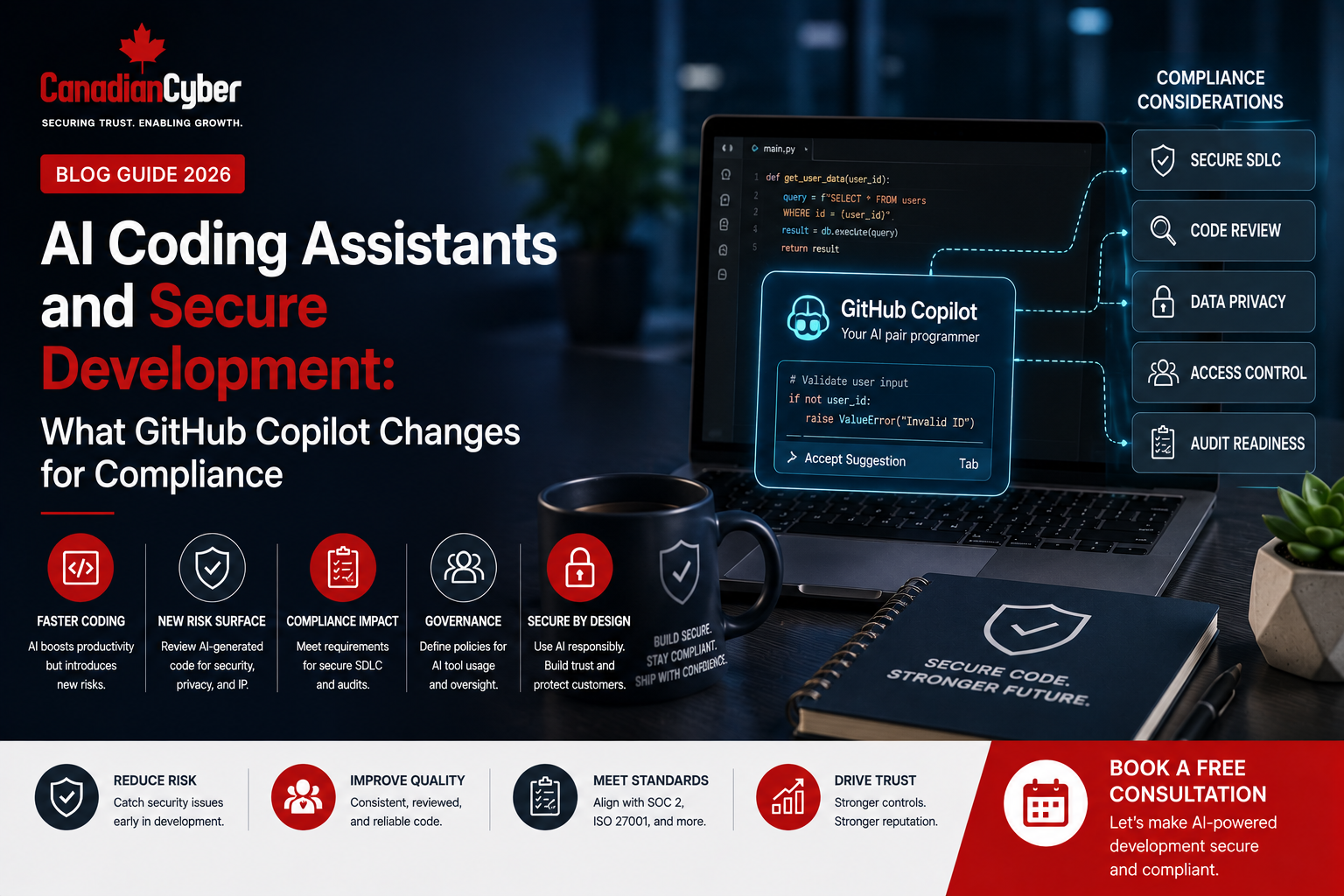
AI Governance • Secure Development • GitHub Copilot • SOC 2 • ISO 27001
AI Coding Assistants and Secure Development: What GitHub Copilot Changes for Compliance
AI coding assistants can help developers work faster. But they also change how companies should manage secure development, compliance evidence, vendor risk, and audit readiness.
Canadian Cyber AI Secure Development Support
Use GitHub Copilot Without Weakening Secure Development
Canadian Cyber helps software teams govern AI coding assistants. We support SOC 2 readiness, ISO 27001, ISO 42001, GitHub Copilot reviews, developer training, and SharePoint evidence workspaces.
Our goal is simple. Help your team use AI safely while keeping compliance evidence clear.
Quick Answer
GitHub Copilot can improve developer productivity. However, it does not replace secure development controls.
Companies should set clear rules for AI coding tools. They should control access, review AI-generated code, scan for vulnerabilities, train developers, and keep audit evidence.
Practical takeaway: Treat AI coding assistants as part of the secure development lifecycle. Do not treat them as side tools outside compliance.
Quick Snapshot
| Area | What Changes |
|---|---|
| Secure Development | AI-generated code still needs review, testing, scanning, and approval. |
| Access Control | Copilot access and settings should be approved and reviewed. |
| Prompt Safety | Developers need rules for secrets, logs, customer data, and confidential code. |
| SOC 2 Evidence | AI coding use should appear in training, vendor risk, access, and change evidence. |
Why This Matters
AI coding assistants are changing how software teams work. Developers can write code faster. They can also create tests, explain functions, fix errors, and draft documentation.
GitHub Copilot is one of the most common tools in this area. For developers, it feels like a productivity tool. For compliance teams, it creates new questions.
How is the tool approved? Who can use it? Can developers enter sensitive data? Is AI-generated code reviewed before release?
AI-assisted development must be governed, reviewed, tested, and evidenced.
Who This Guide Is For
- SaaS companies using GitHub Copilot.
- Software teams preparing for SOC 2.
- Teams working on ISO 27001.
- Organizations planning ISO 42001 AI governance.
- CTOs, security leaders, developers, and compliance teams.
- Companies answering enterprise security questionnaires.
What GitHub Copilot Changes for Compliance
GitHub Copilot changes compliance because AI is now part of the development process.
It may suggest code. It may explain code. It may help write tests. It may also support pull requests and developer workflows.
Compliance teams should ask these questions:
- Who can use Copilot?
- Which features are enabled?
- Which repositories are included?
- Can sensitive data be entered into prompts?
- Is AI-generated code reviewed by humans?
- Are security scans required before merge?
Practical rule: Compliance does not need to block Copilot. It needs to govern how Copilot is used.
The Main Risk Is Unmanaged AI Use
The risk is not only that AI wrote code. The bigger risk is unmanaged AI-assisted development.
Problems can happen when:
- Developers accept AI-generated code without review.
- Insecure code patterns enter the product.
- Secrets or credentials are exposed.
- Customer data is pasted into prompts.
- Security testing is skipped.
- The company has no buyer-ready explanation.
The problem is not AI assistance. The problem is unmanaged AI assistance.
1. Create an AI Coding Assistant Policy
The first step is to define what is allowed. Developers should not have to guess.
Your policy should explain:
- Which AI coding tools are approved.
- Who may use them.
- What data cannot be entered into prompts.
- How AI-generated code must be reviewed.
- How exceptions and incidents should be reported.
Good Policy Example
Developers may use approved AI coding assistants for code suggestions, documentation, testing, and refactoring.
AI-generated code must still be reviewed, tested, scanned, and approved before merge.
2. Control Access and Licenses
Not every developer may need the same Copilot access. Access should be approved and reviewed.
Ask these questions:
- Who has a Copilot license?
- Is access approved by role?
- Are contractors included?
- Are users removed when they leave?
- Are settings managed centrally?
Practical rule: AI tool access should be reviewed like other development system access.
3. Set Prompt and Sensitive Data Rules
Developers need clear rules for prompts. This is important because prompts can include sensitive details.
Do not paste these into unapproved AI tools:
- API keys, passwords, or tokens.
- Private keys or credentials.
- Customer or patient data.
- Production logs with identifiers.
- Security incident details.
- Confidential architecture details.
If it would create risk in a public chat, do not paste it into an unapproved AI tool.
4. Keep Human Code Review
AI-generated code should never bypass human review.
Copilot may suggest useful code. But it can also suggest insecure, incomplete, or incorrect code.
Reviewers should check:
- Authentication and authorization.
- Input validation.
- Secrets exposure.
- Sensitive logging.
- Dependency safety.
- Test coverage.
Practical rule: AI can suggest code. Humans remain accountable for what enters the product.
5. Scan and Test AI-Generated Code
AI-generated code should go through the same checks as human-written code.
Useful checks include:
- Static application security testing.
- Dependency scanning.
- Secret scanning.
- Unit tests.
- Integration tests.
- Manual security review for high-risk changes.
AI-generated code should never be trusted simply because it works.
Using GitHub Copilot and Preparing for SOC 2?
Canadian Cyber helps software teams govern AI coding assistants without slowing development.
How This Affects SOC 2
For SOC 2, Copilot can affect secure development, access control, vendor risk, confidentiality, privacy, training, and change management.
Useful SOC 2 evidence includes:
- AI coding assistant policy.
- Approved AI tool list.
- Copilot access review.
- Developer training records.
- Pull request approvals.
- Security scan evidence.
- Vendor review records.
Practical rule: Buyers may accept Copilot use. But they will expect controlled use.
How This Affects ISO 27001
ISO 27001 focuses on managing information security risk. AI coding assistants should be included in that risk view.
Your ISMS should cover:
- AI tool inventory.
- AI coding risk assessment.
- Acceptable use rules.
- Supplier review.
- Secure development procedures.
- Developer training evidence.
How This Affects ISO 42001
ISO 42001 supports structured AI governance. This can include internal AI use, not only customer-facing AI products.
For AI coding tools, ISO 42001 may involve:
- AI use case inventory.
- AI risk assessment.
- Human oversight rules.
- AI vendor review.
- AI training evidence.
- AI incident handling.
ISO 42001 can help companies govern internal AI use, including AI-assisted development.
Questions Enterprise Buyers May Ask
Enterprise buyers may ask about AI-assisted development during security reviews.
| Buyer Question | Strong Answer Should Explain |
|---|---|
| Do your developers use Copilot? | Which tools are approved and governed. |
| Can customer data be entered into prompts? | Sensitive data restrictions and prompt rules. |
| Is AI-generated code reviewed? | Pull request review, testing, and scanning. |
| Are AI vendors reviewed? | Vendor review and data handling checks. |
Compliance Checklist for GitHub Copilot
| Control Area | Review Question | Ready? |
|---|---|---|
| Tool Approval | Is Copilot approved by security and compliance? | |
| Policy | Is AI-assisted development covered in policy? | |
| Access | Are licenses assigned and reviewed? | |
| Sensitive Data | Are prompt restrictions clear? | |
| Code Review | Is AI-generated code reviewed by humans? | |
| Security Scanning | Are scans required before merge? | |
| Training | Are developers trained on AI coding risks? | |
| Evidence | Are settings, reviews, scans, and approvals retained? |
Common Mistakes to Avoid
- Allowing any AI tool. Approved tools should be clear.
- No prompt rules. Developers need to know what not to share.
- Trusting AI code too quickly. AI code still needs review and testing.
- No access review. Copilot access should be reviewed.
- No buyer-ready answer. Enterprise buyers may ask about AI coding.
- No evidence. Compliance needs proof.
How SharePoint Can Help
A structured evidence workspace can make AI coding governance easier.
Canadian Cyber’s ISMS SharePoint Solution can organize:
- AI coding assistant policies.
- Approved AI tool lists.
- AI vendor reviews.
- Developer training evidence.
- Access review records.
- Pull request evidence.
- Security scan evidence.
- Client-ready evidence rooms.
How Canadian Cyber Helps
Canadian Cyber helps organizations govern AI coding assistants in a practical way.
We help teams use AI without losing control over secure development, SOC 2 evidence, ISO 27001 governance, ISO 42001 readiness, or enterprise buyer trust.
- AI secure development readiness reviews.
- GitHub Copilot governance reviews.
- AI acceptable use policy development.
- SOC 2 readiness and evidence planning.
- ISO 27001 implementation and internal audits.
- ISO 42001 AI governance readiness.
- Developer security awareness training.
- SharePoint evidence workspace setup.
Frequently Asked Questions
Does GitHub Copilot replace secure code review?
No. Copilot can help developers. But code still needs human review, testing, scanning, and approval.
Is GitHub Copilot a compliance risk?
It can be a risk when it is unmanaged. Clear rules, training, scans, and evidence reduce that risk.
Can developers paste customer data into AI coding assistants?
They should not paste customer data into unapproved AI tools. Sensitive data rules should be clear before use.
What SOC 2 evidence should we keep?
Keep policies, access reviews, training records, pull request approvals, scan results, vendor reviews, and change records.
Can Canadian Cyber help govern GitHub Copilot?
Yes. Canadian Cyber can help with Copilot governance, SOC 2 readiness, ISO 27001, ISO 42001, vCISO support, and SharePoint evidence workspaces.
Takeaway
GitHub Copilot can help software teams move faster. But speed should not weaken secure development.
The key question is not only whether developers use AI. The better question is whether AI-assisted development is approved, governed, reviewed, tested, and evidenced.
AI coding assistants are now part of the compliance conversation.
Using GitHub Copilot or Other AI Coding Assistants?
Canadian Cyber can help you understand the compliance impact. We help build practical controls for AI-assisted development.
We support SOC 2, ISO 27001, ISO 42001, GitHub Copilot governance, vCISO services, secure development evidence, and SharePoint evidence workspaces.
Stay Connected With Canadian Cyber
Follow Canadian Cyber for practical guidance on AI coding assistants, GitHub Copilot governance, secure development, SOC 2, ISO 27001, ISO 42001, SharePoint ISMS, cybersecurity assessments, and vCISO support.










