



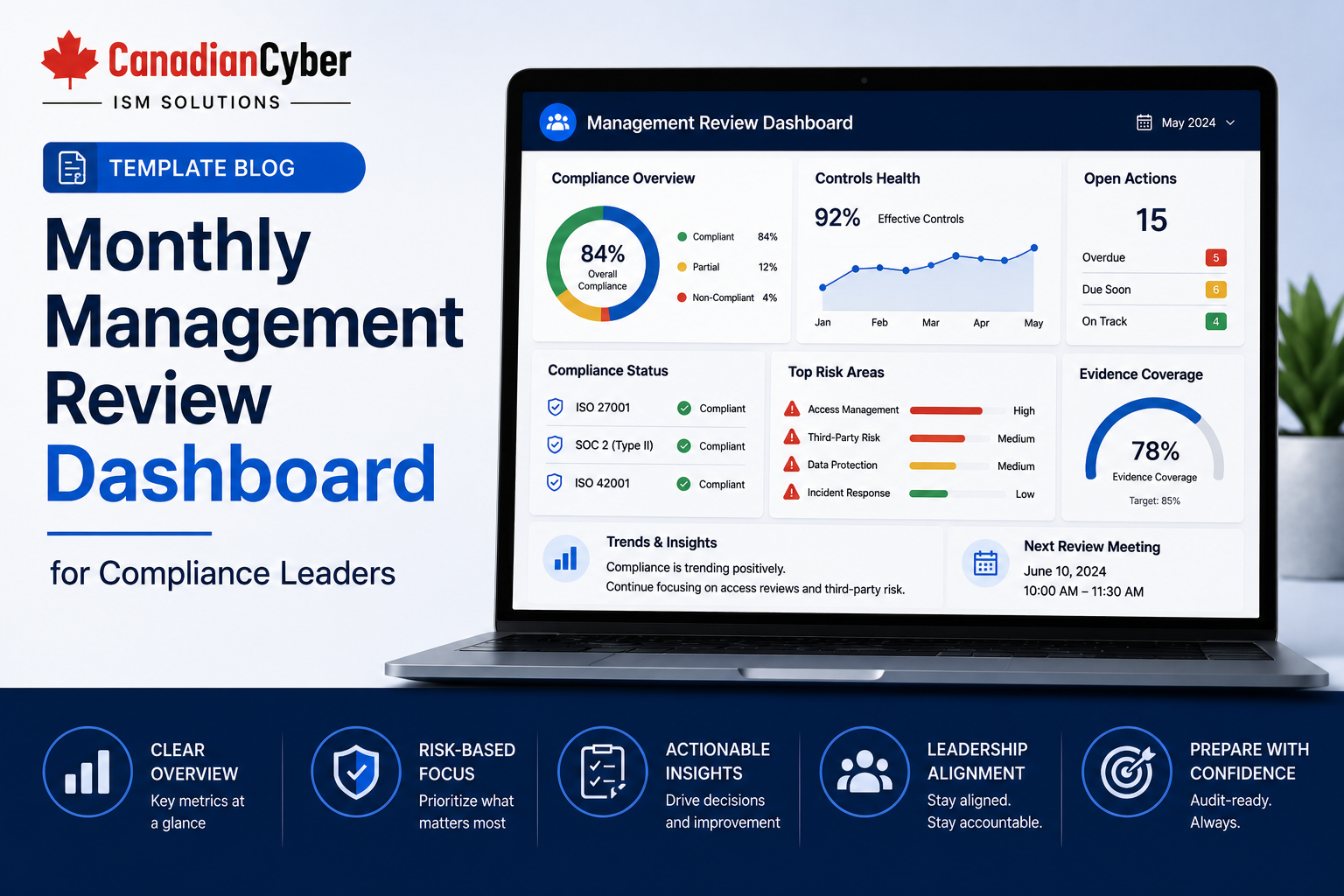
Management Review • Compliance Dashboard • ISMS SharePoint • ISO 27001 • SOC 2 • ISO 42001
Template Blog: Monthly Management Review Dashboard for Compliance Leaders
A monthly management review dashboard helps compliance leaders turn scattered security, privacy, risk, vendor, audit, and AI governance updates into one clear leadership view.
Canadian Cyber ISMS SharePoint Solution
Build a Monthly Management Review Dashboard Inside Microsoft 365
Canadian Cyber helps organizations create SharePoint-based dashboards that connect risks, controls, evidence, owners, vendors, corrective actions, policies, incidents, AI governance records, audit readiness, and leadership decisions.
Quick Snapshot
| Dashboard Area | What Compliance Leaders Should Review Monthly |
|---|---|
| Risk Register | Top risks, overdue treatments, accepted risks, and new risks. |
| Control Register | Control status, control owners, failed controls, and missing evidence. |
| Evidence Library | Approved, missing, expired, submitted, and overdue audit evidence. |
| Corrective Actions | Open findings, remediation owners, due dates, and closure evidence. |
| Vendor Risk | Critical vendor reviews, expired assurance reports, and open supplier issues. |
| AI Governance | AI tools, AI risks, impact assessments, vendor AI reviews, and AI issues. |
Introduction
Compliance leaders are often asked to provide quick answers. Are we audit-ready? What evidence is missing? Which controls are overdue? Which risks need leadership attention? Which vendors need review? Are policies current? Are access reviews complete? Are incidents being closed properly? Are AI tools being governed?
These questions are hard to answer when compliance data is spread across spreadsheets, folders, emails, ticketing systems, Teams messages, meeting notes, vendor portals, and disconnected dashboards.
A monthly management review dashboard solves this problem by giving compliance leaders one structured view of governance health.
A monthly dashboard turns scattered compliance updates into management decisions.
Canadian Cyber’s ISMS SharePoint solution helps organizations create this type of dashboard inside Microsoft 365, linking risks, controls, evidence, owners, vendors, corrective actions, policies, incidents, AI governance records, and management decisions.
Need a Monthly Management Review Dashboard?
Canadian Cyber helps compliance leaders replace scattered status updates with SharePoint dashboards for ISO 27001, SOC 2, ISO 42001, audit evidence, vendor risk, corrective actions, and AI governance.
Why Monthly Management Review Matters
Many organizations hold management review only before an audit. That creates stress. By then, evidence may be expired, risks may be outdated, corrective actions may be overdue, vendor reviews may be missing, policies may need approval, and AI tools may not be assessed.
A monthly dashboard helps teams catch these issues earlier.
| Benefit | Why It Matters |
|---|---|
| Improve Audit Readiness | Evidence gaps are found before audit season. |
| Strengthen Accountability | Owners can see what they must complete. |
| Reduce Last-Minute Work | Compliance tasks are tracked continuously. |
| Improve Leadership Visibility | Management sees risk and readiness trends. |
| Support ISO 27001 | Shows ISMS performance and improvement. |
| Support SOC 2 | Shows control operation and evidence status. |
| Support ISO 42001 | Shows AI governance oversight. |
| Support Client Reviews | Helps prepare approved evidence quickly. |
Practical rule: Management review should be a monthly rhythm, not an annual scramble.
What Is a Monthly Management Review Dashboard?
A monthly management review dashboard is a structured view of compliance health. It should summarize risks, controls, evidence, owners, incidents, vendors, policies, access reviews, corrective actions, AI governance, audit readiness, client review readiness, and management decisions.
The dashboard should not be a long report that no one reads. It should help leaders make decisions.
| Dashboard Question | Dashboard Area |
|---|---|
| What changed this month? | Monthly summary. |
| What is overdue? | Overdue items. |
| What needs management attention? | High-risk items. |
| What evidence is missing? | Evidence readiness. |
| What findings remain open? | Corrective actions. |
| Which vendors need review? | Vendor risk. |
| Which AI tools need assessment? | AI governance. |
Recommended Monthly Dashboard Structure
Use a simple dashboard structure that compliance leaders can review quickly.
Status, top concern, key decision, and readiness score.
High risks, risk trends, owners, and treatment status.
Control operation, failures, owners, and evidence status.
Approved, missing, expired, submitted, and overdue evidence.
Overdue evidence, reviews, actions, policies, and vendor tasks.
Open findings, owners, due dates, and closure evidence.
Critical vendors, assurance evidence, and overdue reviews.
AI inventory, AI risks, assessments, and AI issues.
Section 1: Executive Summary
The executive summary should give leadership a quick view of the month. It should be clear enough to understand in less than five minutes.
| Field | Example |
|---|---|
| Reporting Month | June 2026 |
| Overall Status | Green, amber, or red |
| Top Concern | Vendor reviews overdue |
| Biggest Improvement | Access review completed |
| Key Decision Needed | Approve remediation budget |
| Audit Readiness | 82% evidence approved |
| Open High Risks | 4 |
| Evidence Missing | 12 items |
Give Leadership a Clear Monthly Compliance View
Canadian Cyber helps teams build executive-ready dashboard views with status, risks, blockers, overdue items, evidence readiness, and decisions needed.
Section 2: Top Risk Dashboard
The monthly dashboard should show the highest risks first. Leadership should focus on high risks, changing risks, and risks needing decisions.
| Risk Dashboard Field | Purpose |
|---|---|
| Risk ID and Title | Creates a short, traceable risk reference. |
| Risk Owner | Shows accountability. |
| Risk Rating | High, medium, or low priority. |
| Risk Trend | Increasing, stable, or decreasing. |
| Treatment Status | Open, in progress, accepted, or closed. |
| Management Decision Needed | Shows whether leadership action is required. |
Section 3: Control Status Dashboard
Controls show how the organization manages risk. The dashboard should show whether controls are implemented, operating, owned, and evidenced.
| Control Dashboard Field | Purpose |
|---|---|
| Control ID | Unique reference. |
| Framework | ISO 27001, SOC 2, ISO 42001, or client requirement. |
| Control Owner | Accountable person. |
| Status | Operating, partial, failed, or not started. |
| Evidence Status | Approved, missing, expired, or under review. |
| Open Issue | Related gap or corrective action. |
Section 4: Evidence Readiness Dashboard
Evidence readiness is one of the most useful monthly views. Evidence should be reviewed every month so audit readiness is never a surprise.
| Evidence View | Purpose |
|---|---|
| Evidence Due This Month | Upcoming evidence tasks. |
| Missing Evidence | Evidence not uploaded. |
| Expired Evidence | Evidence needing refresh. |
| Evidence by Owner | Owner accountability. |
| Evidence by Framework | ISO 27001, SOC 2, ISO 42001, or client review. |
| Auditor-Ready and Client-Ready Evidence | Approved evidence for external review. |
Section 5: Overdue Items Dashboard
Overdue items are where compliance leaders should focus attention. Every overdue item should have an owner, reason, and next action.
Risk treatments overdue
Corrective actions overdue
Access reviews overdue
Vendor reviews overdue
AI impact assessments overdue
Section 6: Corrective Action Dashboard
Corrective actions come from audits, risk reviews, incidents, client reviews, and internal findings. They should stay visible until verified closed.
| Corrective Action Field | Purpose |
|---|---|
| Action ID | Unique reference. |
| Source | Audit, incident, risk review, or client review. |
| Owner | Responsible person. |
| Due Date | Target date. |
| Closure Evidence | Proof completed. |
| Verification Owner | Confirms closure. |
Turn Findings Into Tracked, Verified Actions
Canadian Cyber helps organizations build corrective action dashboards with owners, due dates, closure evidence, verification owners, and management review flags.
Section 7: Access Review Dashboard
Access reviews are common evidence for ISO 27001 and SOC 2. They may also matter for ISO 42001 if AI systems process sensitive data.
Privileged access
Support access
Vendor access
Service accounts
API keys
AI system access
Section 8: Vendor Risk Dashboard
Vendor reviews should be included in monthly management review. This is especially important for critical suppliers and AI vendors.
| Vendor Dashboard Field | Purpose |
|---|---|
| Vendor Name | Supplier. |
| Vendor Owner | Internal owner. |
| Criticality | High, medium, or low. |
| Data Processed | Customer, employee, financial, AI, or logs. |
| Assurance Evidence | SOC 2, ISO 27001, or questionnaire. |
| Open Issues | Supplier risks or actions. |
Section 9: Policy Review Dashboard
Policies need owners, versions, approvals, and review dates. A policy is not current just because it exists. It must be reviewed and approved.
| Policy Dashboard Field | Purpose |
|---|---|
| Policy Name | Document title. |
| Policy Owner | Accountable person. |
| Version | Current version. |
| Approval Status | Draft, under review, approved, or retired. |
| Next Review Date | Upcoming review. |
Section 10: Incident Summary Dashboard
Monthly management review should include incidents and lessons learned. Incident dashboards should focus on trends, impact, and follow-up actions.
| Incident Dashboard Field | Purpose |
|---|---|
| Incident Type | Security, privacy, vendor, availability, or AI. |
| Severity | High, medium, or low. |
| Owner | Responsible person. |
| Customer Impact | Yes or no. |
| Corrective Action | Linked action. |
Section 11: AI Governance Dashboard
For organizations working toward ISO 42001, monthly management review should include AI governance. If AI is used in business processes, AI governance belongs in the monthly dashboard.
| AI Governance View | Purpose |
|---|---|
| AI Inventory | Approved AI systems and owners. |
| AI Risk Register | Top AI risks and treatment status. |
| AI Impact Assessments | Completed, missing, and overdue assessments. |
| AI Vendor Reviews | AI supplier assurance and data terms. |
| AI Issues | Hallucinations, bias, misuse, model errors, and corrective actions. |
Add ISO 42001 AI Governance to Monthly Review
Canadian Cyber helps organizations track AI tools, AI risks, impact assessments, vendor AI reviews, human oversight, and AI issues inside SharePoint dashboards.
Section 12: Audit and Client Review Readiness
Compliance leaders should know whether evidence is ready for external review. Auditor-ready and client-ready evidence should be clearly separated from internal working files.
| Readiness View | Purpose |
|---|---|
| Auditor-Ready Evidence | Approved evidence for external auditors. |
| Client-Ready Evidence | Approved evidence for customers. |
| Missing Audit Evidence | Gaps before audit. |
| Open Audit Requests | Auditor or client requests. |
| Submitted Evidence | Files already shared. |
Section 13: Management Decision Tracker
Management review should produce decisions. Decisions should be recorded, assigned, followed up, and linked to meeting minutes or approval records.
| Decision Tracker Field | Purpose |
|---|---|
| Decision ID | Unique reference. |
| Topic | Risk, vendor, control, AI, budget, or audit. |
| Recommendation | Suggested action. |
| Decision | Approved, rejected, or deferred. |
| Owner | Responsible person. |
| Evidence Link | Meeting minutes or approval record. |
Section 14: Next Month Priorities
End every dashboard with priorities for the next month. A monthly dashboard should turn review into action.
Close high-risk corrective actions
Approve updated policies
Refresh expired SOC 2 evidence
Complete AI impact assessments
Run incident tabletop exercise
Prepare client-ready evidence pack
Monthly Management Review Dashboard Checklist
| Dashboard Element | Included? |
|---|---|
| Executive summary | |
| Top risks | |
| Risk treatment status | |
| Control status | |
| Evidence readiness | |
| Missing and expired evidence | |
| Overdue items | |
| Corrective actions | |
| Access review status | |
| Vendor risk status | |
| Policy review status | |
| Incident summary | |
| AI governance view | |
| Auditor-ready evidence | |
| Client-ready evidence | |
| Management decisions and next month priorities |
Common Mistakes to Avoid
- Building a dashboard with too many details. Leadership needs exceptions, trends, decisions, and accountability.
- No owner field. A dashboard without owners does not drive action.
- No due date field. Without due dates, tasks drift.
- No evidence links. Dashboard items should link to supporting records.
- Ignoring AI governance. If AI tools are used, ISO 42001-related dashboard elements should be included.
- No decision tracker. Management review should record decisions and follow-up actions.
- Treating dashboard review as audit prep only. Monthly review should support ongoing governance, not just certification.
What Good Looks Like
A strong monthly management review dashboard can show:
- top risks
- control status
- evidence readiness
- overdue items
- corrective actions
- access review completion
- vendor risk status
- policy review dates
- incident summary
- AI governance status
- audit readiness
- client review readiness
- management decisions
- next month priorities
- owners, due dates, and links to evidence
This gives compliance leaders a practical monthly view of governance health.
Canadian Cyber’s Take
Canadian Cyber’s ISMS SharePoint solution helps organizations turn compliance data into usable management review dashboards.
Many compliance teams already have the information they need. The problem is that it is scattered.
A monthly dashboard brings it together and helps leaders see:
- what is working
- what is overdue
- what needs evidence
- what needs a decision
- what creates risk
- what supports audit readiness
For ISO 27001, SOC 2, and ISO 42001, this visibility helps management review become a real governance activity, not just an audit requirement.
Takeaway
A monthly management review dashboard helps compliance leaders manage security, privacy, audit, vendor, and AI governance more effectively.
Include:
- risks
- controls
- evidence
- overdue items
- corrective actions
- access reviews
- vendors
- policies
- incidents
- AI governance
- audit readiness
- client readiness
- management decisions
The dashboard should not create more work. It should reduce confusion and make accountability visible.
How Canadian Cyber Can Help
Canadian Cyber helps organizations build SharePoint-based management review dashboards for ISO 27001, SOC 2, ISO 42001, client reviews, and leadership reporting.
- monthly management review dashboard design
- ISMS SharePoint solution setup
- risk register dashboards
- control register dashboards
- evidence readiness views
- corrective action trackers
- vendor risk dashboards
- access review tracking
- policy review dashboards
- incident summary dashboards
- SOC 2 readiness views
- ISO 27001 ISMS health views
- ISO 42001 AI governance dashboards
- auditor-ready evidence rooms
- client-ready evidence packs
- vCISO management reporting
Stay Connected With Canadian Cyber
Follow Canadian Cyber for practical guidance on ISMS SharePoint, monthly management review, ISO 27001, SOC 2, ISO 42001, audit evidence, AI governance, compliance dashboards, and vCISO support.










