



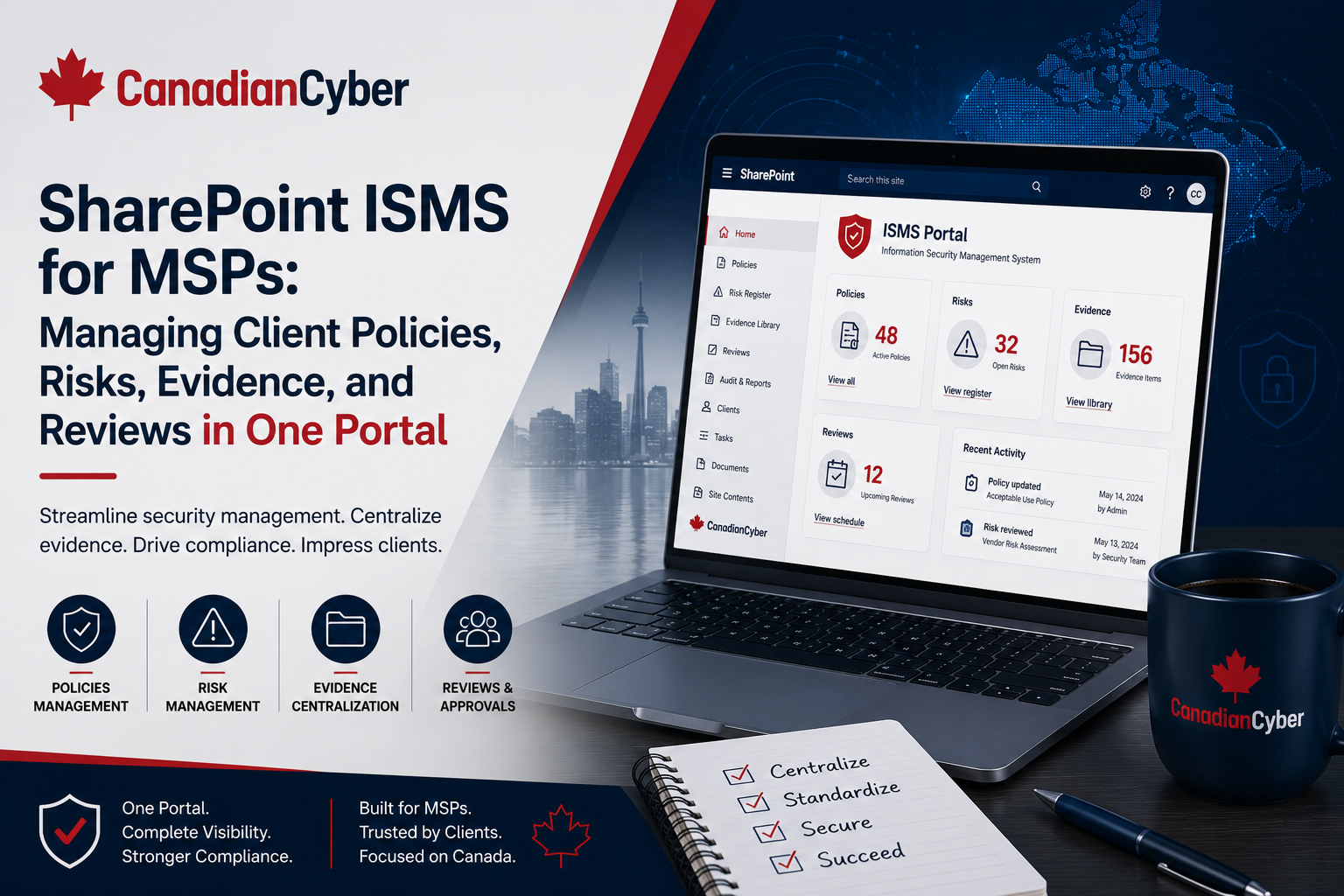
SharePoint ISMS • MSP Compliance • GRC Tools • Client Risk Management • Canada
SharePoint ISMS for MSPs: Managing Client Policies, Risks, Evidence, and Reviews in One Portal
MSPs are being asked to do more than manage IT tickets. Clients now need help with policies, risk registers, evidence, vendor reviews, security questionnaires, cyber insurance, ISO 27001, SOC 2, and executive reporting. A SharePoint ISMS gives MSPs a practical way to manage client security governance in one portal.
Quick Snapshot
| MSP Need | How a SharePoint ISMS Helps |
|---|---|
| Client Policies | Stores approved policies, review dates, owners, and version history. |
| Client Risks | Tracks security risks, treatment actions, decisions, and owners. |
| Evidence | Organizes access reviews, backup proof, vendor reviews, incident records, and audit evidence. |
| Reviews | Supports quarterly security reviews, vCISO reporting, and management updates. |
| Compliance | Helps support ISO 27001, SOC 2, cyber insurance, and client security questionnaires. |
| Business Outcome | Helps MSPs offer structured advisory services and recurring governance revenue. |
Introduction
MSPs are moving into a new role.
Clients still need support tickets, devices, cloud administration, backups, and endpoint management. But they also need security governance.
They ask:
- Do we have the right policies?
- Are our risks documented?
- Can we prove MFA is enabled?
- Are backups tested?
- Are vendors reviewed?
- Can we answer customer security questionnaires?
- Are we ready for cyber insurance?
- Can we prepare for ISO 27001?
- Can we prepare for SOC 2?
- Can you give leadership a security report?
These questions cannot be managed well through email, scattered spreadsheets, ticket notes, and random folders. MSPs need a central portal.
That is where a SharePoint ISMS can help.
For MSPs comparing ISO GRC tool in Canada, ISMS platforms in Canada, and GRC tool platforms in Canada, SharePoint can be a practical middle ground. It is more structured than spreadsheets, easier to adopt than many heavy platforms, and already familiar to many Microsoft 365 clients.
Need a SharePoint ISMS for MSP Clients?
Canadian Cyber helps MSPs build SharePoint ISMS portals for client risk registers, policies, evidence, reviews, compliance roadmaps, security questionnaires, cyber insurance readiness, ISO 27001, SOC 2, and vCISO services.
Why MSPs Need More Than Ticketing
Ticketing systems are useful. They track incidents, requests, tasks, and support work.
But ticketing tools are not designed to manage a full security governance program.
| Ticketing System | SharePoint ISMS Portal |
|---|---|
| Tracks support tasks. | Tracks governance, risk, and evidence. |
| Focuses on tickets. | Focuses on controls, owners, and decisions. |
| Useful for daily operations. | Useful for compliance and security oversight. |
| Often technical. | Can support executive reporting. |
| May close tickets quickly. | Tracks risk decisions over time. |
| Good for helpdesk. | Better for advisory and vCISO services. |
Practical rule: Tickets show what happened. An ISMS portal shows what risk exists, who owns it, what evidence supports it, and what leadership decided.
Why SharePoint Works Well for MSP Security Governance
Many MSPs and clients already use Microsoft 365. That makes SharePoint familiar and easier to adopt.
It also gives MSPs a flexible way to structure security governance without buying a complex tool too early.
| SharePoint ISMS Benefit | Why It Matters |
|---|---|
| Familiar Microsoft 365 environment. | Easier adoption for clients and MSP teams. |
| Lists and libraries. | Useful for risks, policies, vendors, evidence, and reviews. |
| Permissions. | Supports client-specific access controls. |
| Version history. | Helps with policy and evidence traceability. |
| Views and filters. | Shows evidence by owner, status, client, or framework. |
| Power Automate. | Supports reminders and approval workflows. |
| Dashboards. | Helps leadership see open risks and overdue actions. |
| Reusable templates. | Helps MSPs scale across multiple clients. |
Practical rule: A SharePoint ISMS is not just a document library. It should be built as a governance portal.
What Should an MSP SharePoint ISMS Include?
A strong MSP SharePoint ISMS should help manage the full client security lifecycle.
| Portal Area | Purpose |
|---|---|
| Client Policy Library | Stores policies, owners, review dates, and approvals. |
| Client Risk Register | Tracks risks, ratings, treatment plans, and decisions. |
| Evidence Vault | Stores proof for controls, audits, insurance, and reviews. |
| Vendor Register | Tracks suppliers, criticality, reviews, and evidence. |
| Access Review Tracker | Tracks admin, privileged, and user access reviews. |
| Incident Readiness Library | Stores plans, tabletops, lessons learned, and actions. |
| Corrective Action Register | Tracks findings, remediation, and closure evidence. |
| Quarterly Review Library | Stores vCISO reports, meeting notes, and decisions. |
| Questionnaire Library | Stores approved answers and supporting evidence. |
| Compliance Roadmap | Tracks ISO 27001, SOC 2, cyber insurance, and other goals. |
Practical rule: The portal should help the MSP answer one question quickly: “What is the client’s security posture, and what proof do we have?”
Client Policies: Keep Them Approved, Current, and Useful
Policies are often the first compliance documents clients ask for. But many policies are outdated, generic, or stored in random folders.
| Policy Library Field | Purpose |
|---|---|
| Policy Name | Clear title. |
| Policy Owner | Person accountable. |
| Framework Mapping | ISO 27001, SOC 2, cyber insurance, internal. |
| Approval Status | Draft, under review, approved, retired. |
| Approval Date | Shows governance. |
| Review Date | Keeps policy current. |
| Version | Tracks updates. |
| Evidence Link | Links to training, approval, or control proof. |
Policies MSPs often help clients manage:
Access Control Policy
Acceptable Use Policy
Incident Response Plan
Backup and Recovery Procedure
Vendor Management Policy
Remote Access Policy
Change Management Procedure
Practical rule: A policy is useful only if it has an owner, review date, and evidence that it is followed.
Client Risks: Turn Advice Into Tracked Decisions
MSPs often give good advice. But advice can disappear if it is not tracked. A risk register turns advice into governance.
| Client Risk Register Field | Purpose |
|---|---|
| Risk ID | Unique reference. |
| Risk Title | Short risk name. |
| Risk Description | What could go wrong. |
| Business Impact | Operational, financial, legal, customer, reputation. |
| Likelihood and Impact | Probability and severity. |
| Risk Rating | High, medium, low. |
| Recommendation | What should be done. |
| Client Owner and MSP Owner | Decision-maker and support owner. |
| Status and Due Date | Open, accepted, in progress, closed. |
| Decision Notes and Evidence Link | Client decision and supporting proof. |
Example MSP client risks:
- MFA is not enforced for all users.
- Backups are not restore-tested.
- Admin accounts are not reviewed.
- Vendor access is not documented.
- No incident response plan exists.
- Cyber insurance evidence is incomplete.
- Security policies are outdated.
- ISO 27001 scope is not defined.
Practical rule: If a client declines a recommendation, record the decision. That protects the client and the MSP.
Evidence: The Heart of Client Trust
Evidence is where many clients struggle. They may have controls, but proof is scattered.
| Evidence Area | Examples |
|---|---|
| Access Control | MFA reports, admin reviews, offboarding samples. |
| Backup Recovery | Backup reports, restore tests, failure reviews. |
| Vendor Risk | Vendor register, security reviews, contracts, DPAs. |
| Incident Response | Incident plan, tabletop report, lessons learned. |
| Policy Governance | Approved policies, review records. |
| Training | Awareness completion reports. |
| Change Management | Approval records, tickets, deployment notes. |
| Reviews | Quarterly security reports and leadership decisions. |
Evidence Metadata
| Metadata Field | Purpose |
|---|---|
| Evidence Name | Clear title. |
| Client Name | Client account. |
| Control Area | Access, backup, vendor, incident, policy. |
| Framework | ISO 27001, SOC 2, cyber insurance, internal. |
| Evidence Owner | Responsible person. |
| Period Covered | Month, quarter, year. |
| Review Status | Requested, uploaded, approved, rejected. |
| Sensitivity | Public, internal, NDA-only, confidential. |
Practical rule: Evidence should be reusable. The same evidence may support cyber insurance, ISO 27001, SOC 2, questionnaires, and quarterly reviews.
Reviews: Make Client Security Visible to Leadership
MSPs can use a SharePoint ISMS to prepare recurring client reviews. This is especially useful for vCISO services and advisory retainers.
| Quarterly Security Review Section | Purpose |
|---|---|
| Top Risks | Focus client leadership on what matters. |
| Completed Actions | Show progress. |
| Open Decisions | Identify what needs approval. |
| Overdue Items | Highlight blockers. |
| Access Review Status | Show identity risk. |
| Backup Recovery Status | Show resilience. |
| Vendor Risk Status | Show supplier exposure. |
| Next 90 Days | Create action plan. |
Practical rule: A client review should not be a technical dump. It should help leadership make decisions.
How This Supports MSP vCISO Services
A SharePoint ISMS is especially useful when an MSP offers vCISO services. It gives the vCISO one place to manage risks, roadmaps, meeting notes, reports, evidence, policies, client decisions, corrective actions, questionnaires, and compliance readiness.
| vCISO Service Output | Portal Source |
|---|---|
| Executive Security Report | Risks, evidence, actions, decisions. |
| Client Risk Register | Risk list and treatment plans. |
| Cyber Insurance Pack | MFA, backup, incident, access evidence. |
| ISO 27001 Roadmap | Scope, risk, policies, evidence. |
| SOC 2 Readiness Pack | Access, vendor, incident, change, backup evidence. |
| Security Questionnaire Answers | Approved answer library. |
| Client Trust Pack | Summary of security controls and proof. |
Practical rule: A vCISO service is easier to deliver when the evidence and decisions are already organized.
How This Supports ISO 27001 Readiness
Many clients need ISO 27001 but do not know where to begin. A SharePoint ISMS helps organize the early building blocks.
This is why many MSPs compare GRC tools for ISO and ISO GRC tool in Canada when they start advisory services.
| ISO 27001 Area | SharePoint ISMS Support |
|---|---|
| ISMS Scope | Scope statement and system inventory. |
| Risk Assessment | Risk register and treatment plan. |
| Policies | Policy library with approvals. |
| Control Ownership | Control owner matrix. |
| Evidence | Evidence vault. |
| Internal Audit | Audit tracker and findings. |
| Corrective Actions | Corrective action register. |
| Management Review | Review agenda, minutes, decisions. |
How This Supports SOC 2 Readiness
SaaS clients often ask MSPs for SOC 2 help. A SharePoint ISMS can organize SOC 2 readiness evidence before an auditor is involved.
This is useful for clients looking for a GRC tool for SOC or a practical SOC 2 evidence workspace.
| SOC 2 Area | Evidence Examples |
|---|---|
| Access Control | MFA, admin access review, offboarding. |
| Vendor Management | Vendor register and vendor reviews. |
| Incident Response | Incident plan and tabletop evidence. |
| Backup Recovery | Backup reports and restore tests. |
| Change Management | Tickets, approvals, deployment records. |
| Security Monitoring | Alert review and log sources. |
| Risk Management | Risk register and actions. |
How This Supports Cybersecurity GRC
MSPs often search for GRC tools for cybersecurity, GRC tools for security, or GRC tool platforms in Canada when they want to organize client governance.
A SharePoint ISMS can support practical cybersecurity GRC by bringing together governance, risk, controls, evidence, reviews, vendors, policies, corrective actions, and management decisions.
| GRC Area | SharePoint Component |
|---|---|
| Governance | Policies, reviews, decisions. |
| Risk | Risk register and treatment actions. |
| Compliance | Framework mapping and evidence. |
| Security | Access, backup, incident, vendor, monitoring evidence. |
| Client Advisory | Reports, roadmaps, meeting notes. |
| Remediation | Corrective action tracker. |
Practical rule: Cybersecurity GRC does not have to start with a heavy platform. It can start with a well-designed SharePoint ISMS.
SharePoint ISMS Portal Structure for MSPs
Here is a practical structure MSPs can use.
| Recommended Section | What It Contains |
|---|---|
| 1. Client Dashboard | Open risks, overdue actions, evidence status. |
| 2. Policies | Approved policies and review dates. |
| 3. Risk Register | Risks, treatment plans, decisions. |
| 4. Evidence Vault | Audit and advisory evidence. |
| 5. Vendor Register | Supplier reviews and evidence. |
| 6. Access Reviews | User, admin, vendor, and privileged access. |
| 7. Incidents and Tabletop | Plans, events, lessons learned. |
| 8. Corrective Actions | Findings and remediation. |
| 9. Security Reviews | Quarterly reports and meeting notes. |
| 10. Questionnaires | Approved answers and trust pack evidence. |
Example Client Dashboard
A useful dashboard may show:
High risks open
Shows the most urgent client security risks.
Evidence due this month
Helps prepare for reviews, audits, and insurance.
Policies due for review
Keeps governance documents current.
Vendor reviews overdue
Shows supplier governance gaps.
Open corrective actions
Tracks remediation ownership.
Compliance readiness status
Shows SOC 2, ISO 27001, or insurance progress.
Design My Client Security Dashboard
Canadian Cyber helps MSPs build client dashboards for open risks, overdue evidence, policy reviews, vendor reviews, corrective actions, and compliance readiness.
Common Mistakes MSPs Should Avoid
- Using SharePoint as a folder dump. Folders alone are not enough. Use metadata, views, owners, and statuses.
- No client risk register. Without a risk register, advisory becomes conversation only.
- No evidence status. Uploaded evidence is not automatically approved. Track requested, uploaded, reviewed, approved, rejected, and expired.
- Mixing all client evidence without permissions. Client data must be separated and permissioned properly.
- No review rhythm. A portal only works if it supports monthly or quarterly reviews.
- No framework mapping. Map evidence to ISO 27001, SOC 2, cyber insurance, and client requirements where relevant.
- No owner for updates. Every risk, policy, evidence item, and action needs an owner.
MSP SharePoint ISMS Readiness Checklist
Use this checklist before building the portal.
| Question | Yes / No |
|---|---|
| Do we know which clients need security governance support? | |
| Do we have a client risk register template? | |
| Do we have a policy library structure? | |
| Do we have an evidence vault structure? | |
| Do we have metadata fields defined? | |
| Do we have client permission rules? | |
| Do we have a quarterly review template? | |
| Do we have a corrective action tracker? | |
| Do we have a vendor register template? | |
| Do we have a security questionnaire library? | |
| Do we know how this supports ISO 27001? | |
| Do we know how this supports SOC 2? | |
| Do we know how this supports cyber insurance? | |
| Do we know who maintains the portal? |
If several answers are “no,” design the governance model before building the SharePoint site.
What Good Looks Like
A strong SharePoint ISMS for MSPs can show:
- client policy library and client risk register
- evidence vault and vendor register
- access review tracker and incident response library
- corrective action register and quarterly review reports
- security questionnaire library and framework mapping
- client dashboards and permission controls
- evidence owners and review dates
- vCISO reporting and ISO 27001 readiness support
- SOC 2 readiness support and cyber insurance evidence support
This makes security advisory easier to deliver and easier to scale.
Canadian Cyber’s Take
At Canadian Cyber, we often see MSPs ready to offer stronger advisory services but blocked by scattered evidence and inconsistent process.
The MSP knows the client environment. The MSP sees the risks. The MSP understands the tools. But without a portal, it is hard to turn that knowledge into recurring governance value.
A SharePoint ISMS helps MSPs create structure. It can support policies, risks, evidence, vendors, reviews, questionnaires, ISO 27001, SOC 2, and cyber insurance readiness.
For MSPs comparing ISMS platforms in Canada, GRC tools for cybersecurity, GRC tools for ISO, GRC tool for SOC, and GRC tools for security, SharePoint can be a practical starting point when it is designed properly.
The key is not the tool alone. The key is the governance model behind it.
Takeaway
MSPs need a better way to manage client security governance.
A SharePoint ISMS can help bring policies, risks, evidence, vendors, reviews, and compliance readiness into one portal. Start with:
- client risk registers
- policy libraries
- evidence vaults
- vendor registers
- access review trackers
- corrective action registers
- quarterly review reports
- questionnaire libraries
- framework mapping
- client dashboards
This helps MSPs deliver vCISO services, compliance advisory, cyber insurance support, ISO 27001 readiness, SOC 2 readiness, and client trust packs more consistently.
How Canadian Cyber Can Help
Canadian Cyber helps MSPs design and launch SharePoint ISMS portals for client security governance.
- SharePoint ISMS setup for MSPs
- client risk register templates
- policy library structure
- evidence vault design
- vendor register setup
- access review trackers
- security questionnaire libraries
- quarterly review templates
- vCISO reporting packs
- ISO 27001 readiness support
- SOC 2 readiness support
- cyber insurance evidence packs
- corrective action registers
- client dashboard design
- MSP advisory service packaging
Stay Connected With Canadian Cyber
Follow Canadian Cyber for practical guidance on SharePoint ISMS, MSP vCISO services, GRC tools, ISO 27001, SOC 2, cyber insurance readiness, client trust, and security governance.










