



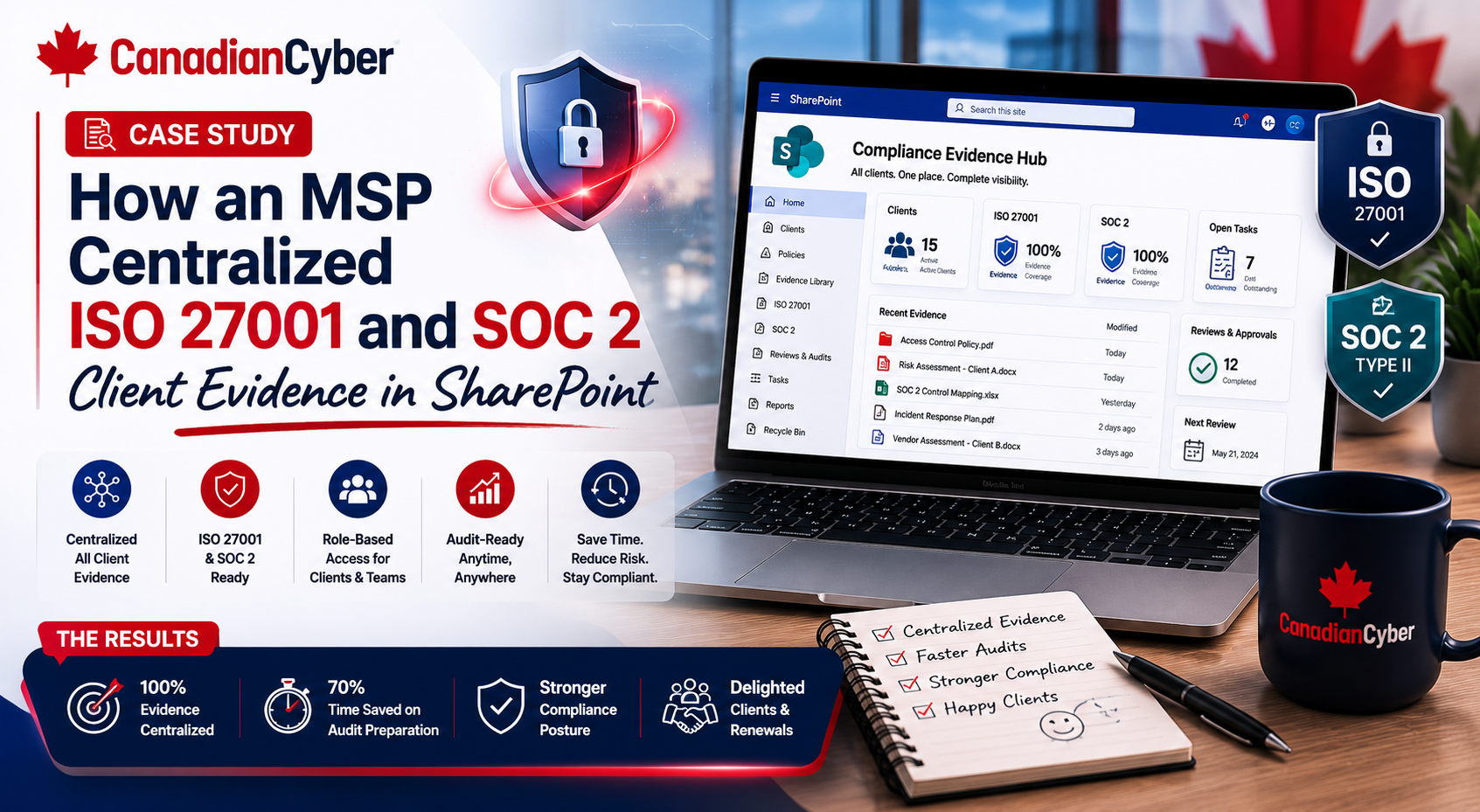
SharePoint ISMS • MSP Compliance • ISO 27001 • SOC 2 Evidence • Client Trust
Case Study: How an MSP Centralized ISO 27001 and SOC 2 Client Evidence in SharePoint
MSPs supporting compliance clients often face the same problem: evidence is everywhere. This case study shows how one MSP centralized ISO 27001 and SOC 2 client evidence in SharePoint to improve audit readiness, reduce manual work, and deliver stronger advisory services.
Quick Snapshot
| Case Study Area | What Improved |
|---|---|
| Business Context | MSP supporting SaaS, professional services, and regulated clients. |
| Main Challenge | ISO 27001 and SOC 2 evidence was scattered across tools, folders, emails, dashboards, and tickets. |
| Solution | A structured SharePoint ISMS portal for risks, controls, policies, evidence, vendors, audits, and reviews. |
| Key Outcome | Faster evidence retrieval, cleaner client reporting, stronger audit readiness, and scalable compliance advisory. |
| Business Value | The MSP moved from reactive evidence chasing to repeatable client governance delivery. |
Introduction
The MSP had a growing compliance advisory practice.
Its clients were asking for help with ISO 27001 readiness, SOC 2 readiness, cyber insurance evidence, vendor security questionnaires, customer trust packs, access reviews, risk registers, policy libraries, incident response plans, backup evidence, and audit preparation.
The MSP knew the work was valuable.
But delivery was becoming messy.
Evidence lived in too many places:
- SharePoint folders
- email threads
- ticket attachments
- cloud dashboards
- spreadsheets
- client Teams channels
- technician-owned exports
The MSP needed one central evidence portal. Not another folder dump. A real SharePoint ISMS workspace.
This fictional case study shows how an MSP centralized ISO 27001 and SOC 2 client evidence in SharePoint and turned evidence management into a scalable advisory advantage.
Need to Centralize Client Compliance Evidence?
Canadian Cyber helps MSPs build SharePoint ISMS portals for ISO 27001, SOC 2, client evidence, risk registers, policies, vendor reviews, security questionnaires, vCISO reporting, and audit readiness.
Meet the MSP
Let’s call the MSP NorthBridge Advisory Services.
NorthBridge started as a traditional IT support provider. It managed Microsoft 365, cloud tenants, endpoints, backups, ticketing, identity access, firewalls, security tools, vendor support, and client onboarding and offboarding.
Over time, clients started asking for compliance help, including:
- ISO 27001 readiness
- SOC 2 readiness
- cyber insurance reviews
- security questionnaires
- vendor risk reviews
- executive security reporting
- policy development
- evidence collection
The opportunity was strong. But the MSP needed a better delivery system.
The Starting Problem: Evidence Was Everywhere
NorthBridge had the knowledge, the client relationships, and the technical access. What it did not have was centralized evidence management.
| Evidence Type | Where It Was Stored Before SharePoint |
|---|---|
| MFA reports | Microsoft 365 exports and email. |
| Access reviews | Spreadsheets. |
| Backup reports | Backup platform and tickets. |
| Restore tests | Emails and PDF notes. |
| Vendor reviews | Spreadsheets and vendor portals. |
| Policies | Word documents in folders. |
| Risk registers | Separate Excel files. |
| Incident response plans | Teams files. |
| SOC 2 evidence | Ad hoc folders. |
| ISO 27001 evidence | Separate client folders. |
| Security questionnaires | Email threads. |
| Executive reports | PowerPoint files. |
Practical rule: If evidence is scattered, compliance advisory becomes harder to scale.
Problems the Scattered Evidence Created
- Evidence was hard to find.
- Evidence was duplicated.
- Evidence was not mapped to controls.
- Owners were unclear.
- Review status was unclear.
- Clients received inconsistent updates.
- Auditors asked for proof that was difficult to retrieve.
- Technicians were interrupted for the same exports repeatedly.
Why ISO 27001 and SOC 2 Evidence Overlap
One of the biggest discoveries was that ISO 27001 and SOC 2 often needed similar evidence. The MSP was collecting the same proof multiple times.
| Evidence | Supports ISO 27001 | Supports SOC 2 |
|---|---|---|
| MFA report | Access control | Security criteria |
| Admin access review | Access control | Logical access |
| Vendor register | Supplier security | Vendor management |
| Incident response plan | Incident management | Incident response |
| Backup restore test | Business continuity | Availability |
| Change approval sample | Change management | Change management |
| Policy library | Governance | Policy and procedure evidence |
| Risk register | Risk management | Risk assessment |
| Security training record | Awareness | Personnel security |
| Corrective action tracker | Improvement | Remediation tracking |
Practical rule: Collect evidence once. Map it to many frameworks.
The SharePoint ISMS Solution
NorthBridge built a structured SharePoint ISMS portal. It was not just a folder library. It included lists, libraries, metadata, permissions, dashboards, and review workflows.
| Core SharePoint Area | Purpose |
|---|---|
| Client Risk Register | Tracks risks, ratings, treatment plans, and decisions. |
| Control Library | Maps ISO 27001 and SOC 2 control areas. |
| Evidence Vault | Stores evidence with metadata and review status. |
| Policy Library | Stores approved policies, owners, and review dates. |
| Vendor Register | Tracks vendor reviews and supplier evidence. |
| Access Review Tracker | Tracks user, admin, vendor, and privileged access reviews. |
| Audit Request Tracker | Tracks auditor requests and evidence responses. |
| Corrective Action Register | Tracks findings, remediation, and closure proof. |
| Quarterly Review Library | Stores vCISO reports and client decisions. |
| Questionnaire Library | Stores approved answers and evidence links. |
Step 1: Creating a Client Evidence Vault
The evidence vault became the center of the portal. Every evidence item needed metadata.
| Evidence Metadata Field | Purpose |
|---|---|
| Evidence Name | Clear title. |
| Client Name | Client account. |
| Control Area | Access, vendor, incident, backup, change, policy. |
| Framework | ISO 27001, SOC 2, cyber insurance, internal. |
| Framework Control | Specific control or criteria mapping. |
| Evidence Owner | Person responsible. |
| Source System | Microsoft 365, backup platform, GitHub, Jira, vendor portal. |
| Period Covered | Month, quarter, year. |
| Review Status | Requested, uploaded, reviewed, approved, rejected. |
| Sensitivity | Internal, NDA-only, confidential, auditor-only. |
| Expiry / Review Date | Keeps evidence current. |
Useful evidence views included:
Evidence by framework
Evidence by owner
Evidence due this month
Rejected evidence
Approved auditor evidence
SOC 2 evidence
ISO 27001 evidence
Backup evidence
Practical rule: Metadata makes evidence reusable. Folders alone do not.
Build a SharePoint Evidence Vault That Auditors Can Follow
Canadian Cyber helps MSPs create evidence libraries with metadata, framework mapping, review status, owner tracking, sensitivity rules, and audit-ready views.
Step 2: Mapping Evidence to ISO 27001 and SOC 2
NorthBridge created a control mapping layer. This helped clients see which evidence supported which framework.
| Control Area | ISO 27001 Evidence | SOC 2 Evidence |
|---|---|---|
| Access Control | User access review, MFA report. | Logical access review, MFA evidence. |
| Vendor Risk | Supplier review, vendor register. | Vendor due diligence and monitoring. |
| Incident Response | Incident plan, tabletop evidence. | Incident handling and communication. |
| Backup Recovery | Backup procedure, restore test. | Availability and recovery evidence. |
| Change Management | Change procedure, approvals. | Production change evidence. |
| Risk Management | Risk register, treatment plan. | Risk assessment and mitigation. |
| Policy Governance | Approved policy library. | Security policy evidence. |
| Training | Awareness records. | Security training evidence. |
Clients no longer needed to ask, “Do we have evidence for SOC 2?” The MSP could filter the evidence vault and show what was available, missing, or under review.
Step 3: Building Client Risk Registers
The MSP added risk registers for advisory clients. This was important because ISO 27001 and SOC 2 both benefit from risk-based governance.
| Risk Register Field | Purpose |
|---|---|
| Risk ID | Unique reference. |
| Risk Title | Short name. |
| Client Name | Client account. |
| Risk Description | What could go wrong. |
| Business Impact | Operational, financial, legal, customer, reputation. |
| Likelihood and Impact | Probability and severity. |
| Risk Rating | High, medium, low. |
| Treatment Plan | What will reduce the risk. |
| Client Owner and MSP Owner | Decision-maker and support owner. |
| Evidence Link | Supporting proof. |
Example risks included:
- MFA is not enforced for all users.
- Admin access is not reviewed.
- Backups are not restore-tested.
- Critical vendors are not reviewed.
- Incident response plan is not tested.
- Security policies are outdated.
- SOC 2 evidence is incomplete.
- ISO 27001 scope is unclear.
Result: Advisory conversations became easier because risks, decisions, and evidence were connected.
Step 4: Centralizing Policy Libraries
Before the portal, client policies were stored inconsistently. The SharePoint ISMS policy library fixed that.
| Policy Library Field | Purpose |
|---|---|
| Policy Name | Clear title. |
| Client Name | Client account. |
| Policy Owner | Accountable person. |
| Framework Mapping | ISO 27001, SOC 2, cyber insurance. |
| Approval Status | Draft, under review, approved, retired. |
| Version | Version control. |
| Approval Date | Governance evidence. |
| Next Review Date | Keeps policy current. |
Common policies managed:
Access Control Policy
Incident Response Plan
Vendor Management Policy
Change Management Procedure
Backup and Recovery Procedure
Acceptable Use Policy
Risk Management Procedure
Step 5: Creating an Audit Request Tracker
Audit and customer review requests were previously handled through email. That caused confusion. NorthBridge created an audit request tracker.
| Audit Request Tracker Field | Purpose |
|---|---|
| Request ID | Unique request. |
| Client Name | Client account. |
| Request Source | Auditor, buyer, insurer, internal review. |
| Framework | ISO 27001, SOC 2, cyber insurance. |
| Evidence Requested | What proof is needed. |
| Evidence Owner | Person responsible. |
| Due Date | Deadline. |
| Status | Open, in progress, submitted, accepted. |
| Evidence Link | Direct proof. |
Result: The MSP could track what had been requested, what was submitted, and what was still missing.
Step 6: Managing Client Permissions
Multi-client compliance workspaces require strong permission design. The MSP separated client access carefully.
| Permission Group | Purpose |
|---|---|
| MSP Admins | Manage workspace structure. |
| MSP vCISO Team | Review risks, reports, evidence. |
| MSP Compliance Team | Maintain evidence and mappings. |
| MSP Technical Contributors | Upload technical evidence only. |
| Client Owners | Review risks, reports, and decisions. |
| Client Contributors | Upload assigned evidence. |
| Client Viewers | Read approved reports. |
| External Auditors | Temporary read-only access. |
| Restricted Evidence Group | Sensitive files only. |
Practical rule: A multi-client SharePoint ISMS must be built with least privilege from day one.
Step 7: Using SharePoint for Quarterly vCISO Reviews
The portal also supported recurring advisory meetings. vCISO reviews became easier to prepare and more valuable for clients.
| Quarterly Review Input | SharePoint Source |
|---|---|
| Top risks | Risk register. |
| Evidence gaps | Evidence vault. |
| Overdue actions | Corrective action register. |
| Vendor concerns | Vendor register. |
| Access review status | Access tracker. |
| Audit requests | Audit request tracker. |
| Policy review status | Policy library. |
| Compliance roadmap | Framework mapping. |
Quarterly review output included:
- executive summary
- top risks
- completed actions
- open decisions
- next 90-day roadmap
- evidence gaps
- budget needs
- client decision log
Step 8: Building Client Trust Packs
The MSP used the SharePoint ISMS to build client trust packs. These helped clients respond to buyers, auditors, and insurers faster.
| Client Trust Pack Content | Purpose |
|---|---|
| Security overview | Explains the client’s security posture. |
| ISO 27001 readiness summary | Shows ISO roadmap status. |
| SOC 2 readiness summary | Shows SOC 2 readiness status. |
| Access control evidence summary | Supports buyer and auditor confidence. |
| Vendor risk summary | Shows supplier governance. |
| Incident response summary | Shows response readiness. |
| Backup recovery summary | Shows resilience evidence. |
| Evidence index available under NDA | Supports controlled proof sharing. |
Build My Client Trust Pack System
Canadian Cyber helps MSPs build client trust packs using SharePoint evidence, risk registers, policy libraries, vendor records, questionnaire responses, and compliance roadmaps.
Results After Centralizing Evidence
NorthBridge improved both delivery and client trust.
| Before | After |
|---|---|
| Evidence scattered across emails, folders, and tickets. | Evidence centralized in SharePoint. |
| ISO 27001 and SOC 2 evidence duplicated. | Evidence mapped to multiple frameworks. |
| Audit requests handled manually. | Audit request tracker created. |
| Policies stored inconsistently. | Policy library created. |
| Client risks discussed informally. | Risk registers created. |
| Reports rebuilt manually. | Quarterly review inputs centralized. |
| Permissions were inconsistent. | Role-based access groups created. |
| Customer questionnaires took too long. | Trust packs and evidence links improved response speed. |
Business impact:
- improved audit readiness
- cleaner client reporting
- stronger evidence reuse
- better vCISO delivery
- stronger SOC 2 readiness support
- stronger ISO 27001 readiness support
- faster questionnaire response
- stronger recurring advisory value
The portal became more than a document library. It became the operating system for compliance advisory.
Lessons for MSPs
1. Evidence Must Be Reusable
ISO 27001 and SOC 2 often use overlapping evidence. Map it once and reuse it.
2. Metadata Beats Folder Chaos
Client name, framework, owner, control area, status, and review date are essential.
3. Permissions Matter
Multi-client evidence requires clear access boundaries and restricted evidence controls.
4. Risk Registers Improve Advisory Value
They connect recommendations, decisions, ownership, and evidence.
Common Mistakes to Avoid
- Using SharePoint as a folder dump. Folders are not enough. Use metadata, views, trackers, and ownership.
- Separating ISO 27001 and SOC 2 evidence completely. This creates duplication. Map shared evidence across frameworks.
- No evidence owner. Every evidence item needs accountability.
- No review status. Uploaded evidence is not automatically audit-ready.
- Weak client permissions. Multi-client workspaces must prevent cross-client exposure.
- No audit request tracker. Email-based audit requests become hard to manage.
- No quarterly review process. Evidence should feed client governance meetings.
What Good Looks Like
A strong MSP SharePoint evidence portal can show:
- client risk registers
- ISO 27001 evidence views
- SOC 2 evidence views
- policy library
- vendor register
- access review tracker
- backup evidence
- incident response evidence
- audit request tracker
- corrective action register
- quarterly review library
- client trust pack library
- permission groups
- restricted evidence library
- evidence status dashboards
Canadian Cyber’s Take
At Canadian Cyber, we often see MSPs ready to offer compliance advisory but held back by scattered evidence.
The MSP knows the client environment. It knows the risks. It supports the tools. It helps with access, backups, vendors, and security tasks.
But without one portal, compliance delivery becomes hard to scale.
A SharePoint ISMS helps MSPs centralize ISO 27001 and SOC 2 evidence, map controls, track risks, manage policies, prepare reports, and support client trust.
The key is structure. Not just folders. A well-designed SharePoint ISMS can become the foundation for recurring advisory revenue, vCISO delivery, client governance, and audit readiness.
Takeaway
MSPs can centralize ISO 27001 and SOC 2 client evidence in SharePoint to reduce manual work and improve trust.
Start with:
- evidence vault
- metadata
- framework mapping
- risk register
- policy library
- vendor register
- audit request tracker
- permission groups
- quarterly review process
- client trust pack
The result is a stronger, cleaner, and more scalable compliance advisory model. SharePoint becomes more than storage. It becomes the client compliance portal.
How Canadian Cyber Can Help
Canadian Cyber helps MSPs design and launch SharePoint ISMS portals for ISO 27001, SOC 2, and client compliance evidence.
- SharePoint ISMS setup for MSPs
- ISO 27001 evidence mapping
- SOC 2 evidence mapping
- client evidence vault design
- risk register setup
- policy library structure
- vendor register setup
- audit request tracker design
- corrective action register setup
- quarterly vCISO review templates
- client trust pack development
- permission group design
- restricted evidence workflows
- MSP compliance advisory packaging
Stay Connected With Canadian Cyber
Follow Canadian Cyber for practical guidance on SharePoint ISMS, MSP compliance advisory, ISO 27001, SOC 2, evidence management, vCISO services, client trust, and cybersecurity governance.










