



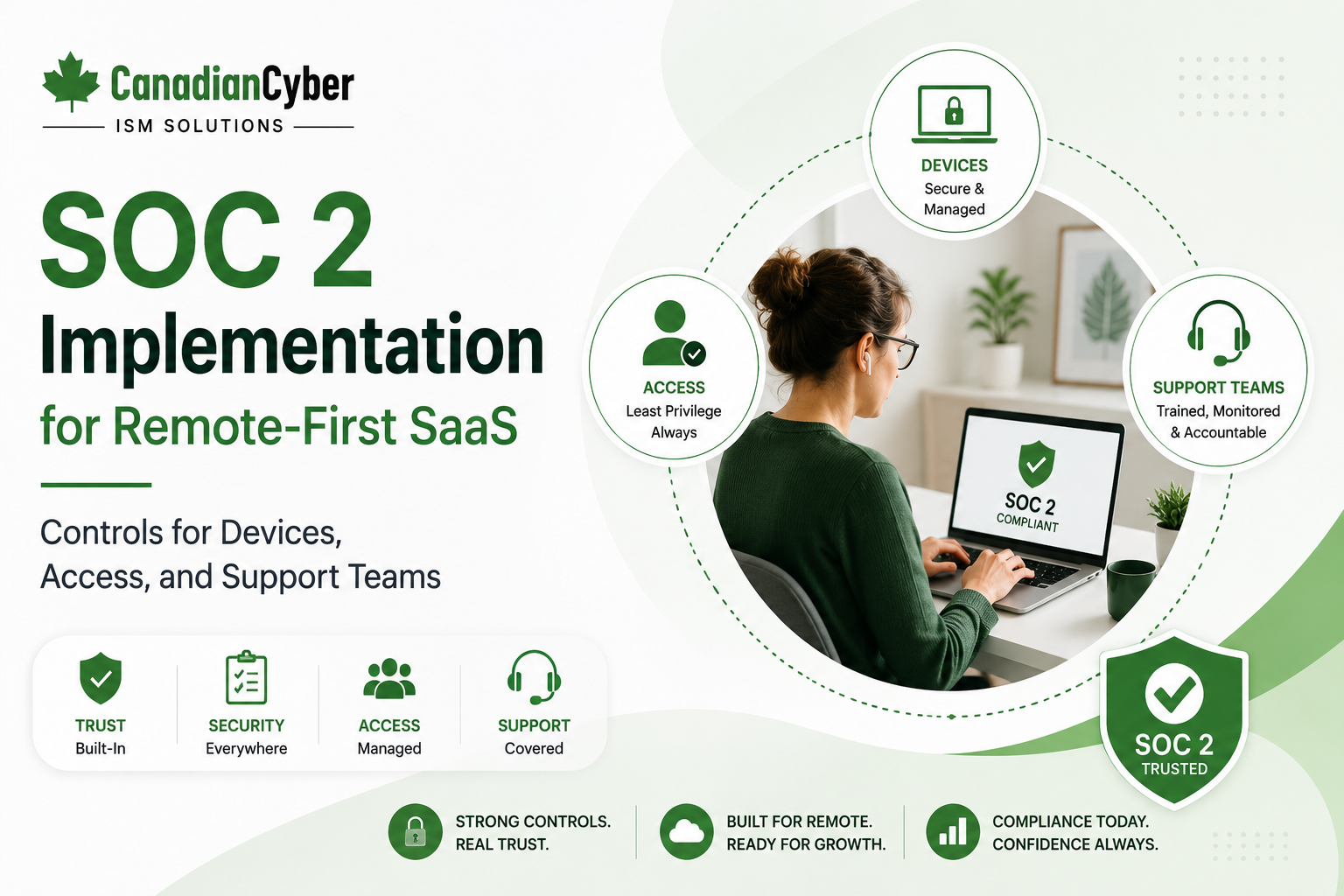
SOC 2 • Remote-First SaaS • Device Security • Access Controls • Support Teams
SOC 2 Implementation for Remote-First SaaS: Controls for Devices, Access, and Support Teams
Remote-first SaaS companies can move quickly, hire globally, and support customers across time zones. But remote work changes the SOC 2 control environment. Devices, cloud access, support tools, vendors, and evidence collection all need clear controls.
Canadian Cyber SOC 2 Readiness Support
Prepare Your Remote-First SaaS Team for SOC 2 With Practical Controls
Canadian Cyber helps remote-first SaaS companies prepare for SOC 2 with readiness assessments, control design, access review programs, device security evidence, support access reviews, vendor risk reviews, incident response preparation, and SharePoint evidence workspaces.
Quick Snapshot
| SOC 2 Area | Why It Matters for Remote-First SaaS |
|---|---|
| Device Security | Remote laptops and endpoints need encryption, patching, monitoring, and offboarding controls. |
| Identity and Access | Cloud systems need MFA, SSO, role-based access, and periodic reviews. |
| Support Teams | Support staff may access tickets, logs, files, portals, and customer data. |
| Vendor Tools | Remote teams rely heavily on SaaS tools for communication, development, support, HR, and monitoring. |
| Evidence Collection | SOC 2 evidence must be centralized because work happens across many platforms. |
| Business Outcome | Stronger buyer trust, better audit readiness, and reduced remote-work security risk. |
Introduction
Remote-first SaaS teams are built differently. Employees may work from home offices, coworking spaces, client sites, airports, and different countries. The company may not have a traditional office network. Most systems may be cloud-based. Support teams may work across time zones. Developers may access production tools remotely.
This model is flexible, but it creates SOC 2 questions:
- How are employee devices secured?
- How is access approved and removed?
- Is MFA enforced?
- Are support staff permissions limited?
- Are customer tickets protected?
- Are laptops encrypted?
- Are remote workers trained?
- How are vendors reviewed?
- How is evidence collected?
- How are incidents handled without an office?
SOC 2 implementation for remote-first SaaS should answer these questions with clear controls and evidence.
Need SOC 2 Support for a Remote-First SaaS Team?
Canadian Cyber helps remote-first SaaS teams design practical SOC 2 controls for devices, access, support teams, vendors, evidence collection, incident response, and management review.
Why Remote-First SaaS Needs a Different SOC 2 Approach
Traditional security programs often assume a physical office, corporate network, and centrally managed environment. Remote-first SaaS companies operate differently.
Most work happens through:
Cloud infrastructure
Source code repositories
CI/CD platforms
Support tools
Ticketing systems
Monitoring platforms
Communication tools
Password managers
SaaS admin consoles
For remote-first SaaS, identity is the new perimeter and device security is part of the control environment.
Key SOC 2 Risks for Remote-First SaaS
Remote-first does not mean weaker security. But it does require intentional control design based on how the team actually works.
| Risk | Example |
|---|---|
| Unmanaged Devices | Employee laptop lacks encryption or patching. |
| Weak MFA | Admin tools are accessible without strong authentication. |
| Stale Access | Former employee keeps access to SaaS tools. |
| Overprivileged Support | Support staff can view more customer data than needed. |
| Insecure Ticket Attachments | Customers upload sensitive files to support tickets. |
| Shadow SaaS | Teams adopt unapproved tools. |
| Evidence Gaps | SOC 2 proof is scattered across tools. |
SOC 2 Trust Services Categories for Remote SaaS
Most remote-first SaaS companies start with Security. Depending on customer commitments, other categories may also apply.
| Category | Remote-First Relevance |
|---|---|
| Security | Access, endpoint security, monitoring, change management, and vendor risk. |
| Availability | Cloud uptime, incident response, backup, recovery, and monitoring. |
| Confidentiality | Customer data in tickets, portals, logs, files, and SaaS tools. |
| Processing Integrity | Workflow platforms, automation tools, approvals, and integrations. |
| Privacy | Personal information in HR, customer, support, and product systems. |
Device Security Controls
Remote devices are important SOC 2 evidence. If employees use laptops to access production systems, customer data, source code, or support tools, those devices should be controlled.
| Control | Evidence |
|---|---|
| Device Inventory | List of company-managed devices. |
| Disk Encryption | Encryption report. |
| Screen Lock | Device policy screenshot. |
| Patch Management | Endpoint update report. |
| Antivirus / EDR | Endpoint protection report. |
| Device Offboarding | Wipe or return evidence. |
| BYOD Rules | Approved use and restrictions. |
Device Checklist
| Question | Yes / No |
|---|---|
| Are employee devices inventoried? | |
| Are laptops encrypted? | |
| Are devices patched regularly? | |
| Is endpoint protection enabled? | |
| Are local admin rights restricted? | |
| Are devices wiped or access removed during offboarding? |
Remote Devices Need SOC 2 Evidence
Canadian Cyber helps remote SaaS teams prepare device inventories, encryption evidence, patch reports, endpoint protection evidence, offboarding records, and device policy documentation.
Identity and Access Controls
Access control is one of the highest-priority SOC 2 areas. Remote-first SaaS teams usually depend on cloud identity controls.
SSO configuration
Role-based access
Privileged access review
Joiner / mover / leaver process
Password manager use
API key review
Contractor access review
| Access Evidence | Purpose |
|---|---|
| MFA report | Proves strong authentication. |
| SSO configuration | Shows centralized identity control. |
| User access review | Confirms access is appropriate. |
| Privileged access review | Reviews admin accounts. |
| Offboarding checklist | Shows access was removed. |
| API key review | Reviews non-human access. |
For remote-first SaaS, access reviews should include every cloud tool that affects customer data, production systems, or security operations.
Support Team Controls
Support teams are critical in remote-first SaaS. They may access customer tickets, files, portal data, logs, screenshots, recordings, and admin tools.
| Support Control | Evidence |
|---|---|
| Support Role Matrix | Defines permissions. |
| Support Access Review | Shows access is appropriate. |
| Ticket Data Handling Procedure | Guides customer data use. |
| Attachment Handling Rules | Controls sensitive files. |
| Customer Impersonation Policy | Limits support actions. |
| Support Training | Shows awareness. |
| Escalation Procedure | Defines handoff for security issues. |
Customer Data in Support Tickets
Support tickets can become a hidden data repository. Customers may upload screenshots, exports, billing details, payroll files, tax documents, log files, CSV files, database extracts, personal information, client financial documents, or access credentials by mistake.
| Ticket Handling Question | Yes / No |
|---|---|
| Are customers warned not to upload sensitive data unnecessarily? | |
| Are sensitive attachments restricted or deleted when appropriate? | |
| Are support tickets access-controlled? | |
| Are ticket retention settings defined? | |
| Are support platform vendors reviewed? |
Support Tickets Should Be Treated as Customer Data Systems
Canadian Cyber helps SaaS teams review support permissions, customer data handling, ticket attachments, support impersonation, escalation procedures, and support platform vendor evidence.
Joiner, Mover, and Leaver Controls
Remote-first teams need strong employee lifecycle controls. When people join, move roles, or leave, access should change quickly.
Role-based access assignment
Contractor start and end dates
Role change access review
Termination access removal
Device return or wipe
Password manager removal
Production access removal
Practical rule: Offboarding is one of the most important remote-first SOC 2 controls.
Cloud, Production Access, and Change Management
Remote engineers may access cloud consoles, source code, deployment systems, databases, and logs. These controls are central to SOC 2.
| Control Area | Evidence to Prepare |
|---|---|
| Production Access | Cloud user export, admin access review, production access procedure, privileged access sign-off. |
| Change Management | Pull request approvals, test results, change tickets, release notes, deployment logs. |
| High-Risk Changes | Authentication, permissions, billing workflows, file uploads, API authorization, database schema, and infrastructure changes. |
| Emergency Changes | Emergency change records, post-release monitoring, and rollback procedure evidence. |
Fast change is acceptable when changes are reviewed, tested, approved, and traceable.
Vendor Risk for Remote-First SaaS
Remote teams rely heavily on vendors. These vendors often become part of the SOC 2 control environment.
Vendors to include:
Cloud hosting provider
Source code platform
CI/CD platform
Ticketing system
Monitoring tool
Password manager
Device management platform
AI tools
| Vendor Evidence | Purpose |
|---|---|
| Vendor register | Shows vendors in scope. |
| Critical vendor list | Prioritizes supplier review. |
| Data processed by vendor | Identifies exposure. |
| SOC 2 or ISO 27001 report | Supports assurance. |
| Contract or DPA | Shows legal and data protection terms. |
| Open issues | Tracks supplier gaps. |
Security Awareness for Remote Teams
Remote employees need clear guidance focused on realistic daily risks.
Password manager use
MFA
Device security
Customer data handling
Support ticket confidentiality
Incident reporting
AI tool use
Incident Response for Remote-First Teams
Remote teams need clear incident escalation because people may not be in the same office or time zone.
| Remote-First Incident Scenario | Evidence to Prepare |
|---|---|
| Lost laptop | Incident record, wipe evidence, lessons learned. |
| Compromised employee account | Incident register, response actions, access review. |
| Support ticket data exposure | Incident analysis, customer impact review, corrective action. |
| Vendor incident | Vendor notification, impact analysis, action tracker. |
| API key leak | Revocation evidence, root cause, prevention action. |
Availability, Backup, and Recovery
Remote-first SaaS customers expect availability. SOC 2 availability evidence may include monitoring, incident response, backups, and restore tests.
Monitoring dashboard
Alert configuration
Incident records
Backup reports
Restore test evidence
Recovery objectives
Post-incident review
SharePoint SOC 2 Evidence Workspace
Remote teams need centralized evidence. Canadian Cyber’s ISMS SharePoint solution helps teams organize SOC 2 evidence in one workspace.
| SharePoint Section | Purpose |
|---|---|
| SOC 2 Control Register | Tracks controls and owners. |
| Evidence Library | Stores approved audit evidence. |
| Device Security Evidence | Stores endpoint reports and device inventory. |
| Access Reviews | Stores user, admin, support, API, and service account reviews. |
| Support Team Controls | Stores support access reviews and ticket handling evidence. |
| Vendor Register | Tracks suppliers and assurance reports. |
| Incident Response | Stores incident and tabletop records. |
| Management Review | Stores leadership reports. |
Build a Remote SaaS SOC 2 Evidence Workspace
Canadian Cyber helps remote-first SaaS companies build SharePoint SOC 2 evidence workspaces with control owners, evidence metadata, access review tracking, device security evidence, support access evidence, and auditor-ready views.
30-Day SOC 2 Readiness Sprint for Remote-First SaaS
| Week | Focus Area | Actions |
|---|---|---|
| Week 1 | Scope and Ownership | Define SOC 2 scope, identify remote work systems, assign control owners, create control register, and map critical vendors. |
| Week 2 | Devices and Access | Review device inventory, collect encryption and patch evidence, review MFA and SSO, and perform user access review. |
| Week 3 | Support, Vendors, and Changes | Review support access, ticket data handling, vendors, change management evidence, and production access. |
| Week 4 | Evidence and Management Review | Build SharePoint evidence library, upload evidence, identify gaps, create corrective action tracker, and prepare management review dashboard. |
SOC 2 Checklist for Remote-First SaaS
Device Security
| Question | Yes / No |
|---|---|
| Are remote devices inventoried? | |
| Are laptops encrypted? | |
| Are devices patched? | |
| Are devices wiped or access removed during offboarding? |
Access
| Question | Yes / No |
|---|---|
| Is MFA enforced? | |
| Is SSO used for key systems? | |
| Are user access reviews performed? | |
| Are API keys and service accounts reviewed? |
Support and Evidence
| Question | Yes / No |
|---|---|
| Is support access role-based? | |
| Are support tickets treated as customer data? | |
| Is evidence stored centrally? | |
| Are vendors reviewed? |
Common Mistakes to Avoid
- Ignoring device evidence. Remote devices are part of the security environment.
- Assuming MFA alone is enough. MFA helps, but access reviews, least privilege, and offboarding are also needed.
- Overlooking support tickets. Support systems may store sensitive customer data.
- Weak contractor offboarding. Remote contractors should have clear access end dates and removal evidence.
- No vendor register. Remote teams rely heavily on third-party SaaS tools.
- Evidence stored across too many tools. Centralize SOC 2 evidence before the audit.
- Incident response not tested remotely. Remote teams need tested communication and escalation paths.
What Good Looks Like
A strong SOC 2 implementation for remote-first SaaS can show:
- SOC 2 scope
- control register
- remote work policy
- device inventory
- encryption evidence
- patch evidence
- endpoint protection evidence
- MFA report
- SSO configuration
- user access reviews
- privileged access reviews
- support access reviews
- ticket handling procedure
- vendor register
- change management evidence
- incident response tabletop
- backup and restore evidence
- availability monitoring
- management review records
- SharePoint evidence workspace
This gives auditors and buyers confidence that remote work is controlled.
Canadian Cyber’s Take
Remote-first SaaS can be secure and audit-ready. But it requires controls designed for the way remote teams operate.
At Canadian Cyber, we often see remote SaaS teams focus heavily on cloud infrastructure and code review while missing device evidence, support access controls, ticket data handling, vendor reviews, and offboarding proof.
SOC 2 readiness improves when the company can clearly show:
- which devices are managed
- who has access
- how access is reviewed
- how support teams handle customer data
- which vendors support remote work
- how incidents are escalated
- where evidence is stored
A SharePoint evidence workspace helps remote teams keep this information organized and audit-ready.
Takeaway
SOC 2 implementation for remote-first SaaS should focus on practical controls for devices, MFA and SSO, user access reviews, privileged access, support access, ticket data handling, vendor risk, change management, incident response, availability, backup and recovery, and centralized evidence.
Remote work is not the problem. Uncontrolled remote work is the problem. With the right controls, remote-first SaaS teams can build trust, pass buyer reviews, and prepare for SOC 2.
How Canadian Cyber Can Help
Canadian Cyber helps remote-first SaaS companies design and implement SOC 2 controls for distributed teams.
- SOC 2 readiness assessments
- SOC 2 Type I preparation
- SOC 2 Type II evidence planning
- remote work control reviews
- device security evidence reviews
- MFA and access review programs
- support access control reviews
- ticket data handling procedures
- vendor risk reviews
- contractor access reviews
- incident response tabletop exercises
- change management evidence reviews
- availability and backup evidence reviews
- SharePoint SOC 2 evidence workspace setup
- management review preparation
- vCISO support for remote SaaS teams
Stay Connected With Canadian Cyber
Follow Canadian Cyber for practical guidance on SOC 2, remote-first SaaS security, device controls, access reviews, support team security, ISO 27001, SharePoint ISMS, ISO 42001, and vCISO support.










