



ISMS SharePoint • Version Control • Audit Evidence • ISO 27001 • SOC 2
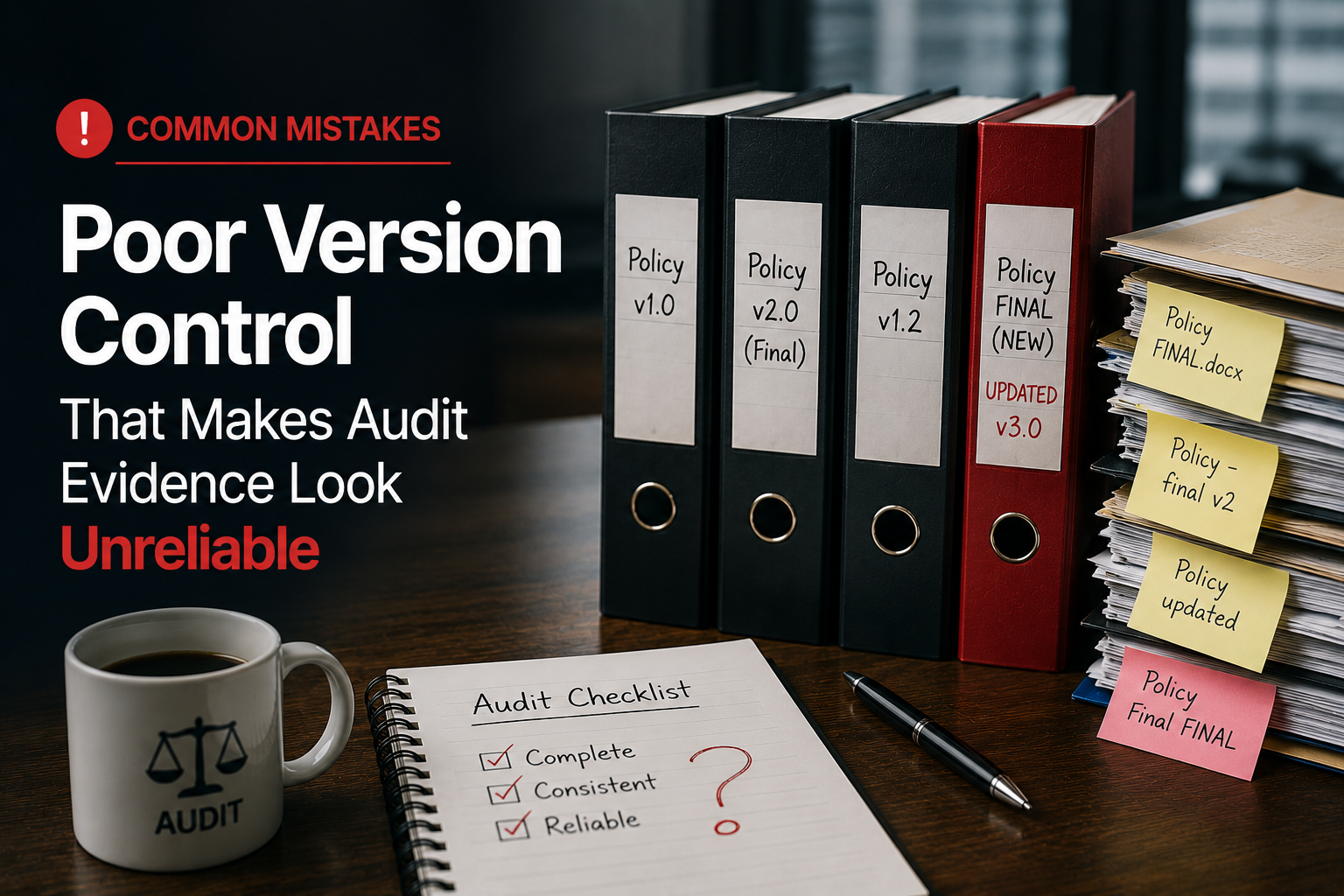
Common Mistakes: Poor Version Control That Makes Audit Evidence Look Unreliable
Audit evidence must look trustworthy. If auditors see duplicate files, outdated screenshots, missing approvals, or documents named “final final,” they may question whether the evidence is controlled, current, and audit-ready.
Canadian Cyber ISMS SharePoint Solution
Build a Version-Controlled Evidence Room in SharePoint
Canadian Cyber helps organizations manage audit evidence, version history, approval status, metadata, evidence owners, auditor-ready views, client-ready evidence packs, and ISO 27001/SOC 2 records inside Microsoft 365.
Quick Snapshot
| Version Control Issue | Why It Creates Audit Risk |
|---|---|
| Duplicate Files | Auditors may not know which version is current. |
| “Final Final” Names | Makes evidence look informal and unreliable. |
| Missing Approval Status | Makes it hard to prove evidence was reviewed. |
| Outdated Evidence | Creates questions about control operation. |
| No Version History | Makes changes difficult to trace. |
| Scattered Storage | Evidence becomes harder to validate and reuse. |
Introduction
Audit evidence should be clear.
It should be easy to identify. It should show the correct period. It should have an owner. It should show review or approval status. It should be stored in the right place.
Most importantly, it should not look like a last-minute upload.
Poor version control creates the opposite impression. Auditors may see files like:
Policy_FINAL.docxRisk Register New.xlsxAccess Review Final Final.pdfScreenshot Updated.pngBackup Report Latest.pdfSOC2 Evidence Copy.docx
These names create doubt. Auditors may ask:
- Which file is approved?
- Which file is current?
- Who reviewed it?
- When was it last updated?
- Which audit period does it support?
- Is this the same document used in management review?
- Is this evidence still valid?
If the auditor cannot tell which version is current, the evidence may look weak even when the control exists.
This blog explains common version control mistakes that make audit evidence look unreliable and how Canadian Cyber’s ISMS SharePoint solution helps fix them.
Need Cleaner Version Control for Audit Evidence?
Canadian Cyber helps teams organize SharePoint evidence rooms with version history, approval status, evidence owners, metadata, auditor-ready views, client-ready packs, and ISO 27001/SOC 2 evidence mapping.
Why Version Control Matters for Audit Evidence
Auditors do not only review the content of evidence. They also review whether the evidence appears controlled, current, and traceable.
Strong version control helps prove that documents and records are managed properly.
| Version Control Supports | Why It Matters |
|---|---|
| Trust | Auditors can identify the current approved file. |
| Traceability | Changes can be reviewed. |
| Accountability | Owners and reviewers are visible. |
| Consistency | Teams use the same approved evidence. |
| Reuse | Evidence can support ISO 27001, SOC 2, ISO 42001, and client reviews. |
| Audit Readiness | Teams avoid last-minute confusion. |
Mistake 1: Using “Final,” “Final Final,” and “Latest”
This is one of the most common audit evidence mistakes.
Words like final, latest, new, updated, or revised do not explain version control clearly. They also create doubt when more than one file uses the same vague label.
| Weak Name | Better Name |
|---|---|
Information Security Policy Final.docx |
Policy_InformationSecurity_v1.2_Approved_2026-06-17 |
Access Review Latest.xlsx |
AccessReview_Microsoft365_Q2-2026_IT_Approved |
Risk Register Updated.xlsx |
RiskRegister_ISMS_Q2-2026_Compliance_Approved |
Vendor Review Final Final.pdf |
VendorReview_BackupProvider_2026-06-17_Approved |
Avoid “final” language. Use version number, date, owner, and approval status.
Mistake 2: Storing Multiple Copies in Different Places
Evidence often becomes unreliable when copies exist in many locations.
One file may be stored in:
Teams
Desktop folders
OneDrive
Audit folders
Ticket attachments
This makes it hard to know which file is official. It also increases the risk of sending outdated evidence to an auditor or client.
Better approach: Use one official evidence library inside the ISMS SharePoint workspace. Link to the file instead of creating copies.
Stop Chasing Evidence Across Email, Teams, and Folders
Canadian Cyber helps organizations create one official SharePoint evidence library with control mapping, metadata, review status, permissions, and auditor-ready views.
Mistake 3: No Approval Status
Auditors want to know whether evidence has been reviewed. A file may exist, but if it has no approval status, it may not look audit-ready.
| Status | Meaning |
|---|---|
| Draft | Not ready for audit. |
| UnderReview | Being checked. |
| Approved | Ready for audit use. |
| Submitted | Shared with auditor or client. |
| Expired | No longer current. |
| Archived | Retained for history. |
Mistake 4: No Version Number for Policies
Policies need version control. A policy should show which version is approved and when it was approved.
| Policy Version Field | Purpose |
|---|---|
| Policy Name | Identifies the document. |
| Version | Shows the current version. |
| Owner | Shows accountability. |
| Approval Date | Shows when it was approved. |
| Next Review Date | Shows when review is due. |
| Change Summary | Explains what changed. |
Mistake 5: Screenshots Without Dates or Context
Screenshots are common audit evidence. But they can be weak if they lack context.
| Weak Screenshot Name | Better Screenshot Name |
|---|---|
image.png |
Screenshot_EntraID_MFASettings_2026-06-17_ControlEvidence |
screenshot.png |
Screenshot_SharePoint_ExternalSharing_2026-06-17_AuditEvidence |
backup.png |
Screenshot_BackupConsole_SuccessReport_2026-06-17_Q2Evidence |
Screenshot metadata to track:
Control area
Date captured
Evidence owner
Audit period
Control ID
Status
Review date
Mistake 6: Mixing Outdated Evidence With Current Evidence
Old evidence is useful for history. But it should not be confused with current evidence.
A better evidence lifecycle uses clear categories:
Submitted evidence
Expired evidence
Archived evidence
Mistake 7: No Evidence Owner
If no one owns the evidence, updates get missed.
Evidence owner responsibilities include:
- collect the evidence
- review accuracy
- update the file when due
- confirm the audit period
- link it to the correct control
- mark status correctly
- respond to auditor questions
Mistake 8: No Change History
If a document changes, teams should know what changed. This is important for policies, risk registers, control registers, Statements of Applicability, management review records, audit response documents, and client security summaries.
| Change History Field | Why It Matters |
|---|---|
| Version number | Shows the document sequence. |
| Date changed | Shows when the update occurred. |
| Changed by | Shows accountability. |
| Summary of change | Explains what changed. |
| Approval status | Shows whether the change was approved. |
| Approver | Shows review authority. |
Mistake 9: Using Email Attachments as the Evidence Source
Email is not a good evidence system. Attachments get duplicated. Versions become unclear. Approvals are hard to track. Files are difficult to reuse.
Better approach: Store the official file in SharePoint. Use links in email when needed.
Mistake 10: No Auditor-Ready View
Internal evidence may include drafts, notes, working files, and sensitive details. Auditors should see approved evidence only.
An auditor-ready view should show:
Current version
Control mapping
Evidence period
Owner
Review date
Status
Audit request link
Give Auditors an Approved Evidence View
Canadian Cyber helps create auditor-ready SharePoint views that show approved evidence only, with control mapping, evidence period, owner, review date, and status.
How ISMS SharePoint Helps Version Control
Canadian Cyber’s ISMS SharePoint solution helps teams manage version control in a structured way.
| SharePoint Feature | How It Helps |
|---|---|
| Version History | Tracks document changes. |
| Metadata | Adds owner, status, control ID, period, and review date. |
| Views | Shows current, expired, auditor-ready, and client-ready evidence. |
| Permissions | Controls who can edit or approve files. |
| Alerts | Reminds owners when evidence needs review. |
| Document Libraries | Stores official evidence in one place. |
| Approval Workflow | Supports review before evidence is used. |
| Search | Helps teams find the right version quickly. |
Version control improves when SharePoint is configured as an ISMS workspace, not just a folder.
Recommended Metadata for Version Control
Use metadata in the SharePoint evidence library to make evidence easier to filter, review, report, and reuse.
| Metadata Field | Purpose |
|---|---|
| Framework | ISO 27001, SOC 2, ISO 42001, or client review. |
| Control ID | Links evidence to a control. |
| Evidence Type | Report, screenshot, policy, export, or approval. |
| Evidence Owner | Shows accountability. |
| Evidence Period | Month, quarter, or year. |
| Version | Shows the current version. |
| Status | Draft, approved, expired, or archived. |
| Review Date | Shows the last review date. |
| Next Review Date | Shows the upcoming review. |
| Auditor Ready | Yes or no. |
| Client Ready | Yes or no. |
| Confidentiality Level | Internal, restricted, or external-ready. |
Version Control Checklist
Use this checklist before audit evidence is submitted.
| Question | Yes / No |
|---|---|
| Is there one official file location? | |
| Does the file name avoid “final” and “latest”? | |
| Is the version number clear? | |
| Is the evidence period clear? | |
| Is the owner identified? | |
| Is the approval status visible? | |
| Is the review date included? | |
| Is outdated evidence marked expired or archived? | |
| Is the evidence linked to a control? | |
| Is the file included in the auditor-ready view? |
What Good Looks Like
Strong version control can show:
- clear file naming
- approved evidence status
- version history
- evidence owner
- review date
- next review date
- control mapping
- audit period
- current evidence view
- expired evidence view
- auditor-ready view
- client-ready view
- restricted editing permissions
- approval workflow
- central evidence library
Clean version control makes evidence easier to trust.
Canadian Cyber’s Take
Canadian Cyber’s ISMS SharePoint solution helps organizations avoid one of the most common audit problems: messy evidence.
In many audits, the evidence exists. But it looks unreliable because version control is weak.
Auditors see duplicate files, unclear names, outdated screenshots, missing approvals, and folders full of drafts. That creates unnecessary questions.
A structured SharePoint evidence room helps teams show that evidence is current, reviewed, approved, and mapped to the right controls.
Good version control does not need to be complicated. It needs to be consistent.
Takeaway
Poor version control can make strong audit evidence look unreliable.
To avoid this, keep evidence:
- clearly named
- stored in one official location
- owned by one responsible person
- versioned
- reviewed
- approved
- linked to controls
- included in auditor-ready SharePoint views
A well-designed ISMS SharePoint workspace can make version control easier to manage and easier to prove.
How Canadian Cyber Can Help
Canadian Cyber helps organizations build ISMS SharePoint workspaces that make audit evidence easier to manage and trust.
- SharePoint evidence room setup
- version control design
- policy library setup
- audit evidence metadata
- control mapping
- auditor-ready evidence views
- client-ready evidence packs
- naming conventions
- approval workflows
- review date tracking
- corrective action trackers
- management dashboards
- ISO 27001 evidence organization
- SOC 2 evidence organization
- ISO 42001 evidence tracking
Stay Connected With Canadian Cyber
Follow Canadian Cyber for practical guidance on ISMS SharePoint, version control, ISO 27001 evidence rooms, SOC 2 readiness, ISO 42001 governance, audit preparation, and vCISO support.










