



ISMS SharePoint • Compliance Ownership • Accounting Firms • ISO 27001 • SOC 2
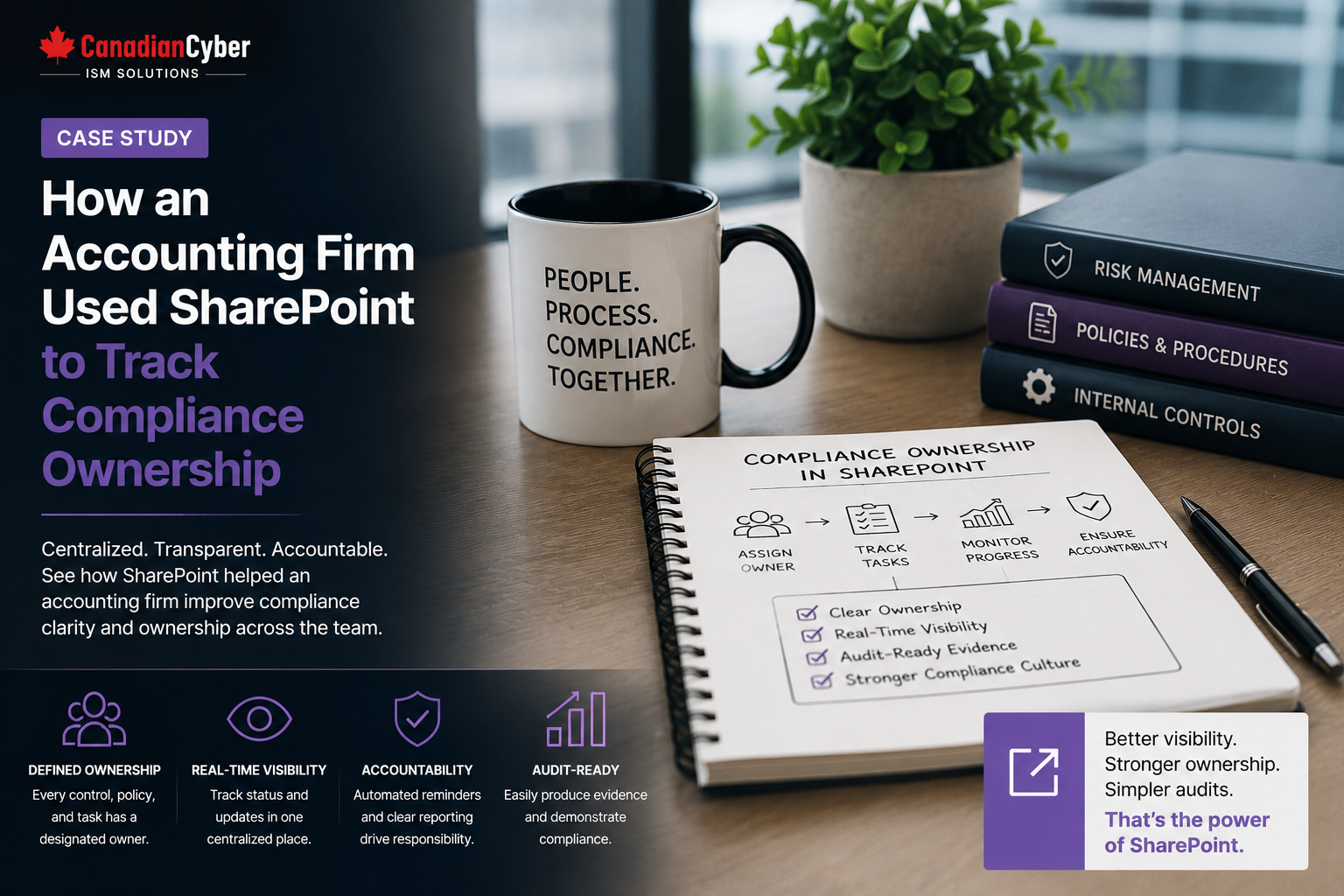
Case Study: How an Accounting Firm Used SharePoint to Track Compliance Ownership
Compliance work often fails when ownership is unclear. An ISMS SharePoint workspace helps accounting firms assign owners, track deadlines, manage evidence, close findings, and prepare for ISO 27001, SOC 2, client reviews, and audits.
Canadian Cyber ISMS SharePoint Solution
Turn Compliance Ownership Into a Visible, Trackable Process
Canadian Cyber helps accounting firms and professional services teams build SharePoint-based ISMS workspaces for risks, controls, policies, evidence, vendors, corrective actions, management dashboards, ISO 27001 readiness, and SOC 2 readiness.
Quick Snapshot
| Case Study Area | What Improved |
|---|---|
| Business Context | Accounting firm preparing for ISO 27001 and client security reviews. |
| Main Challenge | Compliance tasks were spread across emails, spreadsheets, Teams chats, and folders. |
| Biggest Issue | No clear ownership for risks, controls, evidence, vendor reviews, and corrective actions. |
| SharePoint Solution | Centralized ownership tracking using lists, metadata, dashboards, alerts, and evidence libraries. |
| Business Outcome | Better accountability, faster evidence collection, fewer missed tasks, and stronger audit readiness. |
Introduction
Accounting firms manage highly sensitive information every day.
They handle:
Tax documents
Payroll information
Audit files
Banking records
Personal information
Corporate reports
Advisory documents
Because of this, many accounting firms face stronger security expectations from clients, regulators, insurers, and auditors.
They may need to prepare for ISO 27001, SOC 2, client security reviews, cyber insurance renewals, internal audits, vendor due diligence, and privacy reviews.
The challenge is not always missing controls. Often, the real problem is unclear ownership.
Teams need clear answers to basic compliance questions:
- Who owns the access review?
- Who updates the risk register?
- Who approves policies?
- Who collects backup evidence?
- Who reviews vendors?
- Who closes audit findings?
- Who prepares management review reports?
This case study explains how an accounting firm used Canadian Cyber’s ISMS SharePoint solution to track compliance ownership in one structured Microsoft 365 workspace.
Need Compliance Ownership Visibility in SharePoint?
Canadian Cyber helps accounting firms assign owners, track deadlines, organize audit evidence, manage risks, prepare ISO 27001 evidence, support SOC 2 readiness, and create leadership dashboards in SharePoint.
The Starting Problem: Compliance Was Active but Hard to Manage
The accounting firm had already started its compliance journey.
It had many useful pieces in place:
Risk register
Evidence folders
Access reviews
Vendor records
Audit findings
Management review notes
But the process was difficult to manage. Ownership was spread across emails, spreadsheets, Teams chats, and folders.
| Ownership Gap | Why It Created Problems |
|---|---|
| Evidence owners were unclear | Tasks were delayed or missed. |
| Risk owners were not always assigned | Risks stayed open too long. |
| Policy owners were not tracked | Policy reviews became overdue. |
| Control owners were not visible | Audit evidence was hard to collect. |
| Vendor owners were inconsistent | Supplier reviews were incomplete. |
| Corrective action owners were missing | Findings were not closed on time. |
| Management had no dashboard | Leadership could not see progress. |
Compliance needs more than documents. It needs ownership.
Why SharePoint Was a Good Fit
The firm already used Microsoft 365. Employees were familiar with SharePoint, Teams, Outlook, and Microsoft permissions.
Instead of buying a complex GRC platform immediately, the firm wanted a practical workspace inside its existing environment.
| SharePoint Feature | Compliance Ownership Benefit |
|---|---|
| Lists | Track owners, due dates, status, and priority. |
| Document Libraries | Store evidence, policies, reports, and approvals. |
| Metadata | Link files to controls, risks, owners, and review periods. |
| Views | Show tasks by owner, status, risk level, or deadline. |
| Permissions | Limit access to sensitive compliance evidence. |
| Version History | Track policy and evidence updates. |
| Alerts | Notify owners when reviews are due. |
| Teams Integration | Keeps compliance tasks connected to daily work. |
SharePoint works best for compliance when it is designed as a structured system, not a folder dump.
What the ISMS SharePoint Solution Included
The accounting firm used the ISMS SharePoint solution to organize key compliance areas.
| Workspace Section | Purpose |
|---|---|
| Compliance Ownership Register | Tracks owners for risks, controls, policies, evidence, vendors, and actions. |
| Control Register | Shows control owners and evidence requirements. |
| Risk Register | Tracks risks, owners, treatment plans, and review dates. |
| Evidence Library | Stores audit evidence mapped to controls. |
| Policy Library | Tracks policy owners, versions, approvals, and review dates. |
| Vendor Register | Tracks vendor owners, reviews, contracts, and assurance records. |
| Corrective Action Tracker | Tracks findings, owners, due dates, and closure evidence. |
| Management Review Dashboard | Shows leadership status and overdue items. |
Move Compliance Work Out of Email and Into SharePoint
Canadian Cyber designs SharePoint ISMS workspaces with ownership registers, control registers, evidence libraries, dashboards, permission models, alerts, and auditor-ready views.
The Compliance Ownership Register
The biggest improvement was the ownership register. It gave the firm one place to track responsibility across the ISMS.
| Field | Purpose |
|---|---|
| Item ID | Creates a unique reference. |
| Item Type | Risk, control, policy, evidence, vendor, or action. |
| Primary Owner | Shows who is accountable. |
| Supporting Owner | Shows backup support or contributors. |
| Department | IT, finance, HR, compliance, operations, or leadership. |
| Frequency | Monthly, quarterly, annual, or event-based. |
| Due Date | Shows the next required action. |
| Status | Not started, in progress, ready, overdue, or complete. |
| Evidence Link | Connects the task to supporting proof. |
Every compliance item should have one clear primary owner.
Tracking Control Ownership
The firm used a control register to show who owned each control and what evidence was needed.
| Control Area | Owner | Evidence Needed |
|---|---|---|
| User Access Review | IT Manager | Quarterly access review sign-off. |
| Privileged Access Review | Security Lead | Admin access review. |
| Backup Monitoring | IT Manager | Monthly backup report. |
| Restore Testing | IT Manager | Restore test record. |
| Security Awareness | HR Manager | Training completion report. |
| Vendor Review | Operations Manager | Vendor assessment. |
Tracking Evidence Ownership
Evidence collection was one of the firm’s biggest pain points. Before SharePoint, evidence was requested through email. After the workspace launch, evidence was assigned and tracked inside the evidence library.
| Evidence Metadata | Purpose |
|---|---|
| Framework | ISO 27001, SOC 2, or client review. |
| Control Area | Access, backup, vendor, incident, or training. |
| Evidence Owner | Person responsible for the file. |
| Evidence Period | Month, quarter, or year. |
| Review Status | Draft, under review, approved, or expired. |
| Auditor Ready | Yes or no. |
| Client Ready | Yes or no. |
Example evidence name:
ISO27001_AccessControl_UserAccessReview_Q2-2026_IT_Approved
Tracking Policy Ownership
Policies often become outdated because no one owns the review cycle. The firm created a policy library with ownership metadata.
| Policy Library Field | Purpose |
|---|---|
| Policy Owner | Shows who is accountable. |
| Version | Shows the current approved version. |
| Approval Status | Draft, approved, or retired. |
| Next Review Date | Shows when review is due. |
| Related Control | Links the policy to the control it supports. |
Tracking Risk Ownership
The firm also improved its risk register. Each risk had an owner, a treatment plan, a due date, and a status.
Example risks included:
Former employee access not removed
Backup restore test not completed
Vendor security review overdue
Policy review not completed
Client evidence pack not ready
Tracking Vendor Ownership
Accounting firms use many vendors. These may include cloud platforms, payroll tools, tax software, document portals, bookkeeping tools, CRM systems, and IT providers.
| Vendor Register Field | Purpose |
|---|---|
| Vendor Owner | Shows internal accountability. |
| Data Type | Client, employee, financial, or operational. |
| Criticality | High, medium, or low. |
| Review Status | Not reviewed, in progress, or approved. |
| Assurance Evidence | SOC 2, ISO 27001, questionnaire, or security summary. |
Assign Owners for Risks, Controls, Vendors, and Evidence
Canadian Cyber helps accounting firms create ownership registers, vendor registers, risk registers, evidence libraries, and corrective action trackers inside SharePoint.
Tracking Corrective Action Ownership
Audit findings and compliance gaps need follow-up. The firm used a corrective action tracker to keep remediation visible.
| Corrective Action Field | Purpose |
|---|---|
| Action ID | Creates a unique reference. |
| Source | Audit, risk review, client review, or internal finding. |
| Owner | Shows who is responsible. |
| Due Date | Creates urgency. |
| Closure Evidence | Proves action was completed. |
| Verification Owner | Confirms the action was reviewed and closed. |
Corrective actions should not live in meeting notes only. They should be tracked until closure.
Management Dashboard: Turning Ownership Into Visibility
The firm needed leadership visibility. The ISMS SharePoint solution provided dashboard-style views.
| Dashboard View | What It Shows |
|---|---|
| Overdue Items | Risks, controls, evidence, and actions past due. |
| High-Risk Items | Priority risks and findings. |
| Evidence Due This Month | Upcoming evidence requests. |
| Items by Owner | Workload and accountability. |
| Open Corrective Actions | Audit and compliance gaps. |
| Vendor Reviews Due | Supplier reviews needing action. |
| Auditor-Ready Evidence | Approved evidence for audits. |
Leadership should be able to see ownership status without searching through folders.
Results: Before and After SharePoint Ownership Tracking
After the ISMS SharePoint workspace was launched, the accounting firm improved compliance ownership and audit readiness.
| Before | After |
|---|---|
| Ownership was unclear | Owners assigned across risks, controls, policies, vendors, and evidence. |
| Evidence requests were handled by email | Evidence tracked in SharePoint. |
| Policy reviews were missed | Review dates and owners added. |
| Vendor reviews were inconsistent | Vendor owner and review tracker created. |
| Corrective actions were scattered | Action tracker created. |
| Management had limited visibility | Dashboards showed status and overdue items. |
| Audit prep was stressful | Evidence became easier to find and reuse. |
Key Lessons for Accounting Firms
1. Ownership Must Be Visible
If people cannot see who owns a task, it may not get done.
2. Evidence Needs Metadata
Metadata helps teams filter by control, owner, period, and status.
3. Dashboards Improve Accountability
Leadership visibility helps reduce overdue tasks.
4. SharePoint Can Support Practical GRC
A well-designed SharePoint workspace can manage compliance ownership without scattered spreadsheets.
Compliance Ownership Checklist
Use this checklist to assess your current compliance ownership process.
| Question | Yes / No |
|---|---|
| Does every control have an owner? | |
| Does every risk have an owner? | |
| Does every policy have a review owner? | |
| Does every vendor have an internal owner? | |
| Does every corrective action have a due date? | |
| Can evidence be filtered by owner? | |
| Can management see overdue items? | |
| Are auditor-ready files clearly marked? | |
| Are client-ready files separated from internal evidence? | |
| Are review dates tracked? |
Common Mistakes to Avoid
- Using SharePoint as a folder dump. Compliance ownership needs lists, metadata, views, and dashboards.
- Assigning shared ownership to everyone. Every item needs one clear primary owner.
- Tracking corrective actions only in meeting notes. Findings need owners, due dates, and closure evidence.
- Not separating client-ready evidence. Internal audit files and client review packs should not be mixed.
- Ignoring vendor ownership. Critical vendors need internal accountability.
- No leadership dashboard. Management needs a simple view of overdue risks, actions, and evidence.
What Good Looks Like
A strong SharePoint compliance ownership workspace can show:
- compliance ownership register
- control owners
- risk owners
- policy owners
- vendor owners
- evidence owners
- corrective action owners
- due dates
- review dates
- auditor-ready status
- client-ready status
- management dashboard views
- overdue item tracking
When ownership is visible, compliance becomes easier to manage.
Canadian Cyber’s Take
Canadian Cyber’s ISMS SharePoint solution is designed for organizations that want structure without overcomplication.
Many accounting firms already use Microsoft 365. That makes SharePoint a practical place to manage compliance ownership, audit evidence, risks, policies, vendors, corrective actions, and management review records.
A good ISMS SharePoint workspace should answer:
- Who owns this?
- When is it due?
- What evidence supports it?
- Is it ready for audit?
- Is it ready for a client?
- What is overdue?
- What needs leadership attention?
When those answers are visible, compliance becomes less reactive and more reliable.
Takeaway
Compliance ownership is one of the most important parts of audit readiness.
For accounting firms, SharePoint can help track ownership across:
- risks
- controls
- policies
- audit evidence
- vendor reviews
- access reviews
- corrective actions
- management review records
The key is design. A structured ISMS SharePoint workspace turns ownership from a hidden problem into a visible process.
How Canadian Cyber Can Help
Canadian Cyber helps accounting firms and professional services organizations build practical ISMS SharePoint workspaces for compliance ownership and audit readiness.
- ISMS SharePoint solution setup
- compliance ownership registers
- control registers
- risk registers
- policy libraries
- audit evidence libraries
- vendor registers
- access review evidence
- corrective action trackers
- management dashboards
- auditor evidence rooms
- client review packs
- ISO 27001 readiness
- SOC 2 readiness
- cyber insurance evidence preparation
- vCISO support
Stay Connected With Canadian Cyber
Follow Canadian Cyber for practical guidance on ISMS SharePoint, compliance ownership, ISO 27001, SOC 2, audit evidence, risk registers, client reviews, and vCISO support.










