



ISMS SharePoint • SaaS Compliance • Risk Register • Control Ownership • Audit Evidence
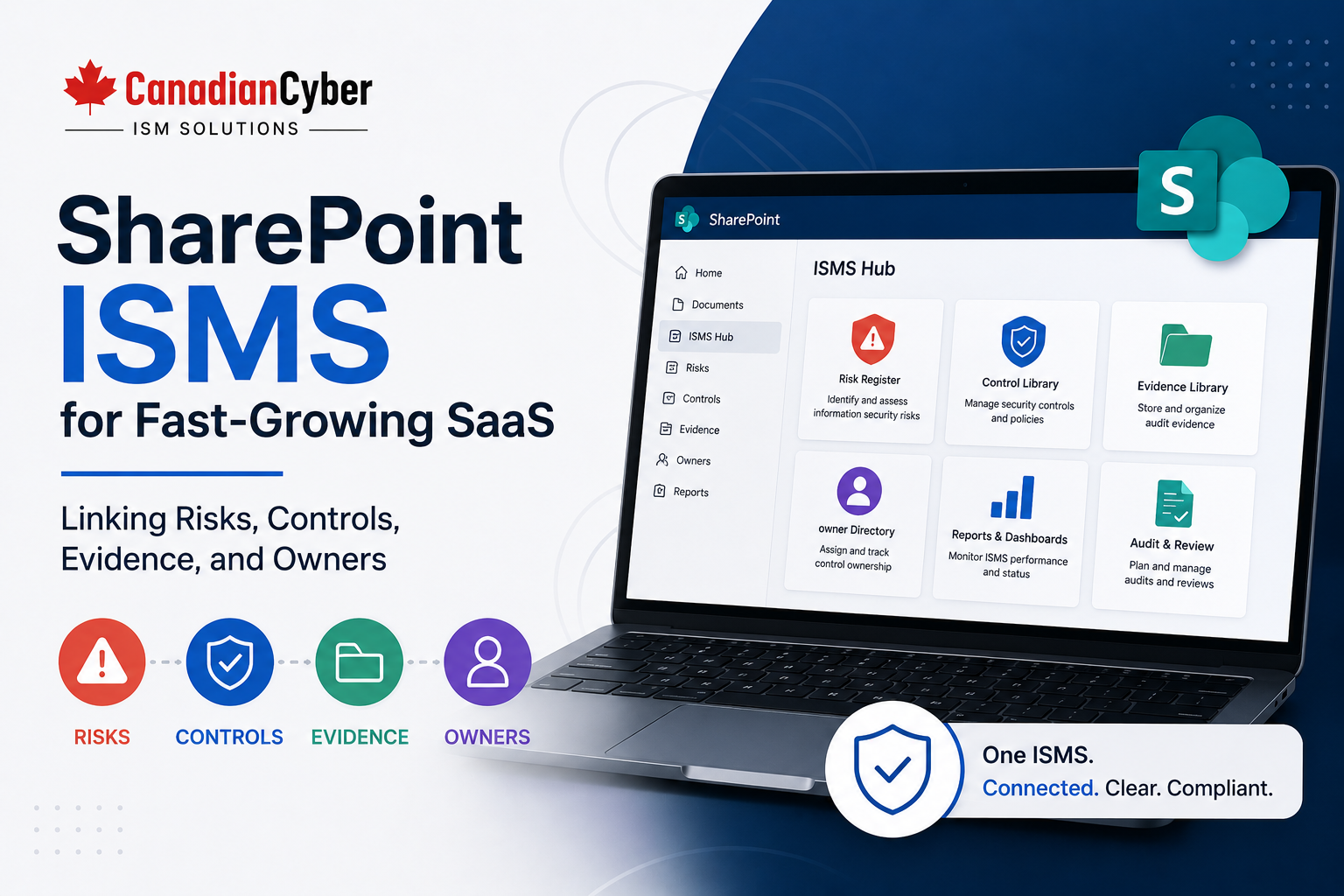
SharePoint ISMS for Fast-Growing SaaS: Linking Risks, Controls, Evidence, and Owners
Fast-growing SaaS companies need more than scattered spreadsheets and last-minute screenshots. A SharePoint ISMS helps connect risks, controls, evidence, owners, due dates, dashboards, and audit-ready files inside Microsoft 365.
Canadian Cyber ISMS SharePoint Solution
Connect SaaS Risks, Controls, Evidence, and Owners in One Workspace
Canadian Cyber helps fast-growing SaaS companies build ISMS SharePoint workspaces for SOC 2 readiness, ISO 27001 readiness, audit evidence, risk registers, control registers, ownership tracking, vendor reviews, and client security evidence packs.
Quick Snapshot
| ISMS Area | Why It Matters for SaaS Teams |
|---|---|
| Risks | Shows what could affect customer trust, security, availability, privacy, and compliance. |
| Controls | Defines what the company does to reduce risk and meet audit expectations. |
| Evidence | Proves controls are working during SOC 2, ISO 27001, cyber insurance, and client reviews. |
| Owners | Assigns accountability so recurring tasks, reviews, and updates do not get missed. |
| SharePoint Workspace | Centralizes records, review dates, dashboards, evidence rooms, and approved client files. |
| Business Outcome | Faster audit prep, clearer ownership, better customer responses, and stronger security governance. |
Why Fast-Growing SaaS Teams Need Better ISMS Structure
Fast-growing SaaS teams move quickly. They ship features, onboard customers, add integrations, hire employees, expand cloud environments, respond to security questionnaires, prepare for SOC 2 or ISO 27001, and collect evidence from many tools.
At first, compliance may feel manageable. A spreadsheet tracks risks. A folder stores policies. Screenshots are saved when needed. Access reviews happen in email. Vendor records live in shared drives. Audit requests are handled manually.
But growth changes everything.
More controls need owners
More evidence needs review
More vendors need tracking
More risks need treatment
More audits require structure
Compliance becomes easier when every risk, control, evidence item, and owner is connected.
That is where Canadian Cyber’s ISMS SharePoint solution helps. It gives fast-growing SaaS teams a practical way to manage security governance inside Microsoft 365.
Outgrowing Compliance Spreadsheets?
Canadian Cyber helps SaaS companies replace scattered evidence, manual trackers, and last-minute screenshots with a structured SharePoint ISMS workspace.
What Is a SharePoint ISMS?
A SharePoint ISMS is a structured Microsoft 365 workspace used to manage an Information Security Management System. It helps SaaS teams organize security governance, audit evidence, ownership, and management review in one familiar environment.
A SharePoint ISMS can support:
Control registers
Policy libraries
Audit evidence libraries
Vendor registers
Access reviews
Incident records
Corrective actions
Management reviews
Client review packs
Auditor evidence rooms
SharePoint should not be used as a random folder dump. It should be designed with lists, libraries, metadata, owners, due dates, and views.
The Core Idea: Link Everything
A strong ISMS workspace should connect the main parts of compliance. Risks should link to controls. Controls should link to evidence. Evidence should link to owners. Owners should link to due dates. Due dates should feed dashboards. Dashboards should support management review.
| Item | Example |
|---|---|
| Risk | Former employee retains access to production systems. |
| Control | Quarterly user access reviews are performed. |
| Evidence | Q2 2026 access review sign-off. |
| Owner | IT Manager. |
| Due Date | July 10, 2026. |
| Status | Approved. |
| Related Action | Remove two inactive users. |
Component 1: Risk Register
The risk register tracks what could harm the SaaS business, customers, systems, data, or compliance program.
SaaS risk examples include:
Cloud misconfiguration
Weak support access controls
Incomplete vendor review
Tenant isolation failure
Backup restore failure
Data leakage through logs
API key exposure
Unreviewed production changes
AI tool misuse
| Risk Register Field | Purpose |
|---|---|
| Risk ID | Creates a unique reference. |
| Risk Description | Explains what could go wrong. |
| Risk Owner | Assigns accountability. |
| Impact and Likelihood | Supports prioritization. |
| Treatment Plan | Defines action to reduce risk. |
| Related Controls | Links the risk to controls. |
| Evidence Links | Connects risk treatment to proof. |
Component 2: Control Register
The control register shows what the SaaS company does to manage risk. It gives teams one place to see what must be proven.
| Control Register Field | Purpose |
|---|---|
| Control ID | Creates a unique control reference. |
| Control Name | Uses plain language to describe the control. |
| Framework Mapping | Maps to SOC 2, ISO 27001, ISO 42001, or client requirements. |
| Control Owner | Shows who is accountable. |
| Evidence Required | Defines what proof is needed. |
| Current Status | Implemented, partial, missing, or not applicable. |
| Next Review Date | Keeps the control active. |
Link Risks to Controls Before Audit Week
Canadian Cyber helps SaaS teams build connected risk and control registers so SOC 2, ISO 27001, and client review evidence is easier to find and explain.
Component 3: Evidence Library
The evidence library stores proof that controls are working. Evidence should not only be stored. It should be tagged, reviewed, approved, and linked.
SaaS evidence examples include:
User access review
Privileged access review
API key review
Vendor security review
Change approval ticket
Release testing evidence
Incident response tabletop
Backup report
Restore test evidence
Management review minutes
| Evidence Metadata Field | Purpose |
|---|---|
| Framework | SOC 2, ISO 27001, ISO 42001, or client review. |
| Control ID | Links evidence to control. |
| Evidence Owner | Shows who is responsible for accuracy. |
| Evidence Period | Month, quarter, year, or audit period. |
| Status | Draft, under review, approved, or expired. |
| Auditor Ready | Identifies files approved for external audit. |
| Client Ready | Identifies files approved for customer review. |
Component 4: Ownership Register
Ownership is what makes compliance operational. Without owners, controls become vague and evidence becomes stale.
| SaaS Compliance Area | Possible Owner |
|---|---|
| Cloud security | Engineering Lead |
| Access reviews | IT / Operations |
| Vendor reviews | Operations Lead |
| Security training | HR / People Ops |
| Incident response | CTO |
| Client security responses | Operations / vCISO |
| Change management | Engineering Manager |
| Management review | CEO / COO |
Every recurring compliance item should have a named owner.
Component 5: Vendor Register
Fast-growing SaaS companies depend on vendors for hosting, identity, analytics, support, billing, monitoring, file storage, AI, and customer communication. Vendor reviews should link to risks, controls, evidence, and owners.
| Vendor Register Field | Purpose |
|---|---|
| Vendor Name | Identifies the supplier. |
| Service Provided | Shows what the vendor does. |
| Data Processed | Customer, employee, operational, or financial data. |
| Criticality | High, medium, or low. |
| Assurance Evidence | SOC 2, ISO 27001, or security questionnaire. |
| Next Review Date | Keeps vendor governance current. |
Component 6: Corrective Action Tracker
Audits, client reviews, risk assessments, and internal reviews create actions. Those actions need owners, due dates, closure evidence, and verification.
| Corrective Action Field | Purpose |
|---|---|
| Action ID | Unique reference. |
| Source | Audit, client review, risk assessment, or internal gap. |
| Related Risk | Risk being reduced. |
| Related Control | Control being improved. |
| Owner | Responsible person. |
| Evidence of Closure | Proof action was completed. |
| Verification Owner | Person confirming closure. |
Turn Findings Into Closed Actions
Canadian Cyber helps SaaS teams build corrective action trackers that connect audit findings, client review gaps, risks, controls, owners, due dates, and closure evidence.
Component 7: Management Review Dashboard
Leadership needs visibility. A SharePoint ISMS workspace can provide dashboard-style views so management can see status, risk, blockers, and decisions.
| Dashboard View | What It Shows |
|---|---|
| High Risks | Top risks requiring attention. |
| Overdue Evidence | Evidence that needs update. |
| Open Corrective Actions | Findings not yet closed. |
| Controls Missing Evidence | Audit gaps. |
| Vendor Reviews Due | Supplier review deadlines. |
| Client-Ready Evidence | Approved files for customer reviews. |
| Auditor-Ready Evidence | Approved files for external audits. |
How This Helps SOC 2
Fast-growing SaaS companies often pursue SOC 2 to satisfy enterprise buyers. A SharePoint ISMS helps by organizing evidence continuously, not after the auditor asks.
SOC 2 evidence areas include:
Privileged access
Change management
Incident response
Vendor management
Availability monitoring
Backup and recovery
Risk assessment
Management review
How This Helps ISO 27001
ISO 27001 requires a management system. That means risks, controls, objectives, policies, responsibilities, audits, management review, and improvement. A SharePoint ISMS helps connect these parts.
| ISO 27001 Area | SharePoint ISMS Support |
|---|---|
| Risk Assessment | Risk register and treatment plan. |
| Statement of Applicability | Control mapping and justification evidence. |
| Supplier Reviews | Vendor register and supplier evidence. |
| Internal Audit | Audit plan, findings, and closure evidence. |
| Management Review | Dashboard, metrics, decisions, and actions. |
How This Helps Client Security Reviews
Fast-growing SaaS companies often receive security questionnaires before they are fully ready. A SharePoint ISMS workspace helps create reusable client evidence packs.
Client-ready evidence may include:
MFA confirmation
Access control summary
Incident response summary
Business continuity summary
Vendor risk process
SOC 2 roadmap
ISO 27001 roadmap
Data protection summary
Client-ready evidence should be separate from internal-only evidence.
Recommended SharePoint Structure
| Top-Level Area | Purpose |
|---|---|
| Risk Register | Tracks SaaS security and compliance risks. |
| Control Register | Tracks controls, owners, frequency, and evidence needs. |
| Evidence Library | Stores audit-ready and client-ready evidence. |
| Ownership Register | Tracks accountability across risks, controls, evidence, and actions. |
| Vendor Register | Tracks supplier reviews and assurance evidence. |
| Corrective Actions | Tracks gaps, findings, actions, and closure evidence. |
| Management Review | Stores leadership dashboards, decisions, and review records. |
| Client Review Pack | Stores approved customer-facing evidence. |
Common Mistakes to Avoid
- Using SharePoint only as storage. Use metadata, owners, due dates, views, and links.
- Keeping risks separate from controls. Risks should link to the controls that reduce them.
- Evidence without owners. Unowned evidence becomes stale.
- No client-ready view. Do not share raw internal evidence with customers.
- No corrective action tracker. Findings need owners, due dates, and closure evidence.
- No management dashboard. Leadership needs visibility into risk and readiness.
- Waiting until audit week. Evidence should be collected throughout the year.
What Good Looks Like
A strong SharePoint ISMS for SaaS can show:
- risk register
- control register
- evidence library
- ownership register
- vendor register
- policy library
- access review evidence
- incident response evidence
- backup and restore evidence
- change management records
- corrective action tracker
- management review dashboard
- auditor evidence room
- client-ready evidence pack
- SOC 2 evidence mapping
- ISO 27001 evidence mapping
- control owners
- evidence owners
- review dates
- approval status
This turns compliance into a managed system instead of a last-minute evidence scramble.
Canadian Cyber’s Take
Canadian Cyber’s ISMS SharePoint solution is designed for fast-growing companies that need structure without unnecessary complexity.
Many SaaS teams are not ready for a heavy GRC platform, but they have outgrown spreadsheets and scattered folders.
A well-designed SharePoint ISMS workspace helps teams connect the most important pieces:
- risks
- controls
- evidence
- owners
- vendors
- policies
- actions
- dashboards
The goal is not more paperwork. The goal is better visibility, accountability, and trust.
Takeaway
Fast-growing SaaS companies need a practical way to manage compliance before it becomes chaotic.
Canadian Cyber’s ISMS SharePoint solution helps connect:
- risks to controls
- controls to evidence
- evidence to owners
- owners to due dates
- findings to corrective actions
- dashboards to management review
- client evidence to approved records
This gives SaaS teams a scalable foundation for SOC 2, ISO 27001, and customer trust.
How Canadian Cyber Can Help
Canadian Cyber helps fast-growing SaaS companies build ISMS SharePoint workspaces for security governance, audit readiness, and client trust.
- SharePoint ISMS solution setup
- risk register design
- control register design
- evidence library setup
- ownership register creation
- vendor register setup
- access review evidence tracking
- change management evidence tracking
- incident response evidence
- backup and recovery evidence
- corrective action trackers
- management dashboards
- auditor evidence rooms
- client review packs
- SOC 2 readiness support
- ISO 27001 readiness support
- vCISO support for SaaS teams
Stay Connected With Canadian Cyber
Follow Canadian Cyber for practical guidance on ISMS SharePoint, SaaS compliance, SOC 2 readiness, ISO 27001, audit evidence, risk registers, control ownership, and vCISO support.










