
Get in touch
info@canadiancyber.ca


Rafia Rizwan

April 23, 2026
A practical guide to SOC 2 remote workforce controls, covering laptops, access management, and home network risk for distributed teams.
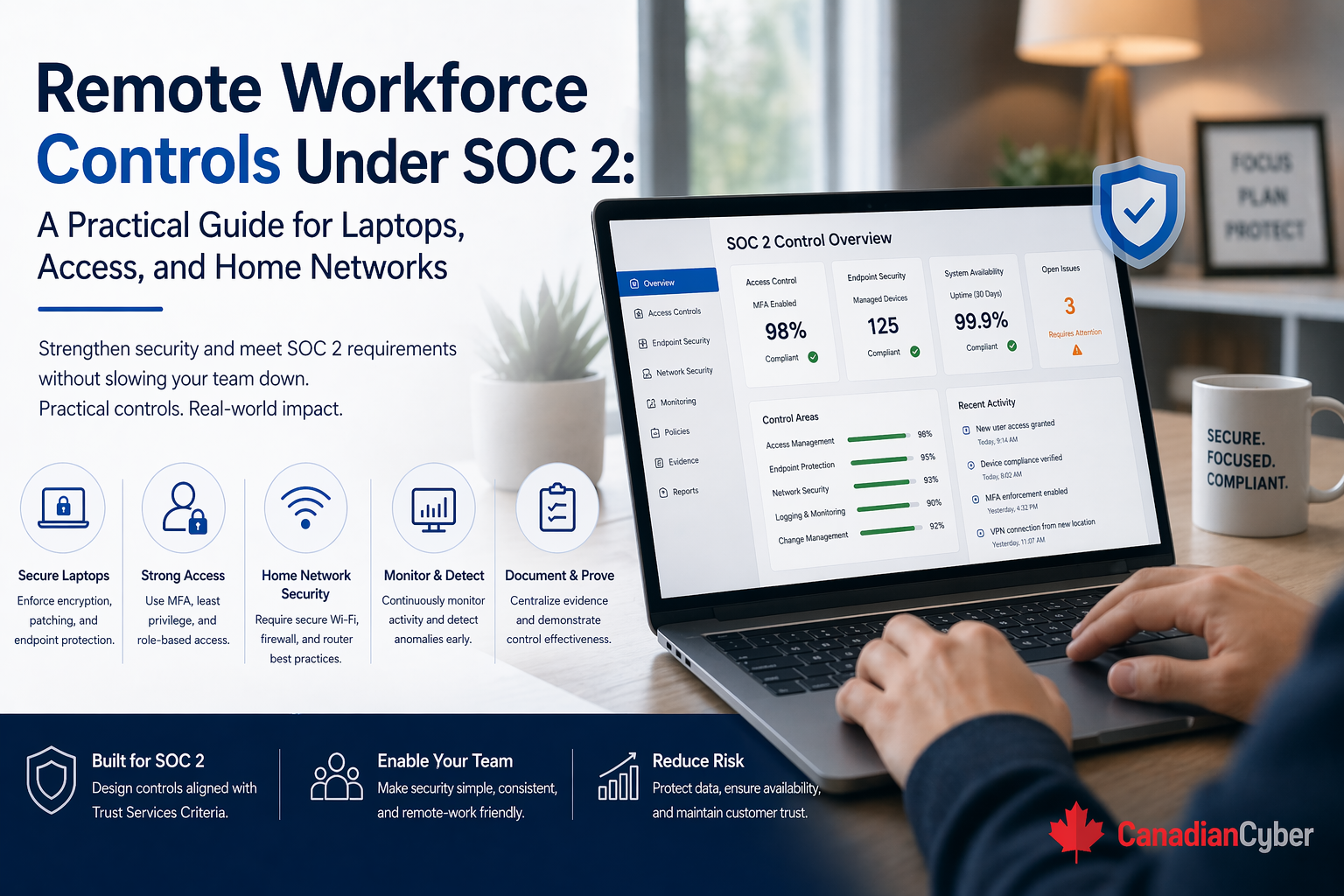
Remote work is no longer a temporary exception.
For many companies, it is simply how work happens now. Employees log in from homes, hotels, coworking spaces, client sites, and coffee shops. They move between locations all week. That flexibility helps the business, but it also changes the control environment in ways SOC 2 reviewers care about.
Once the workforce is distributed, security is no longer built around one office perimeter. It depends on how well the company controls laptops, user access, authentication, endpoint health, remote administration, data handling, and the risks created by home networks.
That is exactly why remote workforce controls matter under SOC 2. A strong remote-work control story proves that employees can work from anywhere without weakening laptop security, access discipline, or data protection.
A lot of companies assume remote work security is mostly about giving people VPN access and requiring MFA. Those controls matter. But they are not enough on their own.
Under SOC 2, the bigger question is simple: Can the organization show that remote users, remote devices, and remote access paths are governed consistently enough to protect customer data and critical systems?
That is a much broader control story than simply saying, “We support remote work.”
Most organizations already have some remote-work controls. They may use company-issued laptops, MDM, MFA, SSO, VPN or Zero Trust access, endpoint protection, awareness training, and remote support tools.
But weaknesses still show up because remote work creates day-to-day control drift.
These issues may not look dramatic on their own. But together, they create a weaker SOC 2 posture.
Picture this. A SaaS company has become almost fully remote. It uses company laptops, Microsoft 365 or Google Workspace, cloud identity and SSO, GitHub, ticketing systems, cloud infrastructure, and a mix of productivity and customer-data SaaS platforms.
Leadership assumes the remote environment is in decent shape. Then SOC 2 readiness work begins, and the team starts getting sharper questions.
This is where the company realizes remote work is not one control area. It is a collection of connected control areas that must work together.
For most SOC 2 remote workforce discussions, the most important control areas are laptops and endpoint security, remote access and identity control, and home network risk reduction.
In a remote workforce, the company laptop becomes one of the most important security boundaries in the environment. It is often the place where employees access customer systems, review internal documents, manage code, join admin consoles, handle support cases, store temporary files, receive sensitive email, and interact with production workflows.
That means laptop controls are central to the SOC 2 story.
These controls reduce risk if a laptop is lost, stolen, compromised, outdated, or used in an unsafe environment.
| Area | Example evidence |
|---|---|
| Device inventory | List of active company laptops and owners |
| Encryption | Disk encryption enforcement settings |
| Endpoint protection | EDR deployment or policy screenshots |
| Patch management | Update compliance reports |
| Configuration standards | Laptop hardening or endpoint baseline policy |
| Offboarding | Return, disablement, or wipe process records |
The key point is simple: the laptop should not be treated like a casual user tool. It should be treated like a controlled endpoint in the security program.
Once the workforce is remote, identity becomes one of the strongest control layers in the environment. Access depends less on office presence and more on whether the organization can answer four basic questions: who is this user, what should they access, how do we know they are still authorized, and what happens when they leave?
This helps the organization prove that remote access is not based on convenience alone.
| Area | Example evidence |
|---|---|
| MFA enforcement | Identity platform settings or reports |
| SSO coverage | Systems connected to centralized identity |
| Access review | Quarterly review outputs |
| Offboarding | Ticket or workflow evidence showing access removal |
| Privileged access | Admin role list and review history |
| Conditional access | Policies tied to device or location risk |
A strong remote workforce control environment depends heavily on identity discipline.
This is where many teams get uncomfortable. Home networks are messy. Employees may use outdated routers, weak Wi-Fi passwords, default settings, mixed personal and work traffic, family-shared devices nearby, insecure IoT devices, or public Wi-Fi while traveling.
No organization can fully control every home network. SOC 2 does not require that. What it does require is that the organization handle remote network risk in a reasonable, governed way.
A strong remote-work program often uses a layered model.
Auditors are usually not looking for proof that every employee’s router is perfect. They are looking for evidence that the company has thought about remote network risk, trained users appropriately, built layered controls, and protected high-value access with stronger authentication and device controls.
If IT or support teams can remotely access employee laptops or customer-impacting systems, those tools need strong governance. Good controls often include approved remote support tooling only, restricted support access, session logging where possible, approval paths for higher-risk access, documentation of remote admin actions, and removal of stale support privileges.
Remote work often creates pressure to download, copy, or locally store files for convenience. That creates questions about customer data downloads, browser downloads, external storage, screenshots, exported reports, and whether users are trained on what should not be stored locally.
A remote workforce makes user lifecycle management more important, not less. There is no office badge to deactivate and no desk to visibly clear. The company must rely on process. Strong remote JML usually includes issuance of a managed device, correct role-based access at onboarding, role-change review, session and account revocation at offboarding, device recovery or wipe, and removal from SaaS tools and admin groups.
Remote-awareness training should reflect how employees actually work. Useful topics include secure home Wi-Fi, avoiding personal-device crossover, phishing and MFA fatigue attacks, securing laptops during travel, safe use of public spaces, handling printed documents at home, and reporting lost or stolen devices quickly.
| Control area | Key question |
|---|---|
| Laptops | Are all workforce laptops managed, encrypted, and monitored? |
| Laptops | Are patching and endpoint protection enforced consistently? |
| Access | Is MFA enforced on all critical systems? |
| Access | Are privileged roles reviewed regularly? |
| Access | Are offboarded users fully removed quickly? |
| Home networks | Do employees receive practical secure remote-work guidance? |
| Support | Are remote support tools and permissions governed? |
| Data handling | Are local download and storage risks addressed? |
| Awareness | Is remote-work security part of training content? |
If the answer to several of these is unclear, the remote control environment probably needs more work before audit.
These are exactly the issues that make remote workforce controls look fine on the surface but weak under scrutiny.
At Canadian Cyber, we often see remote-first and hybrid companies believe their controls are stronger than they really are because the most visible pieces are already in place: laptops, MFA, cloud tools, and SSO.
Those are important foundations. But the stronger SOC 2 programs go further. They connect those foundations into a practical control environment that covers managed endpoints, identity governance, privileged access, home network risk reduction, remote support oversight, local data handling, and workforce lifecycle discipline.
That is what makes the remote model defensible. Because in the end, SOC 2 is not asking whether remote work is allowed. It is asking whether remote work is governed.
Remote workforce controls under SOC 2 are not just about enabling people to log in from home. They are about proving that the organization can protect systems and data when work happens outside the office.
That means focusing on laptop security and management, access and identity discipline, practical risk reduction for home networks, remote support governance, data handling on endpoints, strong joiner-mover-leaver processes, and remote-specific security awareness.
Because in the end, a strong remote-work SOC 2 story is not built on one tool. It is built on a set of connected controls that make remote work secure, visible, and manageable at scale.










