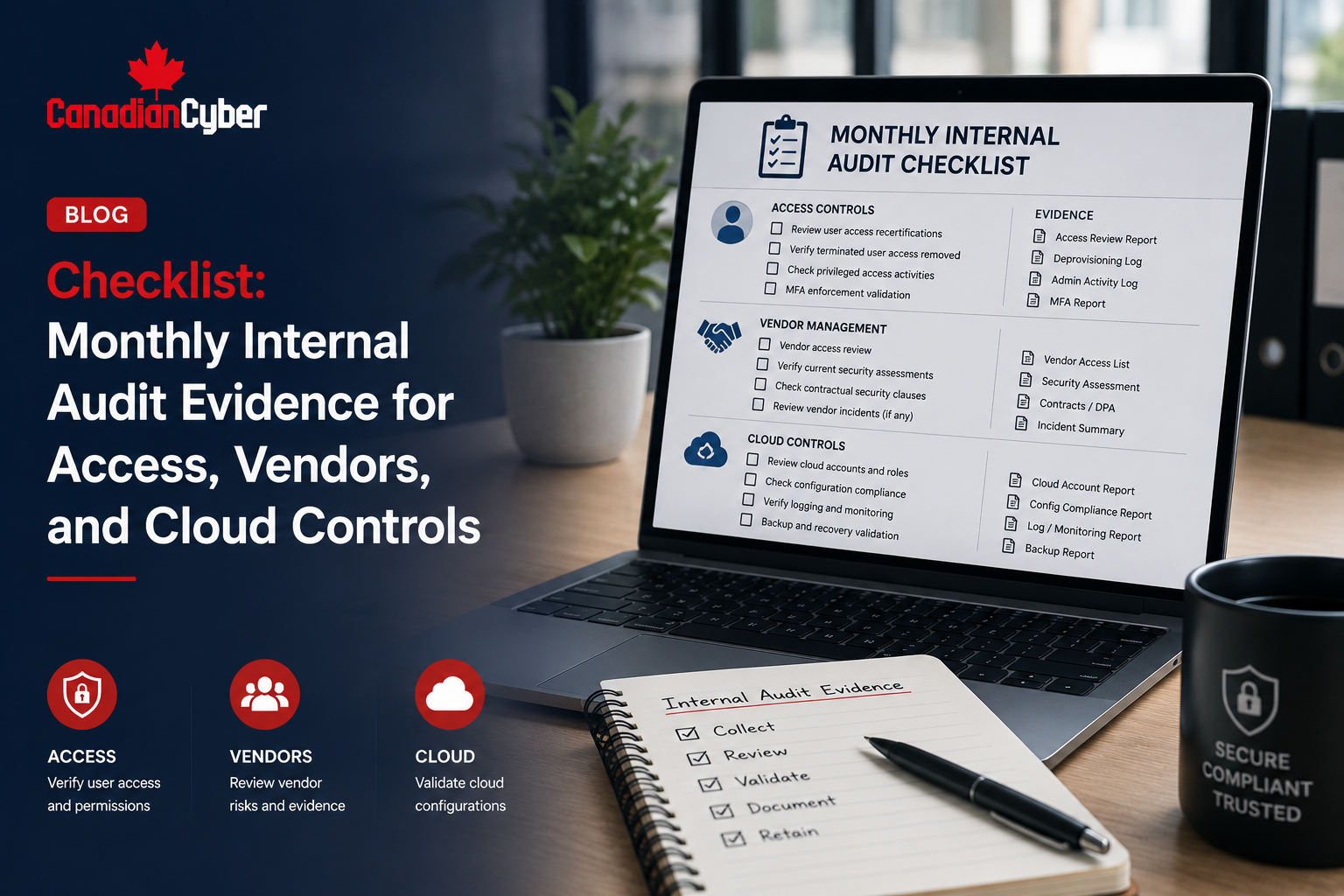
Internal Audit • Evidence Collection • Access Reviews • Vendor Risk • Cloud Controls
Checklist: Monthly Internal Audit Evidence for Access, Vendors, and Cloud Controls
Monthly internal audit evidence helps organizations stay ready before the auditor, customer, insurer, or board asks for proof. When evidence is collected monthly, audits become easier, control owners stay accountable, and security gaps are found before they become findings.
Quick Snapshot
| Evidence Area | What to Collect Monthly |
|---|---|
| Access Controls | MFA status, admin access, user changes, offboarding, guest users, support access. |
| Vendor Risk | New vendors, critical vendor changes, overdue reviews, vendor incidents, remediation items. |
| Cloud Controls | Admin activity, configuration changes, backup status, logging, exposed resources, security alerts. |
| Internal Audit Value | Creates a regular evidence rhythm instead of a last-minute audit scramble. |
| Best Outcome | Audit-ready evidence, fewer surprises, stronger ISO 27001, SOC 2, and cyber insurance readiness. |
Introduction
Most audit stress is not caused by the audit itself.
It is caused by missing evidence.
The access review happened, but nobody saved the sign-off. A vendor was approved, but the decision stayed in email. Cloud logs existed, but nobody reviewed the alert tickets. A former employee was removed, but offboarding evidence is incomplete.
By the time internal audit starts, the team is searching through inboxes, cloud consoles, tickets, screenshots, spreadsheets, and chat messages.
That is not an audit process. That is a scavenger hunt.
A monthly evidence checklist solves this problem. It gives control owners a simple rhythm to collect and review key evidence for access, vendor risk, cloud controls, corrective actions, and management reporting.
Want Monthly Evidence Collection Without the Chaos?
Canadian Cyber helps organizations build SharePoint evidence vaults, monthly evidence workflows, access review trackers, vendor risk registers, cloud control checklists, and audit-ready dashboards.
Why Monthly Evidence Matters
Annual audit preparation is painful because teams wait too long. Controls may operate during the year, but evidence is not collected consistently.
Monthly evidence collection helps prove that controls are active, reviewed, owned, and improving.
| What It Proves | Why It Matters |
|---|---|
| Controls are operating | Evidence exists throughout the audit period. |
| Owners are accountable | Each area has a responsible person. |
| Gaps are found early | Problems are fixed before audit time. |
| Management has visibility | Leadership can see overdue risks. |
| Auditors get clearer proof | Evidence is organized by period. |
| Customers get faster answers | Security reviews are easier. |
If a control matters during the audit, evidence should not be collected only during audit month.
Monthly Evidence Area 1: Access Controls
Access control is one of the most important evidence areas. It shows who can access systems, whether access is appropriate, and whether privileged access is reviewed.
| Evidence Item | What to Save |
|---|---|
| MFA Status | MFA enforcement report or Conditional Access evidence. |
| Privileged Access | Admin role export for key systems. |
| New Users | List of new accounts created during the month. |
| Terminated Users | Offboarding samples and access removal records. |
| Guest Users | External or guest user report. |
| Support Access | Customer data access logs or support access approvals. |
| Service Accounts | New or changed service accounts. |
| Risky Login Review | Risky sign-in or alert review evidence. |
Systems to Include
- Microsoft 365 and Entra ID
- Google Workspace or Okta
- AWS, Azure, or Google Cloud
- GitHub or GitLab
- Jira and SharePoint
- customer support platform
- production database
- VPN, password vault, RMM tool, and backup console
- AI platform admin console
Evidence Naming Examples
- AccessControl-EntraID-MFAStatus-2026-06.pdf
- AccessControl-GitHub-AdminRoleExport-2026-06.xlsx
- AccessControl-SharePoint-GuestUserReview-2026-06.pdf
- AccessControl-OffboardingSamples-2026-06.pdf
- AccessControl-SupportAccessReview-2026-06.xlsx
Monthly access evidence should answer one question clearly: who had access, and was that access appropriate?
Monthly Evidence Area 2: Vendor Risk
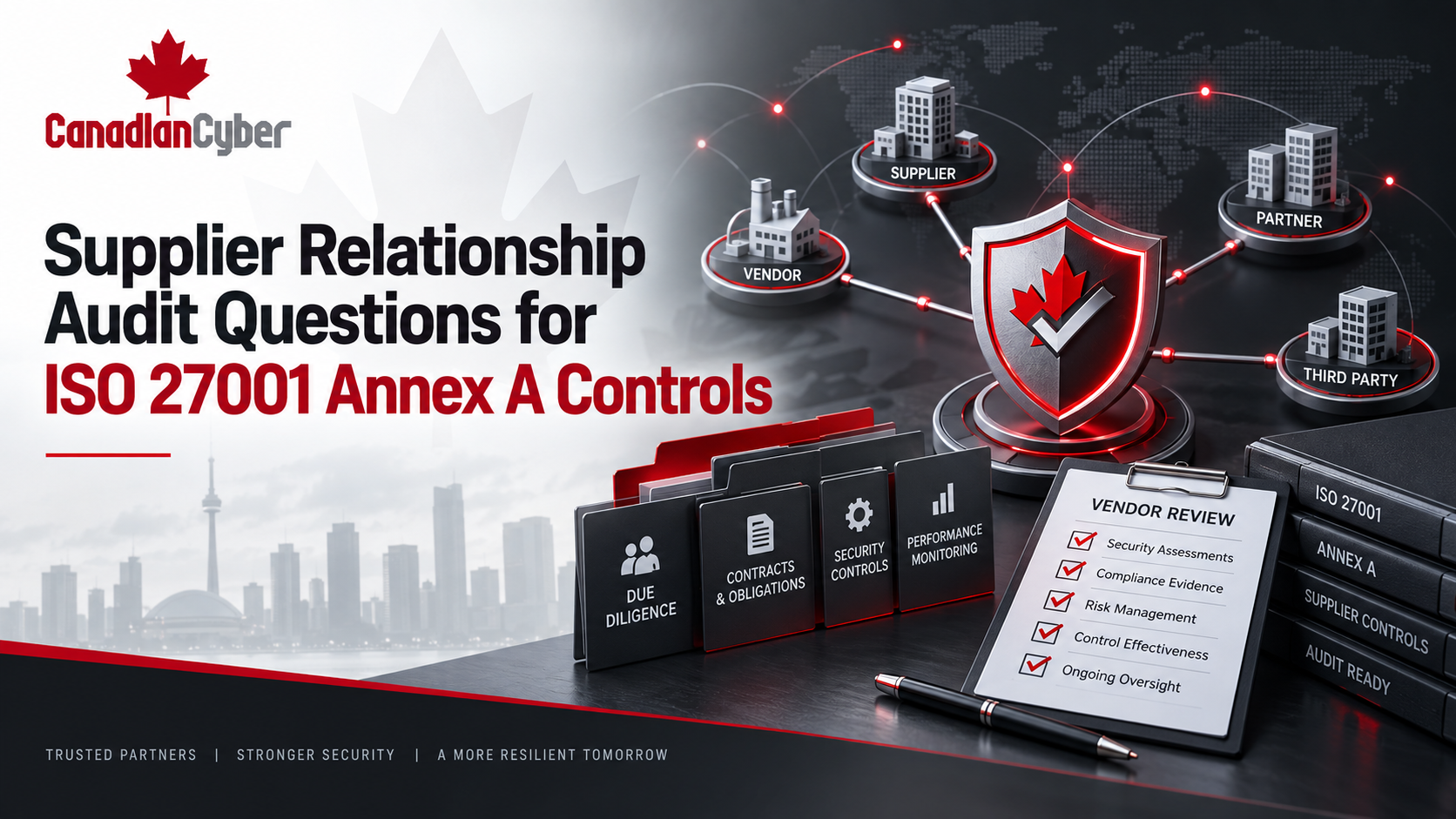
Vendor risk evidence is often forgotten until audit time. That is a mistake. Vendors can affect customer data, service availability, privacy, compliance, and incident response.
| Evidence Item | What to Save |
|---|---|
| New Vendors | Intake form, risk tier, approval decision. |
| Critical Vendor Changes | Updated risk rating or service change. |
| Vendor Reviews Due | List of reviews due or overdue. |
| Assurance Evidence | SOC 2, ISO 27001 certificate, questionnaire, or security report. |
| DPA / Contract Status | Data processing agreement or security clause evidence. |
| Vendor Remediation | Open remediation items and follow-up notes. |
| AI Vendor Usage | Approved AI tools and model provider reviews. |
| Vendor Access | Vendor accounts or admin access review evidence. |
Monthly Vendor Register Fields
| Field | Why It Matters |
|---|---|
| Vendor Name | Identifies supplier. |
| Service Provided | Explains business purpose. |
| Data Handled | Customer, employee, financial, personal, or confidential. |
| Criticality | High, medium, or low. |
| Review Status | Not started, in review, approved, or overdue. |
| Next Review Date | Keeps reviews current. |
Vendor evidence should prove that suppliers are reviewed, approved, and tracked based on risk.
Need a Vendor Risk Register That Stays Current?
Canadian Cyber can help build vendor registers, review workflows, AI vendor tracking, remediation dashboards, and SharePoint views that make vendor evidence audit-ready.
Monthly Evidence Area 3: Cloud Controls
Cloud evidence is critical for SaaS, software companies, MSPs, professional services, fintech, AI platforms, and any organization using cloud infrastructure.
Monthly cloud control evidence helps show that cloud systems are configured, monitored, and reviewed.
| Evidence Item | What to Save |
|---|---|
| Cloud Admin Activity | Review of privileged cloud actions. |
| Security Alerts | Alert summary and ticket follow-up. |
| Configuration Changes | High-risk changes and approvals. |
| Public Exposure Review | Public buckets, open ports, exposed services. |
| Backup Status | Backup job report and exception review. |
| Logging Status | Confirmation that audit logs are enabled. |
| Secrets Review | Secrets scanning alerts or vault changes. |
| Vulnerability Findings | Cloud or container scan results. |
Cloud Platforms to Include
- AWS, Azure, or Google Cloud
- Microsoft 365 and Entra ID
- SharePoint and Cloudflare
- Kubernetes and container registries
- database services and storage buckets
- serverless functions
- logging and monitoring tools
Cloud Red Flags to Investigate
- public storage bucket
- new admin role without approval
- logging disabled
- backup job failures
- unreviewed firewall changes
- critical vulnerability unresolved
- unencrypted data store
- secrets committed to repository
Cloud evidence should show that high-risk changes, alerts, access, and exposures are reviewed regularly.
Monthly Evidence Area 4: Corrective Actions
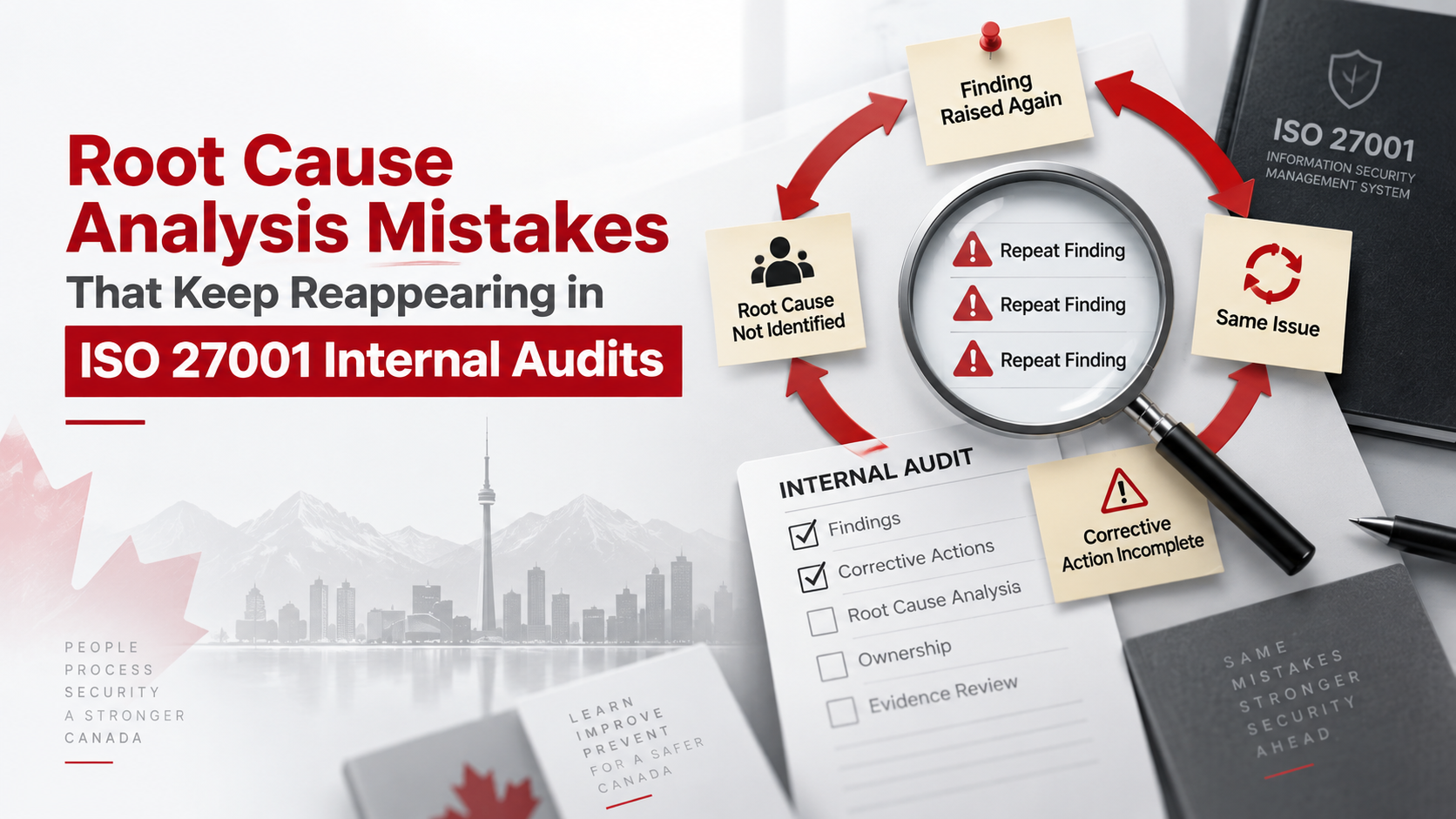
Monthly evidence collection should not only collect proof. It should also identify gaps. Those gaps should become corrective actions.
| Evidence Item | What to Save |
|---|---|
| New Findings | Internal audit gaps, control failures, missed evidence. |
| Action Owner | Person accountable. |
| Due Date | Remediation timeline. |
| Risk Rating | High, medium, or low. |
| Closure Evidence | Proof that the issue was fixed. |
| Verification | Evidence that the fix worked. |
| Finding | Corrective Action |
|---|---|
| Former employee still active in SaaS tool | Update offboarding checklist and remove account. |
| Critical vendor review overdue | Complete review and approval decision. |
| Backup job failed for three days | Investigate cause and save resolution evidence. |
| Public bucket detected | Restrict access and document remediation. |
| Admin role added without approval | Review role assignment and update approval workflow. |
Monthly evidence review is not complete until gaps are assigned to owners.
Monthly Evidence Area 5: Management Reporting
Monthly evidence should feed leadership reporting. Executives do not need every screenshot. They need trends, risks, and decisions.
| Reporting Area | What to Show |
|---|---|
| Access Control | Reviews completed, exceptions, admin changes. |
| Vendor Risk | New vendors, overdue reviews, critical gaps. |
| Cloud Controls | Alerts, exposures, backup issues, vulnerabilities. |
| Corrective Actions | Open, overdue, closed, high-risk items. |
| Evidence Completeness | Missing or rejected evidence. |
| Decisions Needed | Risk acceptance, budget, escalation, or priority change. |
Evidence should not die in a folder. Use it to drive decisions.
Monthly Evidence Calendar
A monthly rhythm makes internal audit easier and reduces last-minute evidence hunting.
| Week | Activity |
|---|---|
| Week 1 | Collect access evidence and review user/admin changes. |
| Week 2 | Review vendors, new suppliers, AI tools, and overdue reviews. |
| Week 3 | Review cloud alerts, changes, backups, and configuration issues. |
| Week 4 | Update corrective actions and prepare management summary. |
Monthly Owner Model
| Area | Suggested Owner |
|---|---|
| Access Evidence | IT Lead / Security Lead |
| Vendor Evidence | Operations / Procurement / Compliance |
| Cloud Evidence | Cloud Engineer / DevOps / IT Lead |
| Corrective Actions | ISMS Owner / vCISO |
| Evidence Vault | Compliance Coordinator / SharePoint Owner |
SharePoint Evidence Vault Structure
SharePoint is a practical place to manage monthly evidence if it is configured with clear libraries, metadata, views, and owners.
| SharePoint Area | Purpose |
|---|---|
| Evidence Vault | Stores monthly evidence files. |
| Access Review Tracker | Tracks access evidence and reviews. |
| Vendor Register | Tracks vendors, risk tiers, and reviews. |
| Cloud Control Register | Tracks cloud evidence and findings. |
| Corrective Action Register | Tracks gaps and remediation. |
| Management Review Library | Stores monthly summaries and decisions. |
Recommended Evidence Metadata
| Field | Purpose |
|---|---|
| Evidence Area | Access, vendor, cloud, corrective action. |
| Control ID | Maps evidence to control. |
| Month Covered | Monthly audit period. |
| Evidence Owner | Accountable person. |
| Review Status | Not reviewed, approved, or rejected. |
| Source System | Entra ID, AWS, Azure, GitHub, vendor portal. |
| Sensitivity | Internal, confidential, auditor-only. |
Build a SharePoint Evidence Vault
Canadian Cyber can help set up a SharePoint evidence vault with metadata, monthly views, reminders, owner dashboards, and audit-ready evidence workflows.
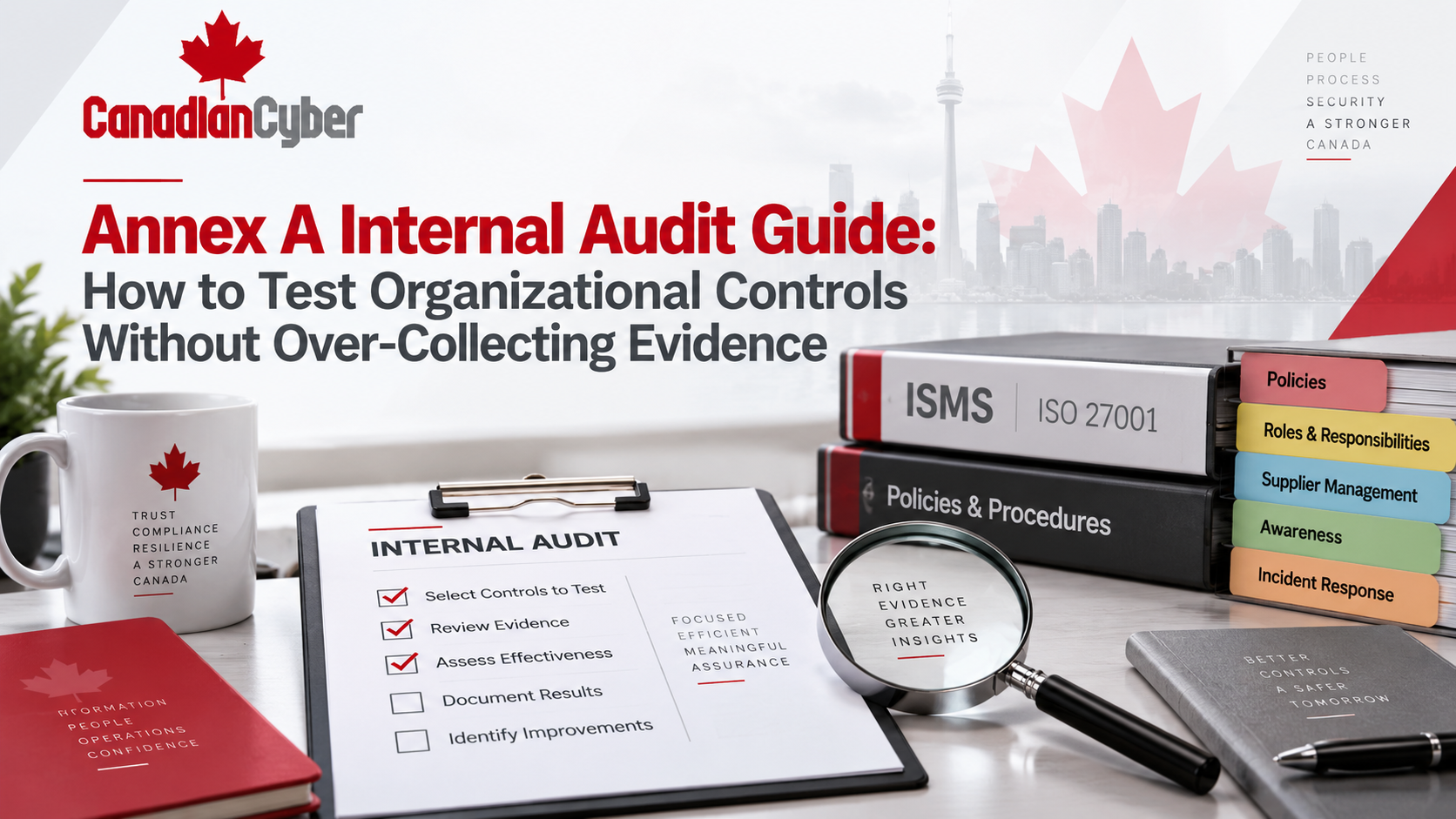
Monthly Evidence Checklist
Use this checklist every month.
Access Controls
| Question | Yes / No |
|---|---|
| MFA status evidence saved? | |
| Admin access export saved? | |
| User changes reviewed? | |
| Offboarding evidence sampled? | |
| Guest users reviewed? | |
| Access exceptions updated? |
Vendor Risk
| Question | Yes / No |
|---|---|
| New vendors reviewed? | |
| Critical vendor reviews checked? | |
| Overdue vendor reviews escalated? | |
| Vendor remediation items updated? | |
| AI vendors or tools reviewed? | |
| Vendor access reviewed where applicable? |
Cloud Controls
| Question | Yes / No |
|---|---|
| Cloud admin activity reviewed? | |
| Security alerts reviewed? | |
| Backup status checked? | |
| Failed jobs investigated? | |
| Public exposure reviewed? | |
| Logging status confirmed? | |
| Secrets scanning reviewed? |
Corrective Actions
| Question | Yes / No |
|---|---|
| New findings recorded? | |
| Owners assigned? | |
| Due dates set? | |
| High-risk items escalated? | |
| Closure evidence linked? | |
| Monthly summary prepared? |
Common Mistakes to Avoid
- Collecting evidence without review. Saving screenshots is not enough. Someone must review the evidence and identify gaps.
- Waiting until quarter-end. Monthly evidence reduces audit pressure.
- Not assigning owners. Every evidence item needs an owner.
- Ignoring exceptions. Exceptions should be approved, time-bound, and reviewed.
- Keeping evidence in email. Email is not an evidence vault.
- Not linking evidence to controls. Evidence should map to access, vendor, cloud, risk, and audit controls.
- Treating cloud alerts as noise. Alerts closed without review are weak evidence.
What Good Looks Like
A strong monthly internal audit evidence process has:
- clear evidence checklist
- named owners
- monthly evidence folders or views
- access review evidence
- vendor risk evidence
- cloud control evidence
- corrective action tracker
- management summary
- review status
- evidence naming rules
- SharePoint metadata
- audit-ready links
- escalation for overdue items
This creates a living ISMS, not an audit scramble.
Canadian Cyber’s Take
At Canadian Cyber, we often see organizations wait too long to collect evidence.
The control may be working, but the proof is missing. That creates unnecessary audit pain.
Monthly evidence collection solves this by creating a regular operating rhythm.
Access, vendor, and cloud controls are three of the best places to start because they are high-risk, high-interest, and frequently tested by auditors, buyers, and insurers.
Takeaway
Monthly internal audit evidence is one of the easiest ways to reduce audit stress.
Start with the areas that matter most:
- access
- vendors
- cloud controls
- corrective actions
- management reporting
Collect evidence monthly. Review it. Track exceptions. Assign owners. Store proof in a controlled evidence vault. Escalate overdue items. Use the evidence to improve decisions.
How Canadian Cyber Can Help
Canadian Cyber helps organizations build monthly internal audit evidence workflows that support ISO 27001, SOC 2, cyber insurance, and customer trust.
- monthly evidence checklist design
- SharePoint evidence vault setup
- access review workflows
- vendor risk registers
- cloud control evidence reviews
- Power Automate reminders
- corrective action tracking
- management reporting dashboards
- ISO 27001 internal audit readiness
- SOC 2 evidence readiness
- cyber insurance evidence packs
- vCISO support for audit governance
Stay Connected With Canadian Cyber
Follow Canadian Cyber for practical guidance on internal audit, ISO 27001, SOC 2, SharePoint ISMS, evidence management, vendor risk, access control, cloud security, and vCISO leadership.